
How to get more done with a to-do list
Your head is good at having ideas and bad at holding them. A to-do list moves open loops out of your memory and onto a page you trust, so you can decide calmly what to do next. Two classic methods help: the Eisenhower matrix to choose what matters, and Getting Things Done to keep everything captured and current.

Why a to-do list works
Unfinished tasks keep nagging at you until they are either done or written down somewhere you trust. Writing them down frees attention for the work in front of you. A good list is short enough to read at a glance, uses a verb for every task (call the dentist, not dentist) and breaks big projects into a concrete next step. Ticking items off also gives a small sense of progress that makes it easier to keep going.
The Eisenhower matrix
The matrix sorts tasks on two questions: is it urgent, and is it important? Urgent and important: do it now. Important but not urgent: plan it, because this is where real progress lives (health, learning, planning). Urgent but not important: delegate it or keep it short. Neither: drop it. In this app, give quadrant one high priority with today's date, quadrant two normal priority with a later date, and use a tag such as delegate for quadrant three. Then sort by priority.
Getting Things Done basics
David Allen's GTD method has five steps. Capture: write down everything that has your attention. Clarify: decide whether each item needs action, and if it takes less than two minutes, do it straight away. Organise: put actions on the right list, such as a project, a context like calls or errands, or waiting for. Reflect: review your lists once a week and clear out what is done or no longer relevant. Engage: choose what to do now based on context, time and energy. Lists and tags in this app map directly to GTD contexts.
A simple daily routine
Start the day by adding anything new, then filter on Active and sort by due date. Pick the three tasks that would make today a good day and give them high priority. Work through them one at a time, ticking each off before you start the next. At the end of the day, clear completed tasks, move anything unfinished to a new date and drop what no longer matters. Once a week, export the lists as JSON so you always have a backup.
Frequently asked questions
What is the two-minute rule?
If a task takes less than two minutes, do it now instead of writing it down. Tracking it would cost more time than doing it.
How many tasks should I plan for one day?
Fewer than you think. Choose one to three important tasks and leave room for the unexpected. A list that is finished feels better and is more honest than a long list that rolls over every day.
Where are my tasks stored?
In the local storage of this browser on this device. They stay after a reload or restart, but clearing site data removes them. Export JSON regularly if the list matters to you.
Related tools
To-do list
A free, minimalist to-do list: add tasks with Enter, tick them off, filter by status, tag and priority, sort by due date and keep several lists, all stored in your browser.
Calculator
A free online calculator with a basic and a scientific mode: trigonometry, logarithms, powers, roots, factorials, memory and history, with the correct order of operations.
Hourly rate calculator
A free hourly rate calculator for freelancers and employees: hourly rate to estimated net monthly income, target income to required rate, and salary to hourly wage, with a breakdown chart.
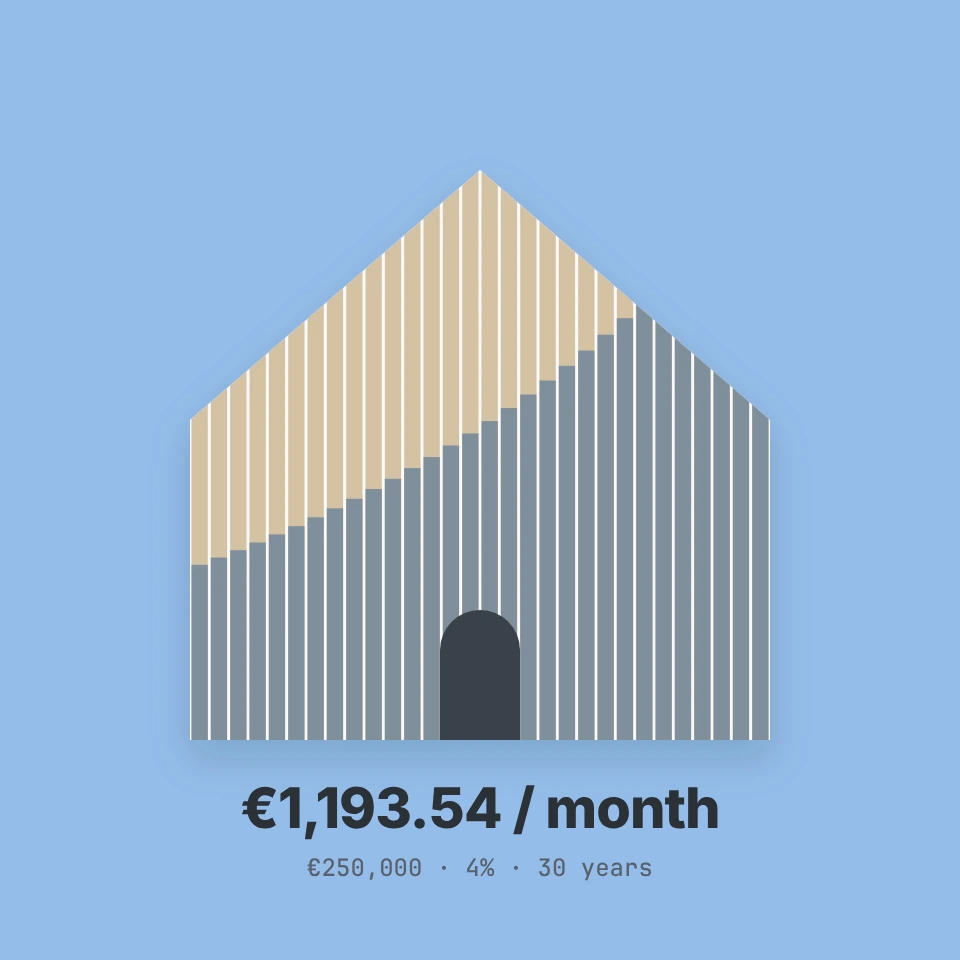
Mortgage calculator
A free mortgage and loan calculator: monthly payment, total interest and payoff date for annuity, linear or interest-only repayment, with a chart, an amortisation table and CSV export.
Ready to try it?
Open PictorX in your browser — no install, no credit card required to start.
Open the To-do list