

Open a picture or use the sample. Paint over the object with your mouse or finger, then click Start.
AI object removal
Erase distractions without leaving holes. AI → Remove object (also Image → Fill → Content-Aware Fill) uses on-device LaMa AI to reconstruct the background after you select or brush the area to remove. Nothing is uploaded. Ideal for cleaning tourist photos, product shots, and social posts. Paint over the object with your mouse or finger, then click Start. Paint leftovers and click Start again. Clear removes only the current selection. Reset starts all over again.
How it works
- Open PictorX in your browser and start a new project or load an image.
- Use AI object removal to shape the result, then refine it with the surrounding editor tools.
- Keep editing, export your work, or turn the result into your next design.
How AI object removal fits your workflow
Erase distractions without leaving holes. PictorX keeps the feature alongside your photos, layers, typography, and design tools, so you can move from an idea to a finished graphic without switching applications.
Create more with AI object removal
Start with one focused change, review the result in context, and keep iterating. Combine AI object removal with other PictorX tools when you need a polished image for social media, a presentation, a print layout, or a personal project.
Frequently asked questions
What can I remove from a photo?
Distracting people, cables, spots, logos, and other objects. Paint over the area, run removal, then review the fill.
Will the background look natural after object removal?
Results depend on the surrounding texture. Simple skies and walls fill more cleanly than complex patterns; clone or repair tools can finish leftover seams.
Does object removal upload my photo?
Object removal runs with on-device AI in supported browsers, so photos are not uploaded to PictorX servers for that step.
Can I remove more than one object?
Yes. Remove one distraction, review the result, then repeat on the next area.
Related tools
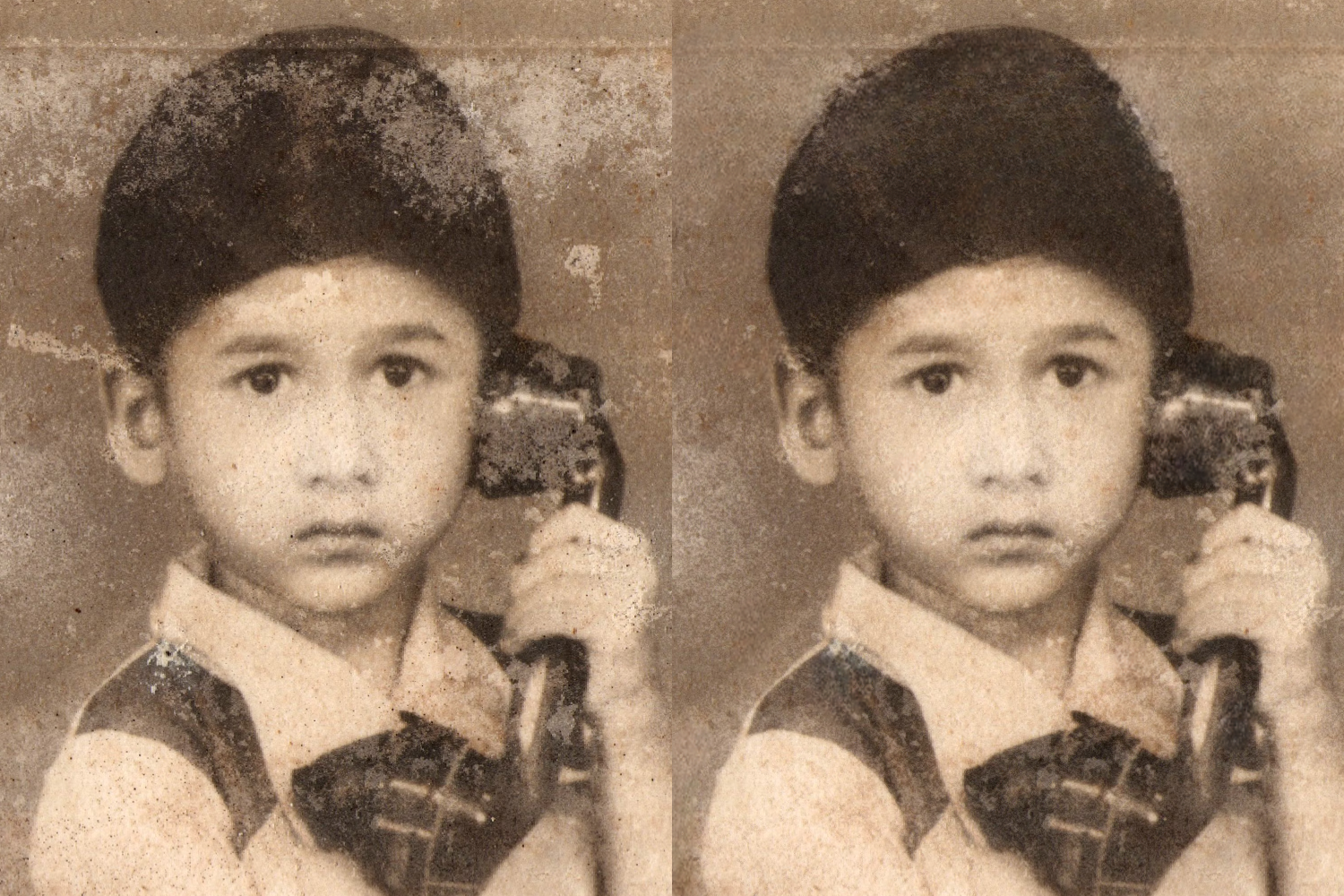
AI image repair online
Repair old or damaged photos with PictorX AI image repair. Restore details in your browser—no install required.

Replace background
Replace the setting around a subject without uploading. Use PictorX free in your browser with no software install required.
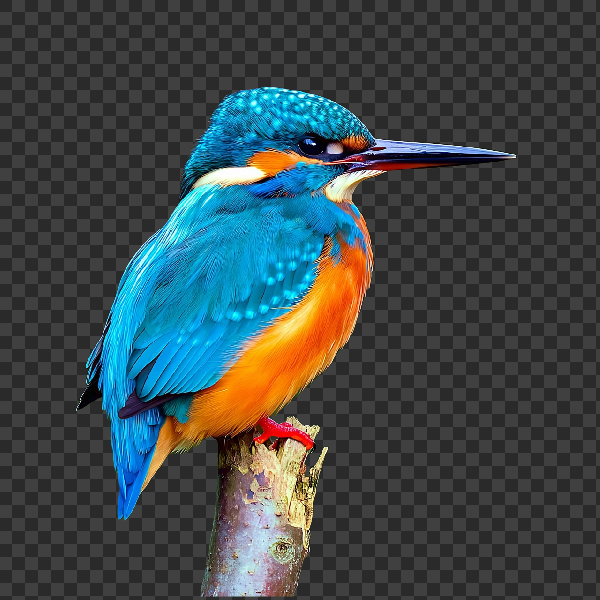
Remove backgrounds on your device
Cut out subjects with on-device AI in PictorX. Photos stay in your browser—no upload to our servers.

AI models
What AI and AI models are, how they power photo editing—background removal, inpainting, enhance, uncrop—and how PictorX runs many tools on-device.
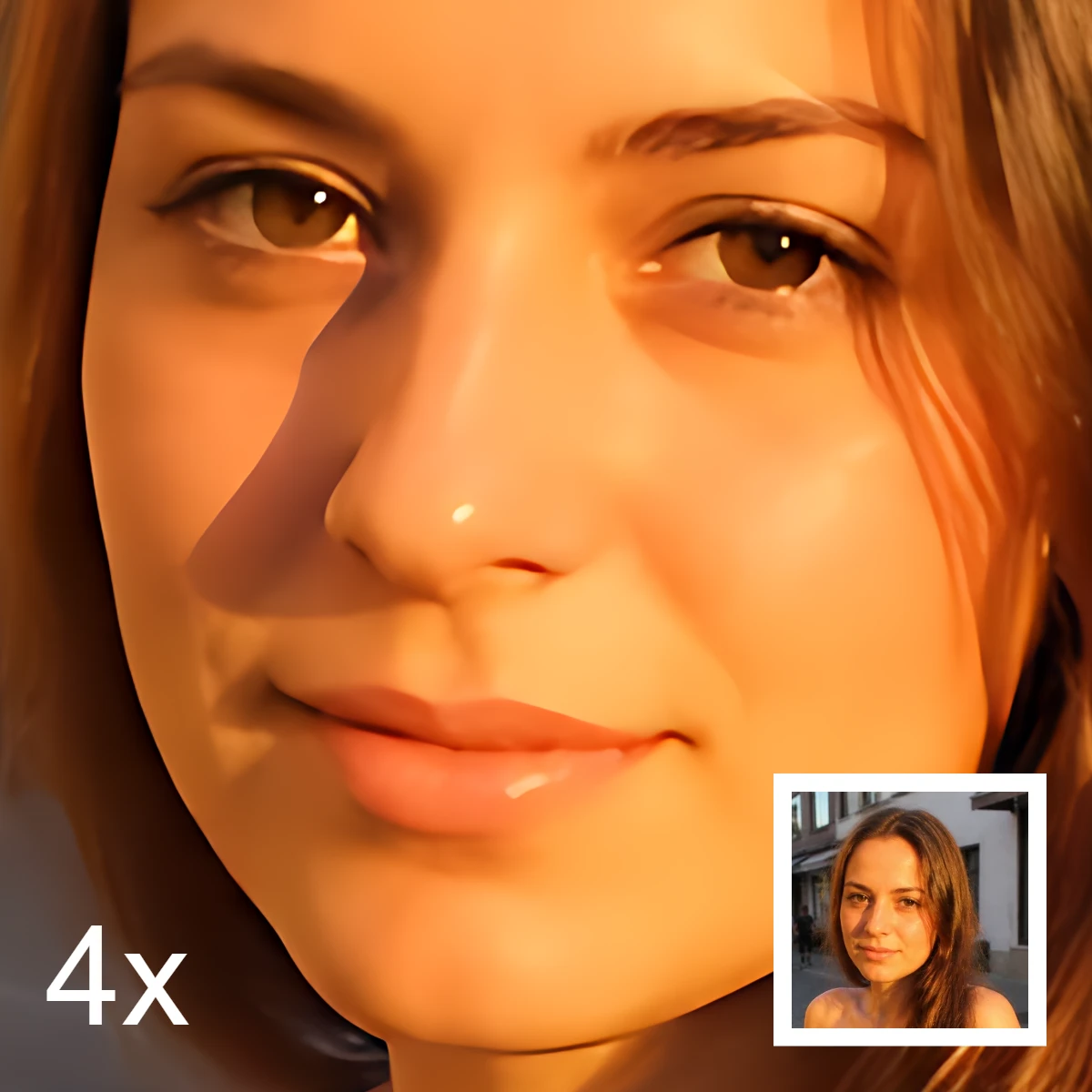
AI image editing
What AI image editing is—cutouts, object removal, enhance, repair, and uncrop—how it differs from classic retouching, and how PictorX runs many tools on-device.
Ready to try it?
Open PictorX in your browser — no install, no credit card required to start.
Go to Editor