

Replace background
Replace the setting around a subject without uploading. New skies, studio backdrops, or gradients—all on your device. Open a picture or use the sample, then choose a background.
How it works
- Open PictorX in your browser and start a new project or load an image.
- Use Replace background to shape the result, then refine it with the surrounding editor tools.
- Keep editing, export your work, or turn the result into your next design.
How Replace background fits your workflow
Replace the setting around a subject without uploading. PictorX keeps the feature alongside your photos, layers, typography, and design tools, so you can move from an idea to a finished graphic without switching applications.
Create more with Replace background
Start with one focused change, review the result in context, and keep iterating. Combine Replace background with other PictorX tools when you need a polished image for social media, a presentation, a print layout, or a personal project.
Frequently asked questions
How is Replace background different from background removal?
Background removal cuts the subject onto transparency. Replace background replaces the setting around the subject with a new environment so you can explore a different look without a reshoot.
Do my images get uploaded for Replace background?
Replace background uses on-device AI in supported browsers, so your photo stays on your device for that step.
What photos work best for Replace background?
Clear subjects with a distinct foreground—portraits, products, and full-body shots—usually swap more cleanly than busy scenes where the subject blends into the background.
Can I keep editing after I swap the scene?
Yes. Refine the result with layers, lighting, text, and other PictorX tools in the same project.
Related tools
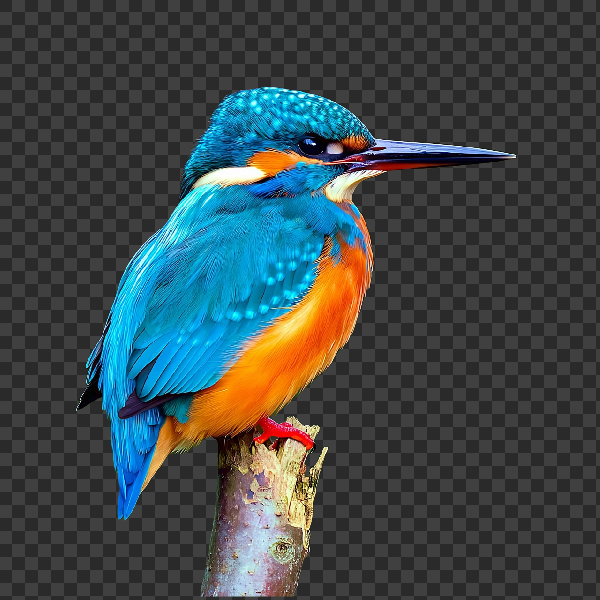
Remove backgrounds on your device
Cut out subjects with on-device AI in PictorX. Photos stay in your browser—no upload to our servers.

Fill a silhouette with a photo
Fill a subject silhouette with a stock photo in your browser. On-device AI cuts out the person or object, paints a library photo inside the shape, and sits it on a solid color, gradient, transparent backdrop, or the original image. Nothing is uploaded.
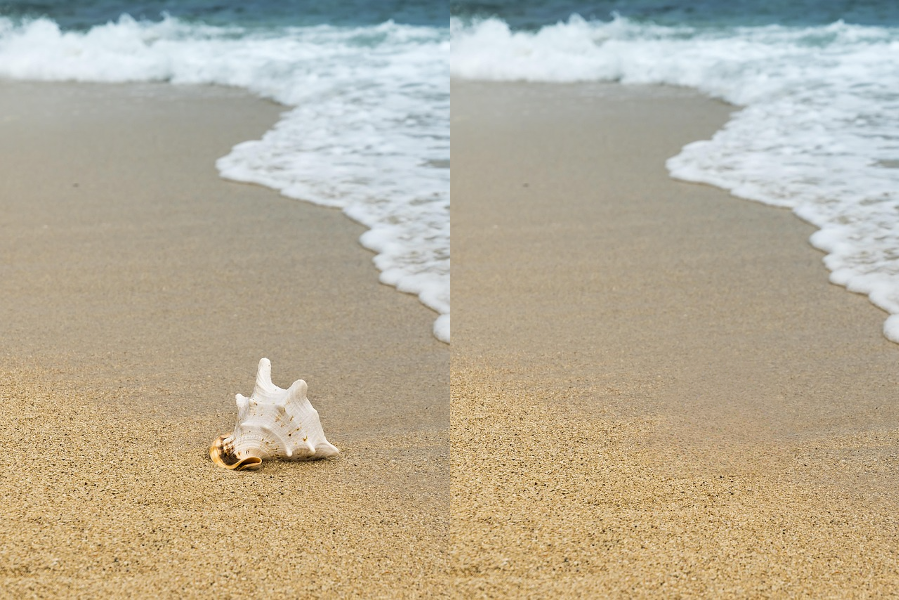
AI object removal
Erase distractions without leaving holes. Use PictorX free in your browser with no software install required.
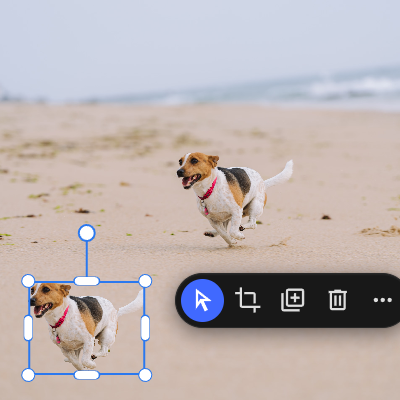
AI copy object
Lift any subject onto its own layer with a single click. Use PictorX free in your browser with no software install required.

AI models
What AI and AI models are, how they power photo editing—background removal, inpainting, enhance, uncrop—and how PictorX runs many tools on-device.
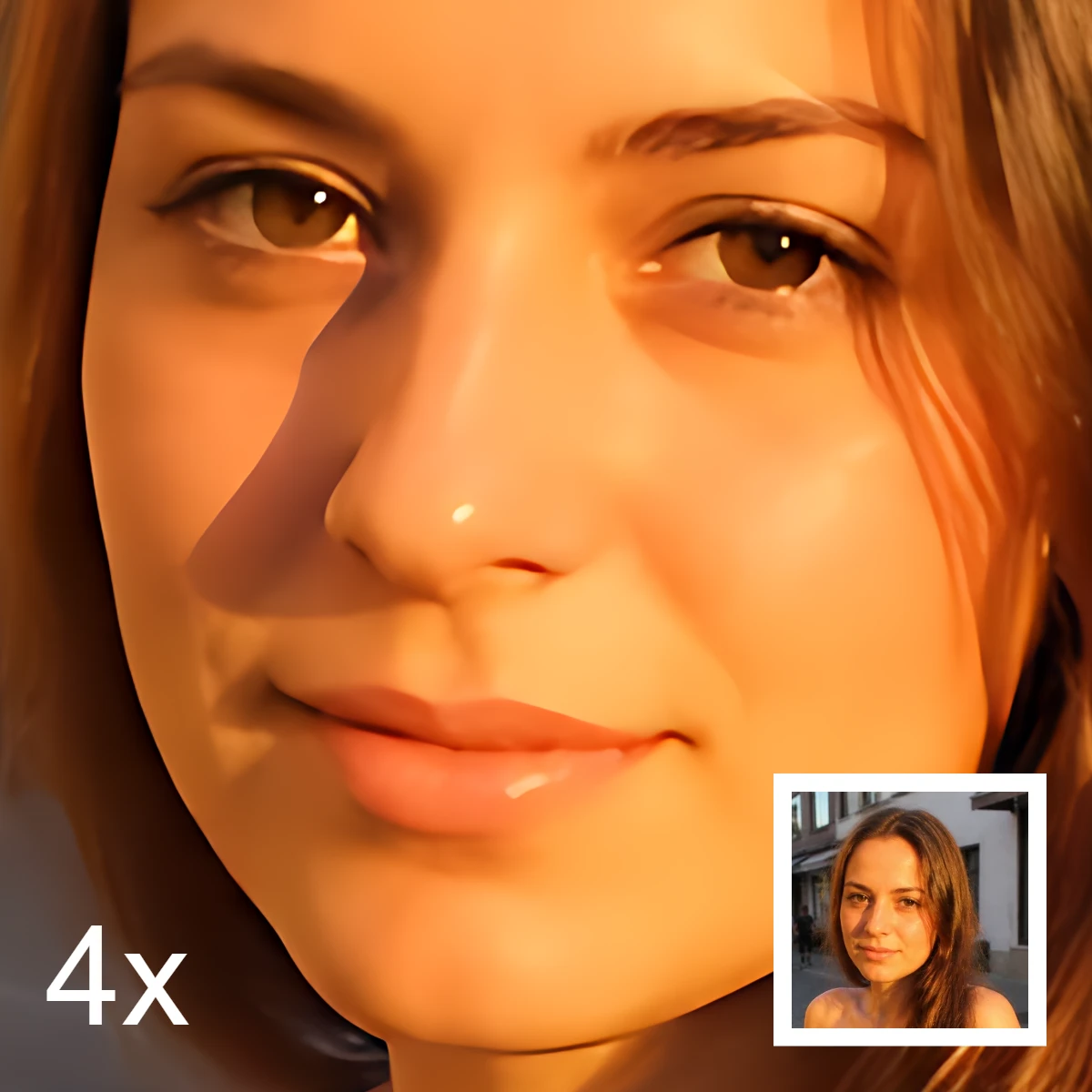
AI image editing
What AI image editing is—cutouts, object removal, enhance, repair, and uncrop—how it differs from classic retouching, and how PictorX runs many tools on-device.
Ready to try it?
Open PictorX in your browser — no install, no credit card required to start.
Go to Editor