
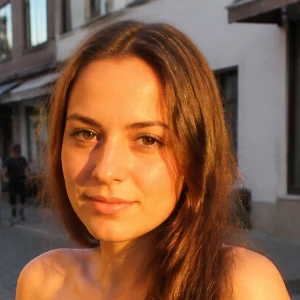
Enhance and upscale photos on your device
Restore detail in soft or small photos without leaving the browser. PictorX runs Real-ESRGAN locally, then lets you keep editing with layers, text, and effects. Open a picture or use the sample, then click Start.
How it works
- Open PictorX in your browser and load a photo.
- Choose Enhance and upscale image, pick 1×, 2×, or 4×, then apply.
- Review the sharper result, then export or keep editing in the same workspace.
Why on-device enhancement matters
Small downloads, old phone shots, and compressed social images often look soft when you enlarge them. Real-ESRGAN reconstructs edges and texture on your device after a one-time model download, so the photo is not uploaded for that step.
Scale, strength, and what to expect
1× sharpens without changing size. 2× doubles width and height. 4× quadruples each side. Strength blends the AI result with the original so you can keep more of the source texture when 100% looks too smooth.
Frequently asked questions
What do scale and strength mean?
Scale sets the output size: 1× keeps the original dimensions, 2× doubles them, and 4× quadruples them. Strength blends the AI result with the original—100% is the full Real-ESRGAN look.
Do my photos leave my device when I enhance them?
Enhance and upscale image runs with on-device Real-ESRGAN in supported browsers, so the photo is not uploaded to PictorX servers for that step.
What photos work best?
Soft phone shots, compressed downloads, and small images that you want to print or crop further. Very large 4× exports use more memory, so start with 2× on big files.
Can I keep editing after enhancing?
Yes. Continue with layers, text, repair, or background tools in the same PictorX workspace.
Related tools
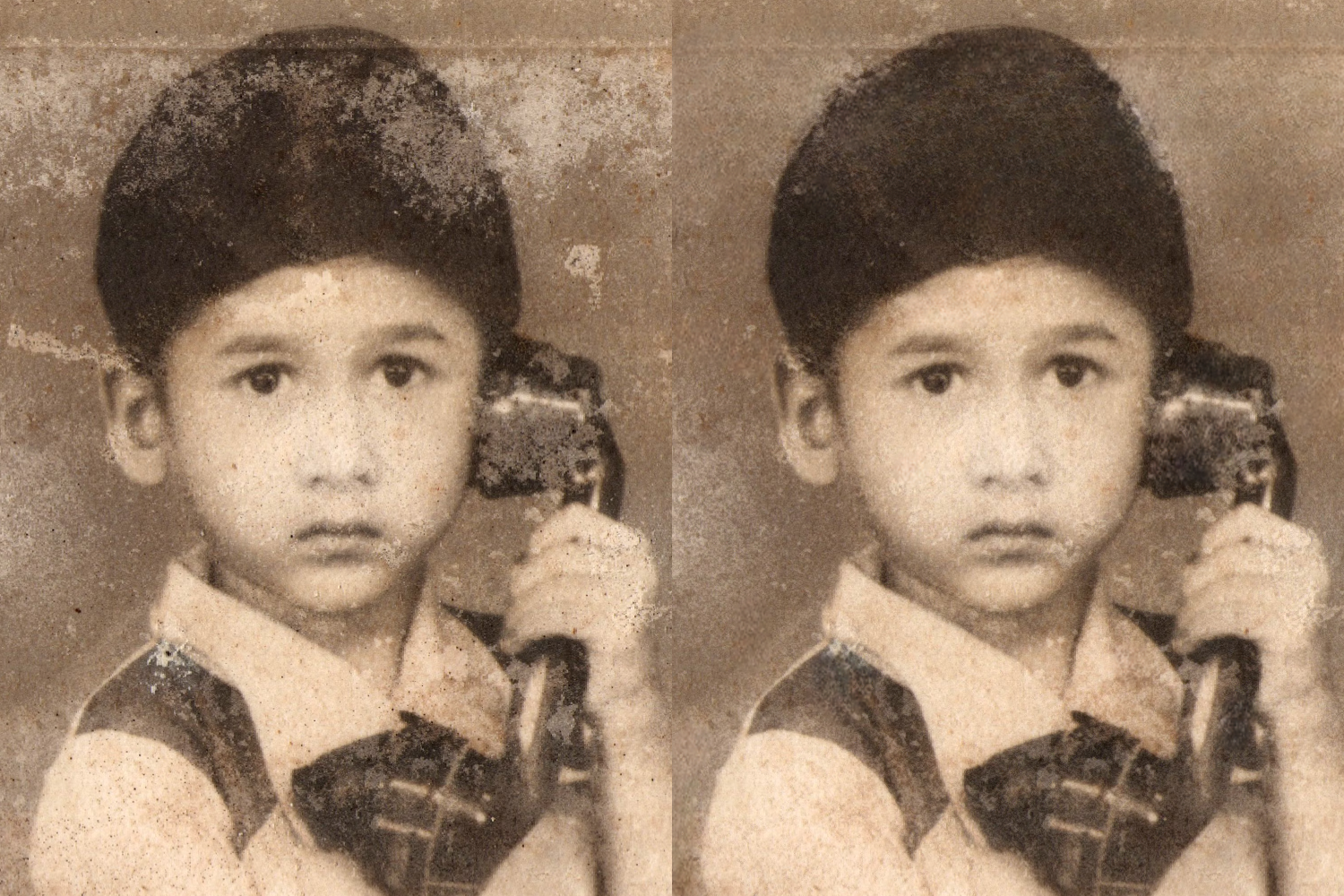
AI image repair online
Repair old or damaged photos with PictorX AI image repair. Restore details in your browser—no install required.

AI uncrop & outpaint images
Expand photos beyond the frame with PictorX AI uncrop. Outpaint backgrounds free in your browser for banners and thumbnails.

Blur and Sharpen
Soften focus with Gaussian, motion, radial, and tilt-shift blur—or bring detail back with sharpen and unsharp mask.

AI models
What AI and AI models are, how they power photo editing—background removal, inpainting, enhance, uncrop—and how PictorX runs many tools on-device.
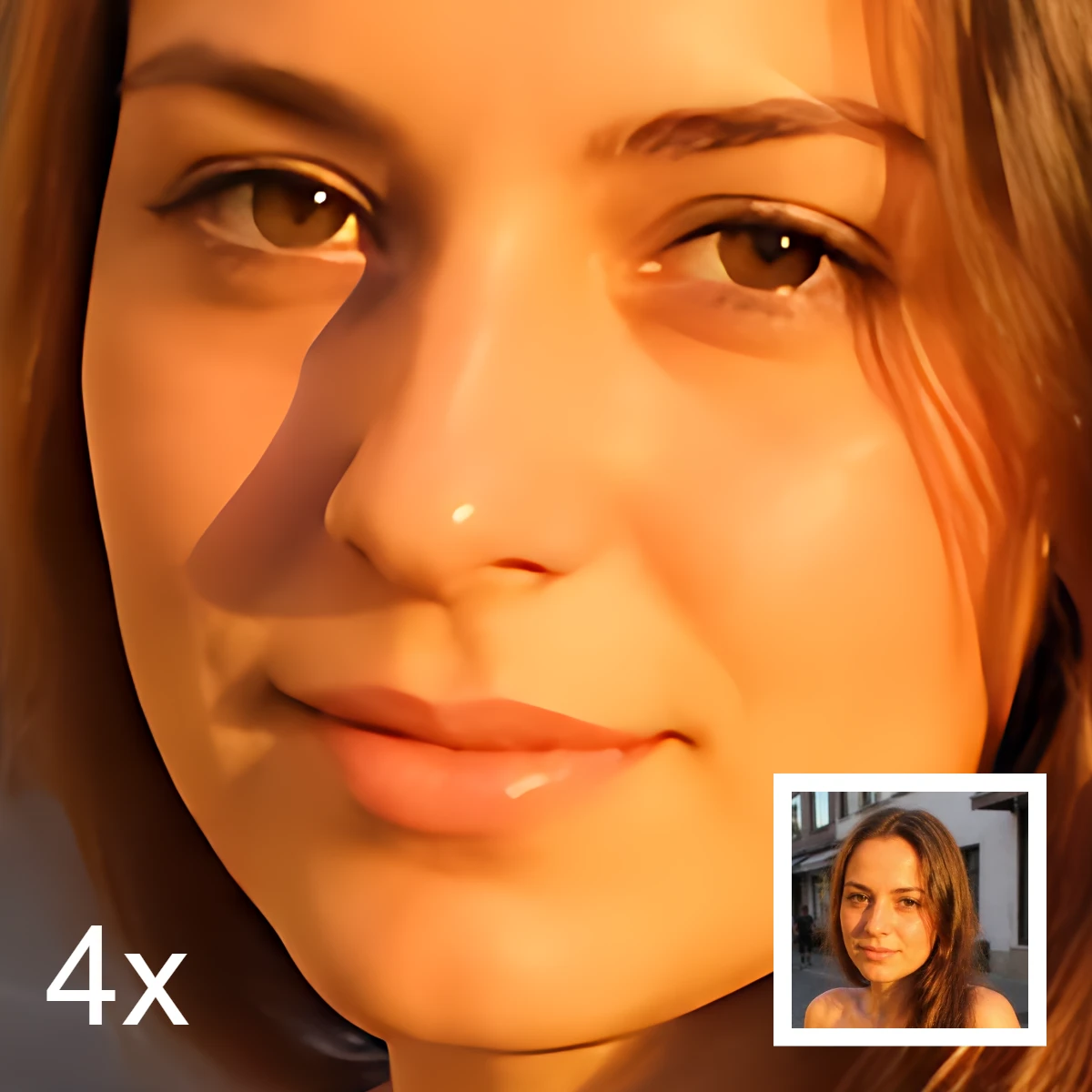
AI image editing
What AI image editing is—cutouts, object removal, enhance, repair, and uncrop—how it differs from classic retouching, and how PictorX runs many tools on-device.
Ready to try it?
Open PictorX in your browser — no install, no credit card required to start.
Go to Editor