
Remove backgrounds from many photos at once
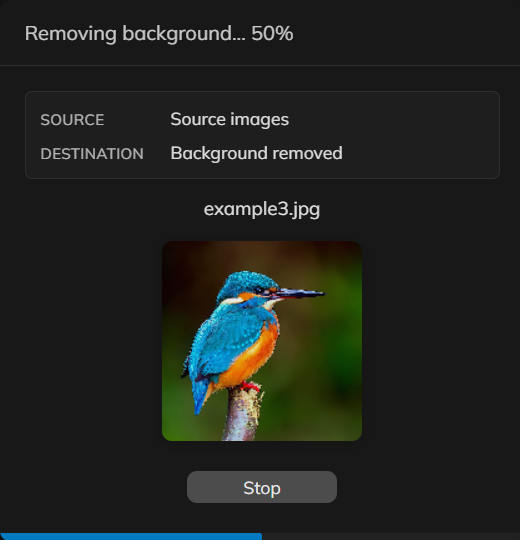
Shop listings and catalogs need consistent cutouts. Load a set of photos in PictorX and run the same background-removal workflow across them instead of repeating the step file by file.
How it works
- Load a folder of product or portrait photos in PictorX.
- Run the same background-removal workflow across the set.
- Export transparent PNGs or keep editing the cutouts in one project.
When batch removal is the right tool
Use it when every listing photo needs the same clean backdrop—Etsy, Shopify, or a lookbook. One-off portraits belong on the background remover page; privacy-focused single cutouts belong on the on-device page.
Keep catalog shots consistent
Review edges after the batch, then place cutouts on a shared color or scene so the shop grid matches. Very large sets depend on your device because processing stays local in supported browsers.
Frequently asked questions
How many images can I process at once?
Load a set of product or portrait photos and run the same background-removal workflow across them. Very large batches depend on your device.
Do the photos stay on my device?
Yes. Batch removal uses on-device AI in supported browsers, so listing photos are not uploaded to PictorX servers for that step.
Can I export transparent PNGs for every image?
Yes. Transparent PNG is the usual output for catalogs, marketplaces, and design templates.
How is this different from removing one background?
It is the same idea applied to a folder of images so shop photos stay consistent, instead of repeating the step on each file by hand.
Related tools
Remove backgrounds on your device
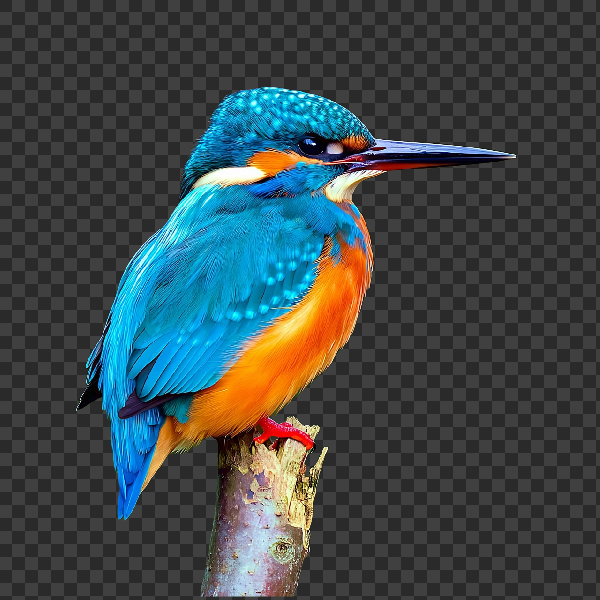
Cut out subjects with on-device AI in PictorX. Photos stay in your browser—no upload to our servers.

Photo library
Search and open millions of free stock photos from Pexels, Unsplash, and Pixabay without leaving the editor. Use PictorX free in your browser with no software install required.

Design templates
Jump-start any project with hundreds of ready-made layouts: artistic compositions, text and poem designs, tables, charts, infographics, illustrations, presentation slides, and more. Use PictorX free in your browser with no software install required.

AI models
What AI and AI models are, how they power photo editing—background removal, inpainting, enhance, uncrop—and how PictorX runs many tools on-device.
AI image editing
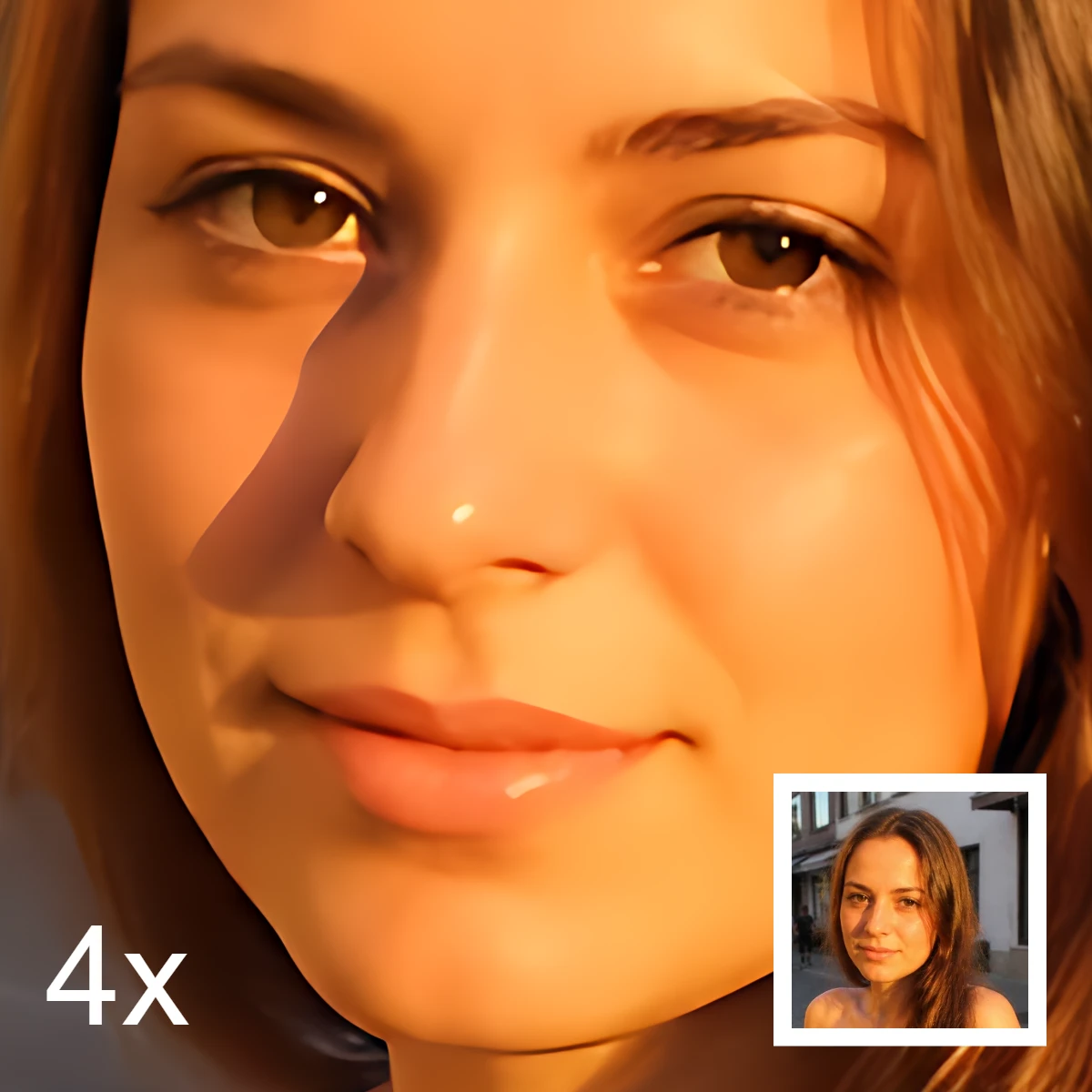
What AI image editing is—cutouts, object removal, enhance, repair, and uncrop—how it differs from classic retouching, and how PictorX runs many tools on-device.
Ready to try it?
Open PictorX in your browser — no install, no credit card required to start.
Try Batch remove background