

Remove backgrounds on your device
Run background removal locally in a supported browser. PictorX downloads a compact model once, then cuts out the subject on your device so the photo is not uploaded for that step. Open a picture or use the sample, then click Start.
How it works
- Open PictorX in your browser and load a photo.
- Choose Remove background and let on-device AI separate the subject.
- Export a transparent PNG or keep editing in the same workspace.
Why on-device cutouts matter
Product shots, portraits, and logos often cannot leave the machine. On-device removal keeps that work in the browser after the model is cached, then leaves you in the same editor to refine edges or drop the cutout onto a template.
How this differs from the background remover page
The background remover page is the general search landing for cutouts. This page is specifically about privacy and local processing. For many files at once, use batch background removal; for a transparent PNG as the main goal, use the PNG maker.
Frequently asked questions
Does offline mean I can work without internet?
After PictorX is loaded, background removal can run on your device in supported browsers. You still need the web app to open the editor.
How is this different from the background remover?
The background remover page is the general cutout tool. This page is about running that cutout on your device so the photo is not uploaded to PictorX servers.
How is this different from batch removal?
Offline removal is for the photo you have open. Batch removal applies the same step to many images.
Will hair and fur look clean?
High-contrast photos work best. Zoom in afterward and refine edges with repair or brush tools if a fringe remains.
Related tools
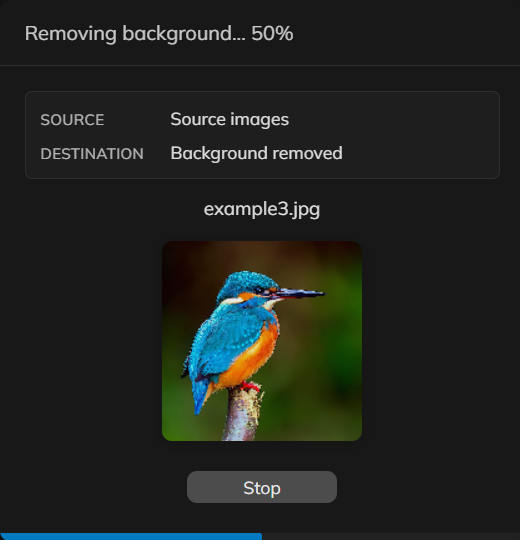
Remove backgrounds from many photos at once
Remove backgrounds from a set of product or portrait photos in PictorX. Same on-device cutout, applied across many files.

Blur background
Keep the subject crisp while the backdrop softens—all on your device. Use PictorX free in your browser with no software install required.

Pop a subject out of the frame
Create an out-of-bounds 3D photo effect in your browser. On-device AI isolates the subject so it pops out of a trapezoid frame. Nothing is uploaded.

Make a die-cut sticker from any photo
Turn a photo into a die-cut sticker in your browser. On-device AI cuts out the person or object, then adds a white outline, shadow, holographic foil, or a colored rim. Export a transparent PNG. Nothing is uploaded.

Turn a photo into a perfect silhouette
Turn a photo into a perfect silhouette in your browser. On-device AI cuts out the subject, fills it as a clean shape, and places it on a solid color, gradient, sunset, or transparent backdrop. Nothing is uploaded.
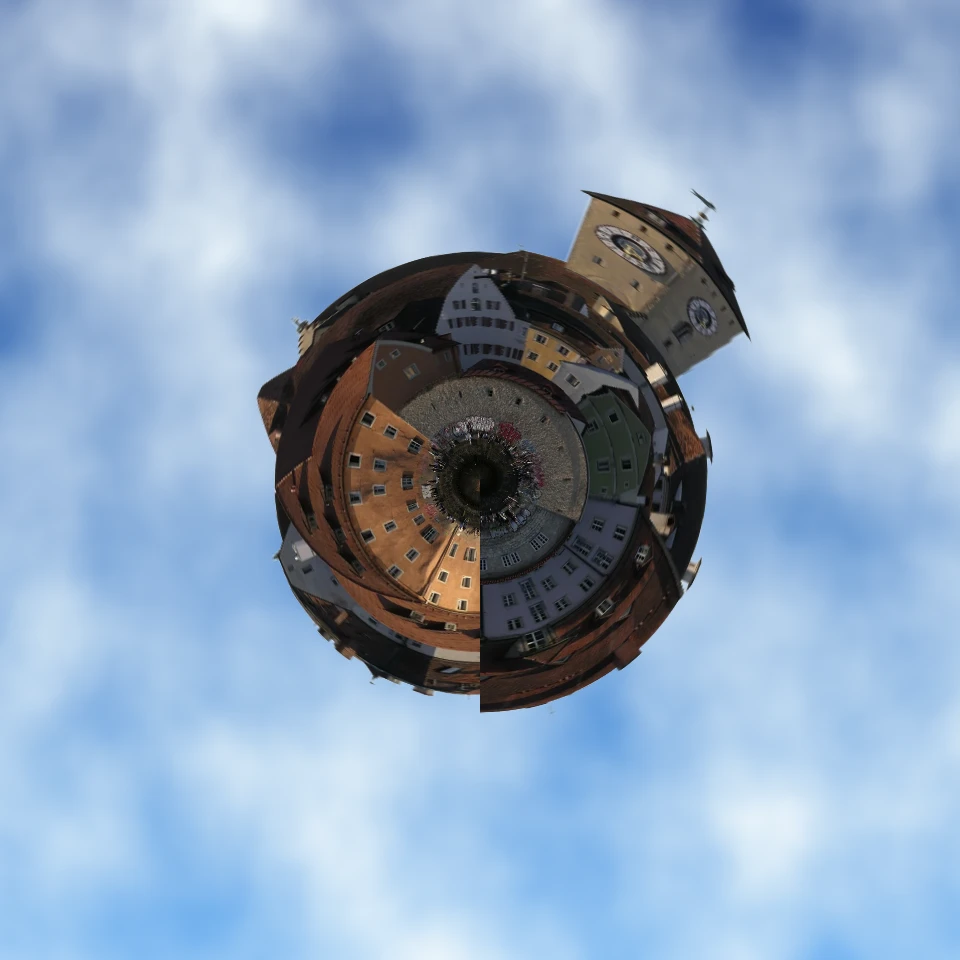
Turn a photo into a tiny planet
Turn a skyline or landscape into a tiny planet in your browser. On-device AI removes the sky, flips the scene, wraps it with polar coordinates, and sits it on clouds, stars, a gradient, or a solid color. Nothing is uploaded.

Replace background
Replace the setting around a subject without uploading. Use PictorX free in your browser with no software install required.

Fill a silhouette with a photo
Fill a subject silhouette with a stock photo in your browser. On-device AI cuts out the person or object, paints a library photo inside the shape, and sits it on a solid color, gradient, transparent backdrop, or the original image. Nothing is uploaded.
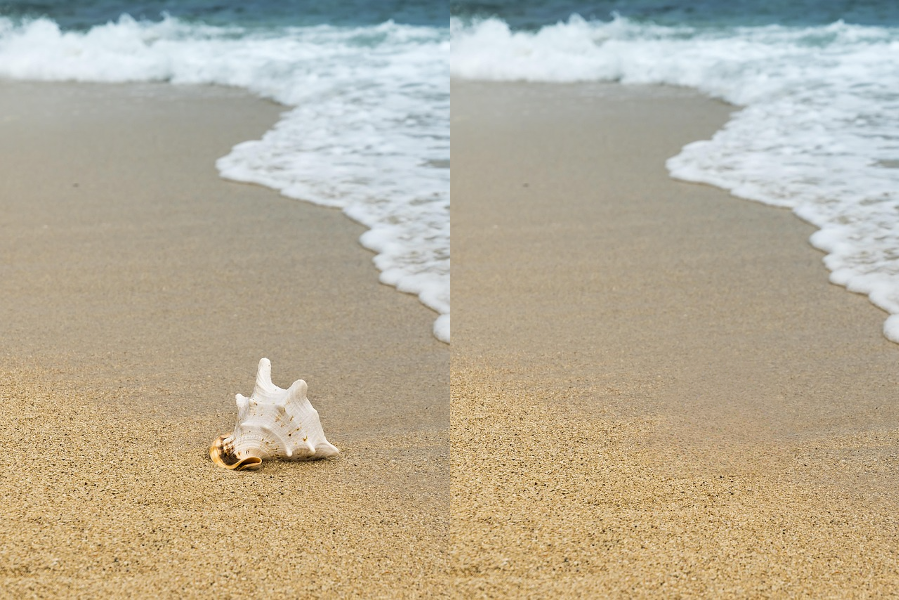
AI object removal
Erase distractions without leaving holes. Use PictorX free in your browser with no software install required.

AI models
What AI and AI models are, how they power photo editing—background removal, inpainting, enhance, uncrop—and how PictorX runs many tools on-device.
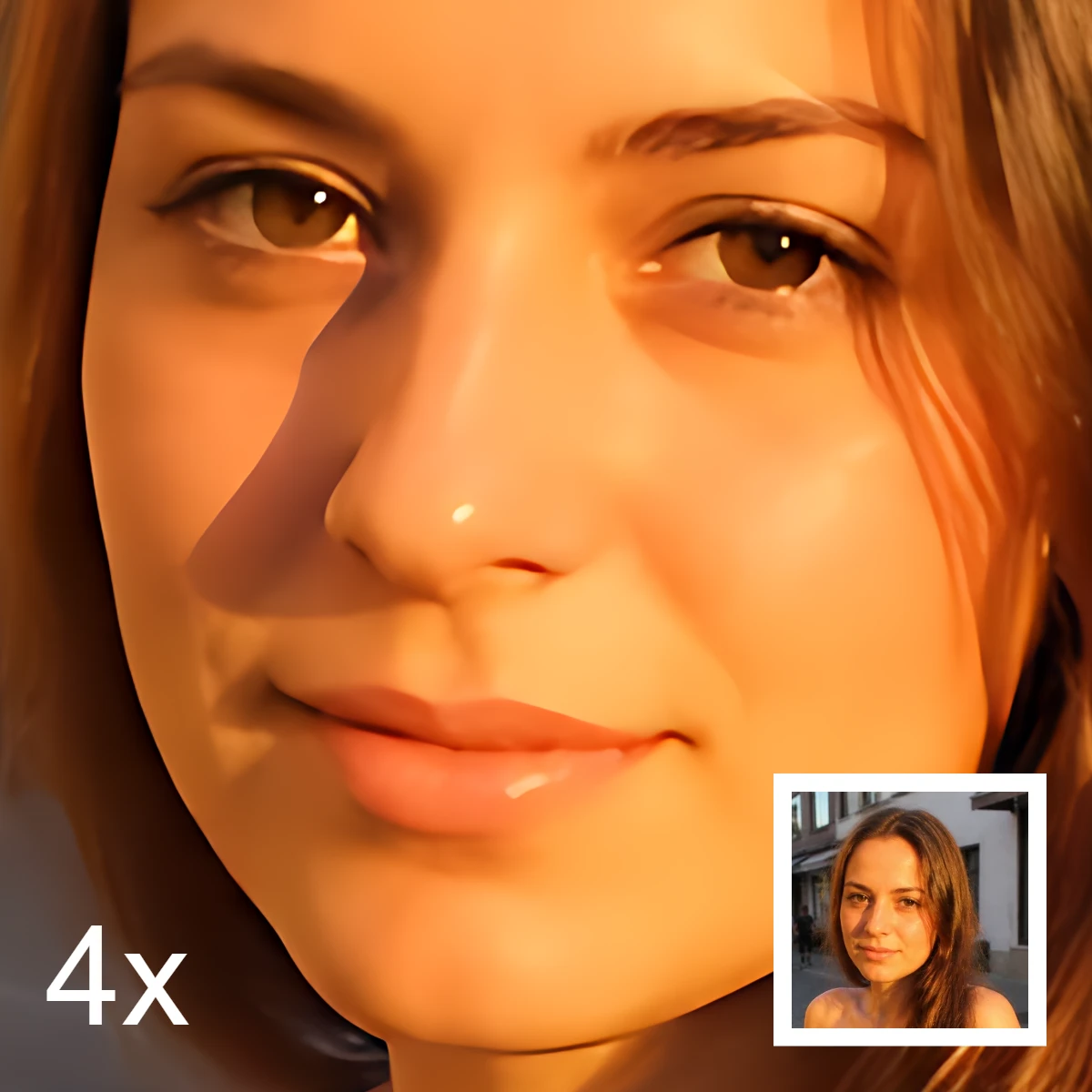
AI image editing
What AI image editing is—cutouts, object removal, enhance, repair, and uncrop—how it differs from classic retouching, and how PictorX runs many tools on-device.
Ready to try it?
Open PictorX in your browser — no install, no credit card required to start.
Go to Editor