

Open a picture or use the sample, then click Start.
Turn a photo into a perfect silhouette
Silhouette uses the same on-device cutout as Remove background. The subject becomes a solid shape—then you pick a backdrop: a flat color, a linear or radial gradient, a painted sunset, or transparent. Tune Silhouette color, Shadow, Shadow angle, and Shadow strength. An optional shadow grounds people, animals, and buildings. Keep editing in the same workspace. Open a picture or use the sample, then click Start.
How it works
- Open PictorX in your browser and load a photo with a clear subject—a person, animal, or building works best.
- Choose Silhouette. On-device AI cuts out the subject and fills it as a clean shape.
- Pick Sunset, Gradient, Solid, or Transparent, tune the colors and shadow, then export or keep editing.
Cut out, then a perfect silhouette
The first step is the same private cutout used by Remove background: RMBG runs on your device, so the photo is not uploaded. The isolated subject is filled with a solid color that keeps the anti-aliased edge—hair, ears, and rooflines stay crisp instead of turning into a jagged stamp.
Solid, gradient, sunset, or transparent
Solid paints a flat backdrop. Linear gradient blends Gradient color 1 into Gradient color 2 at Gradient angle. Radial gradient blends those colors from the center. Sunset builds a dusk sky from the gradient colors. Transparent keeps only the silhouette and optional shadow. Shadow adds a contact drop opposite the light—turn it off for a poster-flat look.
Frequently asked questions
What does Silhouette do?
It cuts the subject out of a photo with on-device AI, fills that shape as a solid silhouette, and places it on a solid color, a gradient, a sunset, or a transparent backdrop. An optional shadow sits behind the figure.
Do my photos leave my device?
Silhouette uses the same on-device background removal as Remove background in supported browsers, so the photo is not uploaded to PictorX servers for that step.
What photos work best?
People, animals, and buildings with a clear outline. High-contrast portraits, pets, skyline shots, and full-body figures read strongest as silhouettes.
Can I change the background and silhouette color?
Yes. Silhouette color is the fill. Solid color paints a flat backdrop. Gradient color 1 and Gradient color 2 paint linear, radial, and sunset backdrops; Gradient angle aims a linear blend. Transparent skips the backdrop. Shadow can be turned off.
Related tools
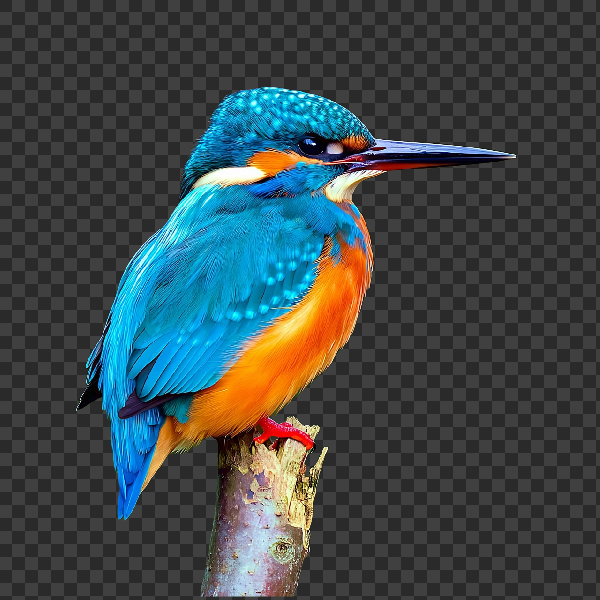
Remove backgrounds on your device
Cut out subjects with on-device AI in PictorX. Photos stay in your browser—no upload to our servers.

Make a die-cut sticker from any photo
Turn a photo into a die-cut sticker in your browser. On-device AI cuts out the person or object, then adds a white outline, shadow, holographic foil, or a colored rim. Export a transparent PNG.
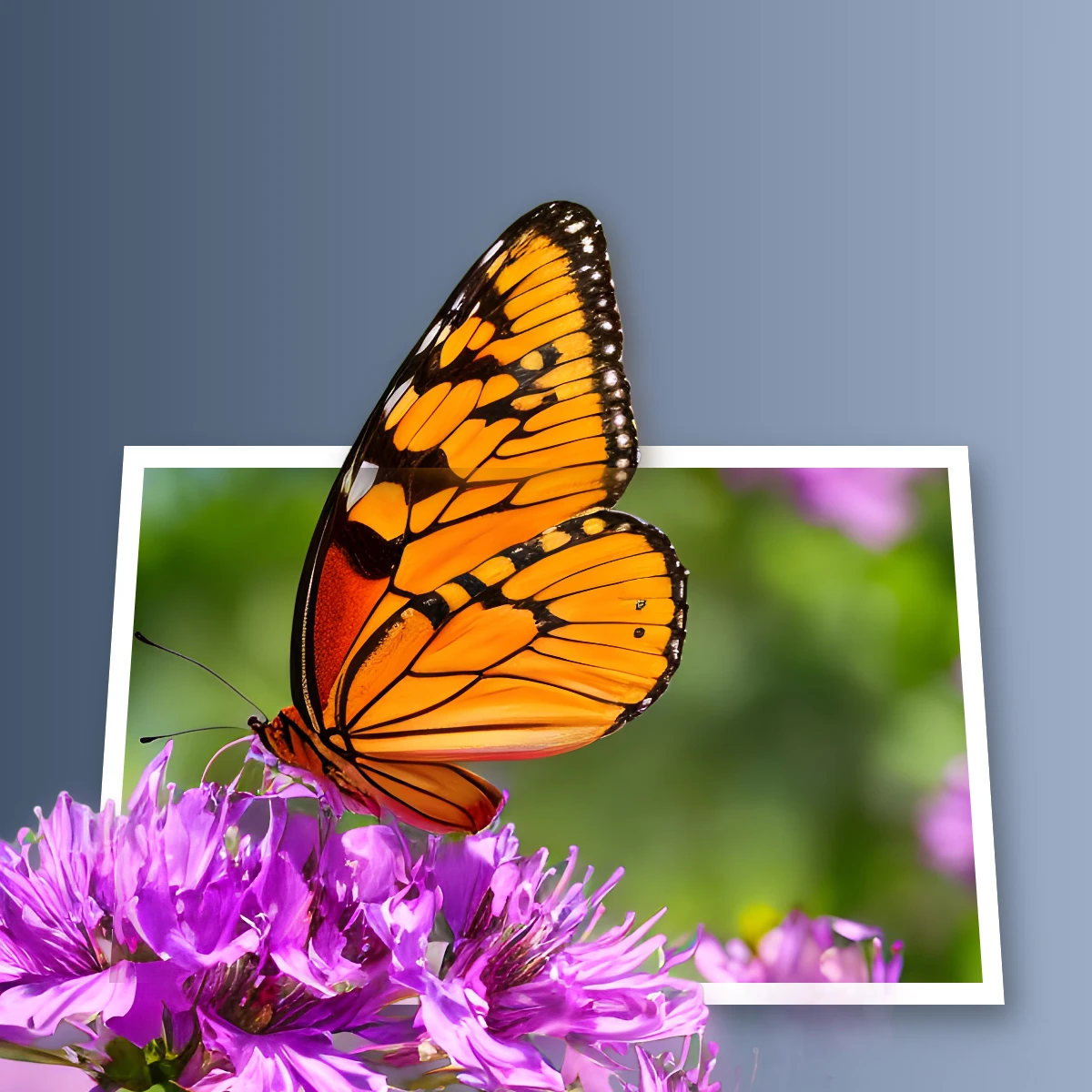
Pop a subject out of the frame
Create an out-of-bounds 3D photo effect in your browser. On-device AI isolates the subject so it pops out of a trapezoid frame.
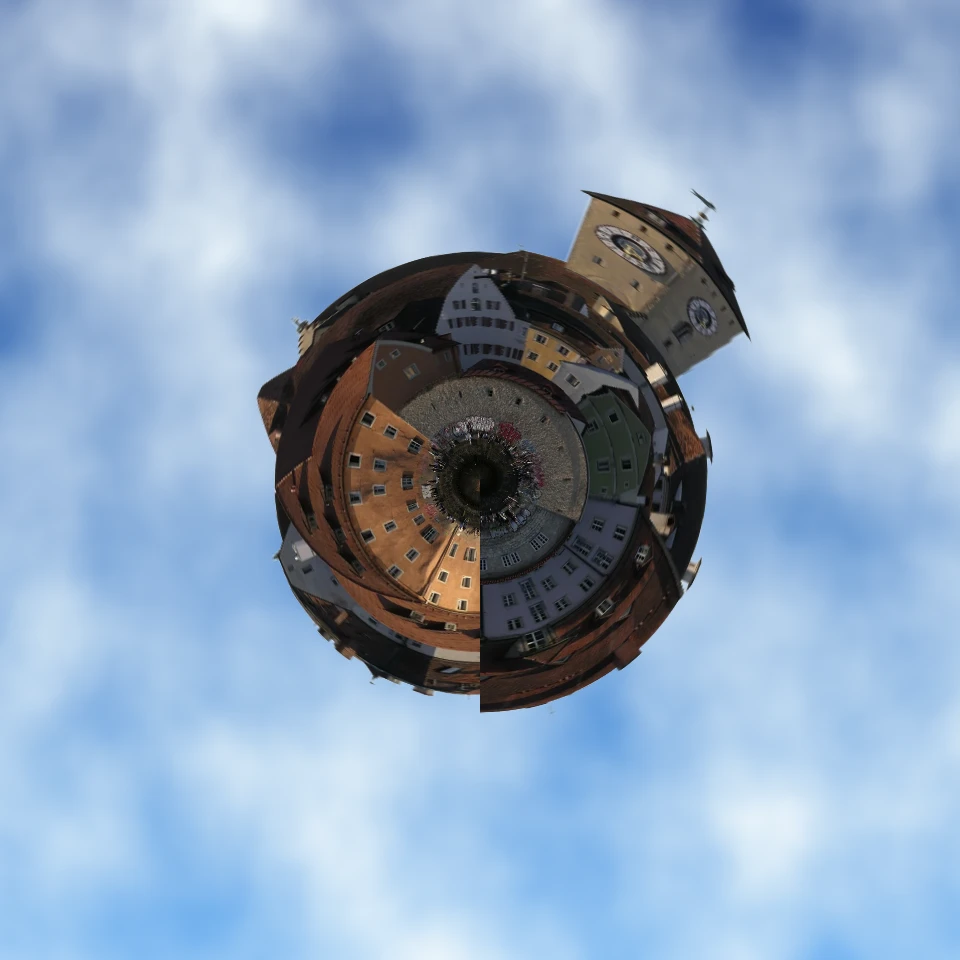
Turn a photo into a tiny planet
Turn a skyline or landscape into a tiny planet in your browser. On-device AI removes the sky, flips the scene, wraps it with polar coordinates, and sits it on clouds, stars, a gradient, or a solid color.

Replace background
Replace the setting around a subject without uploading.
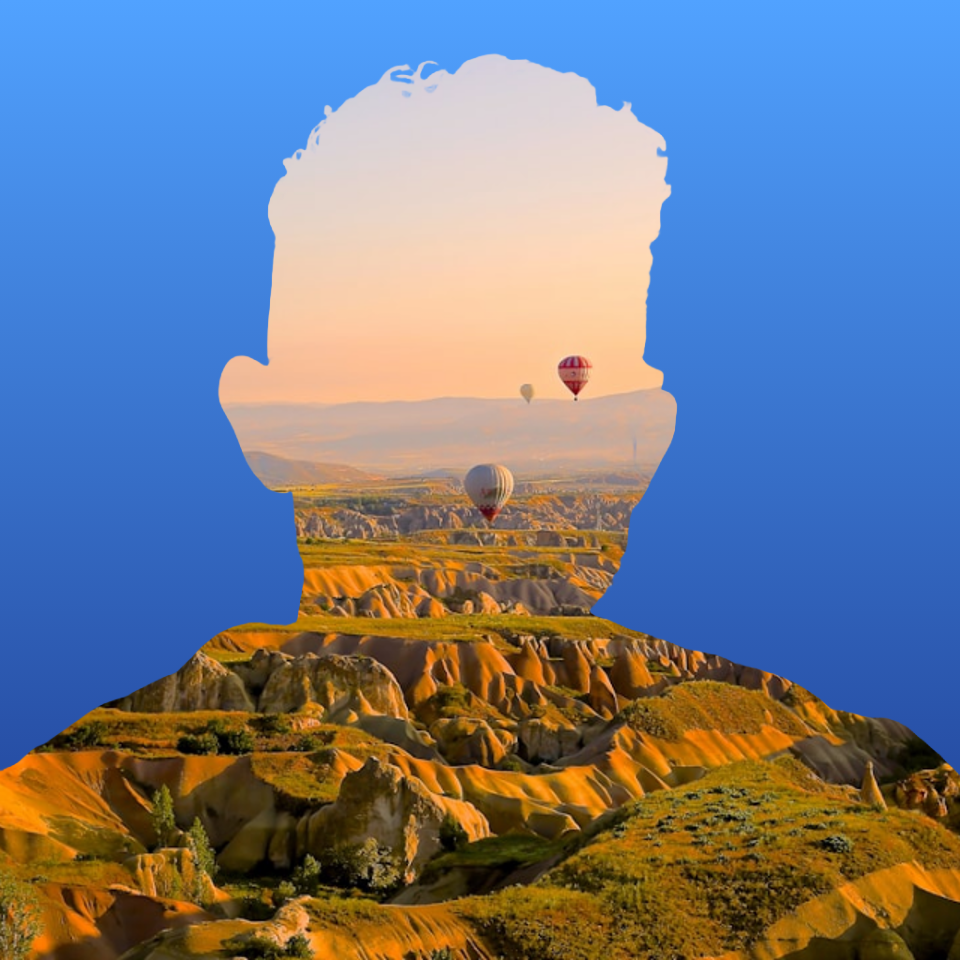
Fill a silhouette with a photo
Fill a subject silhouette with a stock photo in your browser. On-device AI cuts out the person or object, paints a library photo inside the shape, and sits it on a solid color, gradient, transparent backdrop, or the original image.
Ready to try it?
Open PictorX in your browser — no install, no credit card required to start.
Go to Editor