

在设备上移除背景
在受支持的浏览器中本地运行背景移除。PictorX 一次性下载紧凑模型,然后在设备上抠出主体,因此该步骤不会上传照片。 打开图片或使用示例,然后点击开始。
它是如何运作的
- 在浏览器中打开 PictorX 并加载一张照片。
- 选择移除背景,让设备端 AI 分离主体。
- 导出透明 PNG,或在同一工作区继续编辑。
为何设备端抠图很重要
产品照、人像和标识往往不能离开本机。设备端移除在模型缓存后把工作留在浏览器中,然后让您在同一编辑器中修边,或把抠图放到模板上。
与背景去除器页面有何不同
背景去除器页面是抠图的通用搜索落地页。本页专门讲隐私和本地处理。一次处理许多文件时,使用批量背景移除;若目标主要是透明 PNG,使用 PNG 制作器。
常见问题
离线是否意味着我可以在没有网络的情况下工作?
加载 PictorX 后,背景删除可以在您的设备上支持的浏览器中运行。您仍然需要网络应用程序来打开编辑器。
这与背景去除器有何不同?
背景去除器页面是通用抠图工具。本页讲的是在设备上运行该抠图,因此照片不会上传到 PictorX 服务器。
这与批量删除有何不同?
离线删除适用于您已打开的照片。批量删除对许多图像应用相同的步骤。
头发和皮毛看起来干净吗?
高对比度照片效果最佳。如果仍有边缘,则随后放大并使用修复或画笔工具细化边缘。
相关工具
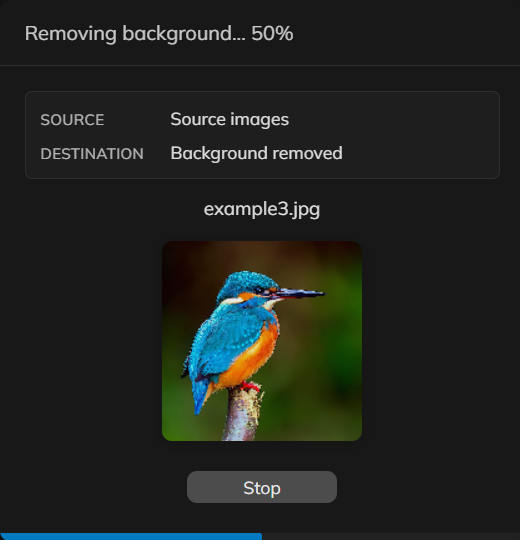
一次移除多张照片的背景
在 PictorX 中为一组产品照或人像移除背景。同一套设备端抠图,应用到许多文件。

背景模糊
保持主体清晰,同时柔化背景——全部在您的设备上完成。AI → 背景模糊 用设备端 AI 抠出主体,仅模糊背景。可选择高斯、动态或径向模糊,并调节半径(以及角度或采样)。适合人像、产品图和电影感社交媒体帖。不上传任何内容。 在浏览器中免费使用 PictorX,无需安装软件。
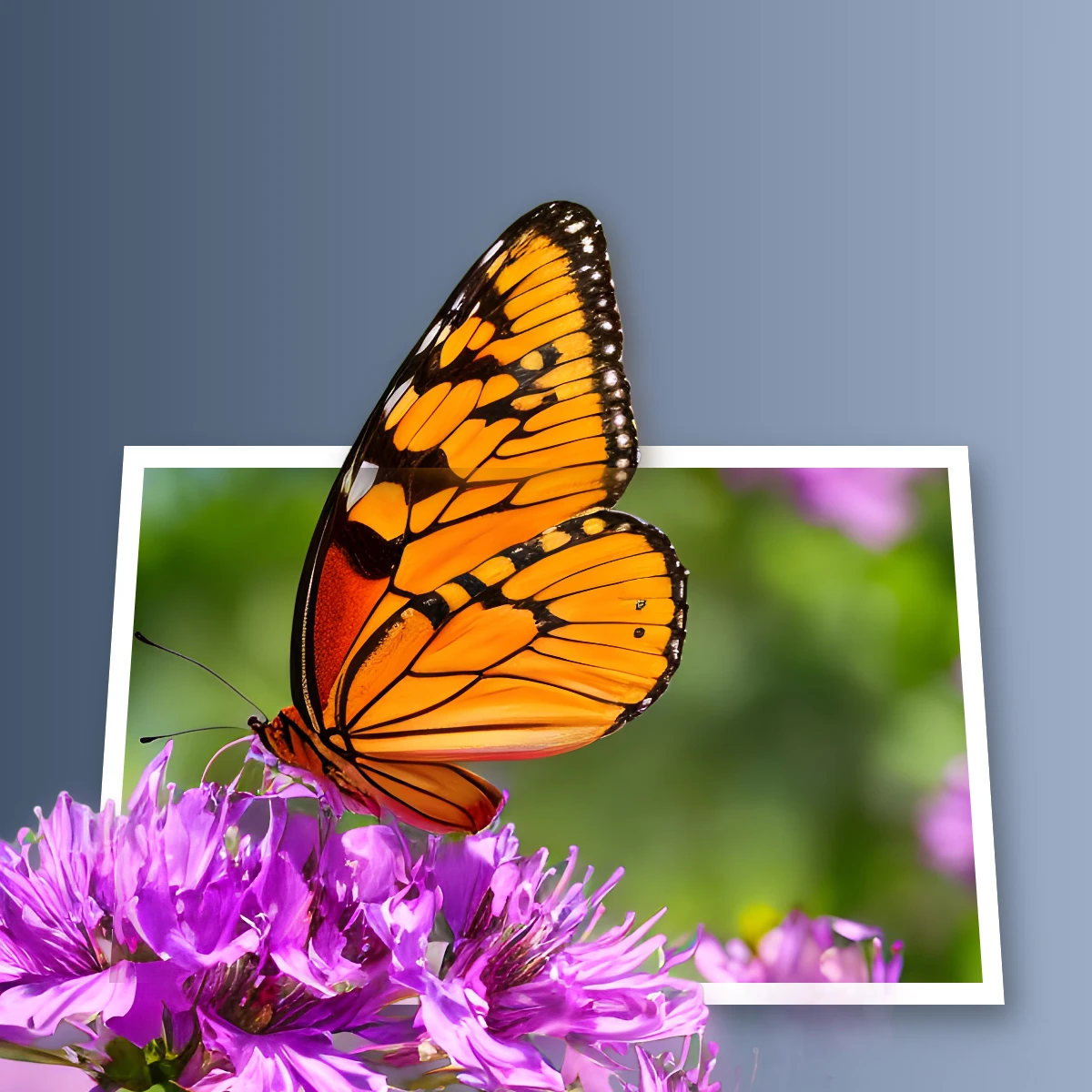
让主体破框而出
在浏览器中创建破框 3D 照片效果。设备端 AI 抠出主体,使其从梯形画框中弹出。不上传任何内容。

用任意照片制作模切贴纸
在浏览器中把照片做成模切贴纸。设备端 AI 抠出人物或物体,再添加白色描边、阴影、全息箔或彩色边。导出透明 PNG。不上传任何内容。

把照片做成完美剪影
在浏览器中把照片做成完美剪影。设备端 AI 抠出主体、填成干净形状,再放到纯色、渐变、日落或透明背景上。不上传任何内容。
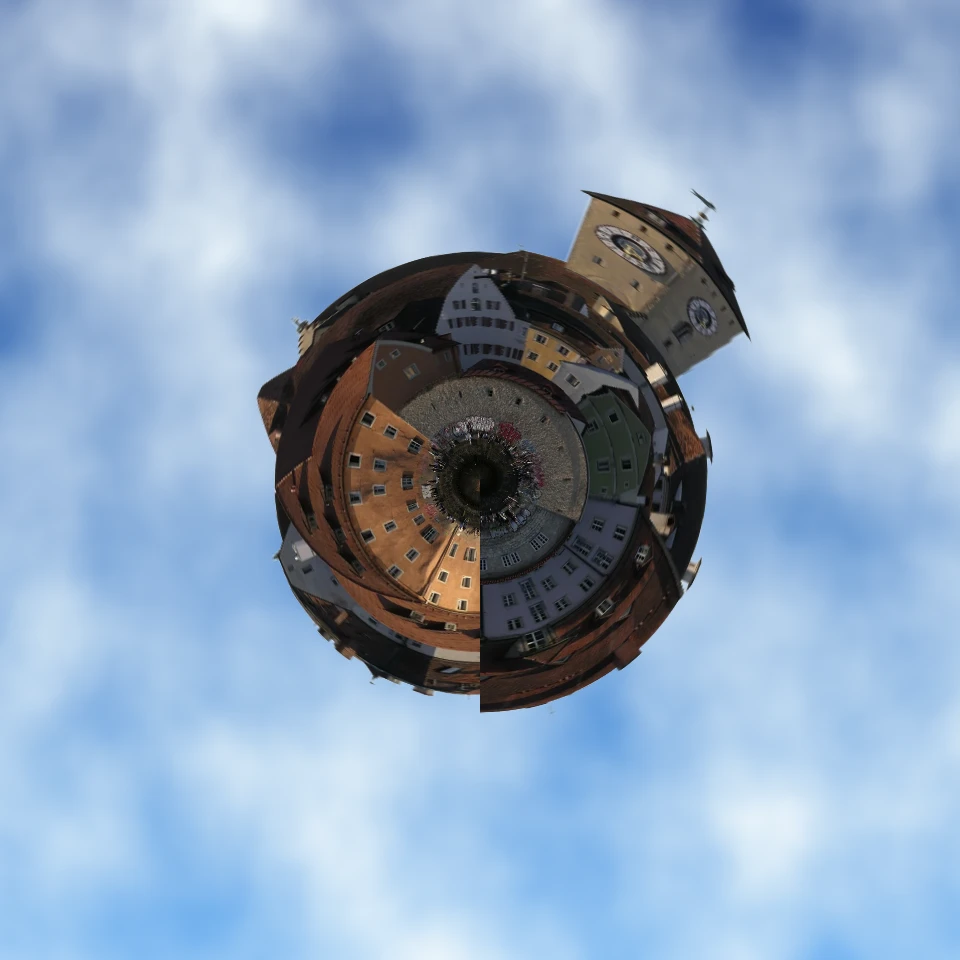
把照片做成小小星球
在浏览器中把天际线或风景做成小小星球。设备端 AI 去掉天空、翻转场景、用极坐标包裹,再放到云、星空、渐变或纯色上。不上传任何内容。

替换背景
无需上传即可更换主体周围的场景。新天空、影棚背景或渐变——都在设备上完成。 在浏览器中免费使用 PictorX,无需安装软件。

用照片填充剪影
在浏览器中用素材照片填充主体剪影。设备端 AI 抠出人物或物体,把图库照片画进轮廓,再放到纯色、渐变、透明背景或原图上。不会上传任何内容。
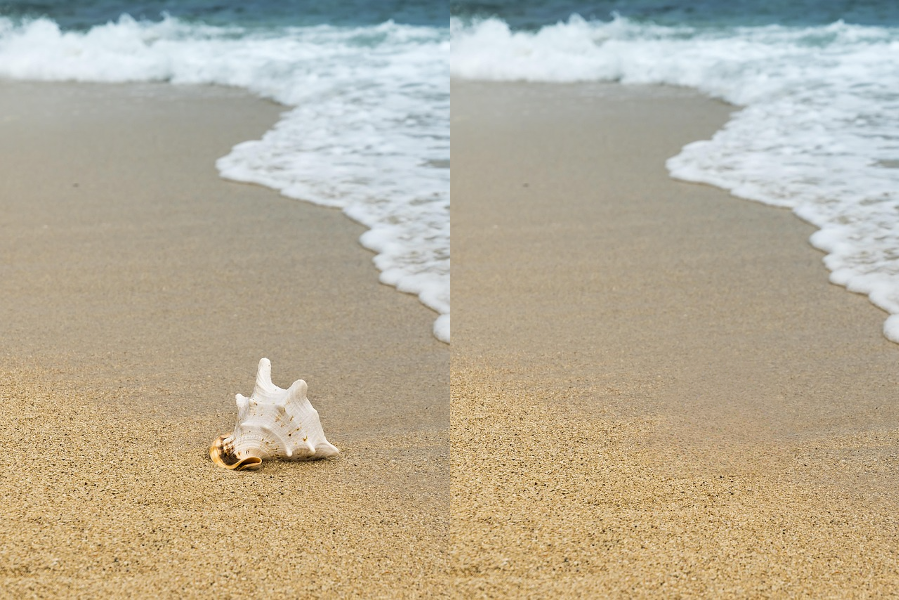
AI 对象移除
抹去干扰物且不留空洞。AI → 移除对象(亦可经图像 → 填充 → 内容识别填充)在设备端用 LaMa AI,于选区或画笔涂抹后重建背景。不上传任何内容。适合清理旅行照、产品图和社交帖。 在浏览器中免费使用 PictorX,无需安装软件。

AI 模型
什么是 AI 与 AI 模型,它们如何驱动抠图、修复、增强、扩图等照片编辑,以及 PictorX 如何在设备端运行许多工具。
了解更多 AI 图像编辑知识
什么是 AI 图像编辑——抠图、去物、增强、修复与扩图——它与经典修图有何不同,以及 PictorX 如何在设备端运行许多工具。
准备好尝试了吗?
在浏览器中打开 PictorX — 无需安装,无需信用卡即可启动。
前往编辑器