
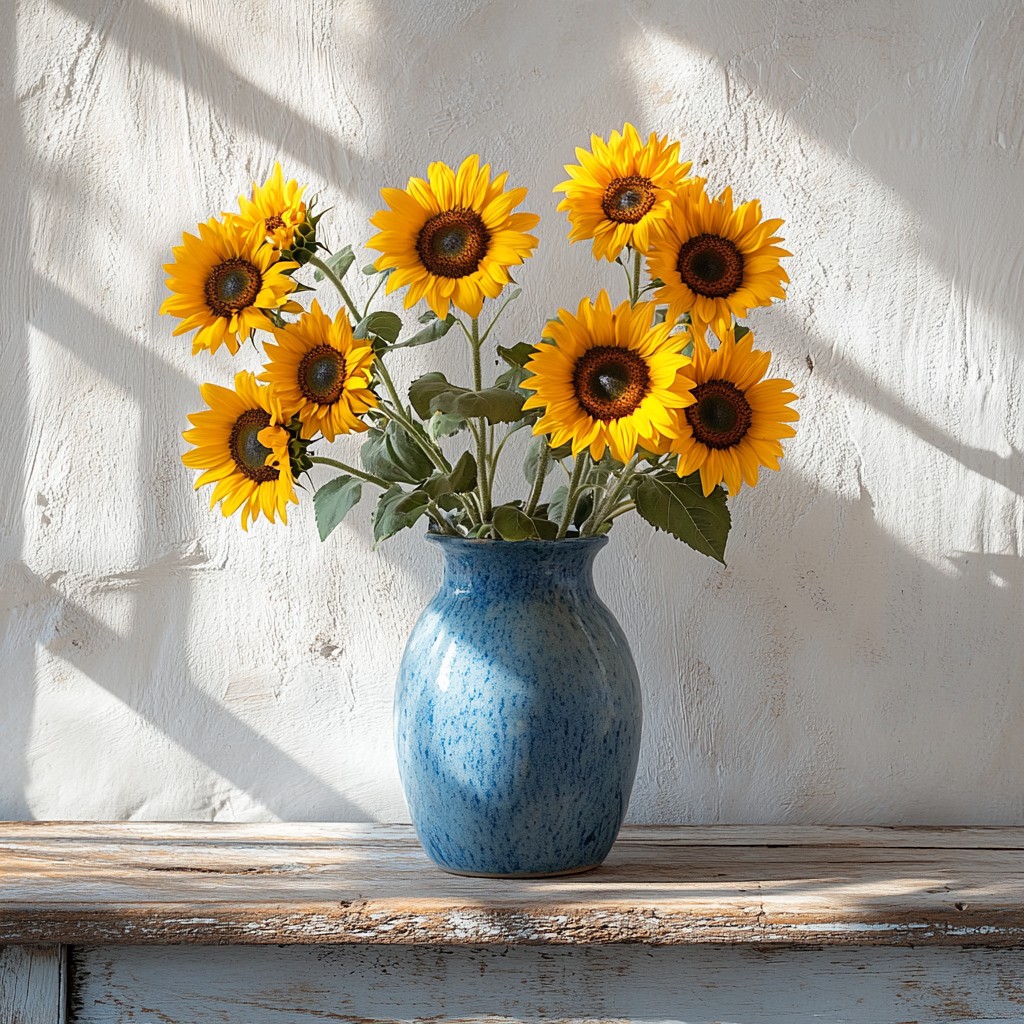
Essayez un look Vincent van Gogh ci-dessous, ou ouvrez votre propre image.
Peignez une photo en coups de pinceau Van Gogh
Flowing marks follow the forms in your photo, with swirl, density, stroke size, and palettes such as Starry Night or Sunflower. PictorX Vincent van Gogh runs in the browser, then lets you keep editing with layers, text, and other effects. Essayez un look Vincent van Gogh ci-dessous, ou ouvrez votre propre image.
Comment ça marche
- Open PictorX in your browser and load a photo.
- Choose Vincent van Gogh, then try a preset or adjust swirl, density, brush stroke, and palette.
- Export the painted look, or keep editing with layers and other effects in the same workspace.
Why the swirling brush look works
Landscapes, night scenes, flowers, and portraits with clear structure give the stroke field something to follow. Swirl pushes motion in open areas; denser strokes fill the canvas; palette moods such as Starry Night or Cypress shift colour without erasing your subject.
Stroke, palette, density, and swirl
Brush stroke picks Swirls, Dashes, Impasto, or Ribbon. Palette offers Photo plus Starry Night, Sunflower, Cypress, Ochre, and Irises. Stroke size and density control mark scale and coverage; swirl sets how strongly strokes orbit light and form.
Questions fréquemment posées
What does the Vincent van Gogh filter do?
It repaints a photo with flowing brush marks inspired by Van Gogh's swirling impasto—not a copy of a museum canvas. Stroke, palette, density, and swirl shape the look.
Is this a real Van Gogh painting?
No. It is a digital homage for your own photos. Authentic works stay in museums and collections.
What photos work best?
Landscapes, night skies, flowers, and portraits with clear forms. Soft, flat photos still work; they become quieter fields of paint.
Can I keep editing after applying Vincent van Gogh?
Yes. Continue with layers, text, other artistic looks, or export from the same PictorX workspace.
Outils associés
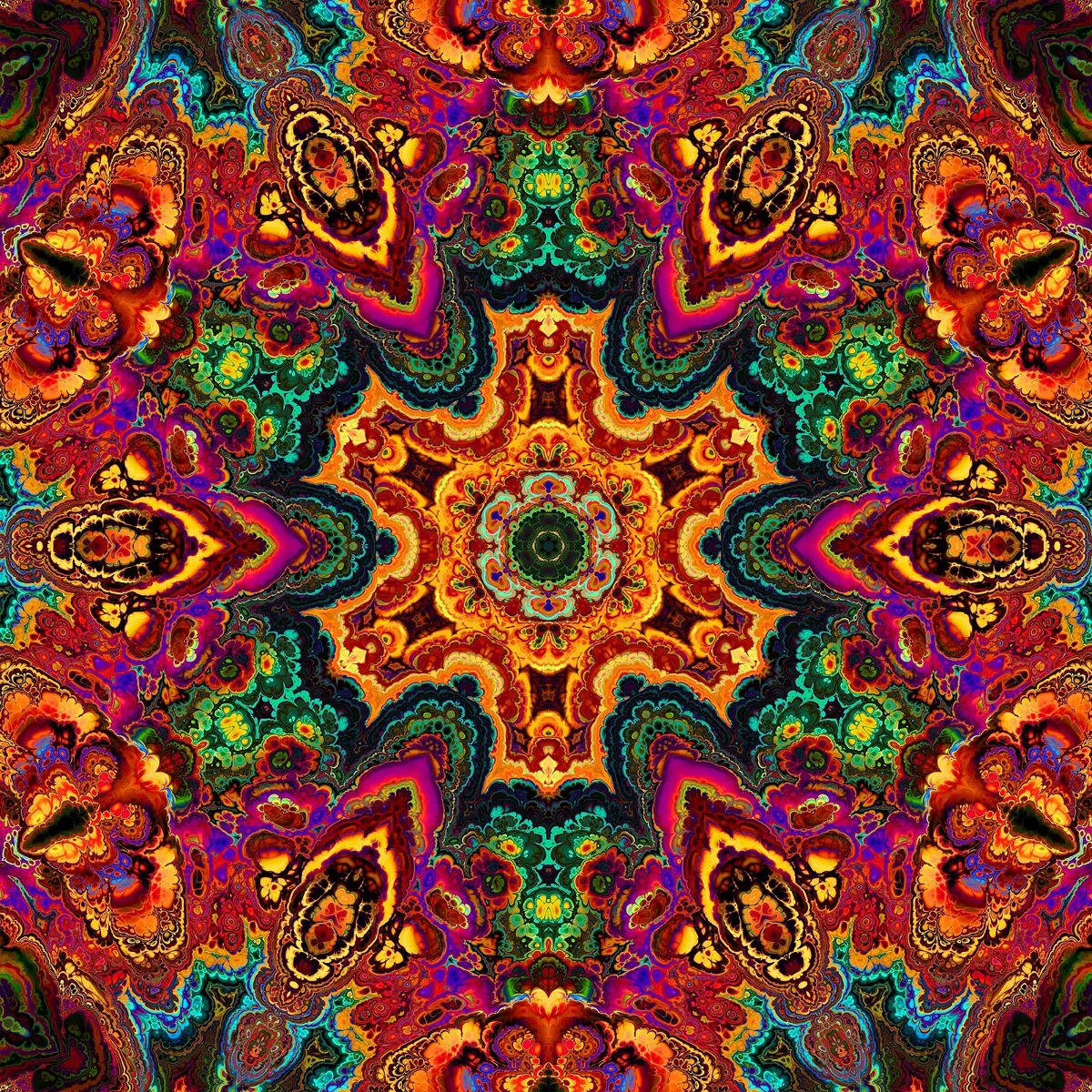
Les kaléidoscopes
Comment fonctionnent les kaléidoscopes : invention de Brewster, miroirs inclinés, symétrie radiale et filtres numériques à essayer dans PictorX.
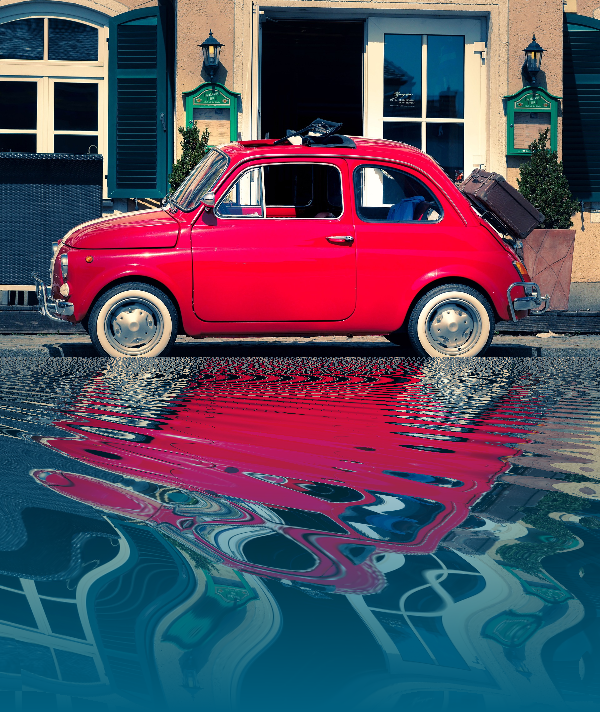
Effets de réflexion
Des looks miroir, carrelage, eau, sol mouillé et kaléidoscope qui transforment une photo en une composition réfléchie.

Spirographe
Tracez hypotrochoïdes et épitrochoïdes dans le navigateur. Réglez R, r et le décalage du stylo, animez, mélangez les styles et enregistrez un PNG.
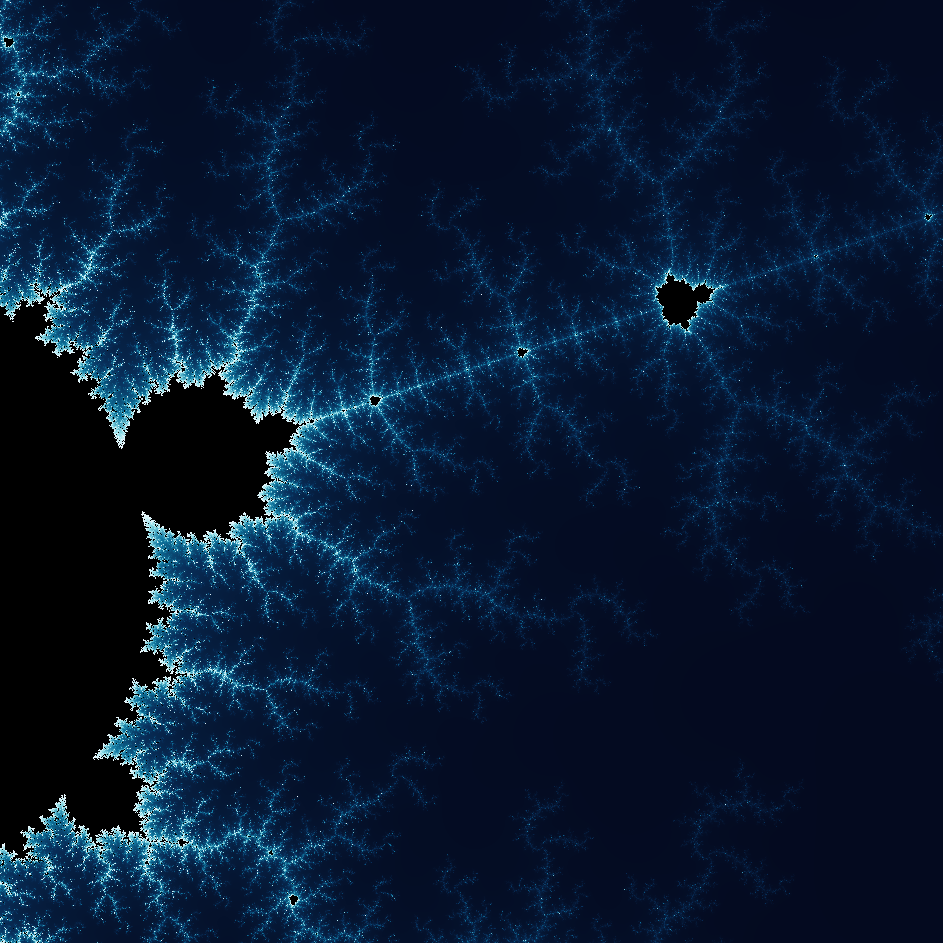
Explorez le monde merveilleux des fractales
Explorez le monde merveilleux des fractales. Les fractales sont des motifs géométriques complexes et détaillés que l’on trouve partout dans la nature.
Prêt à l'essayer ?
Ouvrez PictorX dans votre navigateur – aucune installation, aucune carte de crédit requise pour démarrer.
Aller à l'éditeur