
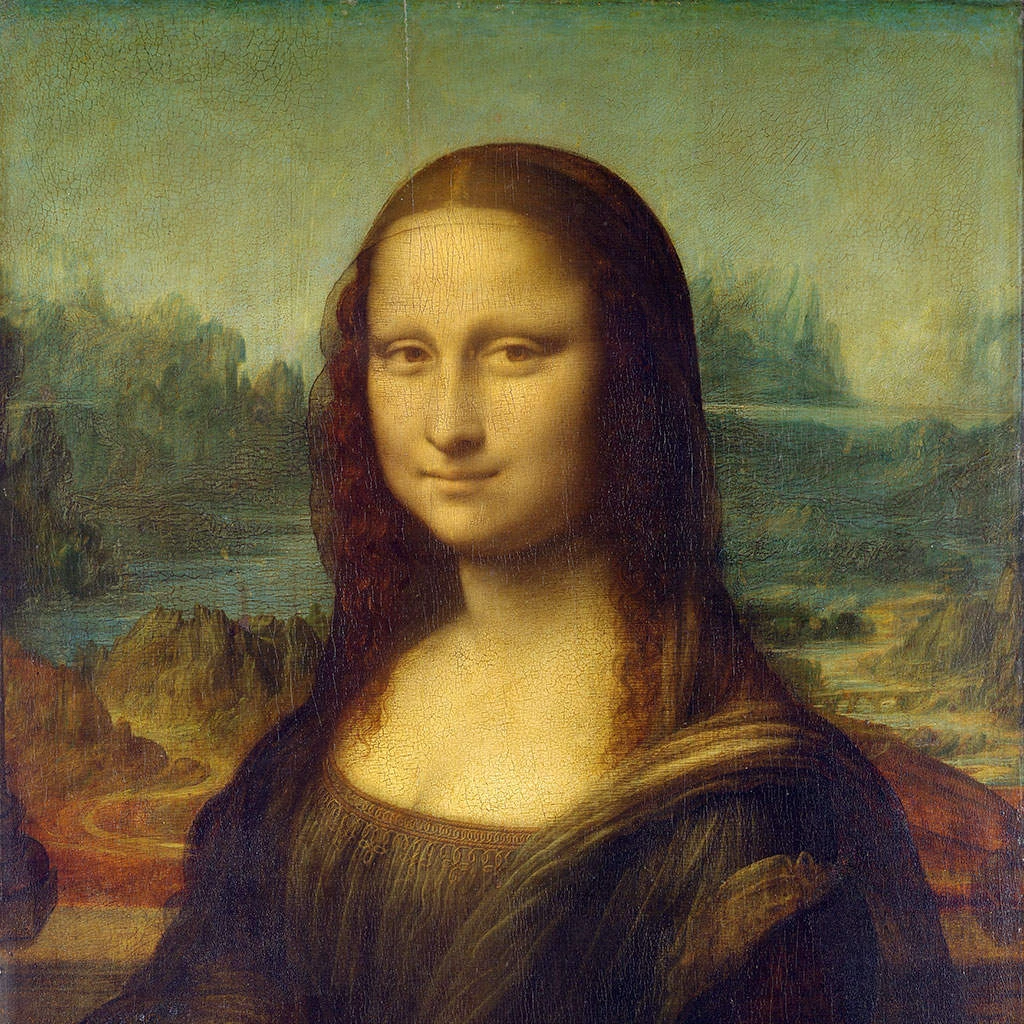
Gør et foto til Picassos blå eller rosa periode, eller splintr det som Grædende kvinde og Guernica — vælg en stil, og juster derefter formstørrelse og forvrængning.
Picasso-fotofilter - blå periode, rosa periode og splintrede portrætter
Picasso changed style more often than any other great painter. This filter follows him through four of his periods: it keeps your photo's light and dark in the melancholy blues or tender pinks of his early years, or breaks it into angular shards seen from shifting viewpoints, with flat colour and heavy black lines, as in his portraits of 1937. All processed on-device. Gør et foto til Picassos blå eller rosa periode, eller splintr det som Grædende kvinde og Guernica — vælg en stil, og juster derefter formstørrelse og forvrængning.
Sådan virker det
- Open PictorX in your browser and load a photo — portraits work especially well.
- Choose Picasso, then pick a Style (Blue Period, Rose Period, Weeping Woman or Guernica) and a Palette, and adjust Shape Size, Distortion, Line Work, Color Intensity and Canvas Texture. Turn on Remove background to isolate the subject first.
- Export the painting, or keep editing with layers and other effects in the same workspace.
Four periods in one filter
Blue Period keeps the photo's light and dark but paints everything in deep, cold blues with dark contours, as Picasso did around 1901–1904. Rose Period does the same in warm pinks, ochres and terracotta, as in his circus paintings of 1904–1906. Weeping Woman fractures the picture into angular shards of vivid, arbitrary colour outlined in black, after his portraits of 1937, and Guernica uses the same shards in black, white and greys with newspaper-like hatching.
Shards, viewpoints and distortion
In the fractured styles, every shard is cut with straight lines along the photo's own colour boundaries, and Distortion shifts some shards as if seen from another angle—the idea of showing several viewpoints at once that Picasso and Braque developed in Cubism. Shape Size sets how large the shards are; Line Work sets the weight of the black outlines and drawn features. For Cubism's own facets, see the Cubism filter.
Privacy and keep editing
Processing stays in your browser—photos are not uploaded to PictorX servers for this filter. After Picasso, continue with layers, text, Cubism, Matisse, Kandinsky, or export.
Ofte stillede spørgsmål
What does the Picasso filter do?
It turns a photo into a painting in the manner of Pablo Picasso—Blue Period, Rose Period, or the fractured portraits of the Weeping Woman and Guernica—built from your photo, not a copy of a museum painting. Style, Palette, Shape Size, Distortion, Line Work, Color Intensity and Remove background shape the look.
Is this a real Picasso?
No. It is a digital homage for your own photos. Picasso's own works are in museums such as the Musée Picasso in Paris, the Museu Picasso in Barcelona and the Museo Reina Sofía in Madrid, home of Guernica.
What photos work best?
Portraits with a clear face suit every style; Blue and Rose Period also suit quiet figures and still lifes, while Weeping Woman and Guernica need a subject with strong light and dark.
How is this different from the Cubism filter?
Cubism rebuilds a photo in the analytic and synthetic facets of 1908–1914. Picasso adds his other periods—Blue and Rose—and the bold, black-outlined shards of his later portraits.
Relaterede værktøjer
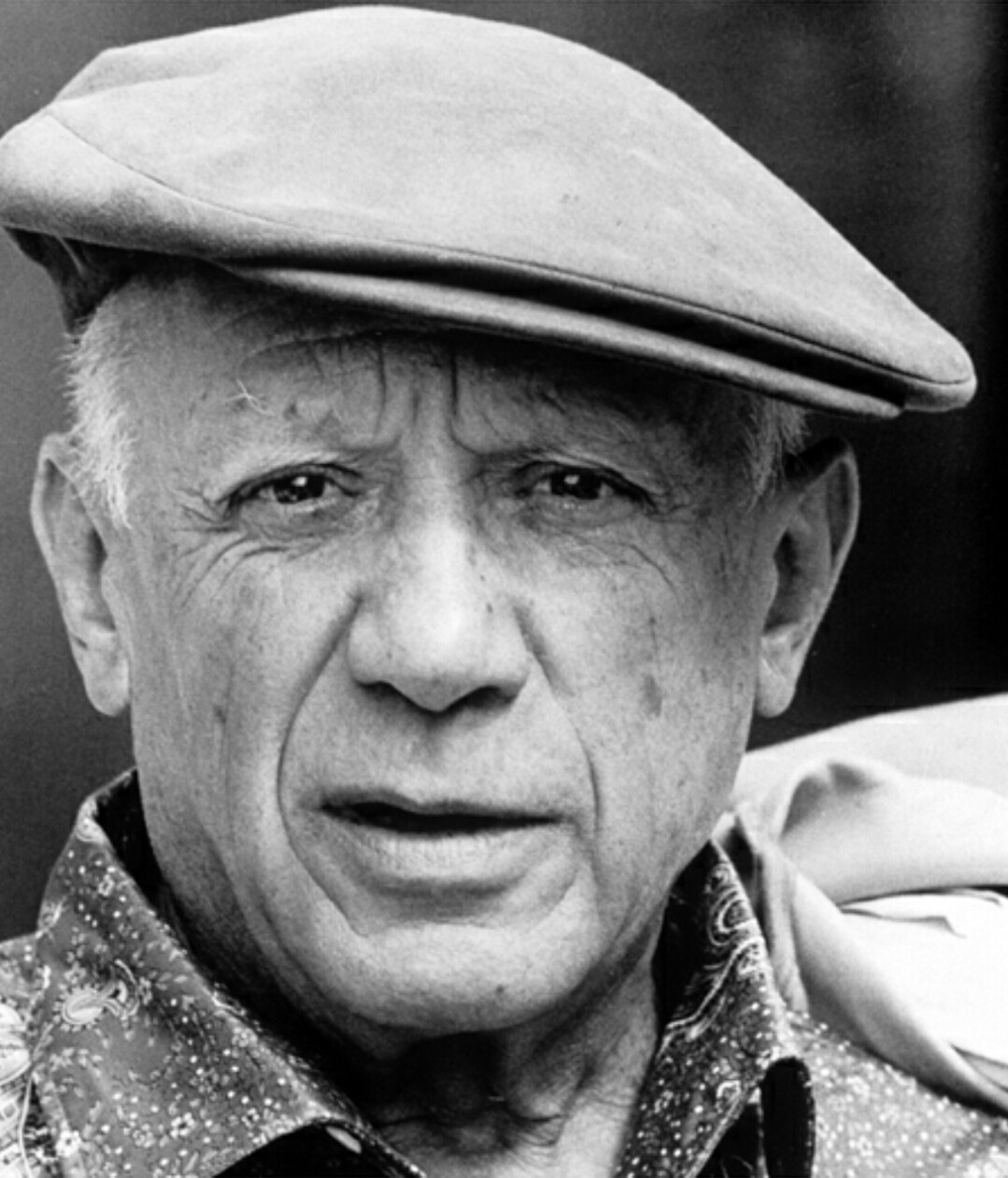
Pablo Picasso
En kort guide til Pablo Picasso: vidunderbarnet fra Málaga, den blå og den rosa periode, Les Demoiselles d’Avignon og kubismen med Braque, Guernica og Grædende kvinde, hans evige fornyelser og en digital hyldest, du kan prøve i PictorX.
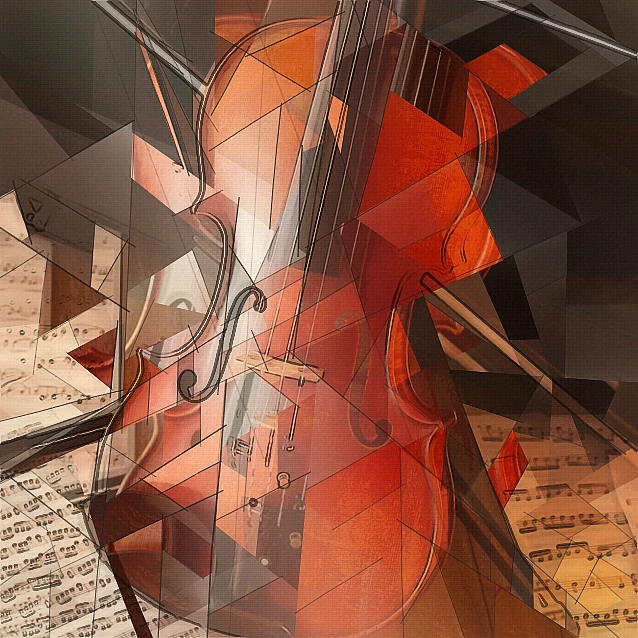
Kubisme-fotofilter - geometriske facetter
Gør et foto til geometriske facetter inspireret af analytisk kubisme i browseren. Juster facetstørrelse, perspektiver, udfladning, kontur og kontrast.
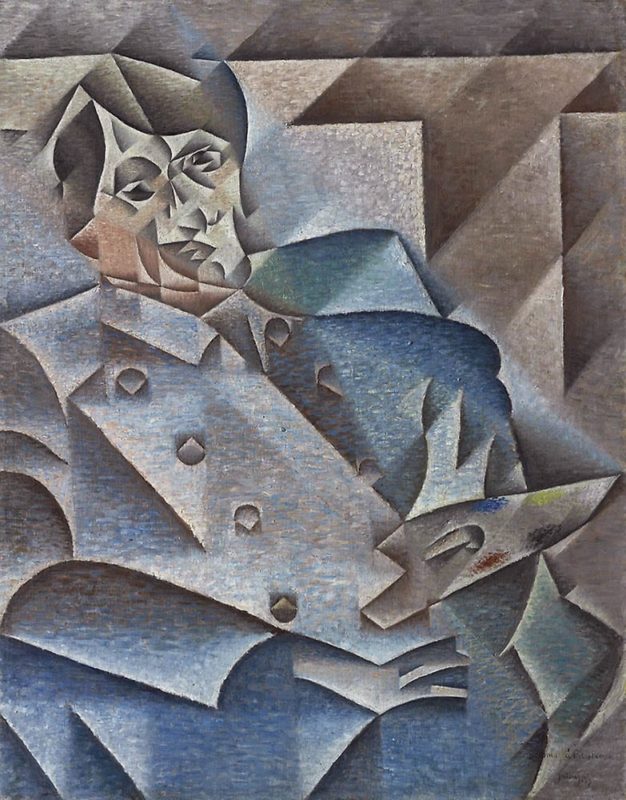
Kubisme
Kort guide til kubisme: Picasso og Braque, analytisk og syntetisk kubisme, fragmenterede flader, flere synsvinkler og en digital hyldest i PictorX.
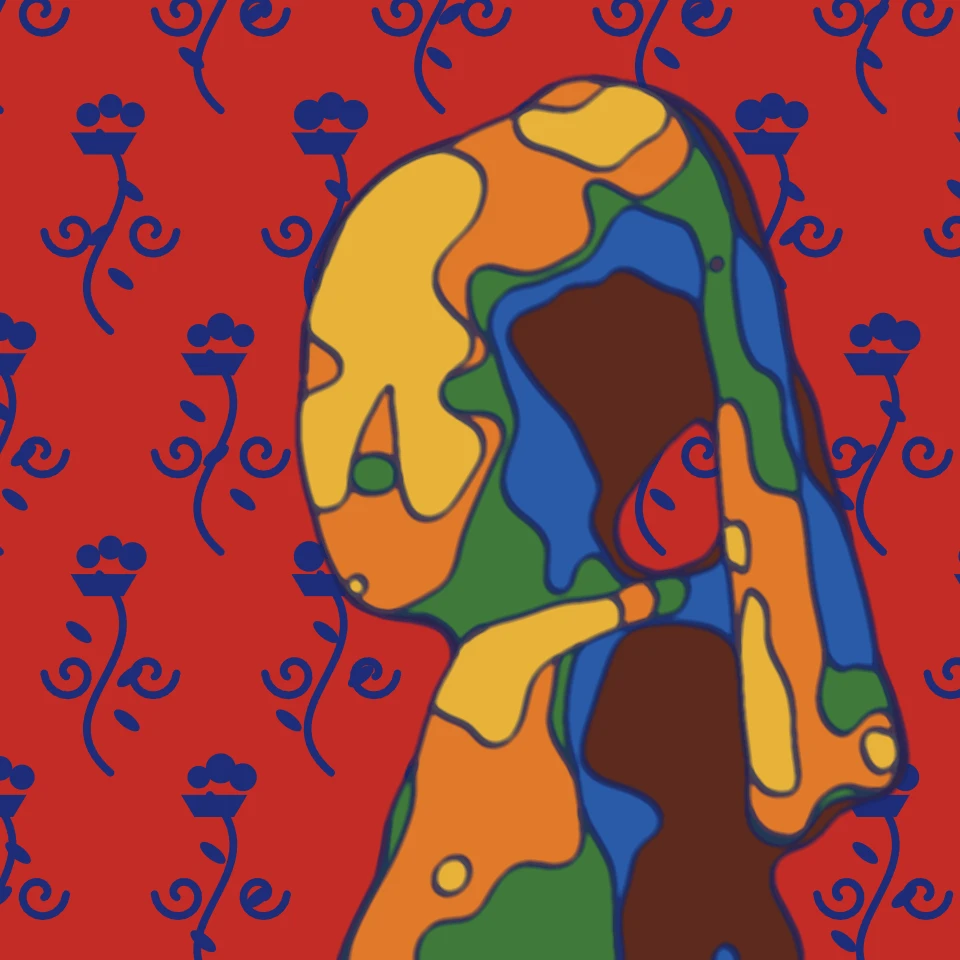
Matisse-fotofilter - papirklip, fauvistisk farve og linje
Gør et foto til et billede i Henri Matisses stil i browseren: papirklip som Jazz og de Blå nøgne, stærke fauvistiske farver, Harmoni i rødt med blå arabesker eller en flydende stregtegning.
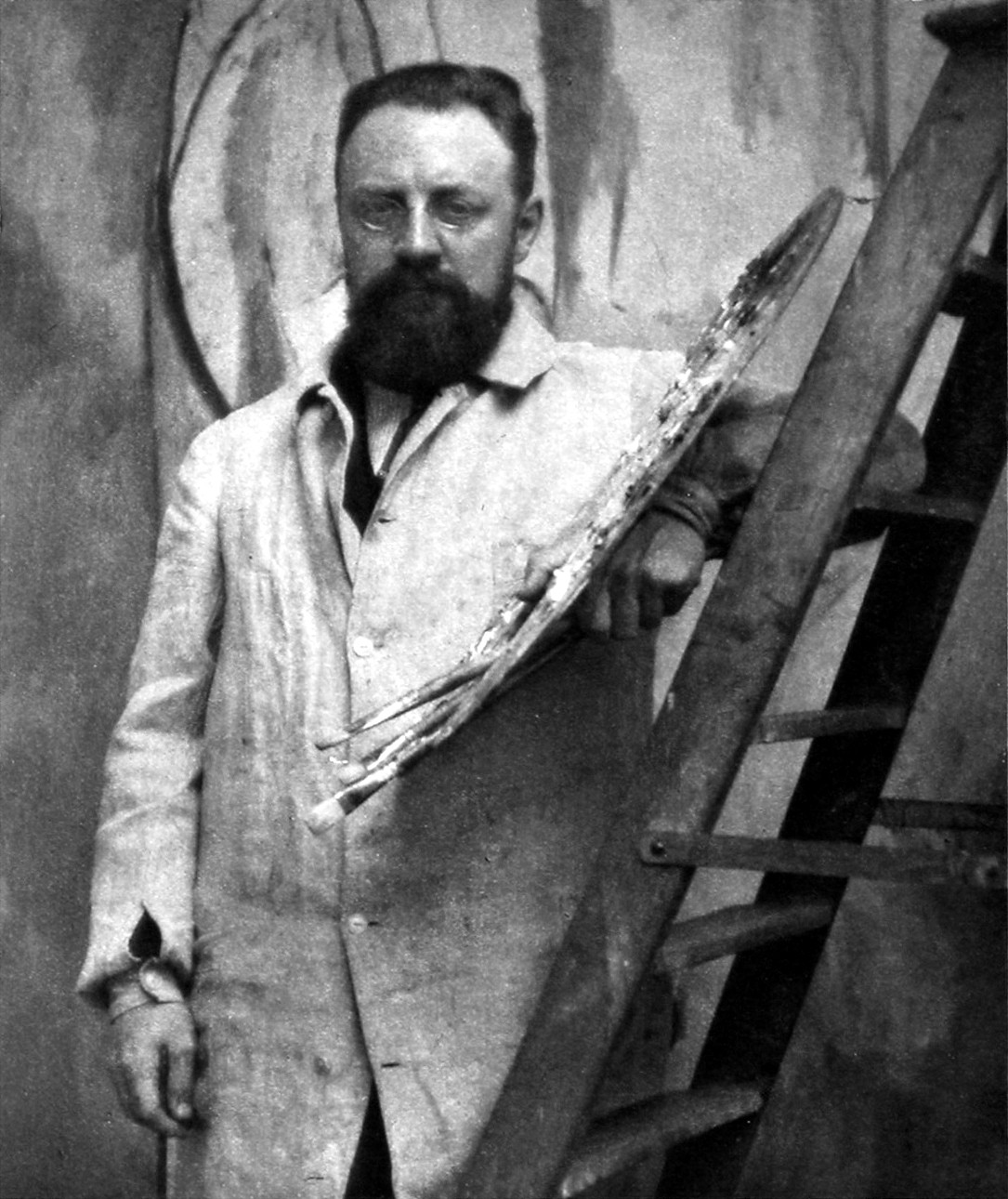
Henri Matisse
En kort guide til Henri Matisse: fra kontorist til maler, fauvisterne i 1905, Harmoni i rødt og Dansen, årene i Nice, hans stregtegninger, at tegne med saksen i papirklippene og en digital hyldest, du kan prøve i PictorX.
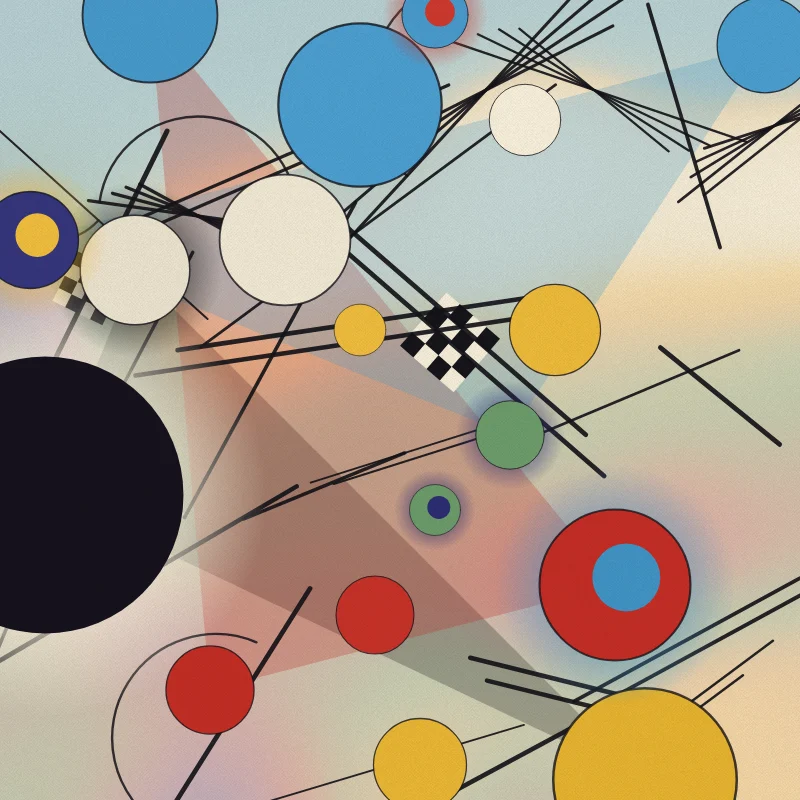
Kandinsky-fotofilter - cirkler, linjer og farve
Gør et foto til en abstraktion i Wassily Kandinskys stil i browseren: cirkler og linjer fra Komposition VIII, kvadrater med koncentriske cirkler, Flere cirkler på sort eller en fri Improvisation.

Kunstnerisk effekt
Transform fotos med oliemaleri, vandfarve, blyant, tegneserie blæk, pasteller, papir cut- out, og andre studio kunst udseende.
Er du klar til at prøve?
Åbn PictorX i din browser - ingen installation, ingen kreditkort kræves for at starte.
Gå til Editor