
Label Maker
The classic embossing label maker, without the clicking. Type your words and each line becomes a strip of glossy vinyl tape with raised letters, stretched pale where the wheel pressed them in. Pick the tape, the cut, and a surface, then save a PNG. Type your words, one label per line, and pick a tape and a style. Drag the labels to move them, pull a corner to resize, or turn the knob to rotate.
How it works
- Type your text. Each line becomes its own strip of tape.
- Pick a style or choose the tape color, font, cut, and surface yourself.
- Set how crooked and worn the labels look, then save a PNG. Pick Transparent to use the labels on your own design.
Letters pressed into real tape
The letters stand up from the tape with a light top edge and a shadow below, turn pale where the plastic is stretched, and never line up perfectly, just like a hand-cranked embossing label maker.
Tape, cuts, and surfaces
Red, black, blue, green, yellow, pink, orange, silver, clear, or a rainbow mix. Cut the ends straight, angled, notched, or rounded, and stick the labels on kraft paper, wood, brushed metal, cork, or your own photo.
Frequently asked questions
What can I make with the Label Maker?
Retro embossed label tape with your own words, for titles, planner and journal pages, pantry and storage labels, and aesthetic social posts.
Can I make several labels at once?
Yes. Every line you type becomes its own strip of tape, each at a slightly different angle.
Can I save the labels without a background?
Yes. Pick Transparent as the surface and save a PNG with only the tape and its shadow.
Do my labels leave my device?
No. Everything is drawn in your browser. Nothing is uploaded to PictorX servers.
Related tools
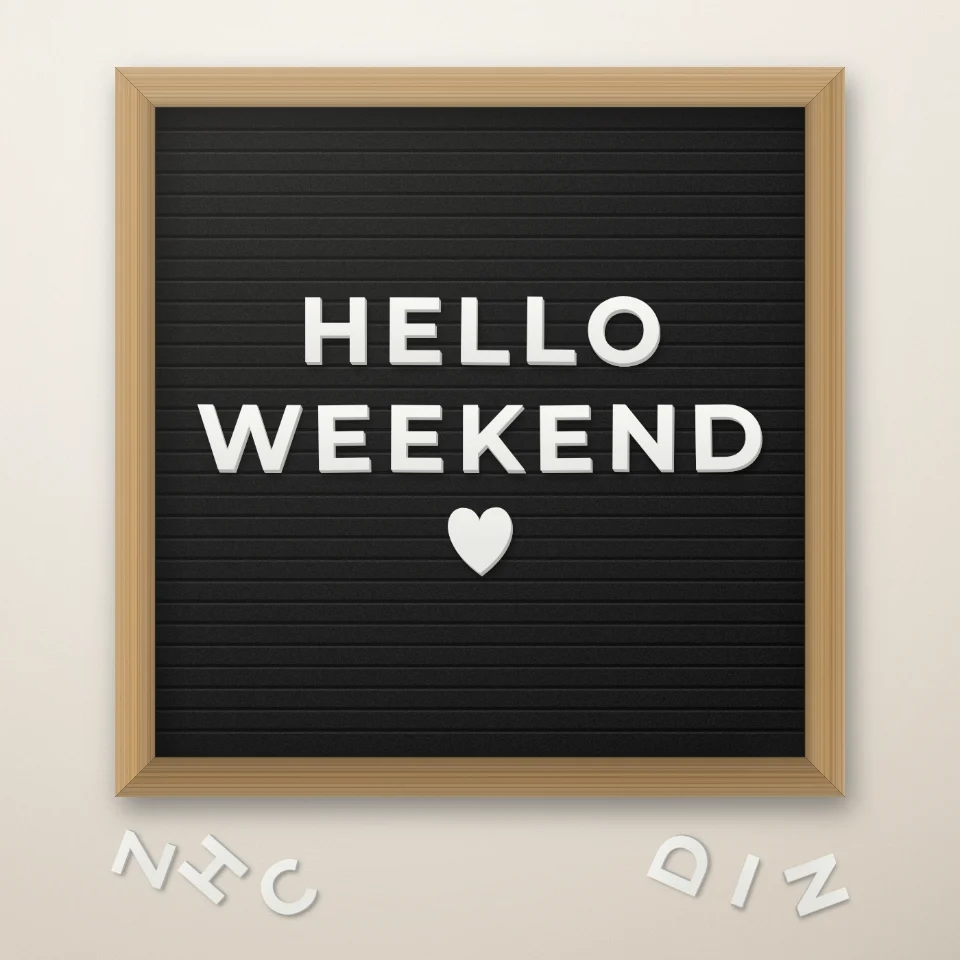
Letter Board Quote Maker
Type a quote on a felt letter board with white or gold plastic letters, a wooden frame, and hearts or stars. Save a PNG for Instagram. Nothing is uploaded.

Magazine Cutout Letters Generator
Turn typed words into magazine-style cutout letters. Mix fonts or lock one, randomize colors and sizes, and download a PNG. Nothing is uploaded.
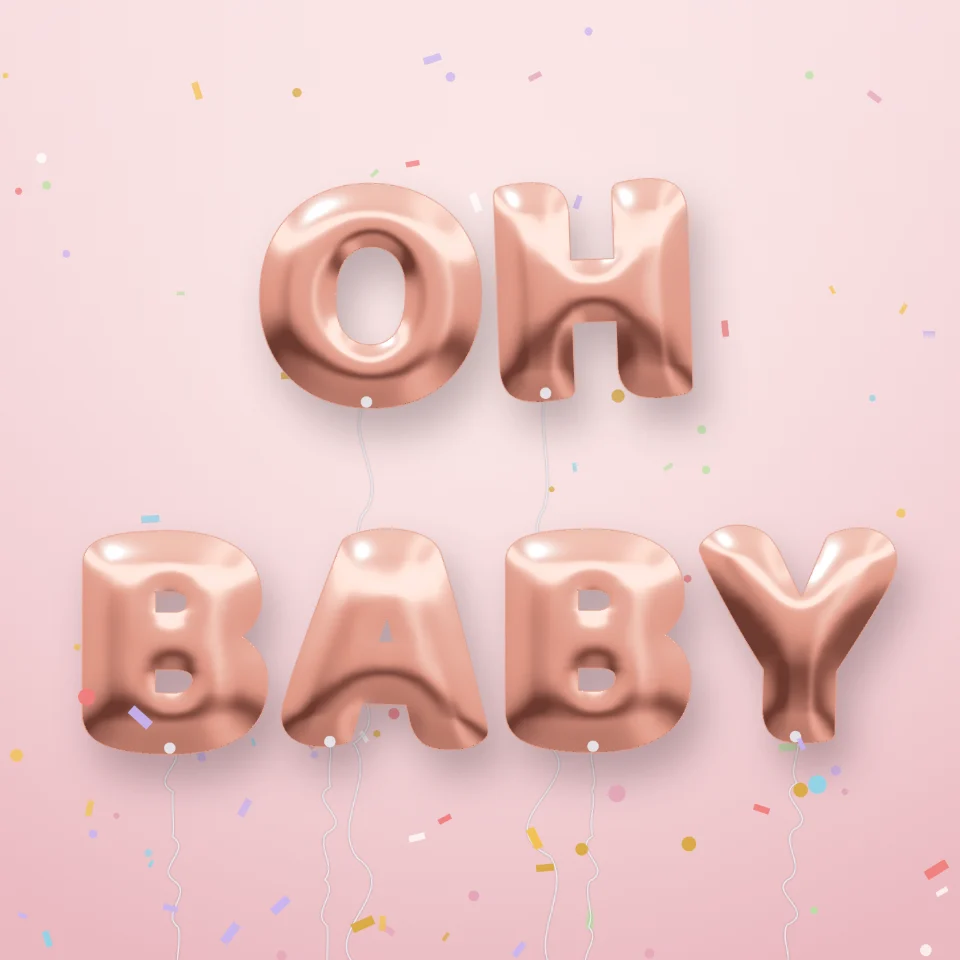
Balloon Letters Generator
Turn any name or word into shiny foil balloon letters in gold, silver, rose gold, or holographic, with ribbons and confetti. Save a PNG, even transparent.

Street Sign & Plaque Maker
Make a custom street sign, blue plaque, brass nameplate, or house number tile on a real-looking wall. Add rust and wear, then save a PNG. Nothing is uploaded.
Ready to try it?
Open PictorX in your browser — no install, no credit card required to start.
Go to Editor