
Pembuat label
Pembuat label timbul klasik, tanpa klik. Ketik kata-katamu dan setiap baris menjadi potongan pita mengilap dengan huruf timbul yang memutih. Pilih pita, potongan, dan permukaan, lalu simpan PNG. Ketik kata-kata, satu label per baris, lalu pilih pita dan gaya. Seret label untuk memindahkannya, tarik sudut untuk mengubah ukuran, atau putar kenop untuk memutar.
cara itu works
- Type your text. Each line becomes its own strip of tape.
- Pick a style or choose the tape color, font, cut, and surface yourself.
- Set how crooked and worn the labels look, then save a PNG. Pick Transparent to use the labels on your own design.
Letters pressed into real tape
The letters stand up from the tape with a light top edge and a shadow below, turn pale where the plastic is stretched, and never line up perfectly, just like a hand-cranked embossing label maker.
Tape, cuts, and surfaces
Red, black, blue, green, yellow, pink, orange, silver, clear, or a rainbow mix. Cut the ends straight, angled, notched, or rounded, and stick the labels on kraft paper, wood, brushed metal, cork, or your own photo.
Frequently asked questions
What can I make with the Label Maker?
Retro embossed label tape with your own words, for titles, planner and journal pages, pantry and storage labels, and aesthetic social posts.
Can I make several labels at once?
Yes. Every line you type becomes its own strip of tape, each at a slightly different angle.
Can I save the labels without a background?
Yes. Pick Transparent as the surface and save a PNG with only the tape and its shadow.
Do my labels leave my device?
No. Everything is drawn in your browser. Nothing is uploaded to PictorX servers.
Related alat
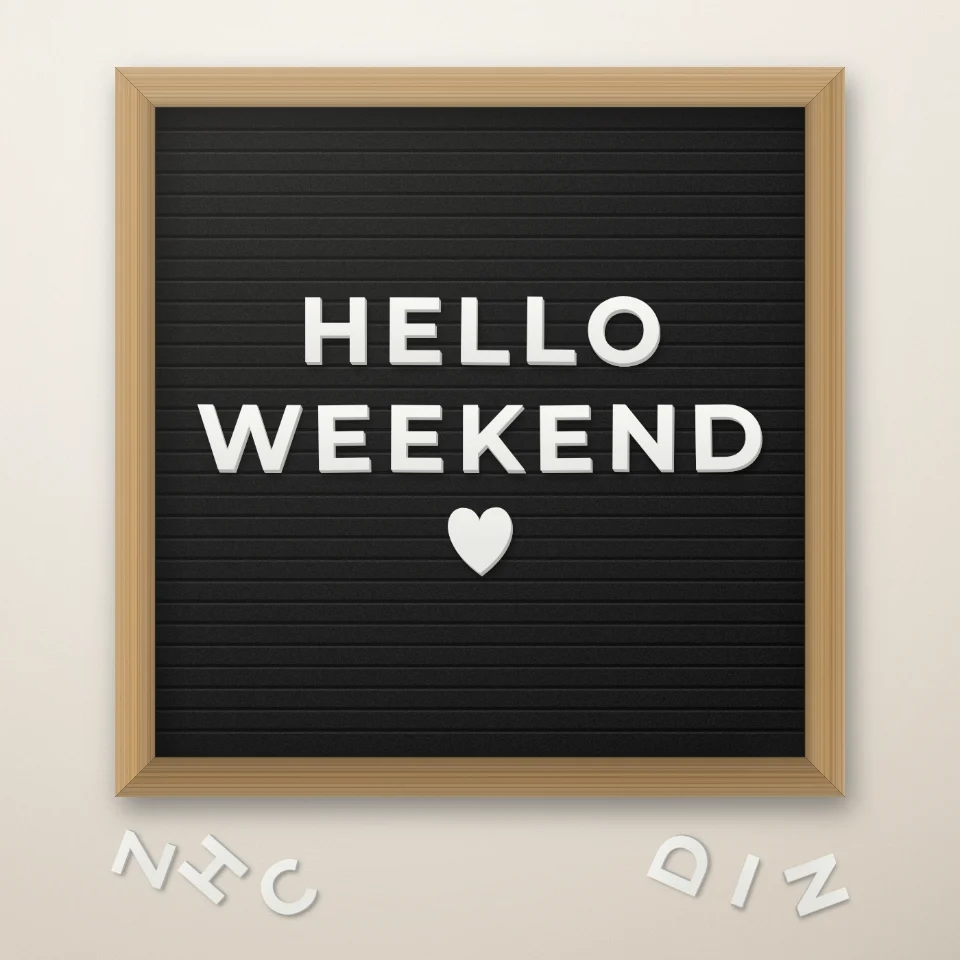
Pembuat kutipan papan huruf
Tulis kutipan di papan huruf flanel dengan huruf putih atau emas, bingkai kayu, dan hati atau bintang. Simpan PNG tanpa unggah.

Generator huruf guntingan majalah
Ubah kata menjadi huruf guntingan majalah. Campur font atau kunci satu, unduh PNG. Tidak ada yang diunggah.

Pembuat huruf balon
Ubah nama atau kata menjadi huruf balon foil mengilap warna emas, perak, emas mawar, atau holografik, dengan pita dan konfeti. Simpan PNG, bisa transparan.

Pembuat papan jalan & plakat
Buat papan nama jalan, plakat biru, papan kuningan, atau nomor rumah di dinding realistis. Tambahkan karat dan keausan, lalu simpan PNG. Tidak diunggah.
Siap ke coba itu?
Buka PictorX di browser Anda — tidak instalasi, tidak credit kartu diperlukan ke mulai.
Ke Editor