
صانع الملصقات
آلة الملصقات البارزة الكلاسيكية دون نقر. اكتب كلماتك فيتحول كل سطر إلى شريط لامع بحروف بارزة مبيضة حيث ضغطتها العجلة. اختر الشريط والقص والسطح واحفظ PNG. اكتب كلماتك، ملصقًا واحدًا في كل سطر، واختر شريطًا ونمطًا. اسحب الملصقات لتحريكها، واسحب زاوية لتغيير الحجم، أو أدِر المقبض لتدويرها.
كيف يعمل
- Type your text. Each line becomes its own strip of tape.
- Pick a style or choose the tape color, font, cut, and surface yourself.
- Set how crooked and worn the labels look, then save a PNG. Pick Transparent to use the labels on your own design.
Letters pressed into real tape
The letters stand up from the tape with a light top edge and a shadow below, turn pale where the plastic is stretched, and never line up perfectly, just like a hand-cranked embossing label maker.
Tape, cuts, and surfaces
Red, black, blue, green, yellow, pink, orange, silver, clear, or a rainbow mix. Cut the ends straight, angled, notched, or rounded, and stick the labels on kraft paper, wood, brushed metal, cork, or your own photo.
الأسئلة المتداولة
What can I make with the Label Maker?
Retro embossed label tape with your own words, for titles, planner and journal pages, pantry and storage labels, and aesthetic social posts.
Can I make several labels at once?
Yes. Every line you type becomes its own strip of tape, each at a slightly different angle.
Can I save the labels without a background?
Yes. Pick Transparent as the surface and save a PNG with only the tape and its shadow.
Do my labels leave my device?
No. Everything is drawn in your browser. Nothing is uploaded to PictorX servers.
الأدوات ذات الصلة
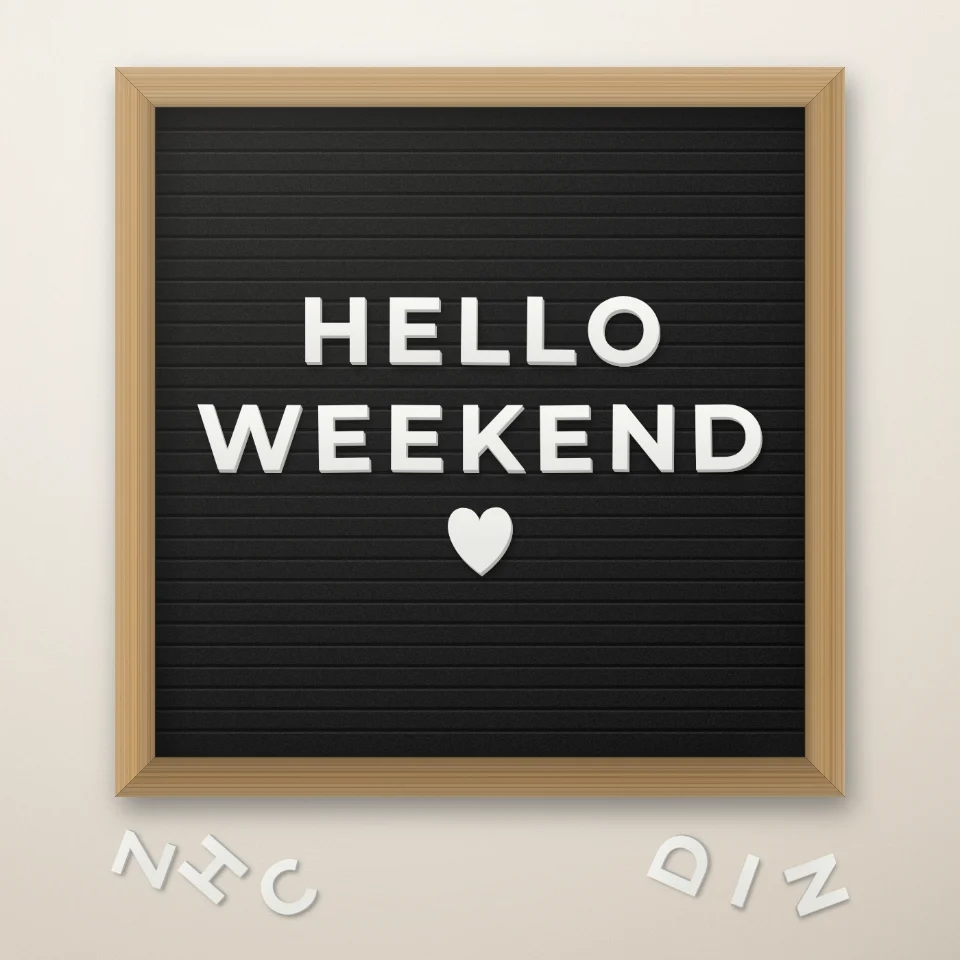
صانع عبارات لوحة الحروف
اكتب عبارتك على لوحة لباد بحروف بيضاء أو ذهبية وإطار خشبي وقلوب أو نجوم. احفظ PNG دون رفع أي شيء.

مولّد حروف قصص المجلات
حوّل الكلمات إلى حروف مقصوصة من المجلات. امزج الخطوط أو ثبّت واحدًا ونزّل PNG. لا يُرفع شيء.
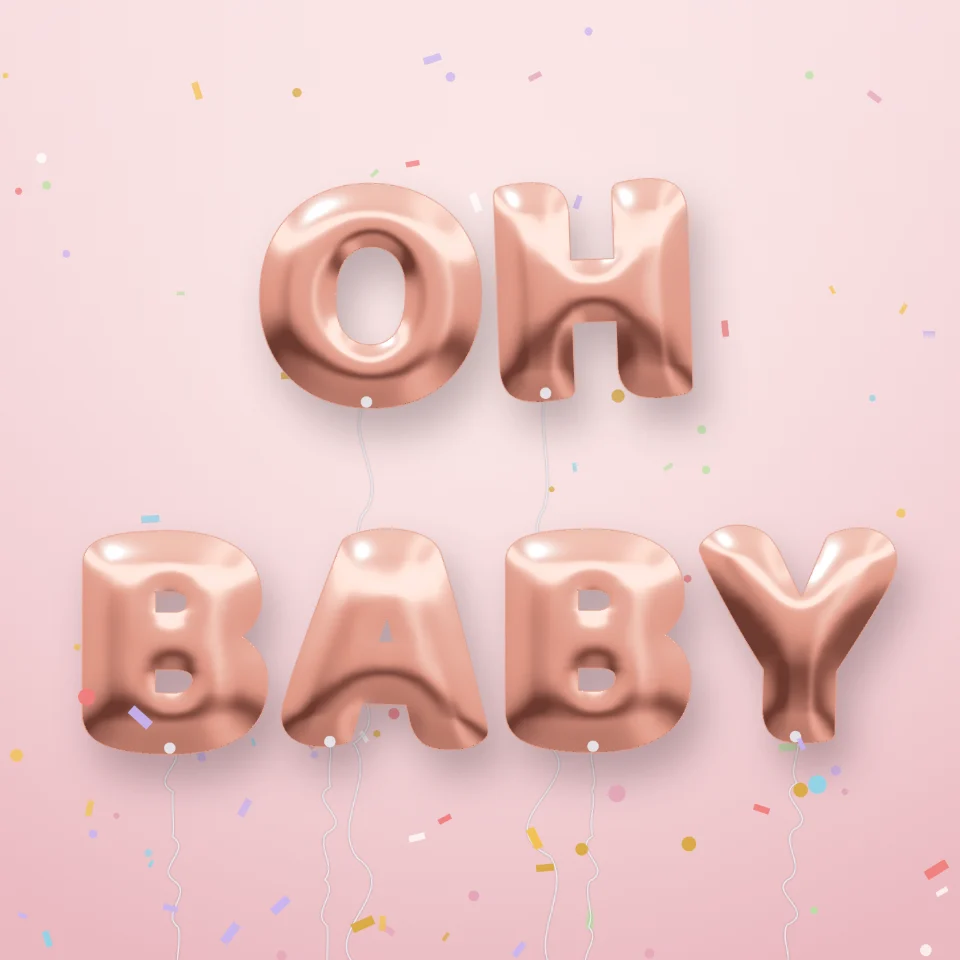
مولد حروف البالونات
حوّل أي اسم أو كلمة إلى حروف بالونات لامعة ذهبية أو فضية أو ذهبية وردية أو هولوغرافية مع أشرطة وقصاصات. احفظ PNG حتى بخلفية شفافة.

صانع لافتات الشوارع واللوحات
اصنع لافتة شارع أو لوحة زرقاء أو لوحة نحاسية أو رقم منزل على جدار واقعي. أضف الصدأ والتآكل ثم احفظ PNG. لا يُرفع شيء.
هل أنت مستعد لتجربتها؟
افتح PictorX في متصفحك - بدون تثبيت، ولا يلزم وجود بطاقة ائتمان للبدء.
الانتقال إلى المحرر