
Labelmaskine
Den klassiske prægemaskine uden klik. Skriv dine ord, og hver linje bliver en strimmel blank tape med hævede bogstaver, blege hvor hjulet pressede. Vælg tape, snit og underlag, og gem en PNG. Skriv dine ord, én etiket pr. linje, og vælg et bånd og en stil. Træk etiketterne for at flytte dem, træk i et hjørne for at ændre størrelsen, eller drej på knappen.
Sådan virker det
- Type your text. Each line becomes its own strip of tape.
- Pick a style or choose the tape color, font, cut, and surface yourself.
- Set how crooked and worn the labels look, then save a PNG. Pick Transparent to use the labels on your own design.
Letters pressed into real tape
The letters stand up from the tape with a light top edge and a shadow below, turn pale where the plastic is stretched, and never line up perfectly, just like a hand-cranked embossing label maker.
Tape, cuts, and surfaces
Red, black, blue, green, yellow, pink, orange, silver, clear, or a rainbow mix. Cut the ends straight, angled, notched, or rounded, and stick the labels on kraft paper, wood, brushed metal, cork, or your own photo.
Ofte stillede spørgsmål
What can I make with the Label Maker?
Retro embossed label tape with your own words, for titles, planner and journal pages, pantry and storage labels, and aesthetic social posts.
Can I make several labels at once?
Yes. Every line you type becomes its own strip of tape, each at a slightly different angle.
Can I save the labels without a background?
Yes. Pick Transparent as the surface and save a PNG with only the tape and its shadow.
Do my labels leave my device?
No. Everything is drawn in your browser. Nothing is uploaded to PictorX servers.
Relaterede værktøjer
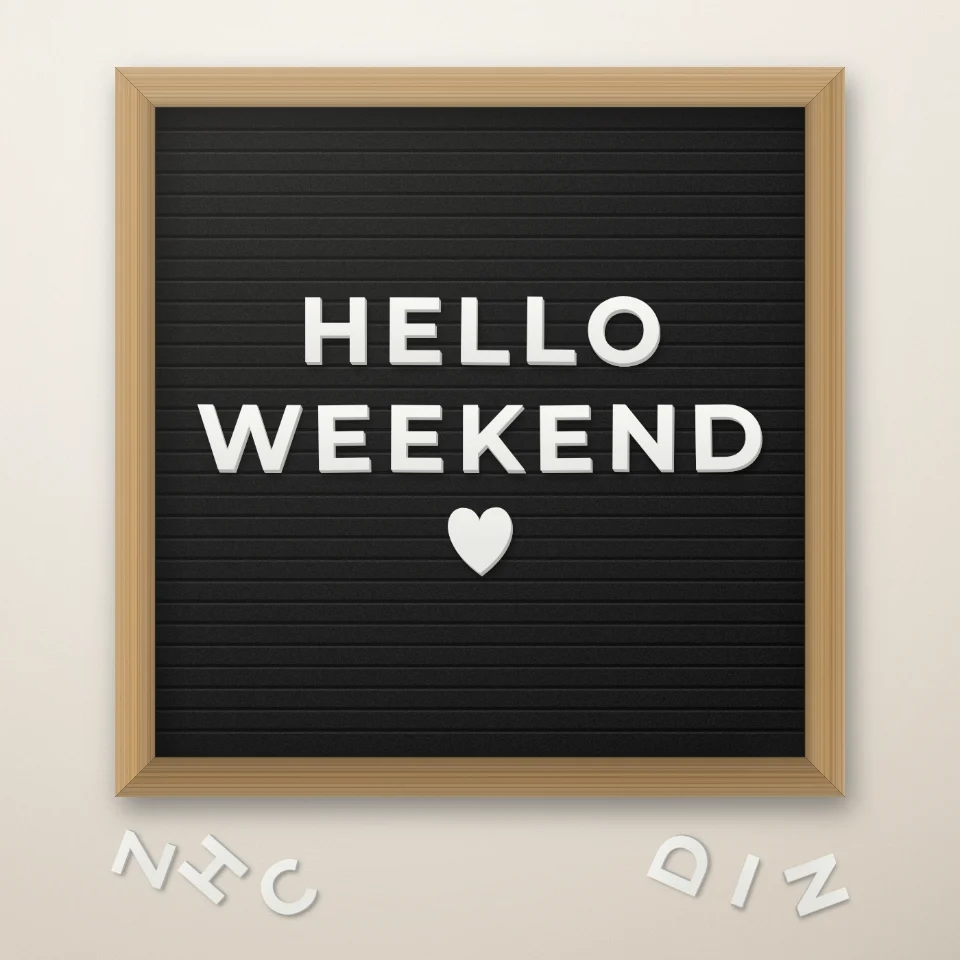
Citatmager til bogstavtavle
Skriv et citat på en filttavle med hvide eller guld bogstaver, træramme og hjerter eller stjerner. Gem en PNG. Intet uploades.

Name
Vend indtastede ord til magazine-stil udskæring bogstaver. Bland skrifttyper eller lås en, randomiser farver og størrelser, og download en PNG. Intet er uploadet.
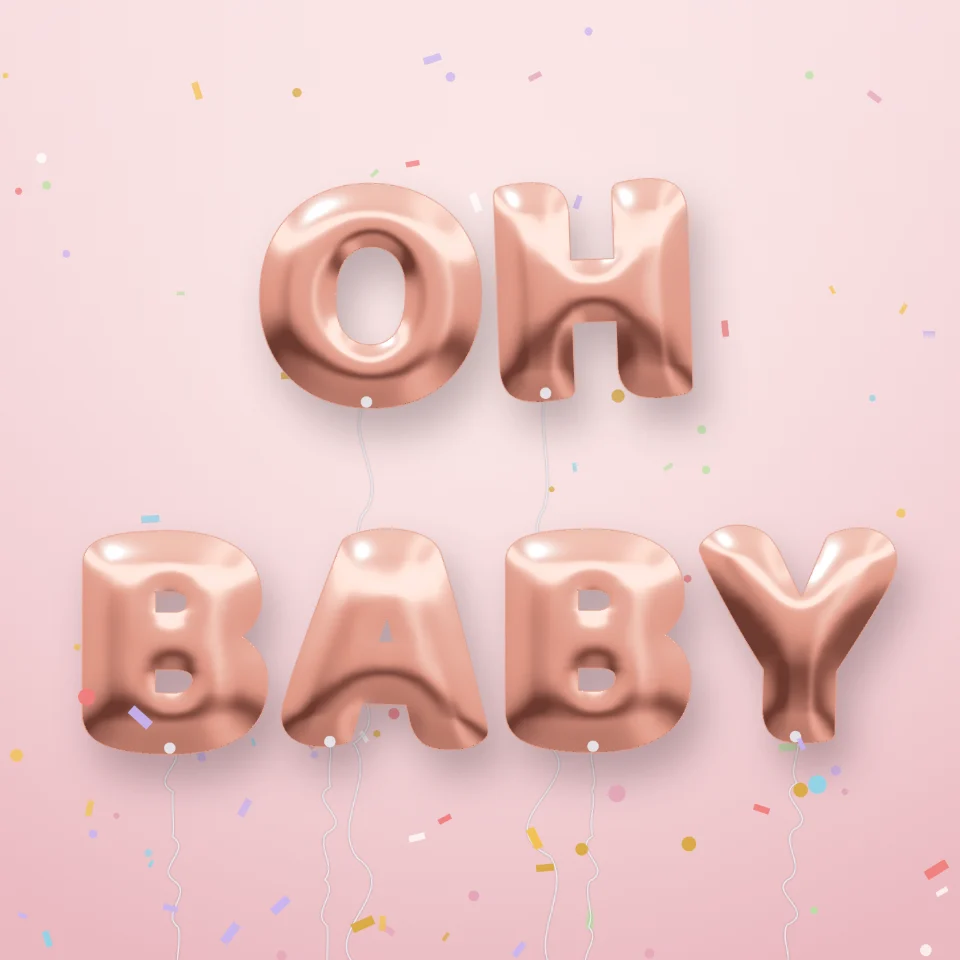
Ballonbogstav-generator
Gør navne og ord til skinnende folieballonbogstaver i guld, sølv, rosaguld eller holografisk, med bånd og konfetti. Gem en PNG, også gennemsigtig.

Gadeskilt- & plademaker
Lav dit eget gadeskilt, blå mindeplade, messingskilt eller husnummer på en realistisk væg. Tilføj rust og slid, gem PNG. Intet uploades.
Er du klar til at prøve?
Åbn PictorX i din browser - ingen installation, ingen kreditkort kræves for at starte.
Gå til Editor