
ラベルメーカー
カチカチ押さなくていい、昔ながらのエンボスラベルメーカー。言葉を入力すると、1行ごとにつやのあるテープになり、押された文字が白く浮き上がります。テープ、カット、下地を選んでPNGで保存。 言葉を1行に1ラベルずつ入力し、テープとスタイルを選びます。ラベルをドラッグして移動、角を引いてサイズ変更、つまみを回して回転できます。
使い方
- Type your text. Each line becomes its own strip of tape.
- Pick a style or choose the tape color, font, cut, and surface yourself.
- Set how crooked and worn the labels look, then save a PNG. Pick Transparent to use the labels on your own design.
Letters pressed into real tape
The letters stand up from the tape with a light top edge and a shadow below, turn pale where the plastic is stretched, and never line up perfectly, just like a hand-cranked embossing label maker.
Tape, cuts, and surfaces
Red, black, blue, green, yellow, pink, orange, silver, clear, or a rainbow mix. Cut the ends straight, angled, notched, or rounded, and stick the labels on kraft paper, wood, brushed metal, cork, or your own photo.
よくある質問
What can I make with the Label Maker?
Retro embossed label tape with your own words, for titles, planner and journal pages, pantry and storage labels, and aesthetic social posts.
Can I make several labels at once?
Yes. Every line you type becomes its own strip of tape, each at a slightly different angle.
Can I save the labels without a background?
Yes. Pick Transparent as the surface and save a PNG with only the tape and its shadow.
Do my labels leave my device?
No. Everything is drawn in your browser. Nothing is uploaded to PictorX servers.
関連ツール
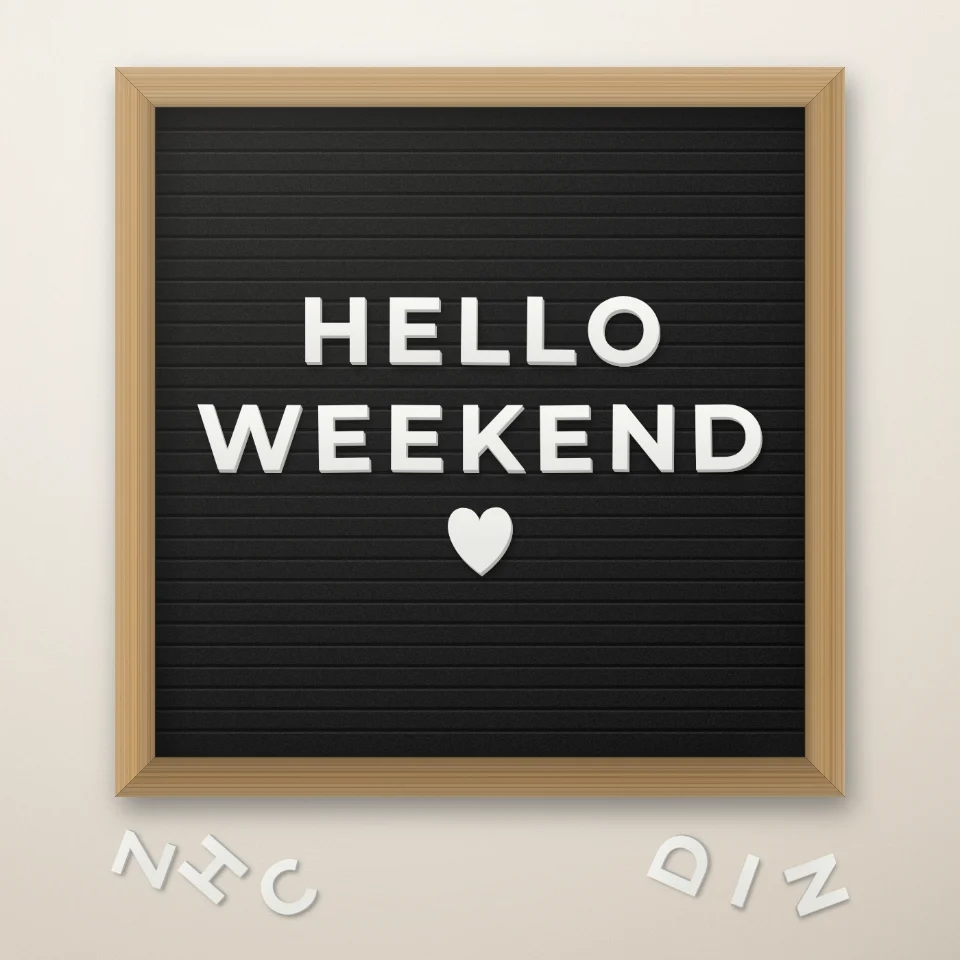
レターボード名言メーカー
白や金の文字、木のフレーム、ハートや星でフェルトのレターボードに言葉を並べ、PNGで保存。アップロードなし。

雑誌切り抜き文字ジェネレーター
入力した言葉を雑誌の切り抜き文字に。フォントを混ぜるか固定し、PNGをダウンロード。アップロードなし。
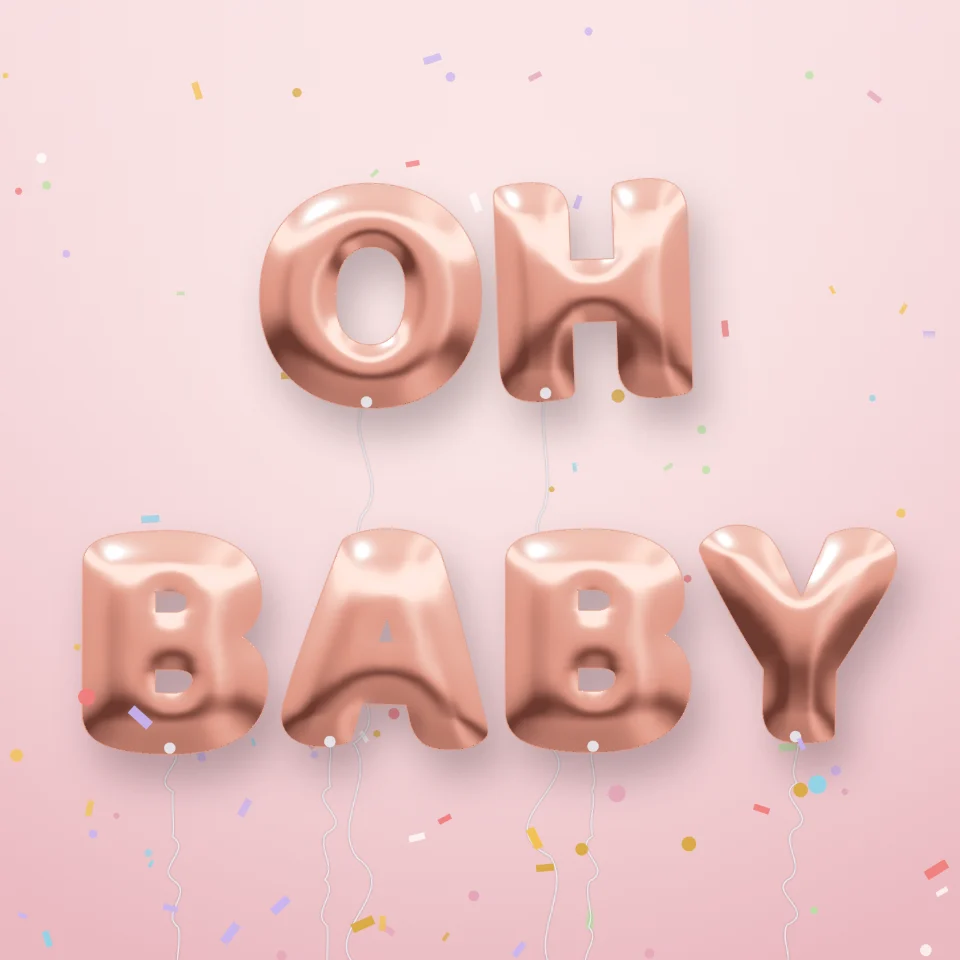
バルーン文字ジェネレーター
名前や言葉を、ゴールド、シルバー、ローズゴールド、ホログラムのキラキラしたフィルム風船の文字に。リボンと紙吹雪付きでPNG保存、透明背景もOK。

道路標識&プレートメーカー
リアルな壁に、オリジナルの道路標識・ブループラーク・真鍮プレート・番地プレートを作成。サビや劣化を加えてPNG保存。アップロードなし。
試してみますか?
ブラウザで PictorX を開きます。インストール不要、始めるのにクレジットカードも不要です。
エディターへ