
Этикетировщик
Классический этикетировщик с тиснением, без щелчков. Введите слова, и каждая строка станет полоской глянцевой ленты с выпуклыми, побелевшими буквами. Выберите ленту, срез и основу и сохраните PNG. Введите слова, по одной этикетке на строку, и выберите ленту и стиль. Перетащите этикетки, чтобы переместить их, потяните за угол, чтобы изменить размер, или поверните ручку.
Как это работает
- Type your text. Each line becomes its own strip of tape.
- Pick a style or choose the tape color, font, cut, and surface yourself.
- Set how crooked and worn the labels look, then save a PNG. Pick Transparent to use the labels on your own design.
Letters pressed into real tape
The letters stand up from the tape with a light top edge and a shadow below, turn pale where the plastic is stretched, and never line up perfectly, just like a hand-cranked embossing label maker.
Tape, cuts, and surfaces
Red, black, blue, green, yellow, pink, orange, silver, clear, or a rainbow mix. Cut the ends straight, angled, notched, or rounded, and stick the labels on kraft paper, wood, brushed metal, cork, or your own photo.
Часто задаваемые вопросы
What can I make with the Label Maker?
Retro embossed label tape with your own words, for titles, planner and journal pages, pantry and storage labels, and aesthetic social posts.
Can I make several labels at once?
Yes. Every line you type becomes its own strip of tape, each at a slightly different angle.
Can I save the labels without a background?
Yes. Pick Transparent as the surface and save a PNG with only the tape and its shadow.
Do my labels leave my device?
No. Everything is drawn in your browser. Nothing is uploaded to PictorX servers.
Сопутствующие инструменты
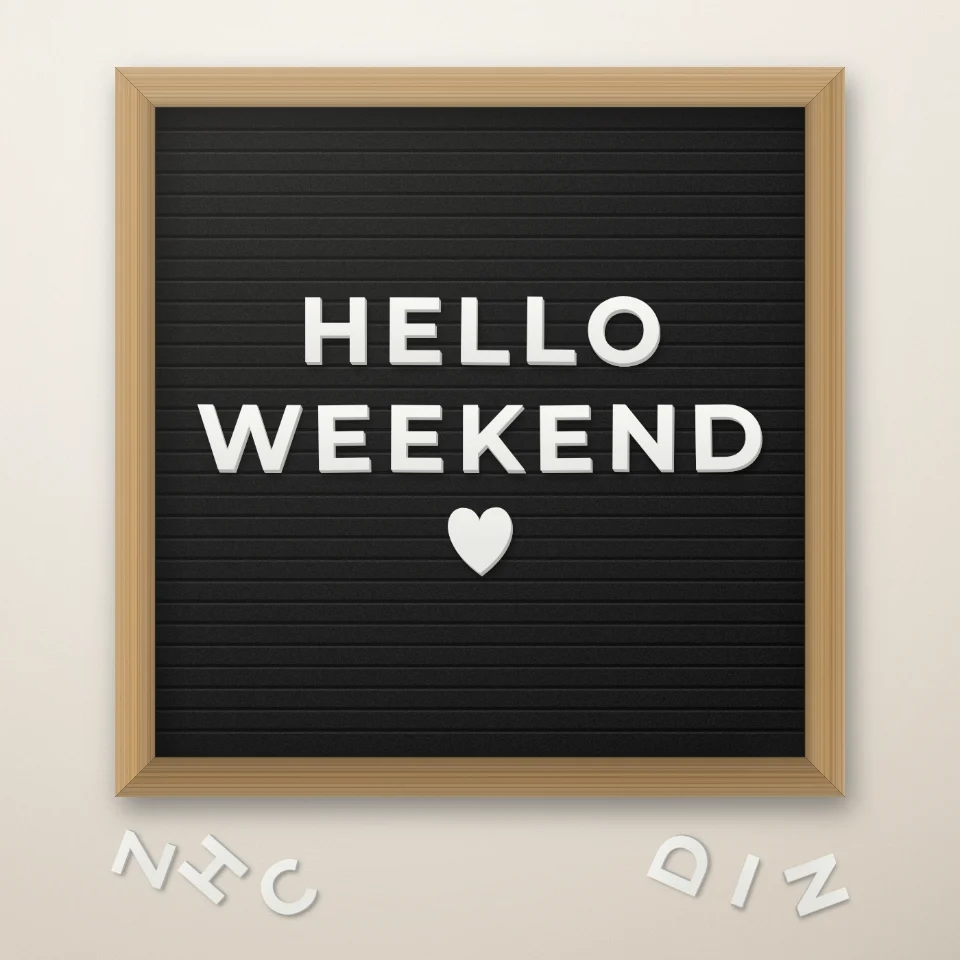
Конструктор цитат на доске с буквами
Напишите цитату на фетровой доске белыми или золотыми буквами, с деревянной рамкой и сердечками. Сохраните PNG без загрузки.

Генератор журнальных вырезок
Превращайте слова в журнальные вырезки. Смешивайте шрифты или выберите один и скачайте PNG. Ничего не загружается.
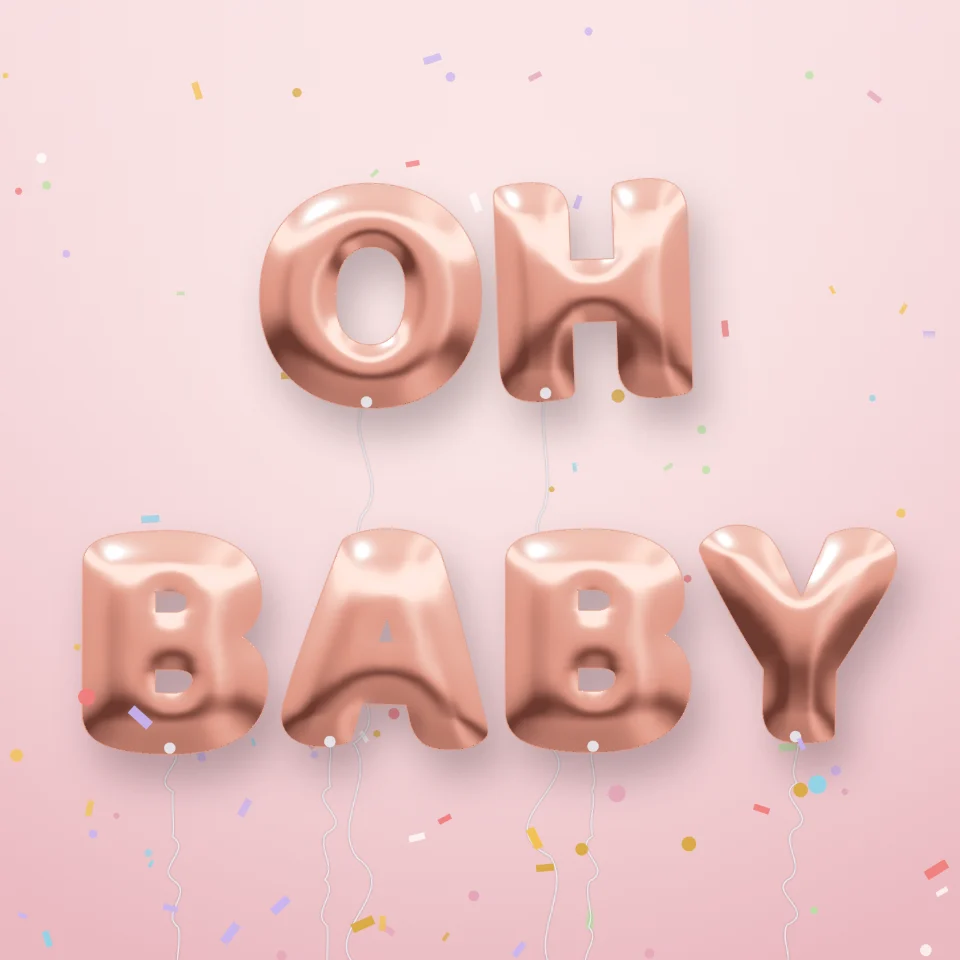
Генератор букв-шаров
Превратите имя или слово в блестящие фольгированные буквы-шары: золото, серебро, розовое золото или голография. Сохраните PNG, даже прозрачный.

Конструктор уличных табличек
Создайте свою уличную табличку, синюю памятную табличку, латунную вывеску или номер дома на реалистичной стене. Добавьте ржавчину и износ, сохраните PNG. Ничего не загружается.
Готовы попробовать?
Откройте PictorX в своем браузере — установка не требуется, для запуска не требуется кредитная карта.
Перейти в редактор