
Magazine Cutout Letters Generator
Build ransom-note collage type in your browser. Each letter sits on its own clipped paper scrap, with its own font, color, tilt, and size. PictorX generates the layout on your device. Type your text and pick a look. Click a letter to reshuffle it, or drag it into place.
How it works
- Type a word or a short line.
- Choose random fonts or one font, then Randomize until the scraps feel right.
- Download a PNG, or keep editing the letters as a graphic in PictorX.
Why cutout letters work
Magazine type looks handmade because no two scraps match. Changing font, paper color, rotation, and size per letter is what sells the collage, whether you want a loud poster title or a single ransom-note word.
Fonts, color, and size
Random fonts pull a different face for every character. Single font keeps the family while color and size still jump. Size sets the base; each scrap still scales a little so the row does not look typeset.
Frequently asked questions
Is Magazine Cutout Letters Generator free to try?
Yes. Open PictorX in a modern browser to try Magazine Cutout Letters Generator as part of the free editing workflow.
Do I need to install software for Magazine Cutout Letters Generator?
No. PictorX runs in your browser, so you can start creating without a desktop software install.
How do I get started with Magazine Cutout Letters Generator?
Open an image or create a new design in PictorX, select Magazine Cutout Letters Generator, then adjust the result while viewing the rest of your composition.
Can I combine Magazine Cutout Letters Generator with other PictorX tools?
Yes. Use Magazine Cutout Letters Generator alongside layers, selections, text, filters, and other PictorX editing tools to finish your design in one workflow.
Related tools

Graffiti Wall
Spray paint, stamp tags, and drip on a brick graffiti wall in your browser. Randomize, undo, and save as PNG — free on PictorX.
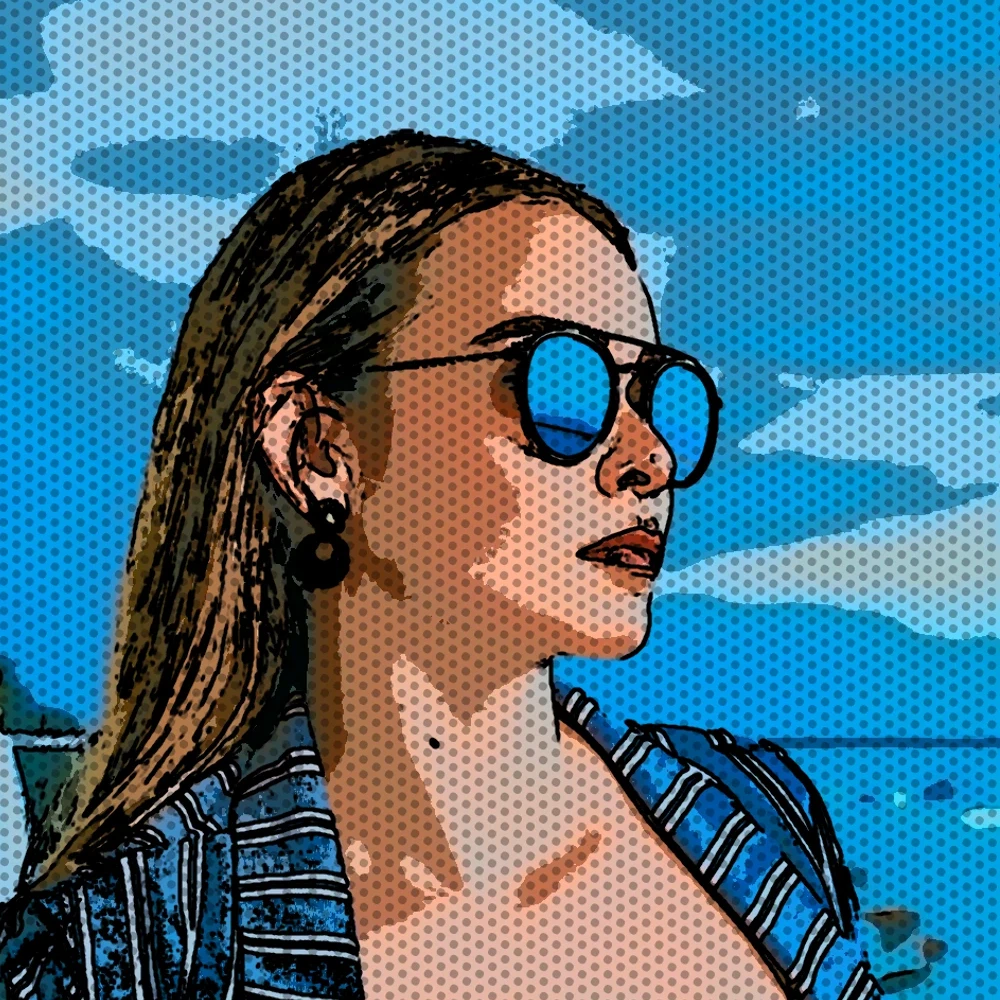
Turn a photo into comic panels
Turn a photo into a comic page in your browser. Zoom different details into 1, 2, 4, or 6 ink panels, then add optional Ben-Day dots and captions.
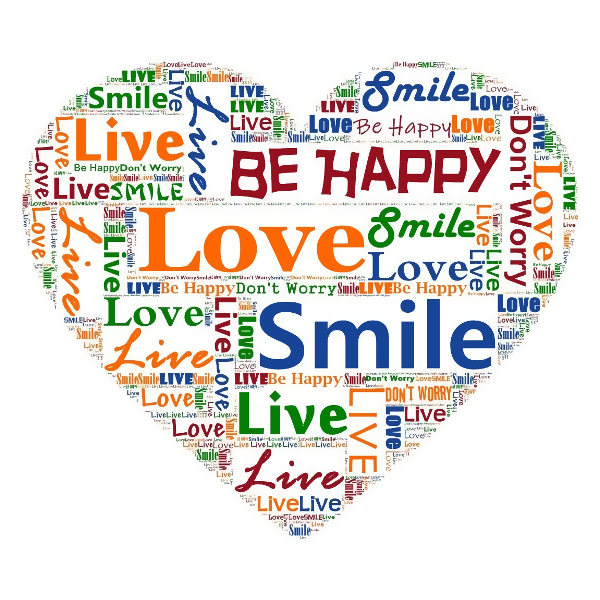
Typographic effects
Turn photos into letter-built art from Effects → Text.
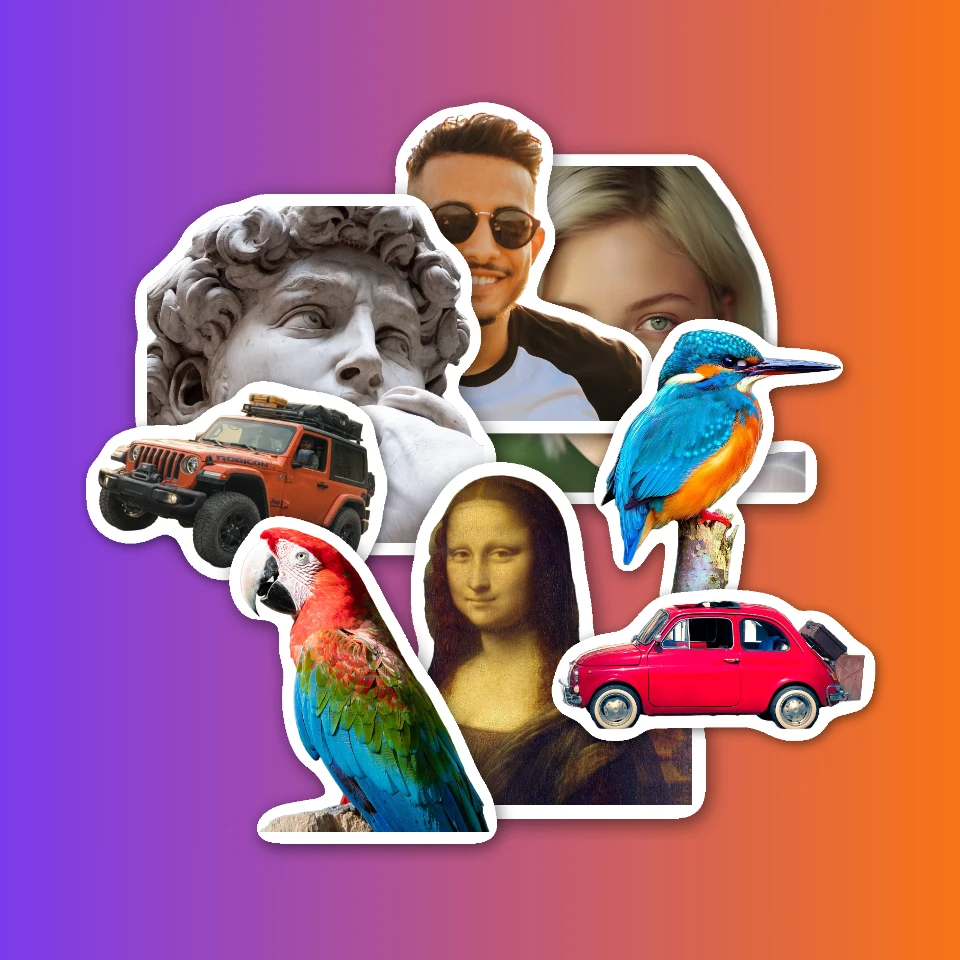
Sticker collage
Make a sticker collage free online with PictorX. Open 1 to 8 photos, cut out each subject, wrap it as a sticker, then drag and resize on a transparent, solid, or gradient backdrop.
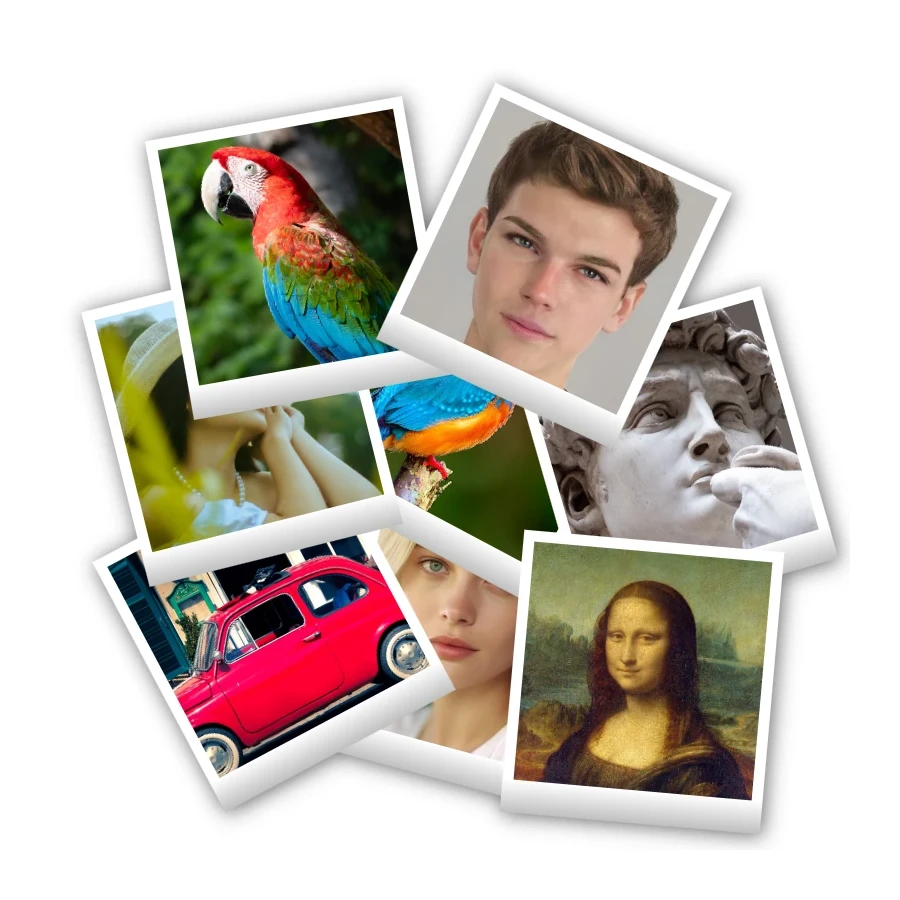
Polaroid collage
Make Polaroid collages free online with PictorX. Fill Big Picture, stack, scattered, and Droste layouts with different photos.
Ready to try it?
Open PictorX in your browser — no install, no credit card required to start.
Go to Editor