
Labelmaker
De klassieke reliëf-labelmaker, zonder het klikken. Typ je woorden en elke regel wordt een strook glanzende tape met letters in reliëf, bleek waar het wiel ze indrukte. Kies tape, uiteinden en ondergrond en sla een PNG op. Typ je woorden, één label per regel, en kies een tape en een stijl. Sleep de labels om ze te verplaatsen, trek aan een hoek om het formaat te wijzigen of draai aan de knop.
Hoe het werkt
- Type your text. Each line becomes its own strip of tape.
- Pick a style or choose the tape color, font, cut, and surface yourself.
- Set how crooked and worn the labels look, then save a PNG. Pick Transparent to use the labels on your own design.
Letters pressed into real tape
The letters stand up from the tape with a light top edge and a shadow below, turn pale where the plastic is stretched, and never line up perfectly, just like a hand-cranked embossing label maker.
Tape, cuts, and surfaces
Red, black, blue, green, yellow, pink, orange, silver, clear, or a rainbow mix. Cut the ends straight, angled, notched, or rounded, and stick the labels on kraft paper, wood, brushed metal, cork, or your own photo.
Veelgestelde vragen
What can I make with the Label Maker?
Retro embossed label tape with your own words, for titles, planner and journal pages, pantry and storage labels, and aesthetic social posts.
Can I make several labels at once?
Yes. Every line you type becomes its own strip of tape, each at a slightly different angle.
Can I save the labels without a background?
Yes. Pick Transparent as the surface and save a PNG with only the tape and its shadow.
Do my labels leave my device?
No. Everything is drawn in your browser. Nothing is uploaded to PictorX servers.
Gerelateerde gereedschappen
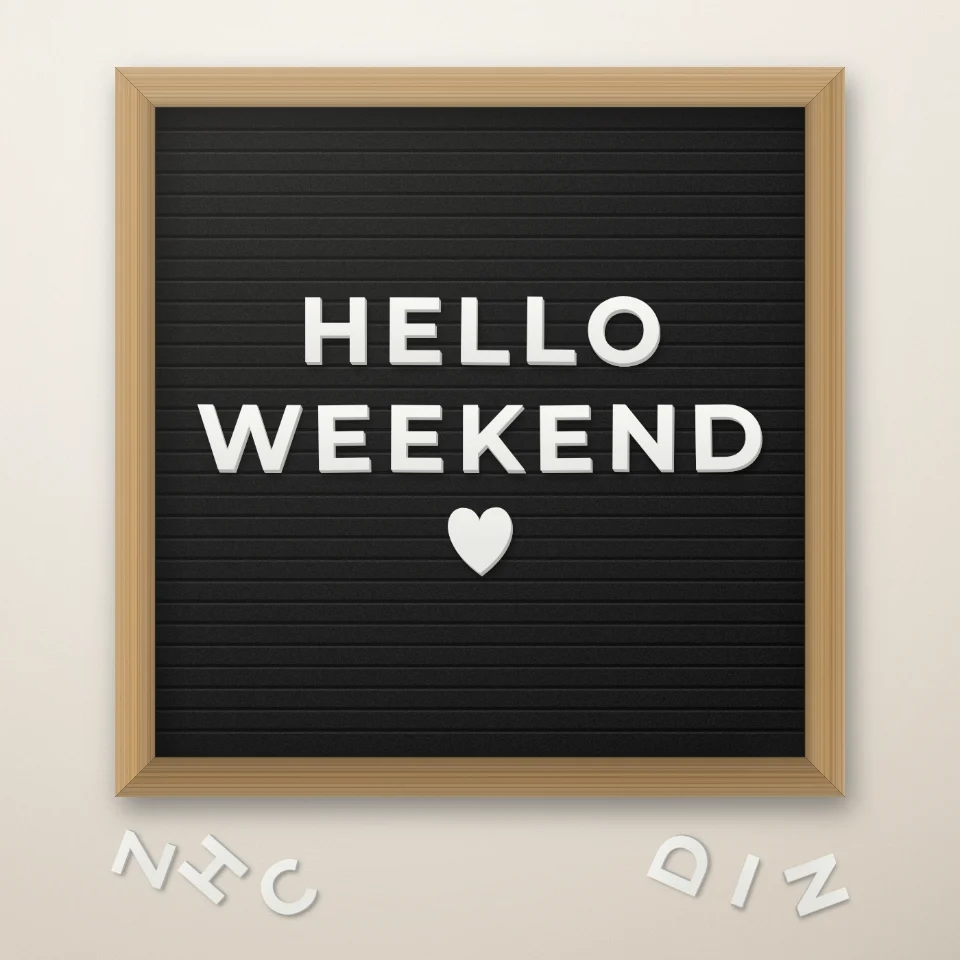
Letterbord quote-maker
Zet een quote op een viltbord met witte of gouden letters, een houten lijst en hartjes of sterren. Sla een PNG op. Er wordt niets geüpload.

Generator voor tijdschrift-knipselletters
Maak van tekst tijdschrift-knipselletters. Mix lettertypes of kies er één en download een PNG. Niets wordt geüpload.
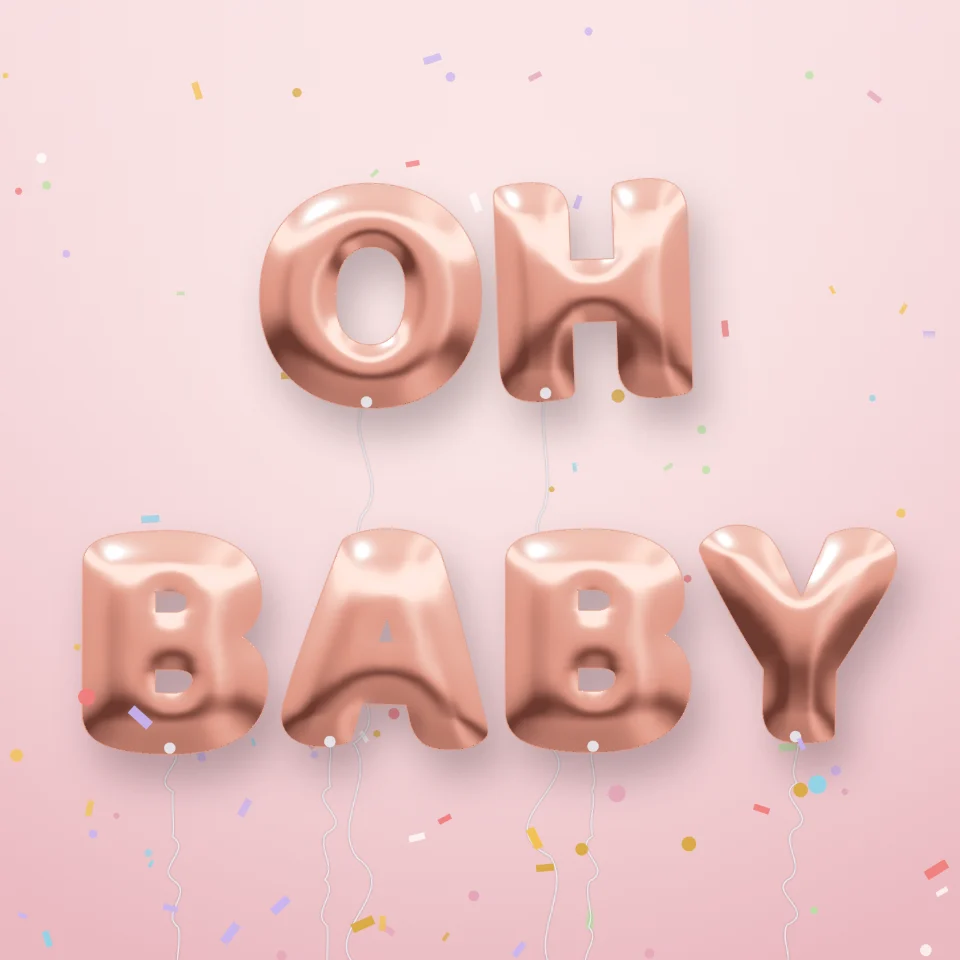
Ballonletters maken
Maak van elke naam of elk woord glanzende folieballonletters in goud, zilver, roségoud of holografisch, met linten en confetti. Sla een PNG op, ook transparant.

Straatnaambord- & plaquettemaker
Maak een eigen straatnaambord, blauwe gedenkplaat, messing naambord of huisnummer op een echt ogende muur. Voeg roest en slijtage toe en sla een PNG op. Niets wordt geüpload.
Klaar om het te proberen?
Open PictorX in uw browser - geen installatie, geen creditcard vereist om te starten.
Ga naar Editor