
Etichettatrice
La classica etichettatrice a rilievo, senza i clic. Scrivi le parole e ogni riga diventa una striscia di nastro lucido con lettere in rilievo, schiarite dove la rotella le ha premute. Scegli nastro, taglio e superficie e salva un PNG. Scrivi le parole, un'etichetta per riga, e scegli un nastro e uno stile. Trascina le etichette per spostarle, tira un angolo per ridimensionarle o gira la manopola per ruotarle.
Come funziona
- Type your text. Each line becomes its own strip of tape.
- Pick a style or choose the tape color, font, cut, and surface yourself.
- Set how crooked and worn the labels look, then save a PNG. Pick Transparent to use the labels on your own design.
Letters pressed into real tape
The letters stand up from the tape with a light top edge and a shadow below, turn pale where the plastic is stretched, and never line up perfectly, just like a hand-cranked embossing label maker.
Tape, cuts, and surfaces
Red, black, blue, green, yellow, pink, orange, silver, clear, or a rainbow mix. Cut the ends straight, angled, notched, or rounded, and stick the labels on kraft paper, wood, brushed metal, cork, or your own photo.
Domande frequenti
What can I make with the Label Maker?
Retro embossed label tape with your own words, for titles, planner and journal pages, pantry and storage labels, and aesthetic social posts.
Can I make several labels at once?
Yes. Every line you type becomes its own strip of tape, each at a slightly different angle.
Can I save the labels without a background?
Yes. Pick Transparent as the surface and save a PNG with only the tape and its shadow.
Do my labels leave my device?
No. Everything is drawn in your browser. Nothing is uploaded to PictorX servers.
Strumenti correlati
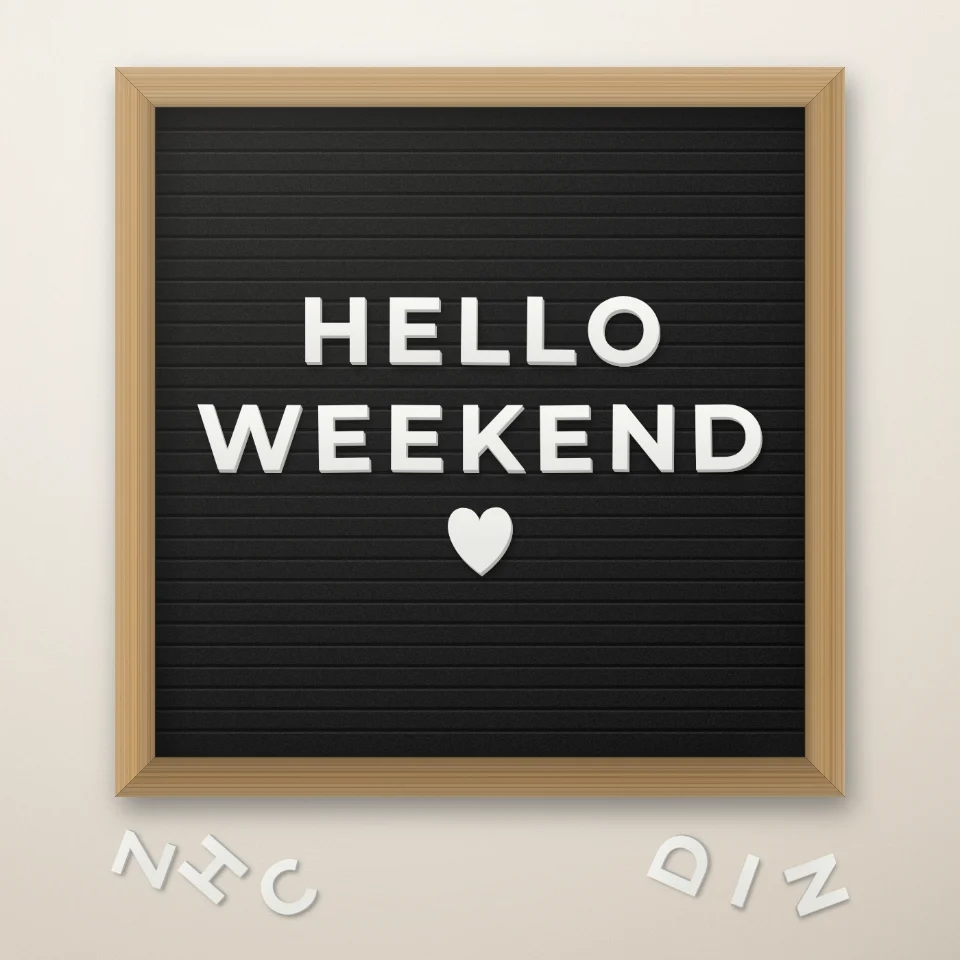
Crea frasi su lavagna a lettere
Scrivi una frase su una lavagna in feltro con lettere bianche o dorate, cornice in legno e cuori o stelle. Salva un PNG, senza caricamenti.

Generatore di lettere ritagliate da rivista
Trasforma le parole in lettere ritagliate da rivista. Mescola i font o usane uno, poi scarica un PNG. Nulla viene caricato.
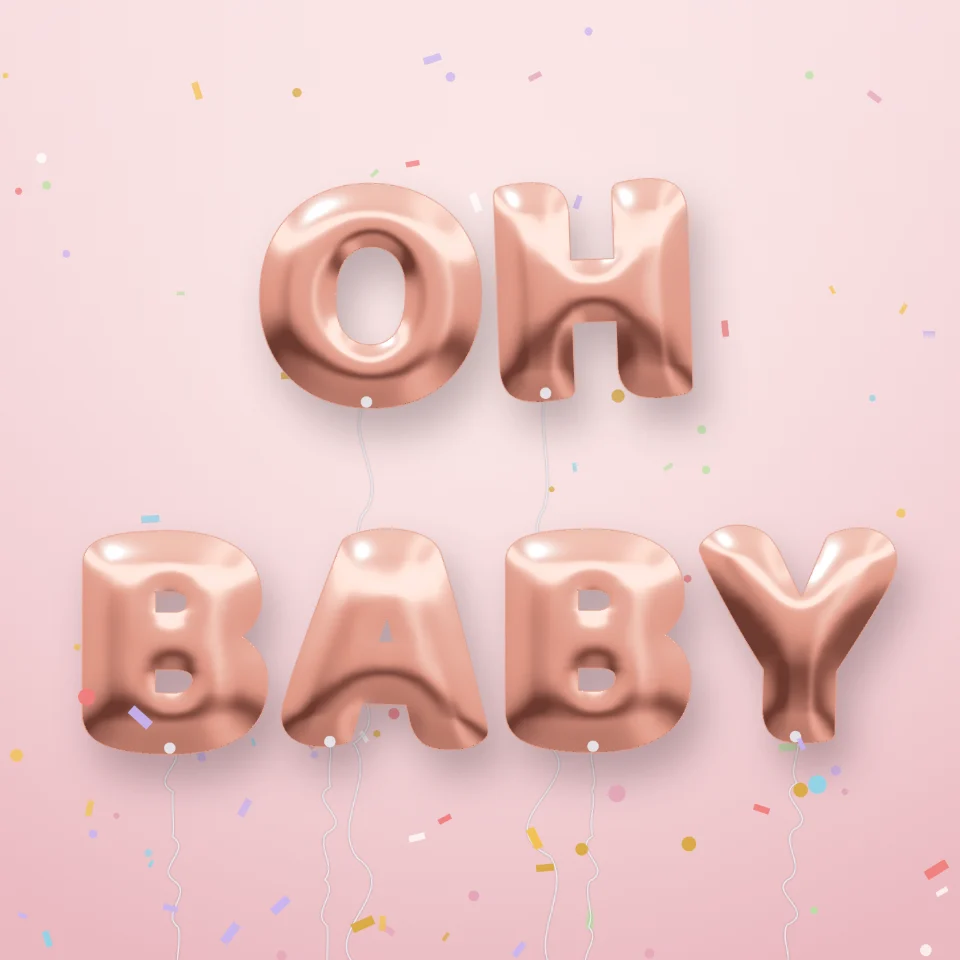
Generatore di lettere palloncino
Trasforma nomi e parole in lucide lettere palloncino oro, argento, oro rosa o olografiche, con nastri e coriandoli. Salva un PNG, anche trasparente.

Crea targhe stradali e placche
Crea una targa stradale, una targa blu, una placca in ottone o un numero civico su un muro realistico. Aggiungi ruggine e usura, poi PNG. Nulla viene caricato.
Pronto a provarlo?
Apri PictorX nel tuo browser: nessuna installazione, nessuna carta di credito richiesta per iniziare.
Vai all'editor