
लेबल मेकर
क्लासिक एम्बॉसिंग लेबल मेकर, बिना क्लिक के। अपने शब्द लिखें और हर लाइन उभरे अक्षरों वाली चमकदार टेप की पट्टी बन जाती है। टेप, कटिंग और सतह चुनें, फिर PNG सेव करें। अपने शब्द लिखें, हर पंक्ति में एक लेबल, और टेप व स्टाइल चुनें। लेबल खिसकाने के लिए खींचें, आकार बदलने के लिए कोना खींचें, या घुमाने के लिए नॉब घुमाएँ।
यह कैसे काम करता है
- Type your text. Each line becomes its own strip of tape.
- Pick a style or choose the tape color, font, cut, and surface yourself.
- Set how crooked and worn the labels look, then save a PNG. Pick Transparent to use the labels on your own design.
Letters pressed into real tape
The letters stand up from the tape with a light top edge and a shadow below, turn pale where the plastic is stretched, and never line up perfectly, just like a hand-cranked embossing label maker.
Tape, cuts, and surfaces
Red, black, blue, green, yellow, pink, orange, silver, clear, or a rainbow mix. Cut the ends straight, angled, notched, or rounded, and stick the labels on kraft paper, wood, brushed metal, cork, or your own photo.
अक्सर पूछे जाने वाले प्रश्न
What can I make with the Label Maker?
Retro embossed label tape with your own words, for titles, planner and journal pages, pantry and storage labels, and aesthetic social posts.
Can I make several labels at once?
Yes. Every line you type becomes its own strip of tape, each at a slightly different angle.
Can I save the labels without a background?
Yes. Pick Transparent as the surface and save a PNG with only the tape and its shadow.
Do my labels leave my device?
No. Everything is drawn in your browser. Nothing is uploaded to PictorX servers.
संबंधित टूल
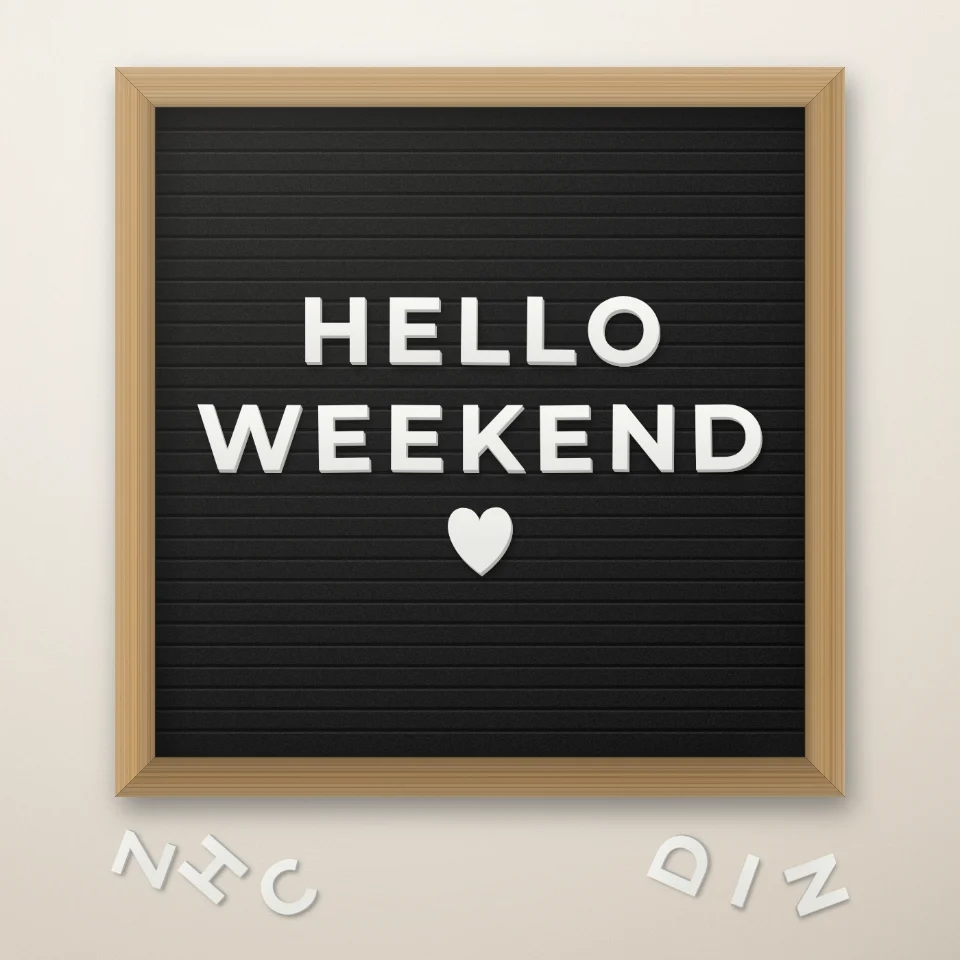
लेटर बोर्ड कोट मेकर
फ़ेल्ट लेटर बोर्ड पर सफ़ेद या सुनहरे अक्षरों, लकड़ी के फ़्रेम और दिल या तारों से अपना कोट लिखें। PNG सेव करें, कुछ अपलोड नहीं होता।

मैगज़ीन कटआउट अक्षर जनरेटर
टाइप किए शब्दों को मैगज़ीन कटआउट अक्षर बनाएँ। फ़ॉन्ट मिलाएँ या एक रखें, PNG डाउनलोड करें। कुछ अपलोड नहीं होता।
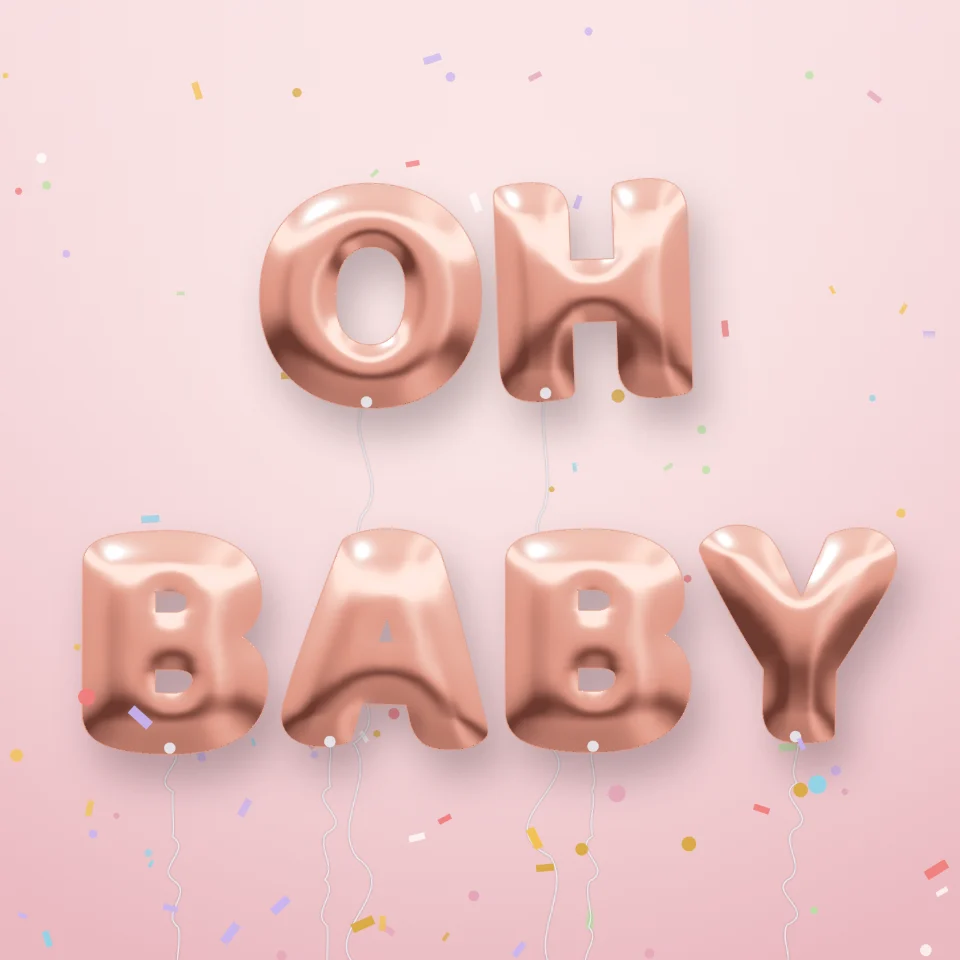
गुब्बारा अक्षर जनरेटर
किसी भी नाम या शब्द को गोल्ड, सिल्वर, रोज़ गोल्ड या होलोग्राफ़िक चमकदार फ़ॉइल गुब्बारा अक्षरों में बदलें, रिबन और कॉन्फ़ेटी के साथ। PNG सेव करें, पारदर्शी भी।

सड़क साइन और पट्टिका मेकर
असली जैसी दीवार पर अपना सड़क साइन, नीली पट्टिका, पीतल की नेमप्लेट या मकान नंबर बनाएँ। जंग और घिसाव जोड़ें, PNG सेव करें। कुछ अपलोड नहीं होता।
आज़माने के लिए तैयार?
अपने ब्राउज़र में PictorX खोलें — शुरू करने के लिए इंस्टॉल या क्रेडिट कार्ड की ज़रूरत नहीं।
एडिटर पर जाएँ