
Étiqueteuse
L'étiqueteuse embosseuse classique, sans les clics. Tapez vos mots : chaque ligne devient une bande de ruban vinyle brillant aux lettres en relief, blanchies là où la roue les a pressées. Choisissez ruban, coupe et support, puis un PNG. Saisissez vos mots, une étiquette par ligne, puis choisissez un ruban et un style. Faites glisser les étiquettes pour les déplacer, tirez un coin pour les redimensionner ou tournez la poignée.
Comment ça marche
- Type your text. Each line becomes its own strip of tape.
- Pick a style or choose the tape color, font, cut, and surface yourself.
- Set how crooked and worn the labels look, then save a PNG. Pick Transparent to use the labels on your own design.
Letters pressed into real tape
The letters stand up from the tape with a light top edge and a shadow below, turn pale where the plastic is stretched, and never line up perfectly, just like a hand-cranked embossing label maker.
Tape, cuts, and surfaces
Red, black, blue, green, yellow, pink, orange, silver, clear, or a rainbow mix. Cut the ends straight, angled, notched, or rounded, and stick the labels on kraft paper, wood, brushed metal, cork, or your own photo.
Questions fréquemment posées
What can I make with the Label Maker?
Retro embossed label tape with your own words, for titles, planner and journal pages, pantry and storage labels, and aesthetic social posts.
Can I make several labels at once?
Yes. Every line you type becomes its own strip of tape, each at a slightly different angle.
Can I save the labels without a background?
Yes. Pick Transparent as the surface and save a PNG with only the tape and its shadow.
Do my labels leave my device?
No. Everything is drawn in your browser. Nothing is uploaded to PictorX servers.
Outils associés
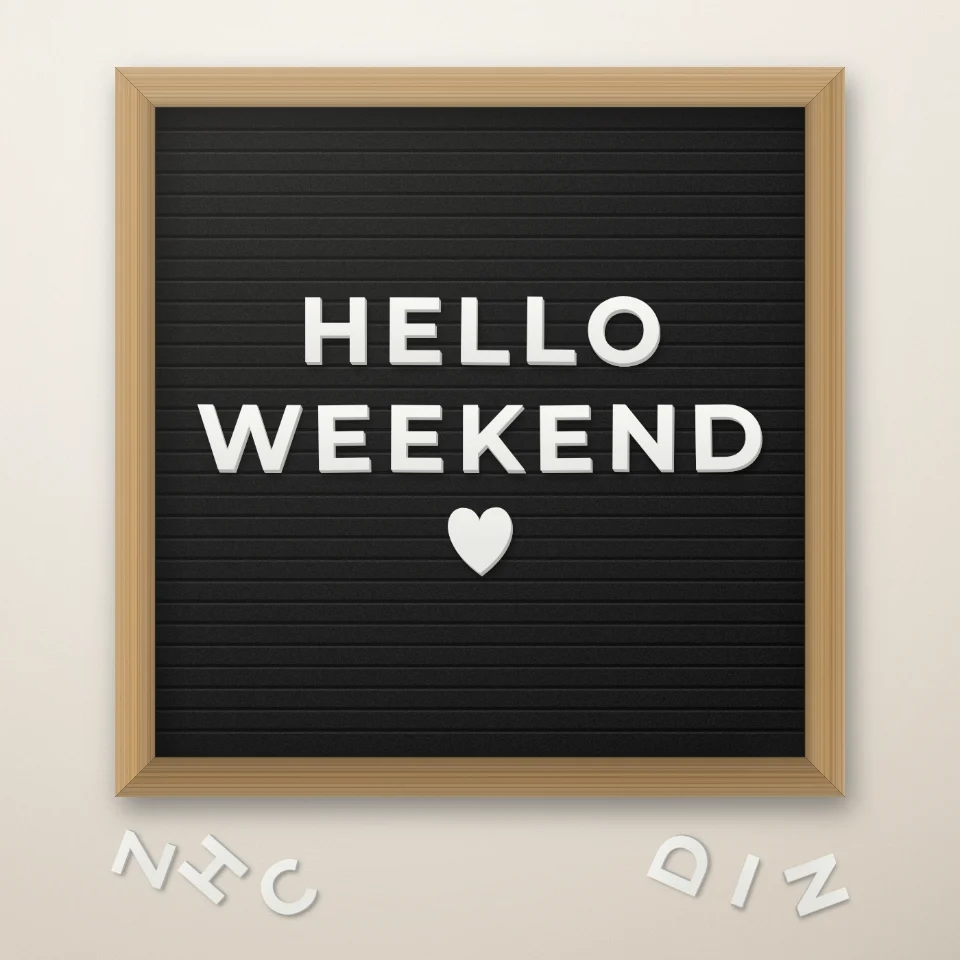
Créateur de citations sur tableau à lettres
Écrivez une citation sur un tableau en feutre avec des lettres blanches ou dorées, un cadre en bois et des cœurs. Enregistrez un PNG, sans envoi.

Générateur de lettres découpées magazine
Transformez un texte en lettres découpées style magazine. Mélangez les polices ou verrouillez-en une, puis téléchargez un PNG. Rien n’est envoyé.
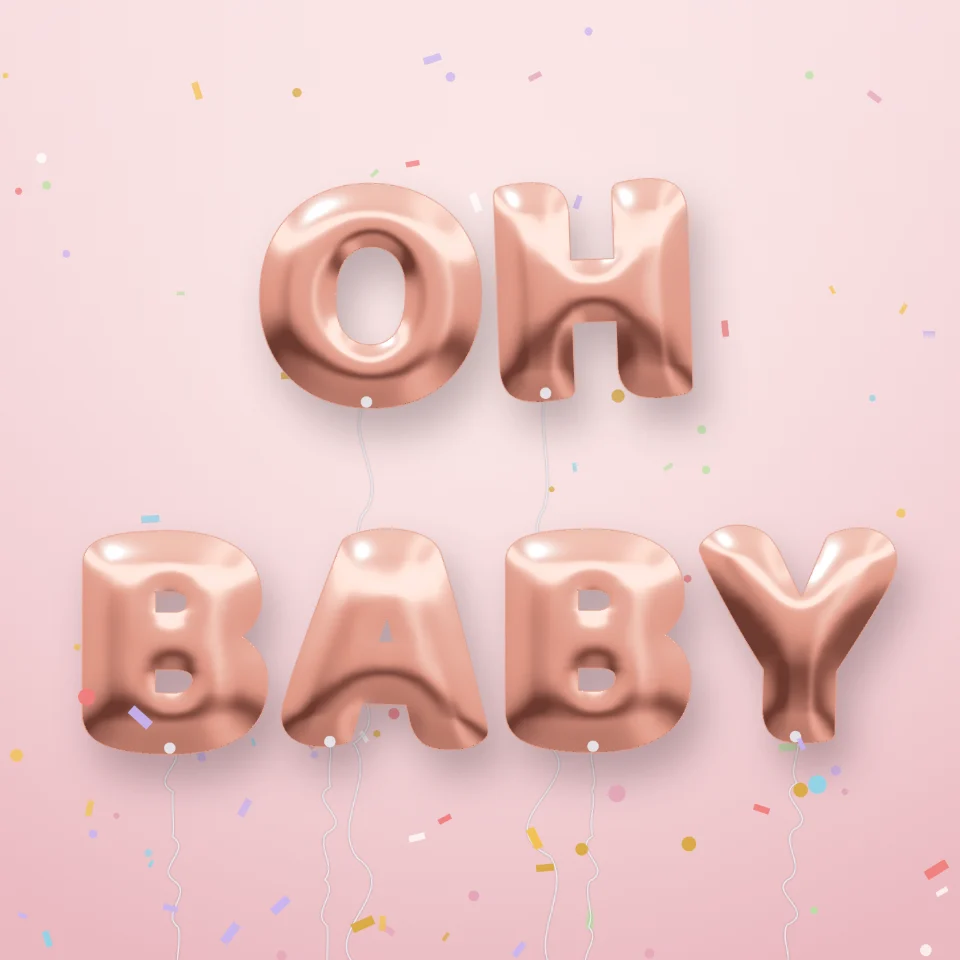
Générateur de lettres ballons
Transformez un prénom ou un mot en lettres ballons brillantes or, argent, or rose ou holographiques, avec rubans et confettis. Enregistrez un PNG, même transparent.

Créateur de plaques de rue
Créez une plaque de rue, une plaque bleue, une plaque en laiton ou un numéro de maison sur un mur réaliste. Ajoutez rouille et usure, puis PNG. Rien n’est téléversé.
Prêt à l'essayer ?
Ouvrez PictorX dans votre navigateur – aucune installation, aucune carte de crédit requise pour démarrer.
Aller à l'éditeur