
라벨 메이커
딸깍딸깍 누를 필요 없는 클래식 엠보싱 라벨 메이커. 글자를 입력하면 줄마다 윤기 나는 테이프가 되고, 눌린 글자는 하얗게 도드라져요. 테이프, 끝 모양, 바탕을 골라 PNG로 저장하세요. 한 줄에 라벨 하나씩 단어를 입력하고 테이프와 스타일을 고르세요. 라벨을 끌어 옮기고, 모서리를 당겨 크기를 바꾸거나, 손잡이를 돌려 회전하세요.
작동 원리
- Type your text. Each line becomes its own strip of tape.
- Pick a style or choose the tape color, font, cut, and surface yourself.
- Set how crooked and worn the labels look, then save a PNG. Pick Transparent to use the labels on your own design.
Letters pressed into real tape
The letters stand up from the tape with a light top edge and a shadow below, turn pale where the plastic is stretched, and never line up perfectly, just like a hand-cranked embossing label maker.
Tape, cuts, and surfaces
Red, black, blue, green, yellow, pink, orange, silver, clear, or a rainbow mix. Cut the ends straight, angled, notched, or rounded, and stick the labels on kraft paper, wood, brushed metal, cork, or your own photo.
자주 묻는 질문
What can I make with the Label Maker?
Retro embossed label tape with your own words, for titles, planner and journal pages, pantry and storage labels, and aesthetic social posts.
Can I make several labels at once?
Yes. Every line you type becomes its own strip of tape, each at a slightly different angle.
Can I save the labels without a background?
Yes. Pick Transparent as the surface and save a PNG with only the tape and its shadow.
Do my labels leave my device?
No. Everything is drawn in your browser. Nothing is uploaded to PictorX servers.
관련 도구
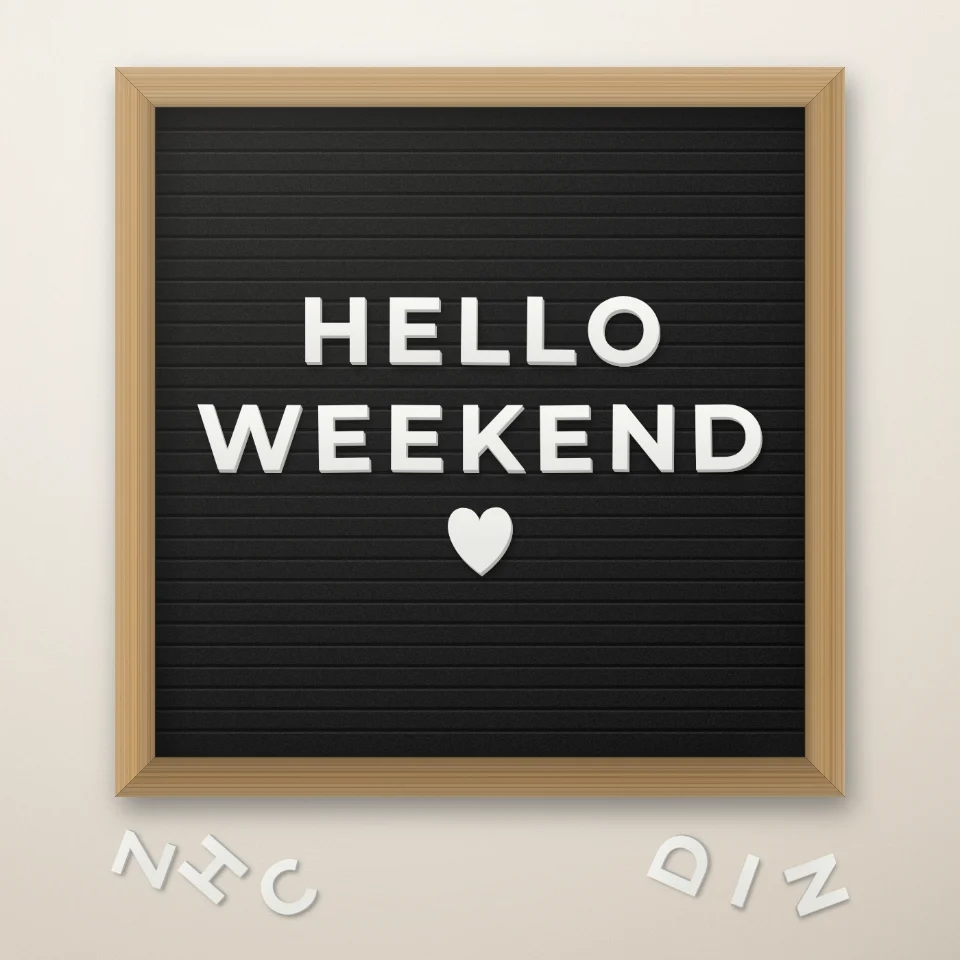
레터보드 문구 만들기
흰색 또는 금색 글자, 나무 프레임, 하트와 별로 펠트 레터보드에 문구를 만들고 PNG로 저장하세요. 업로드 없음.

잡지 컷아웃 문자 생성기
입력한 단어를 잡지 스타일의 컷아웃 글자로 바꿔보세요. 글꼴을 혼합하거나 하나를 잠그고 색상과 크기를 무작위로 지정하고 PNG를 다운로드하세요. 아무것도 업로드되지 않았습니다.
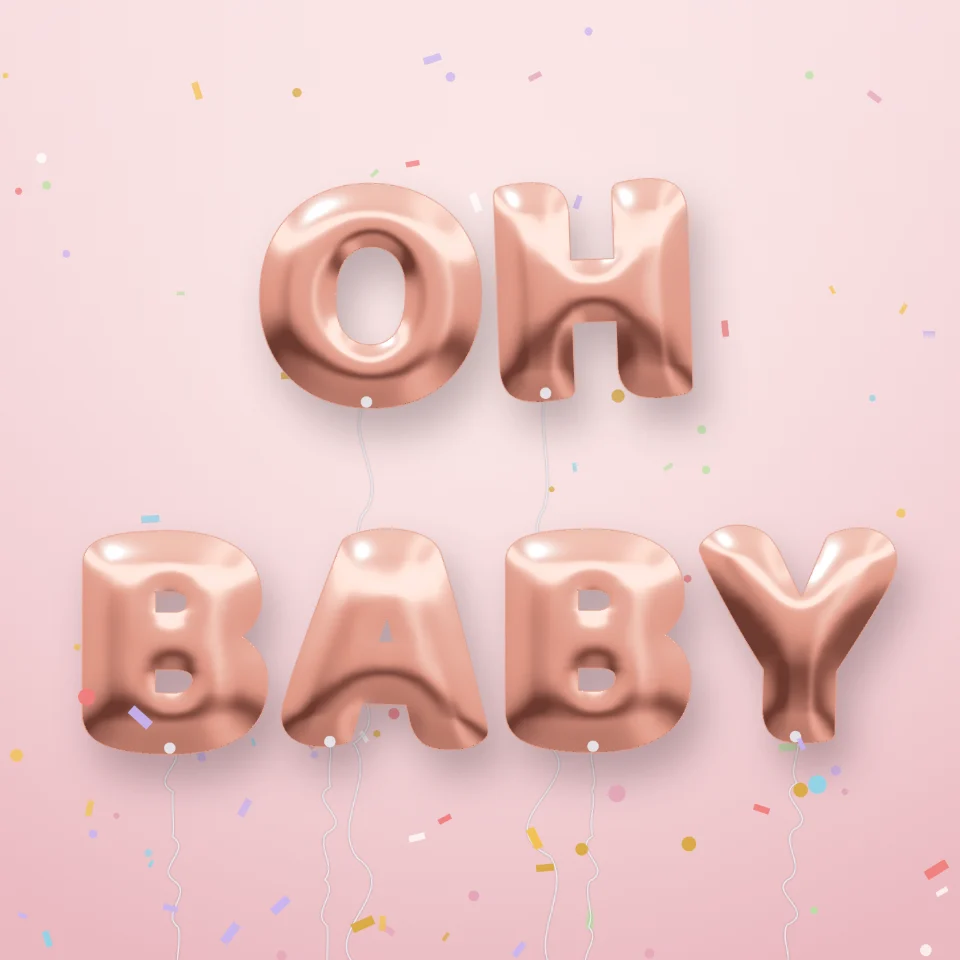
풍선 글자 만들기
이름이나 단어를 골드, 실버, 로즈 골드, 홀로그램 호일 풍선 글자로 만들어 보세요. 리본과 색종이 포함, 투명 배경 PNG도 저장할 수 있어요.

도로 표지판 & 명판 메이커
실감 나는 벽에 나만의 도로 표지판, 블루 플라크, 황동 명판, 집 번호판을 만드세요. 녹과 마모를 더하고 PNG 저장. 업로드 없음.
시도해 볼 준비가 되셨나요?
브라우저에서 PictorX를 엽니다. 설치가 필요 없고 시작하는 데 신용 카드가 필요하지 않습니다.
편집자로 이동