
Etikettskrivare
Den klassiska präglingsmaskinen utan klickande. Skriv dina ord så blir varje rad en remsa blank tejp med upphöjda bokstäver, bleka där hjulet tryckte. Välj tejp, snitt och underlag och spara en PNG. Skriv dina ord, en etikett per rad, och välj en tejp och en stil. Dra etiketterna för att flytta dem, dra i ett hörn för att ändra storlek eller vrid på knappen.
Hur det fungerar
- Type your text. Each line becomes its own strip of tape.
- Pick a style or choose the tape color, font, cut, and surface yourself.
- Set how crooked and worn the labels look, then save a PNG. Pick Transparent to use the labels on your own design.
Letters pressed into real tape
The letters stand up from the tape with a light top edge and a shadow below, turn pale where the plastic is stretched, and never line up perfectly, just like a hand-cranked embossing label maker.
Tape, cuts, and surfaces
Red, black, blue, green, yellow, pink, orange, silver, clear, or a rainbow mix. Cut the ends straight, angled, notched, or rounded, and stick the labels on kraft paper, wood, brushed metal, cork, or your own photo.
Ofta ställda frågor
What can I make with the Label Maker?
Retro embossed label tape with your own words, for titles, planner and journal pages, pantry and storage labels, and aesthetic social posts.
Can I make several labels at once?
Yes. Every line you type becomes its own strip of tape, each at a slightly different angle.
Can I save the labels without a background?
Yes. Pick Transparent as the surface and save a PNG with only the tape and its shadow.
Do my labels leave my device?
No. Everything is drawn in your browser. Nothing is uploaded to PictorX servers.
Relaterade verktyg
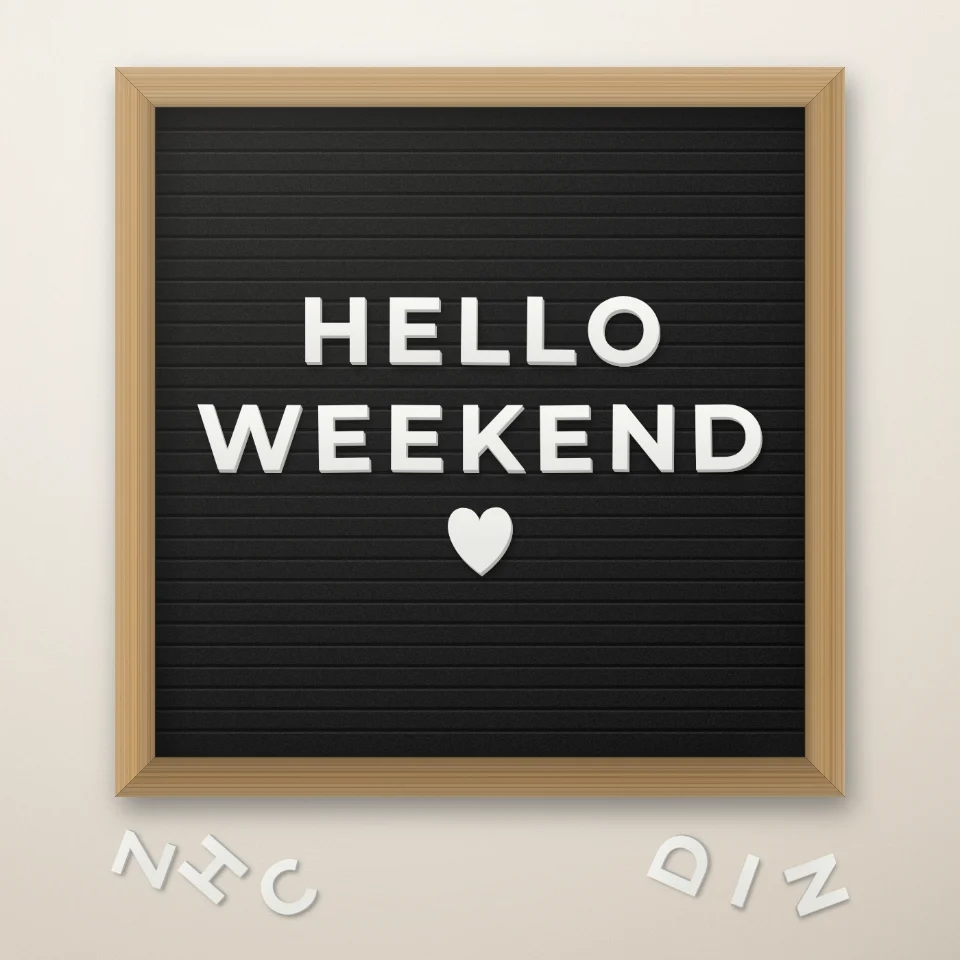
Citatskapare för bokstavstavla
Skriv ett citat på en filttavla med vita eller guldiga bokstäver, träram och hjärtan eller stjärnor. Spara en PNG. Inget laddas upp.

Magazine Cutout Brev Generator
Förvandla skrivna ord i tidskrifts-stil cutout brev. Blanda teckensnitt eller låsa en, randomisera färger och storlekar, och ladda ner en PNG. Inget laddas upp.
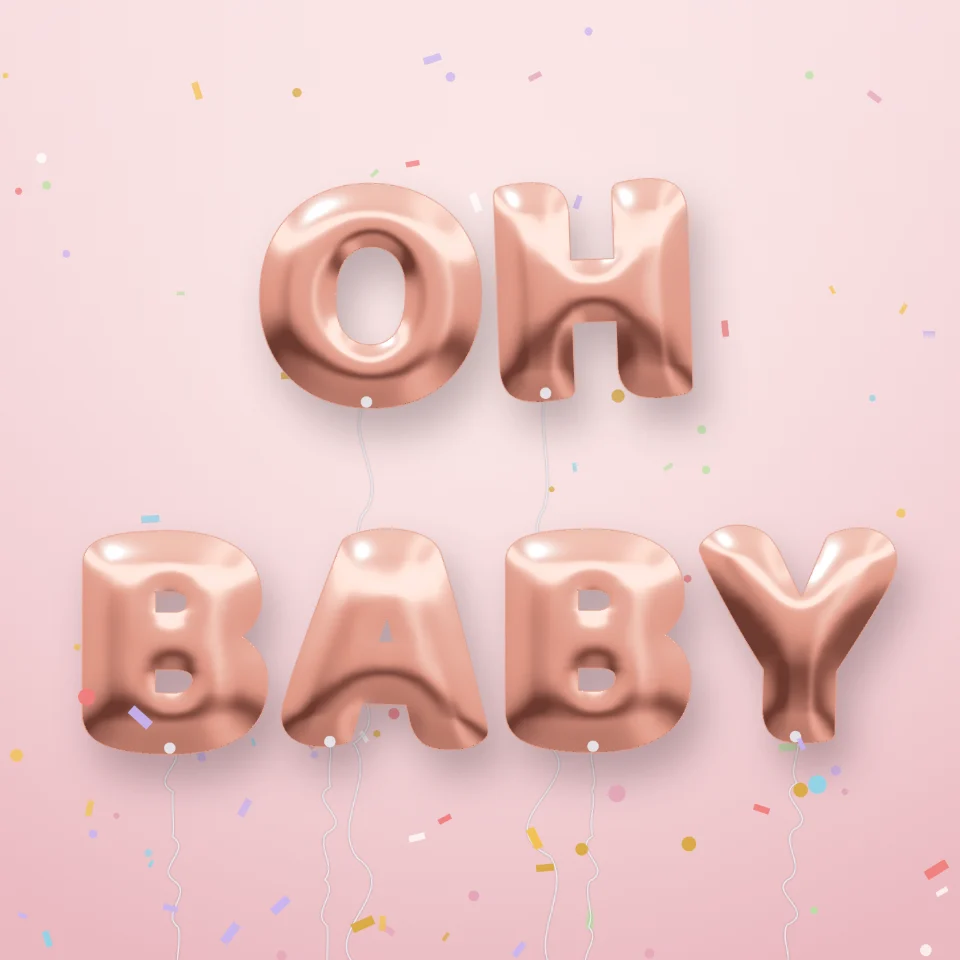
Ballongbokstavsgenerator
Gör namn och ord till glänsande folieballongbokstäver i guld, silver, roséguld eller holografiskt, med band och konfetti. Spara en PNG, även transparent.

Gatuskylt- & plakettmaker
Gör en egen gatuskylt, blå minnestavla, mässingsskylt eller husnummer på en realistisk vägg. Lägg till rost och slitage, spara PNG. Ingenting laddas upp.
Redo att prova det?
Öppna PictorX i din webbläsare - ingen installation, inget kreditkort krävs för att starta.
Gå till Editor