
Máy làm nhãn
Máy làm nhãn dập nổi cổ điển, không cần bấm. Nhập chữ và mỗi dòng thành một dải băng bóng với chữ nổi, trắng ra nơi bánh xe ép. Chọn băng, kiểu cắt và bề mặt rồi lưu PNG. Nhập chữ, mỗi dòng một nhãn, rồi chọn băng và kiểu. Kéo nhãn để di chuyển, kéo một góc để đổi kích thước hoặc xoay núm để xoay.
Cách nó hoạt động
- Type your text. Each line becomes its own strip of tape.
- Pick a style or choose the tape color, font, cut, and surface yourself.
- Set how crooked and worn the labels look, then save a PNG. Pick Transparent to use the labels on your own design.
Letters pressed into real tape
The letters stand up from the tape with a light top edge and a shadow below, turn pale where the plastic is stretched, and never line up perfectly, just like a hand-cranked embossing label maker.
Tape, cuts, and surfaces
Red, black, blue, green, yellow, pink, orange, silver, clear, or a rainbow mix. Cut the ends straight, angled, notched, or rounded, and stick the labels on kraft paper, wood, brushed metal, cork, or your own photo.
Hỏi thường xuyên
What can I make with the Label Maker?
Retro embossed label tape with your own words, for titles, planner and journal pages, pantry and storage labels, and aesthetic social posts.
Can I make several labels at once?
Yes. Every line you type becomes its own strip of tape, each at a slightly different angle.
Can I save the labels without a background?
Yes. Pick Transparent as the surface and save a PNG with only the tape and its shadow.
Do my labels leave my device?
No. Everything is drawn in your browser. Nothing is uploaded to PictorX servers.
Công cụ liên quan
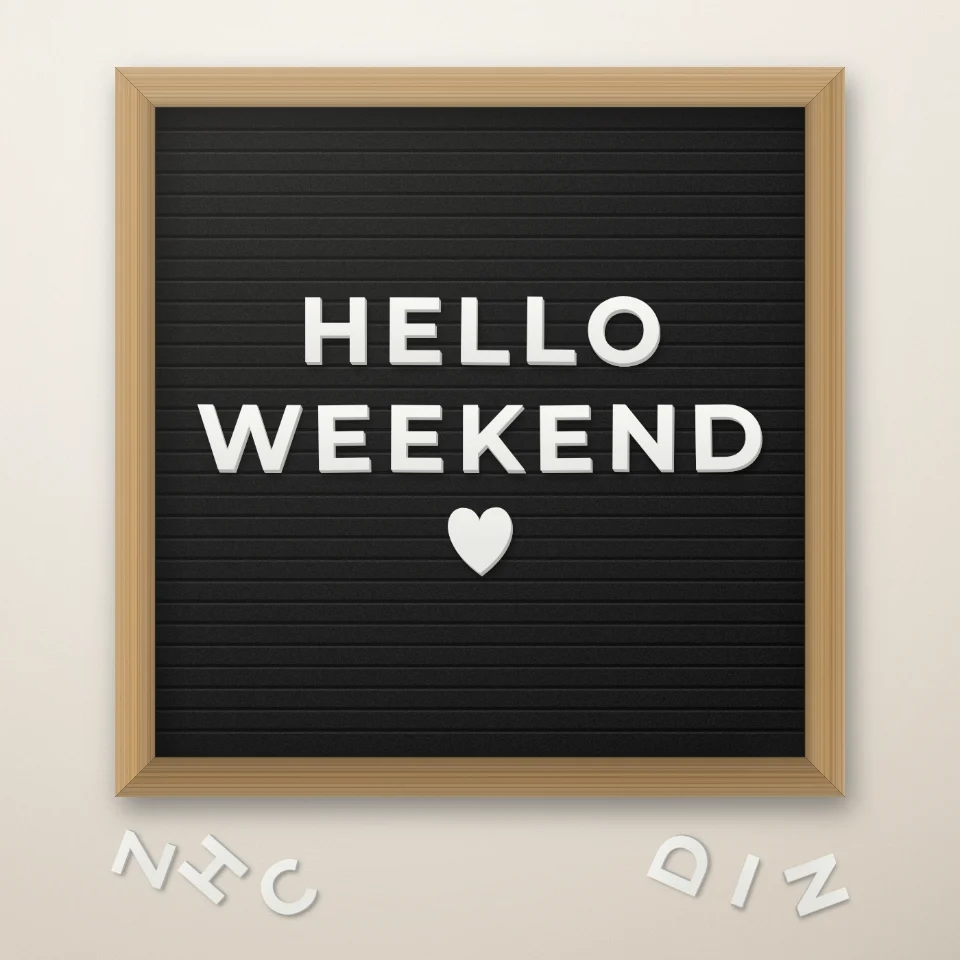
Tạo câu trên bảng chữ
Viết câu nói trên bảng chữ nỉ với chữ trắng hoặc vàng, khung gỗ và trái tim hay ngôi sao. Lưu PNG, không tải lên.

Trình tạo chữ cái cắt tạp chí
Biến những từ đã gõ thành những chữ cắt tạp chí. Tổng hợp phông chữ hoặc khoá một, ngẫu nhiên hóa màu và kích cỡ, và tải về một PNG. Không có gì được tải lên.

Tạo chữ bóng bay
Biến tên hoặc từ bất kỳ thành chữ bóng bay kim loại vàng, bạc, vàng hồng hoặc ánh ba chiều, có ruy băng và hoa giấy. Lưu PNG, cả nền trong suốt.

Tạo biển tên đường & bảng hiệu
Tạo biển tên đường, biển tưởng niệm xanh, biển đồng hoặc số nhà trên bức tường chân thực. Thêm gỉ sét và vết mòn rồi lưu PNG. Không tải lên.
Sẵn sàng thử chưa?
Mở PictorX trong trình duyệt của bạn — không cài đặt, không cần thiết thẻ tín dụng để khởi động.
Tới bộ sửa