
Photo Physics
A physics playground for your pictures. Open a photo, then turn its pixels into particles, make it flow like liquid, pull it into gravity wells, blow it away with wind, grow crystals through it, trace its edges with lightning, or let it dissolve into a flow field. Drag on the canvas to interact, then save a PNG — nothing is uploaded. Open a photo, pick a simulation, then drag on the canvas to push, pull, or stir it.
How it works
- Open this page and try the sample, or open your own photo.
- Pick a simulation, then drag or tap on the canvas to push, pull, stir, or spark it.
- Tune strength, particle size, and speed, then save a PNG or keep editing in PictorX.
Seven simulations, one photo
Particles spring back home after you scatter them. Liquid carries the picture on a viscous flow. Gravity wells bend pixels into orbit. Wind sweeps the photo away grain by grain. Crystals nucleate and grow along hexagonal axes. Lightning crawls along the strongest edges. The flow field peels pixels off, darkest first, and streams them away.
Interactive, and private
Every simulation reacts to your pointer: drag to push or stir, tap to explode, splash, add a gravity well, seed a crystal, or strike lightning. The physics runs in your browser on your device, so your photo is never uploaded.
Frequently asked questions
What does Photo Physics do?
It runs a physical simulation on the pixels of a photo: particles, liquid, gravity, wind, crystals, lightning, or a dissolving flow field.
How do I interact with the simulation?
Drag on the canvas to push, pull, or stir the photo. Tap to trigger an explosion, a splash, a new gravity well, a crystal seed, or a lightning strike.
Can I save the result?
Yes. Pause at the moment you like and save a PNG, or open the frame in the PictorX editor to keep working on it.
Do my photos leave my device?
No. All simulations run in your browser. Nothing is uploaded to PictorX servers.
Related tools
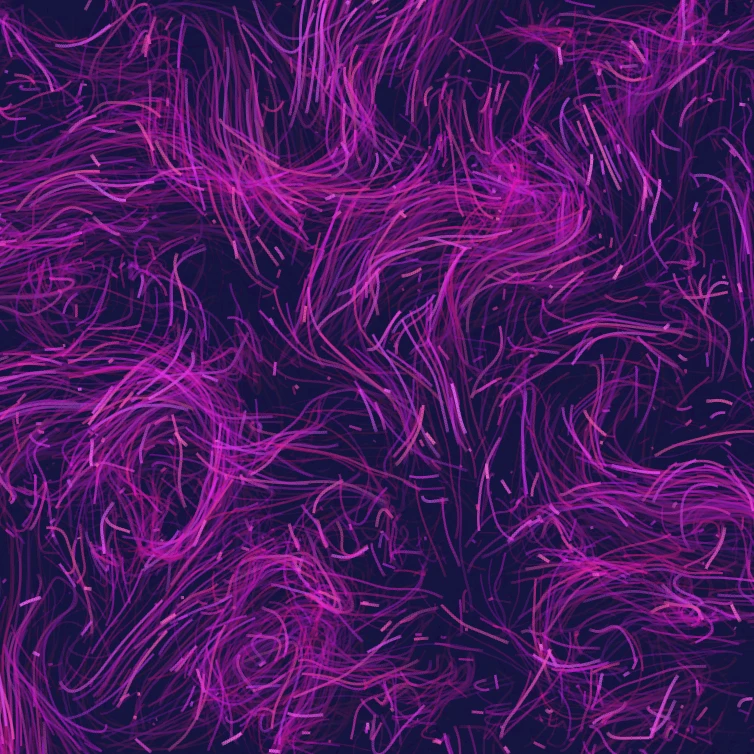
Flow Field
Steer thousands of particles with curl noise, wind, gravity, and clickable attractors, repellers, and vortices. Animate and save a PNG. Nothing is uploaded.

Glitch effect generator
Apply RGB split, scanlines, pixel sort, VHS tracking, datamosh, slice shift, and other glitch styles to a photo in your browser. Nothing is uploaded to PictorX servers.

Fold a photo into a kaleidoscope
Turn a photo into a radial kaleidoscope pattern in your browser. Set sides, angle, and rotation. Nothing is uploaded to PictorX servers.
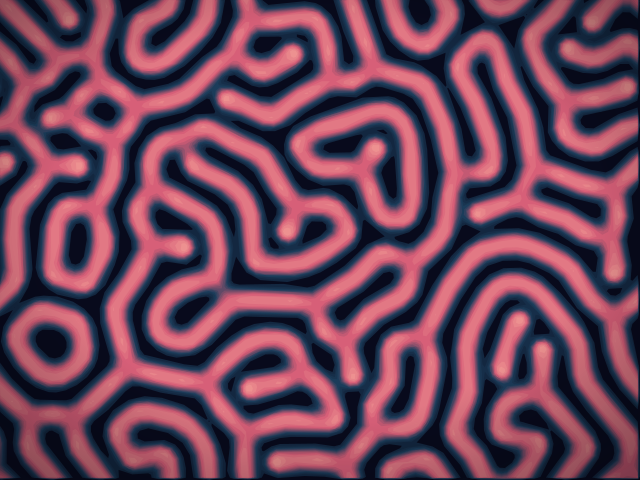
Reaction–Diffusion Lab
Paint chemical seeds and watch Gray–Scott reaction–diffusion grow spots, stripes, mazes, and coral. Tune feed, kill, diffusion, and speed — then save a PNG. Nothing is uploaded.
Ready to try it?
Open PictorX in your browser — no install, no credit card required to start.
Go to Editor