
Photo Physics
En fysik-legeplads til dine billeder. Åbn et foto og gør pixels til partikler, lad det flyde som væske, træk det ind i tyngdebrønde, blæs det væk med vind, lad krystaller vokse, spor kanterne med lyn eller opløs det i et strømningsfelt. Træk på lærredet og gem PNG — intet uploades. Open a photo, pick a simulation, then drag on the canvas to push, pull, or stir it.
Sådan virker det
- Open this page and try the sample, or open your own photo.
- Pick a simulation, then drag or tap on the canvas to push, pull, stir, or spark it.
- Tune strength, particle size, and speed, then save a PNG or keep editing in PictorX.
Seven simulations, one photo
Particles spring back home after you scatter them. Liquid carries the picture on a viscous flow. Gravity wells bend pixels into orbit. Wind sweeps the photo away grain by grain. Crystals nucleate and grow along hexagonal axes. Lightning crawls along the strongest edges. The flow field peels pixels off, darkest first, and streams them away.
Interactive, and private
Every simulation reacts to your pointer: drag to push or stir, tap to explode, splash, add a gravity well, seed a crystal, or strike lightning. The physics runs in your browser on your device, so your photo is never uploaded.
Ofte stillede spørgsmål
What does Photo Physics do?
It runs a physical simulation on the pixels of a photo: particles, liquid, gravity, wind, crystals, lightning, or a dissolving flow field.
How do I interact with the simulation?
Drag on the canvas to push, pull, or stir the photo. Tap to trigger an explosion, a splash, a new gravity well, a crystal seed, or a lightning strike.
Can I save the result?
Yes. Pause at the moment you like and save a PNG, or open the frame in the PictorX editor to keep working on it.
Do my photos leave my device?
No. All simulations run in your browser. Nothing is uploaded to PictorX servers.
Relaterede værktøjer
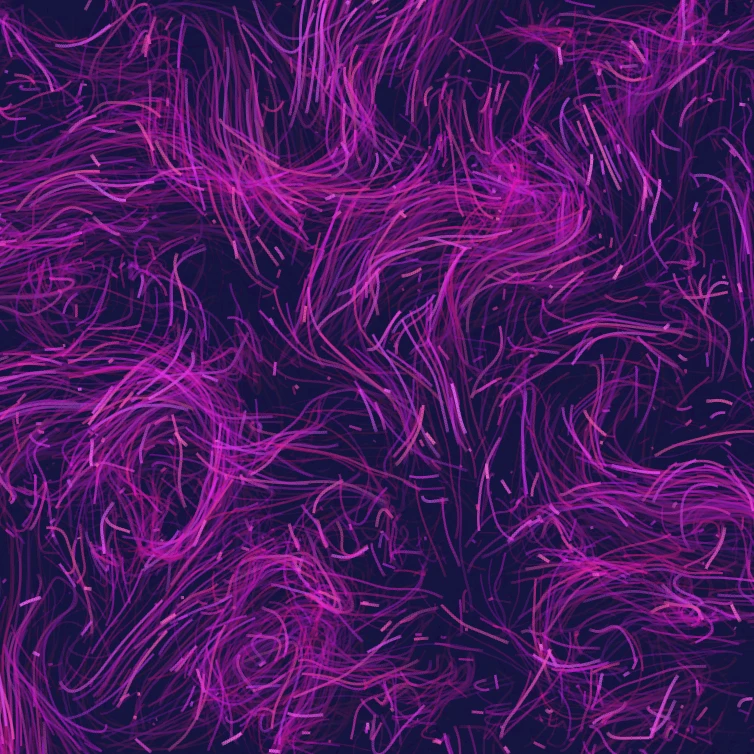
Strømningsfelt
Styr tusindvis af partikler med curl-støj, vind, tyngdekraft og klikbare tiltrækkere, frastødere og hvirvler. Animér og gem en PNG. Intet uploades.

Glitch effekt generator
Anvend RGB split, scanlines, pixel sort, VHS tracking, datamosh, skive skift, og andre glitch stilarter til et foto i din browser. Intet er uploadet til PictorX servere.

Fold et foto ind i et kalejdoskop
Gør et foto til en radial kalejdoskop mønster i din browser. Sæt sider, vinkel og rotation. Intet er uploadet til PictorX servere.
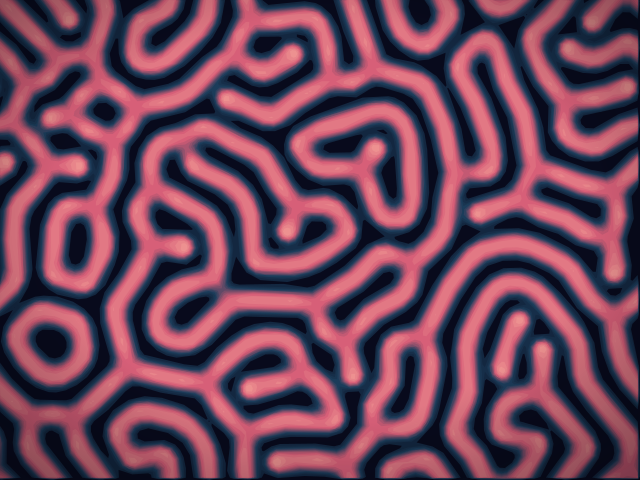
Reaktions-diffusionslab
Mal kemiske frø og se Gray–Scott-reaktions-diffusion vokse pletter, striber, labyrinter og koral. Juster feed, kill, diffusion og hastighed — gem derefter en PNG. Intet uploades.
Er du klar til at prøve?
Åbn PictorX i din browser - ingen installation, ingen kreditkort kræves for at starte.
Gå til Editor