
فيزياء الصور
ساحة لعب فيزيائية لصورك. افتح صورة ثم حوّل بكسلاتها إلى جسيمات، أو اجعلها تتدفق كالسائل، أو اجذبها إلى آبار الجاذبية، أو انفخها بالرياح، أو نمِّ فيها البلورات، أو ارسم حوافها بالبرق، أو دعها تذوب في حقل تدفق. اسحب على اللوحة ثم احفظ PNG — لا يُرفع شيء. Open a photo, pick a simulation, then drag on the canvas to push, pull, or stir it.
كيف يعمل
- Open this page and try the sample, or open your own photo.
- Pick a simulation, then drag or tap on the canvas to push, pull, stir, or spark it.
- Tune strength, particle size, and speed, then save a PNG or keep editing in PictorX.
Seven simulations, one photo
Particles spring back home after you scatter them. Liquid carries the picture on a viscous flow. Gravity wells bend pixels into orbit. Wind sweeps the photo away grain by grain. Crystals nucleate and grow along hexagonal axes. Lightning crawls along the strongest edges. The flow field peels pixels off, darkest first, and streams them away.
Interactive, and private
Every simulation reacts to your pointer: drag to push or stir, tap to explode, splash, add a gravity well, seed a crystal, or strike lightning. The physics runs in your browser on your device, so your photo is never uploaded.
الأسئلة المتداولة
What does Photo Physics do?
It runs a physical simulation on the pixels of a photo: particles, liquid, gravity, wind, crystals, lightning, or a dissolving flow field.
How do I interact with the simulation?
Drag on the canvas to push, pull, or stir the photo. Tap to trigger an explosion, a splash, a new gravity well, a crystal seed, or a lightning strike.
Can I save the result?
Yes. Pause at the moment you like and save a PNG, or open the frame in the PictorX editor to keep working on it.
Do my photos leave my device?
No. All simulations run in your browser. Nothing is uploaded to PictorX servers.
الأدوات ذات الصلة
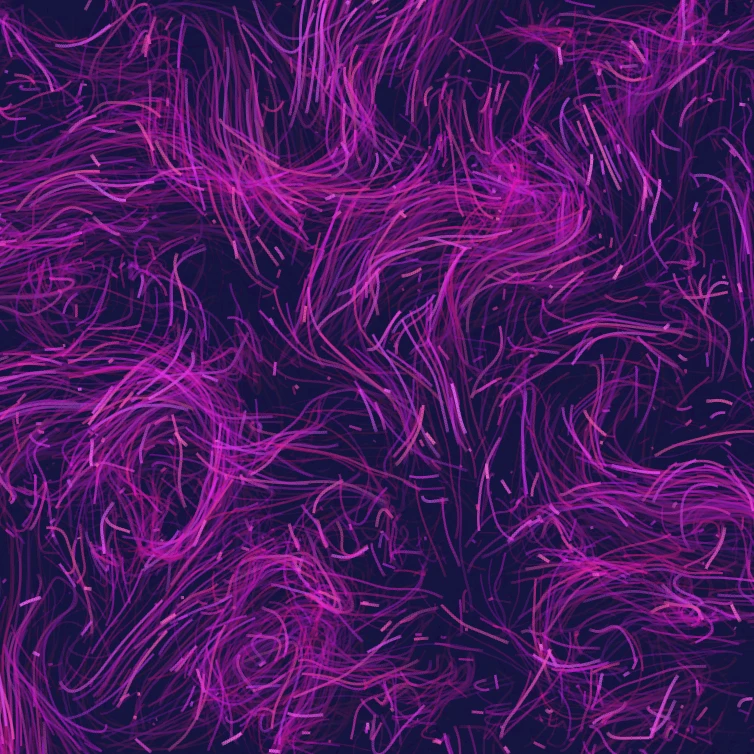
حقل التدفق
وجّه آلاف الجسيمات بضوضاء الالتفاف والرياح والجاذبية وجواذب ودافعات ودوامات قابلة للنقر. حرّك واحفظ PNG. لا يُرفع شيء.

مولّد تأثير الخلل الرقمي
طبّق انفصال RGB وخطوط المسح وفرز البكسل وتتبع VHS وداتاموش وإزاحة الشرائح وأنماط خلل أخرى على صورة في المتصفح. لا يُرفع شيء إلى خوادم PictorX.

اطوِ صورة إلى منظار
حوّل صورة إلى نمط منظار شعاعي في المتصفح. اضبط الأضلاع والزاوية والدوران. لا يُرفع شيء إلى خوادم PictorX.
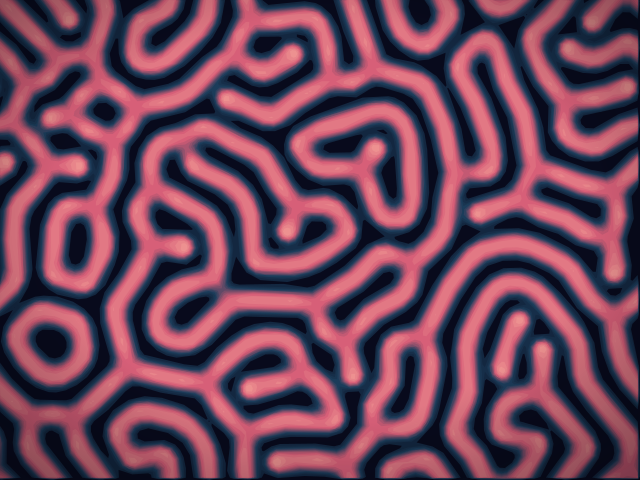
مختبر التفاعل-الانتشار
ارسم بذورًا كيميائية وشاهد تفاعل-انتشار غراي–سكوت ينمّي بقعًا وخطوطًا ومتاهات ومرجانًا. اضبط التغذية والقتل والانتشار والسرعة — ثم احفظ PNG. لا يُرفع أي شيء.
هل أنت مستعد لتجربتها؟
افتح PictorX في متصفحك - بدون تثبيت، ولا يلزم وجود بطاقة ائتمان للبدء.
الانتقال إلى المحرر