
Photo Physics
Sân chơi vật lý cho ảnh của bạn. Mở ảnh rồi biến điểm ảnh thành hạt, cho nó chảy như chất lỏng, hút vào giếng trọng lực, thổi bay bằng gió, nuôi tinh thể, vẽ viền bằng tia sét hoặc hòa tan vào trường dòng chảy. Kéo trên canvas rồi lưu PNG — không tải lên. Open a photo, pick a simulation, then drag on the canvas to push, pull, or stir it.
Cách nó hoạt động
- Open this page and try the sample, or open your own photo.
- Pick a simulation, then drag or tap on the canvas to push, pull, stir, or spark it.
- Tune strength, particle size, and speed, then save a PNG or keep editing in PictorX.
Seven simulations, one photo
Particles spring back home after you scatter them. Liquid carries the picture on a viscous flow. Gravity wells bend pixels into orbit. Wind sweeps the photo away grain by grain. Crystals nucleate and grow along hexagonal axes. Lightning crawls along the strongest edges. The flow field peels pixels off, darkest first, and streams them away.
Interactive, and private
Every simulation reacts to your pointer: drag to push or stir, tap to explode, splash, add a gravity well, seed a crystal, or strike lightning. The physics runs in your browser on your device, so your photo is never uploaded.
Hỏi thường xuyên
What does Photo Physics do?
It runs a physical simulation on the pixels of a photo: particles, liquid, gravity, wind, crystals, lightning, or a dissolving flow field.
How do I interact with the simulation?
Drag on the canvas to push, pull, or stir the photo. Tap to trigger an explosion, a splash, a new gravity well, a crystal seed, or a lightning strike.
Can I save the result?
Yes. Pause at the moment you like and save a PNG, or open the frame in the PictorX editor to keep working on it.
Do my photos leave my device?
No. All simulations run in your browser. Nothing is uploaded to PictorX servers.
Công cụ liên quan
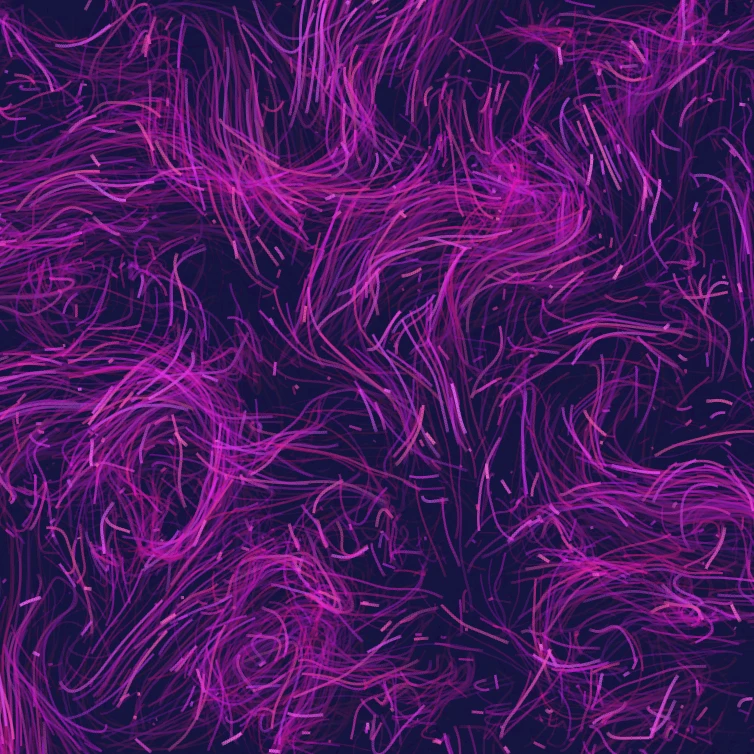
Trường dòng
Lái hàng nghìn hạt bằng nhiễu curl, gió, trọng lực và hút, đẩy, xoáy bấm được. Hoạt ảnh và lưu PNG. Không tải gì lên.

Trình tạo ra hiệu ứng Glitch
Áp dụng tách RGB, scanlines, loại điểm ảnh, theo dõi VHS, dữ liệush, chuyển lát, và các kiểu hình trục trặc khác trong trình duyệt. Không có gì được tải lên máy chủ PictorX.

Gấp ảnh vào kính vạn hoa
Biến một bức ảnh thành một mô hình kính vạn hoa trong trình duyệt của bạn. Đặt hai bên, góc và xoay. Không có gì được tải lên máy chủ PictorX.
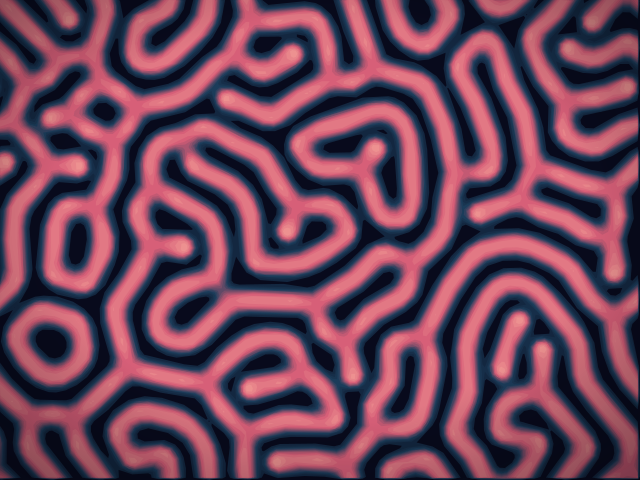
Phòng thí nghiệm phản ứng-khuếch tán
Vẽ hạt giống hóa chất và xem phản ứng-khuếch tán Gray–Scott tạo đốm, sọc, mê cung và san hô. Chỉnh feed, kill, khuếch tán và tốc độ — rồi lưu PNG. Không có gì được tải lên.
Sẵn sàng thử chưa?
Mở PictorX trong trình duyệt của bạn — không cài đặt, không cần thiết thẻ tín dụng để khởi động.
Tới bộ sửa