
Flow Field
Thousands of particles following a vector field—curl noise, wind, gravity, viscosity, and clickable forces. Animate and save a PNG. Place forces, pick a Look, then tune particles, trail, and wind.
How it works
- Open the demo—particles begin streaming on the canvas.
- Pick a Look (Smoke Drift, Galaxy Swirl, …) or leave Custom.
- Click or drag to place Attract / Repel / Vortex forces; clear anytime.
- Tune particles, lifespan, size, trail fade, flow speed, turbulence, wind, gravity, and viscosity.
- Animate; Pause or Resume while you refine; Randomize for fresh settings.
- Save a PNG or Edit in PictorX. Nothing is uploaded.
Particles in a vector field
Each particle samples a curl-noise field plus wind, gravity, viscosity, and your placed forces. Trails fade with a low-alpha canvas wipe each frame—fast enough for thousands of particles.
Attractors, repellers, vortices
Choose a field tool, then click or drag on the canvas. Attractors pull streams in; repellers push them away; vortices twist nearby motion into spirals.
Looks to explore
Smoke Drift, River Flow, Fingerprint Field, Hair Flow, Galaxy Swirl, Neon Trails, and Chaos Mode give instant starting points before you fine-tune.
Frequently asked questions
Does Flow Field upload my images?
No. Everything runs in your browser.
How do I place forces?
Select Attract, Repel, or Vortex, then click or drag on the canvas. Use Clear forces to remove them.
What does Randomize change?
It randomizes field parameters and Look controls but does not turn Animate off or change Pause/Resume state.
Why is my device slow?
Lower Particles toward 3k, raise Trail fade slightly, or Pause while adjusting sliders. v1 targets about 3k–8k particles.
Related tools
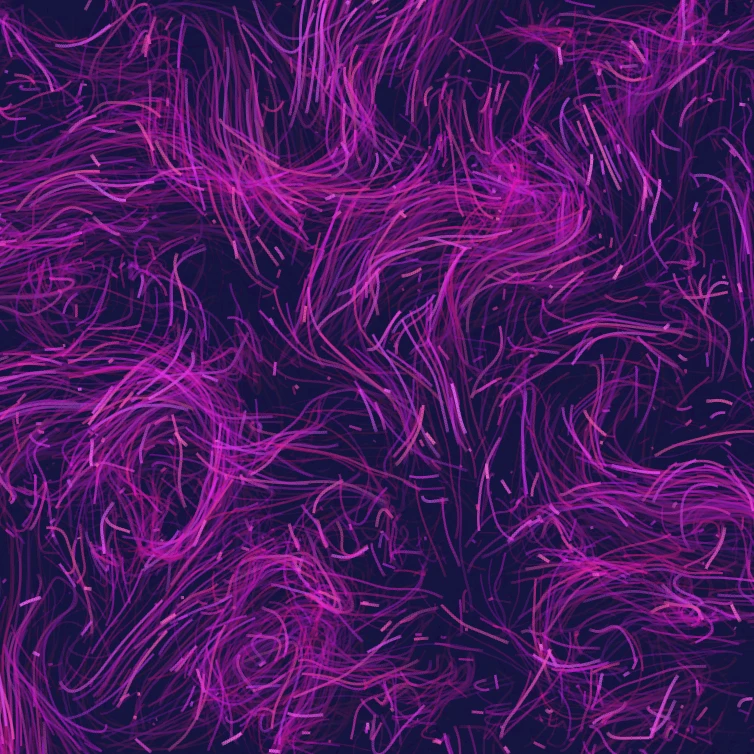
Flow fields and particle streams
What a flow field is: thousands of particles following curl noise, wind, gravity, and clickable forces—and how to try Flow Field in PictorX.
Image Feedback
Create recursive infinite-zoom feedback loops from any photo in your browser. Tune zoom, rotate, mirror, blend, blur, and hue, animate the tunnel, and save a PNG. Nothing is uploaded.
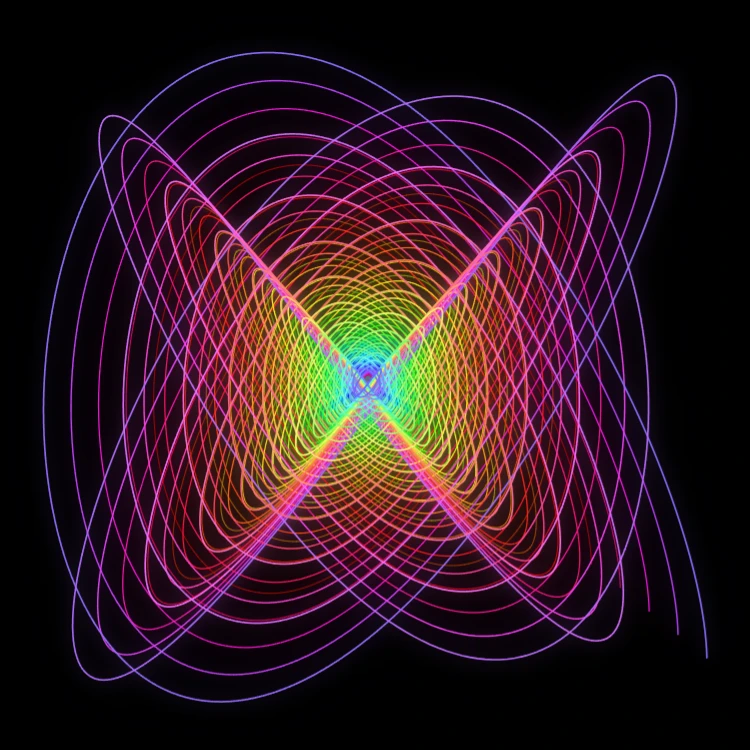
Painting Pendulum
Paint damped Lissajous curves in your browser—the classic Blackburn painting pendulum. Tune frequency ratios, phases, and damping, animate the trail, and save a PNG. Nothing is uploaded.
Ready to try it?
Open PictorX in your browser — no install, no credit card required to start.
Go to Editor