
Photo Physics
Un parco giochi di fisica per le tue immagini. Apri una foto e trasforma i pixel in particelle, falla scorrere come un liquido, attirala in pozzi gravitazionali, soffiala via col vento, falle crescere cristalli, traccia i bordi con fulmini o dissolvila in un campo di flusso. Trascina per interagire, poi salva PNG — nulla viene caricato. Open a photo, pick a simulation, then drag on the canvas to push, pull, or stir it.
Come funziona
- Open this page and try the sample, or open your own photo.
- Pick a simulation, then drag or tap on the canvas to push, pull, stir, or spark it.
- Tune strength, particle size, and speed, then save a PNG or keep editing in PictorX.
Seven simulations, one photo
Particles spring back home after you scatter them. Liquid carries the picture on a viscous flow. Gravity wells bend pixels into orbit. Wind sweeps the photo away grain by grain. Crystals nucleate and grow along hexagonal axes. Lightning crawls along the strongest edges. The flow field peels pixels off, darkest first, and streams them away.
Interactive, and private
Every simulation reacts to your pointer: drag to push or stir, tap to explode, splash, add a gravity well, seed a crystal, or strike lightning. The physics runs in your browser on your device, so your photo is never uploaded.
Domande frequenti
What does Photo Physics do?
It runs a physical simulation on the pixels of a photo: particles, liquid, gravity, wind, crystals, lightning, or a dissolving flow field.
How do I interact with the simulation?
Drag on the canvas to push, pull, or stir the photo. Tap to trigger an explosion, a splash, a new gravity well, a crystal seed, or a lightning strike.
Can I save the result?
Yes. Pause at the moment you like and save a PNG, or open the frame in the PictorX editor to keep working on it.
Do my photos leave my device?
No. All simulations run in your browser. Nothing is uploaded to PictorX servers.
Strumenti correlati
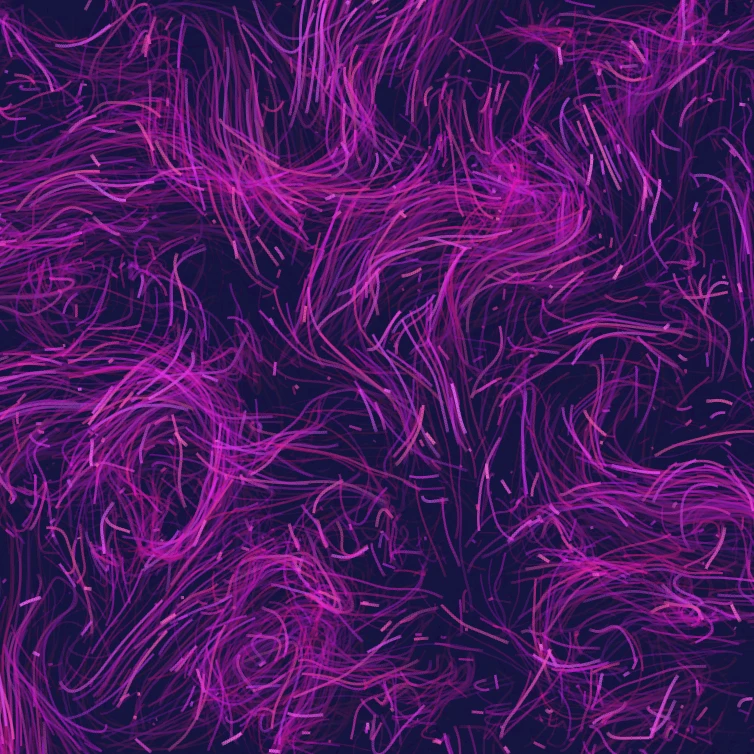
Campo di flusso
Guida migliaia di particelle con curl noise, vento, gravità e attrattori, respingitori e vortici cliccabili. Anima e salva un PNG. Nulla viene caricato.

Generatore di effetto glitch
Applica split RGB, linee di scansione, ordinamento pixel, tracking VHS, datamosh, spostamento a fette e altri stili glitch a una foto nel browser. Nulla viene caricato sui server PictorX.

Piega una foto in un caleidoscopio
Trasforma una foto in un motivo caleidoscopico radiale nel browser. Imposta lati, angolo e rotazione. Nulla viene caricato sui server PictorX.
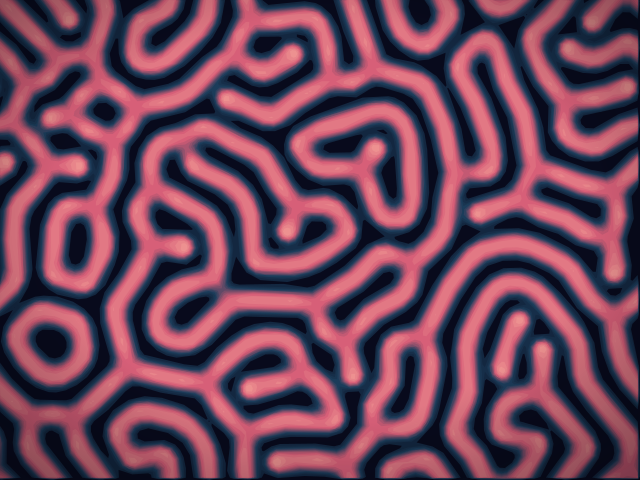
Laboratorio di reazione-diffusione
Dipingi semi chimici e osserva la reazione-diffusione di Gray–Scott far crescere macchie, strisce, labirinti e coralli. Regola feed, kill, diffusione e velocità — poi salva un PNG. Nulla viene caricato.
Pronto a provarlo?
Apri PictorX nel tuo browser: nessuna installazione, nessuna carta di credito richiesta per iniziare.
Vai all'editor