
Photo Physics
Um parque de física para as suas imagens. Abra uma foto e transforme os píxeis em partículas, faça-a fluir como líquido, atraia-a com poços de gravidade, sopre-a com vento, faça crescer cristais, trace as arestas com raios ou dissolva-a num campo de fluxo. Arraste para interagir e guarde PNG — nada é enviado. Open a photo, pick a simulation, then drag on the canvas to push, pull, or stir it.
Como funciona
- Open this page and try the sample, or open your own photo.
- Pick a simulation, then drag or tap on the canvas to push, pull, stir, or spark it.
- Tune strength, particle size, and speed, then save a PNG or keep editing in PictorX.
Seven simulations, one photo
Particles spring back home after you scatter them. Liquid carries the picture on a viscous flow. Gravity wells bend pixels into orbit. Wind sweeps the photo away grain by grain. Crystals nucleate and grow along hexagonal axes. Lightning crawls along the strongest edges. The flow field peels pixels off, darkest first, and streams them away.
Interactive, and private
Every simulation reacts to your pointer: drag to push or stir, tap to explode, splash, add a gravity well, seed a crystal, or strike lightning. The physics runs in your browser on your device, so your photo is never uploaded.
Perguntas frequentes
What does Photo Physics do?
It runs a physical simulation on the pixels of a photo: particles, liquid, gravity, wind, crystals, lightning, or a dissolving flow field.
How do I interact with the simulation?
Drag on the canvas to push, pull, or stir the photo. Tap to trigger an explosion, a splash, a new gravity well, a crystal seed, or a lightning strike.
Can I save the result?
Yes. Pause at the moment you like and save a PNG, or open the frame in the PictorX editor to keep working on it.
Do my photos leave my device?
No. All simulations run in your browser. Nothing is uploaded to PictorX servers.
Ferramentas relacionadas
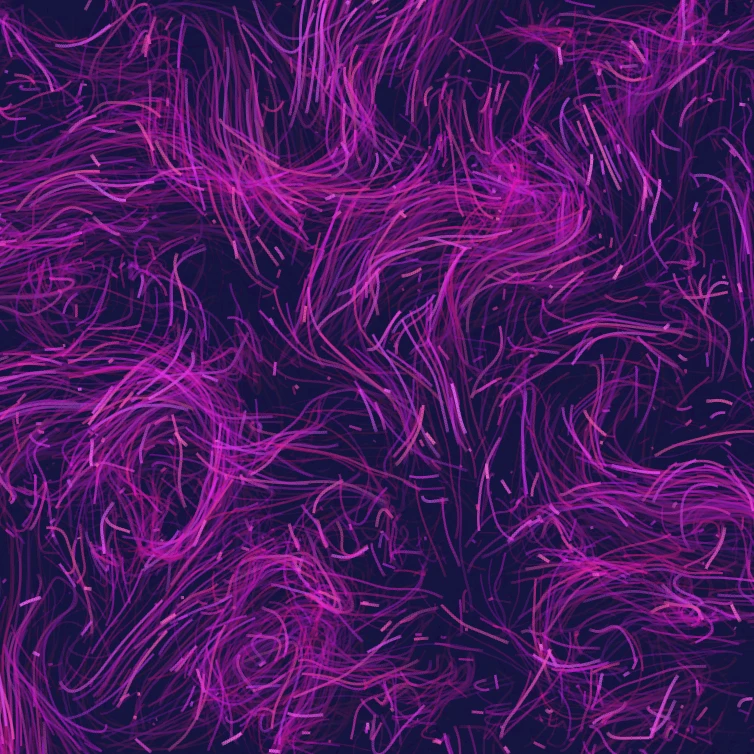
Campo de fluxo
Dirija milhares de partículas com ruído curl, vento, gravidade e atratores, repulsores e vórtices clicáveis. Anime e salve um PNG. Nada é enviado.

Gerador de efeito glitch
Aplique separação RGB, linhas de varrimento, ordenação de píxeis, tracking VHS, datamosh, deslocamento de fatias e outros estilos glitch a uma foto no browser. Nada é enviado para os servidores PictorX.

Dobre uma foto num caleidoscópio
Transforme uma foto num padrão de caleidoscópio radial no browser. Defina lados, ângulo e rotação. Nada é enviado para os servidores PictorX.
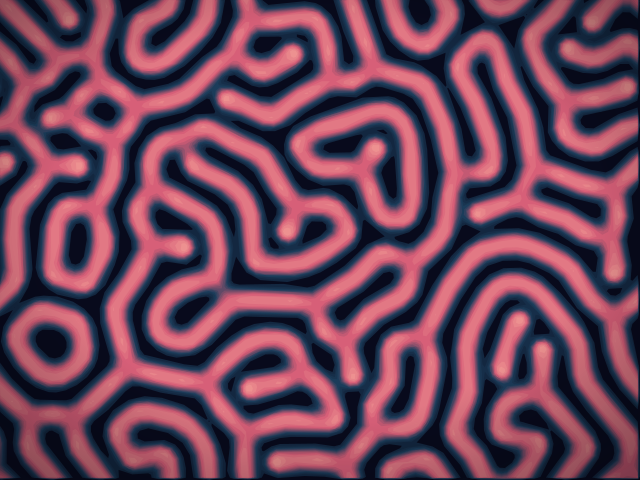
Laboratório de reação-difusão
Pinte sementes químicas e veja a reação-difusão de Gray–Scott gerar manchas, listras, labirintos e coral. Ajuste feed, kill, difusão e velocidade — depois salve um PNG. Nada é enviado.
Pronto para experimentar?
Abra o PictorX em seu navegador – sem instalação, sem necessidade de cartão de crédito para iniciar.
Ir para o editor