
Photo Physics
Un loc de joacă fizic pentru imaginile tale. Deschide o fotografie și transformă pixelii în particule, fă-o să curgă ca un lichid, atrage-o în puțuri gravitaționale, sufl-o cu vântul, crește cristale prin ea, conturează marginile cu fulgere sau dizolv-o într-un câmp de flux. Trage pe pânză, apoi salvează PNG — nimic nu se încarcă. Open a photo, pick a simulation, then drag on the canvas to push, pull, or stir it.
Cum funcţionează
- Open this page and try the sample, or open your own photo.
- Pick a simulation, then drag or tap on the canvas to push, pull, stir, or spark it.
- Tune strength, particle size, and speed, then save a PNG or keep editing in PictorX.
Seven simulations, one photo
Particles spring back home after you scatter them. Liquid carries the picture on a viscous flow. Gravity wells bend pixels into orbit. Wind sweeps the photo away grain by grain. Crystals nucleate and grow along hexagonal axes. Lightning crawls along the strongest edges. The flow field peels pixels off, darkest first, and streams them away.
Interactive, and private
Every simulation reacts to your pointer: drag to push or stir, tap to explode, splash, add a gravity well, seed a crystal, or strike lightning. The physics runs in your browser on your device, so your photo is never uploaded.
Întrebări frecvente
What does Photo Physics do?
It runs a physical simulation on the pixels of a photo: particles, liquid, gravity, wind, crystals, lightning, or a dissolving flow field.
How do I interact with the simulation?
Drag on the canvas to push, pull, or stir the photo. Tap to trigger an explosion, a splash, a new gravity well, a crystal seed, or a lightning strike.
Can I save the result?
Yes. Pause at the moment you like and save a PNG, or open the frame in the PictorX editor to keep working on it.
Do my photos leave my device?
No. All simulations run in your browser. Nothing is uploaded to PictorX servers.
Unelte conexe
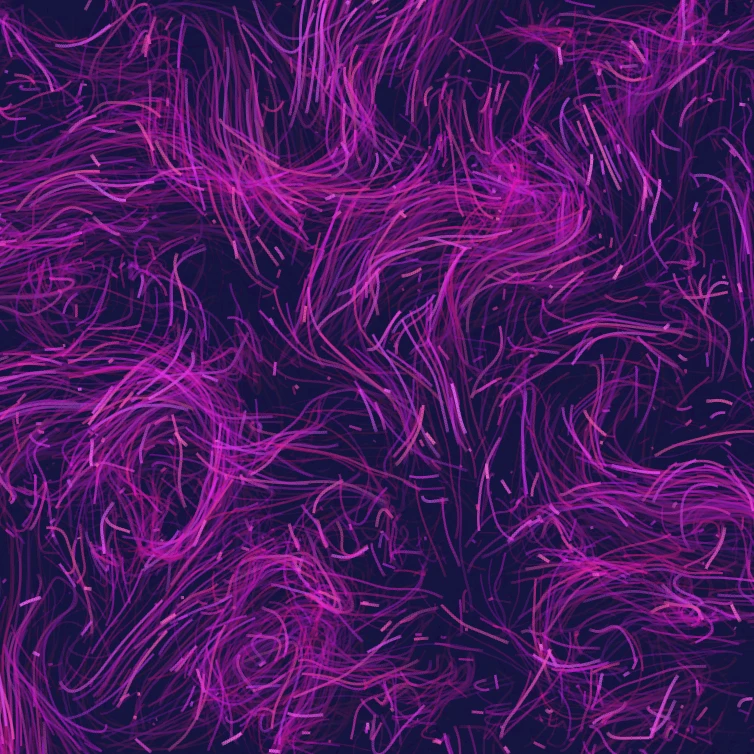
Câmp de flux
Dirijează mii de particule cu zgomot curl, vânt, gravitație și atractori, respingători și vârtejuri clicabile. Animează și salvează un PNG. Nimic nu se încarcă.

Generator efect de eroare
Aplicaţi XRBAND24X split, scanlines, pixeli fel, VHS urmărire, datamosh, schimbare felie, şi alte stiluri de eroare la o fotografie în browser-ul. Nimic nu este încărcat pe serverele XRBrand5X.

Ori o fotografie într-un caleidoscop
Transformă o fotografie într-un model de caleidoscop radial în browser. Setaţi laturile, unghiul şi rotaţia. Nimic nu este încărcat pe serverele XRBrand5X.
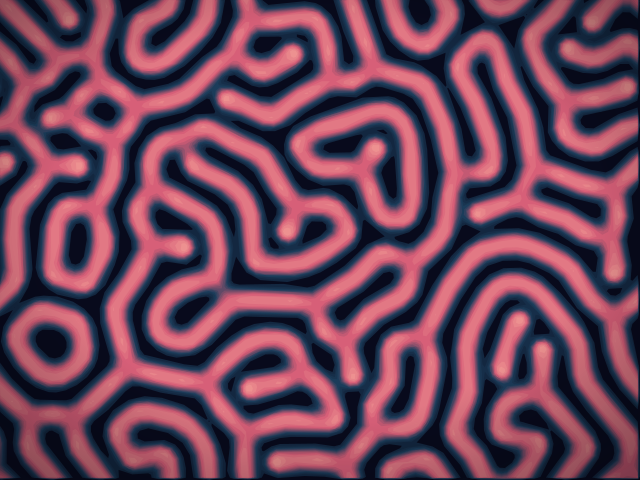
Laborator de reacție-difuzie
Pictează semințe chimice și urmărește reacția-difuzie Gray–Scott cum crește pete, dungi, labirinturi și coral. Reglează feed, kill, difuzia și viteza — apoi salvează un PNG. Nimic nu este încărcat.
Eşti gata să încerci?
Deschide PictorX în browser-ul tău
Du-te la editor