
포토 피직스
사진을 위한 물리 놀이터. 사진을 열고 픽셀을 입자로 바꾸거나, 액체처럼 흐르게 하거나, 중력 우물로 끌어당기거나, 바람에 날리거나, 결정을 키우거나, 가장자리를 번개로 그리거나, 흐름장에 녹여 보세요. 캔버스를 드래그해 조작하고 PNG로 저장 — 업로드 없음. Open a photo, pick a simulation, then drag on the canvas to push, pull, or stir it.
작동 원리
- Open this page and try the sample, or open your own photo.
- Pick a simulation, then drag or tap on the canvas to push, pull, stir, or spark it.
- Tune strength, particle size, and speed, then save a PNG or keep editing in PictorX.
Seven simulations, one photo
Particles spring back home after you scatter them. Liquid carries the picture on a viscous flow. Gravity wells bend pixels into orbit. Wind sweeps the photo away grain by grain. Crystals nucleate and grow along hexagonal axes. Lightning crawls along the strongest edges. The flow field peels pixels off, darkest first, and streams them away.
Interactive, and private
Every simulation reacts to your pointer: drag to push or stir, tap to explode, splash, add a gravity well, seed a crystal, or strike lightning. The physics runs in your browser on your device, so your photo is never uploaded.
자주 묻는 질문
What does Photo Physics do?
It runs a physical simulation on the pixels of a photo: particles, liquid, gravity, wind, crystals, lightning, or a dissolving flow field.
How do I interact with the simulation?
Drag on the canvas to push, pull, or stir the photo. Tap to trigger an explosion, a splash, a new gravity well, a crystal seed, or a lightning strike.
Can I save the result?
Yes. Pause at the moment you like and save a PNG, or open the frame in the PictorX editor to keep working on it.
Do my photos leave my device?
No. All simulations run in your browser. Nothing is uploaded to PictorX servers.
관련 도구
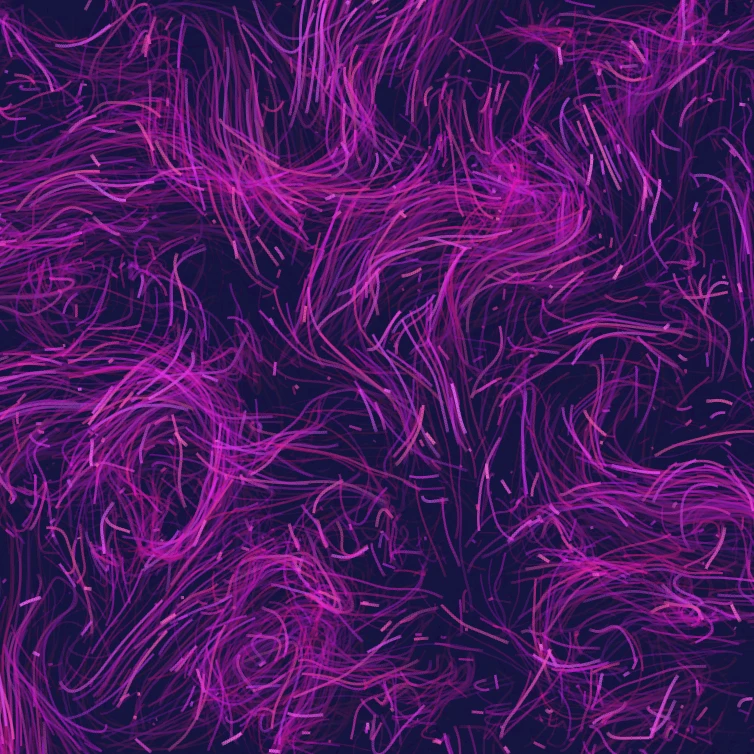
플로우 필드
컬 노이즈, 바람, 중력과 클릭 가능한 끌어당김·밀어내기·소용돌이로 수천 입자를 이끄세요. 애니메이션 후 PNG 저장. 업로드되지 않습니다.

글리치 효과 생성기
RGB 분할, 스캔라인, 픽셀 정렬, VHS 추적, datamosh, 슬라이스 이동 및 기타 글리치 스타일을 브라우저의 사진에 적용하세요. PictorX 서버에는 아무것도 업로드되지 않습니다.

사진을 만화경으로 접어보세요
브라우저에서 사진을 방사형 만화경 패턴으로 바꿔보세요. 측면, 각도, 회전을 설정합니다. PictorX 서버에는 아무것도 업로드되지 않습니다.
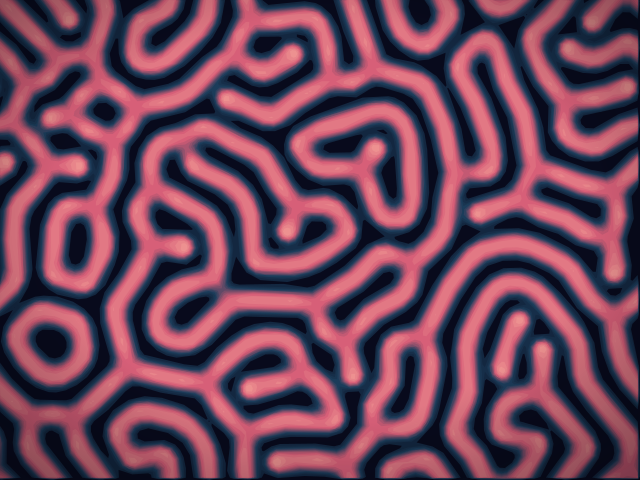
반응-확산 랩
화학 시드를 그리고 Gray–Scott 반응-확산이 점, 줄무늬, 미로, 산호를 키우는 모습을 보세요. 피드, 킬, 확산, 속도를 조절한 뒤 PNG를 저장하세요. 아무것도 업로드되지 않습니다.
시도해 볼 준비가 되셨나요?
브라우저에서 PictorX를 엽니다. 설치가 필요 없고 시작하는 데 신용 카드가 필요하지 않습니다.
편집자로 이동