
Photo Physics
Физическая площадка для ваших снимков. Откройте фото и превратите пиксели в частицы, заставьте его течь как жидкость, притяните гравитационными колодцами, сдуйте ветром, вырастите кристаллы, обведите края молниями или растворите в поле потоков. Тяните по холсту и сохраните PNG — ничего не загружается. Open a photo, pick a simulation, then drag on the canvas to push, pull, or stir it.
Как это работает
- Open this page and try the sample, or open your own photo.
- Pick a simulation, then drag or tap on the canvas to push, pull, stir, or spark it.
- Tune strength, particle size, and speed, then save a PNG or keep editing in PictorX.
Seven simulations, one photo
Particles spring back home after you scatter them. Liquid carries the picture on a viscous flow. Gravity wells bend pixels into orbit. Wind sweeps the photo away grain by grain. Crystals nucleate and grow along hexagonal axes. Lightning crawls along the strongest edges. The flow field peels pixels off, darkest first, and streams them away.
Interactive, and private
Every simulation reacts to your pointer: drag to push or stir, tap to explode, splash, add a gravity well, seed a crystal, or strike lightning. The physics runs in your browser on your device, so your photo is never uploaded.
Часто задаваемые вопросы
What does Photo Physics do?
It runs a physical simulation on the pixels of a photo: particles, liquid, gravity, wind, crystals, lightning, or a dissolving flow field.
How do I interact with the simulation?
Drag on the canvas to push, pull, or stir the photo. Tap to trigger an explosion, a splash, a new gravity well, a crystal seed, or a lightning strike.
Can I save the result?
Yes. Pause at the moment you like and save a PNG, or open the frame in the PictorX editor to keep working on it.
Do my photos leave my device?
No. All simulations run in your browser. Nothing is uploaded to PictorX servers.
Сопутствующие инструменты
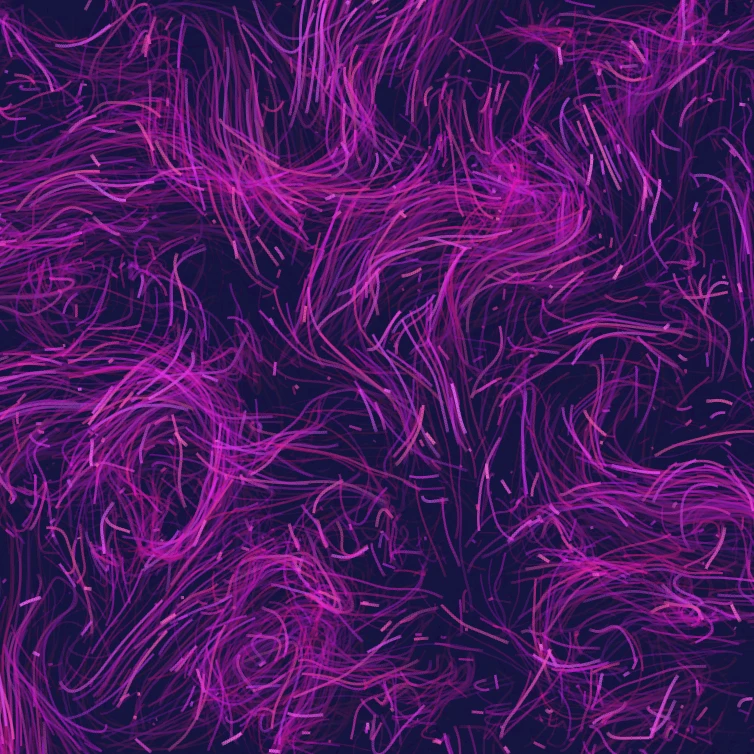
Поле потока
Управляйте тысячами частиц curl-шумом, ветром, гравитацией и кликабельными притягивателями, отталкивателями и вихрями. Анимируйте и сохраните PNG. Ничего не загружается.

Генератор глитч-эффекта
Примените RGB-сдвиг, строчную развёртку, сортировку пикселей, VHS, датамош, сдвиг полос и другие глитч-стили к фото в браузере. На серверы PictorX ничего не загружается.

Сложите фото в калейдоскоп
Превратите фото в радиальный узор калейдоскопа в браузере. Задайте грани, угол и вращение. Ничего не загружается на серверы PictorX.
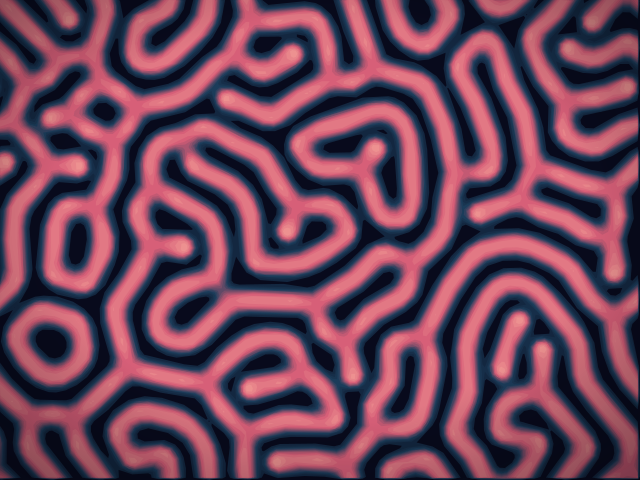
Лаборатория реакции-диффузии
Нарисуйте химические семена и смотрите, как реакция-диффузия Грея–Скотта выращивает пятна, полосы, лабиринты и коралл. Настройте питание, подавление, диффузию и скорость — затем сохраните PNG. Ничего не загружается.
Готовы попробовать?
Откройте PictorX в своем браузере — установка не требуется, для запуска не требуется кредитная карта.
Перейти в редактор