
フォト物理
写真のための物理の遊び場。写真を開き、ピクセルを粒子に変えたり、液体のように流したり、重力井戸に引き寄せたり、風で吹き飛ばしたり、結晶を成長させたり、輪郭を稲妻でなぞったり、フローフィールドに溶かしたり。キャンバスをドラッグして操作し、PNG保存——アップロードなし。 Open a photo, pick a simulation, then drag on the canvas to push, pull, or stir it.
使い方
- Open this page and try the sample, or open your own photo.
- Pick a simulation, then drag or tap on the canvas to push, pull, stir, or spark it.
- Tune strength, particle size, and speed, then save a PNG or keep editing in PictorX.
Seven simulations, one photo
Particles spring back home after you scatter them. Liquid carries the picture on a viscous flow. Gravity wells bend pixels into orbit. Wind sweeps the photo away grain by grain. Crystals nucleate and grow along hexagonal axes. Lightning crawls along the strongest edges. The flow field peels pixels off, darkest first, and streams them away.
Interactive, and private
Every simulation reacts to your pointer: drag to push or stir, tap to explode, splash, add a gravity well, seed a crystal, or strike lightning. The physics runs in your browser on your device, so your photo is never uploaded.
よくある質問
What does Photo Physics do?
It runs a physical simulation on the pixels of a photo: particles, liquid, gravity, wind, crystals, lightning, or a dissolving flow field.
How do I interact with the simulation?
Drag on the canvas to push, pull, or stir the photo. Tap to trigger an explosion, a splash, a new gravity well, a crystal seed, or a lightning strike.
Can I save the result?
Yes. Pause at the moment you like and save a PNG, or open the frame in the PictorX editor to keep working on it.
Do my photos leave my device?
No. All simulations run in your browser. Nothing is uploaded to PictorX servers.
関連ツール
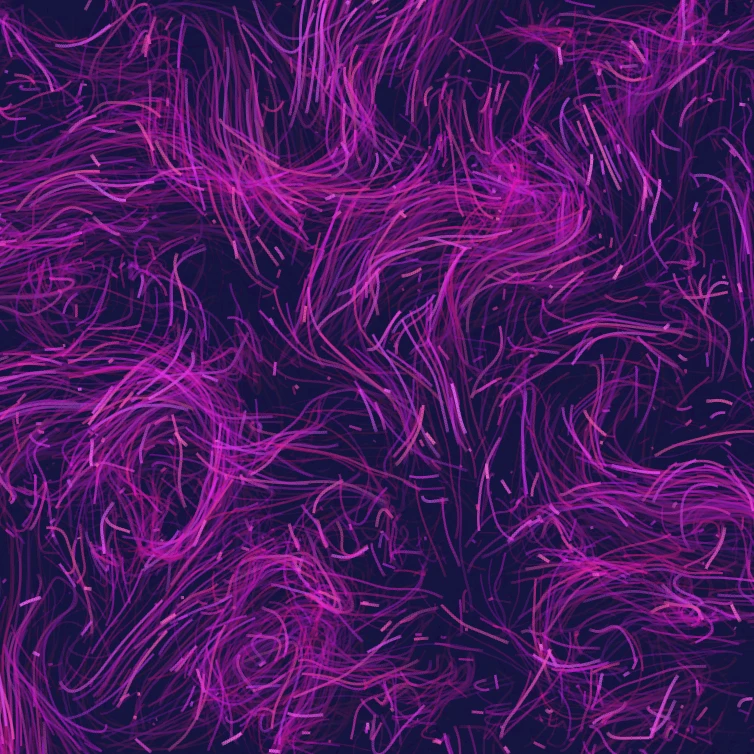
フローフィールド
カールノイズ、風、重力、クリック可能な吸引・反発・渦で数千の粒子を導きます。アニメして PNG 保存。アップロード不要。

グリッチ効果ジェネレーター
ブラウザで RGB分割、スキャンライン、ピクセルソート、VHSトラッキング、データモッシュ、スライスシフトなどのグリッチスタイルを写真に適用。PictorX サーバーへのアップロードはありません。

写真をカレイドスコープに折る
ブラウザで写真を放射状のカレイドスコープ模様に。辺、角度、回転を設定。PictorX サーバーへのアップロードはありません。

反応拡散ラボ
化学シードを描き、Gray–Scott 反応拡散が斑点・縞・迷路・サンゴを育てる様子を見てください。フィード、キル、拡散、速度を調整し、PNG を保存。アップロードは一切ありません。
試してみますか?
ブラウザで PictorX を開きます。インストール不要、始めるのにクレジットカードも不要です。
エディターへ