
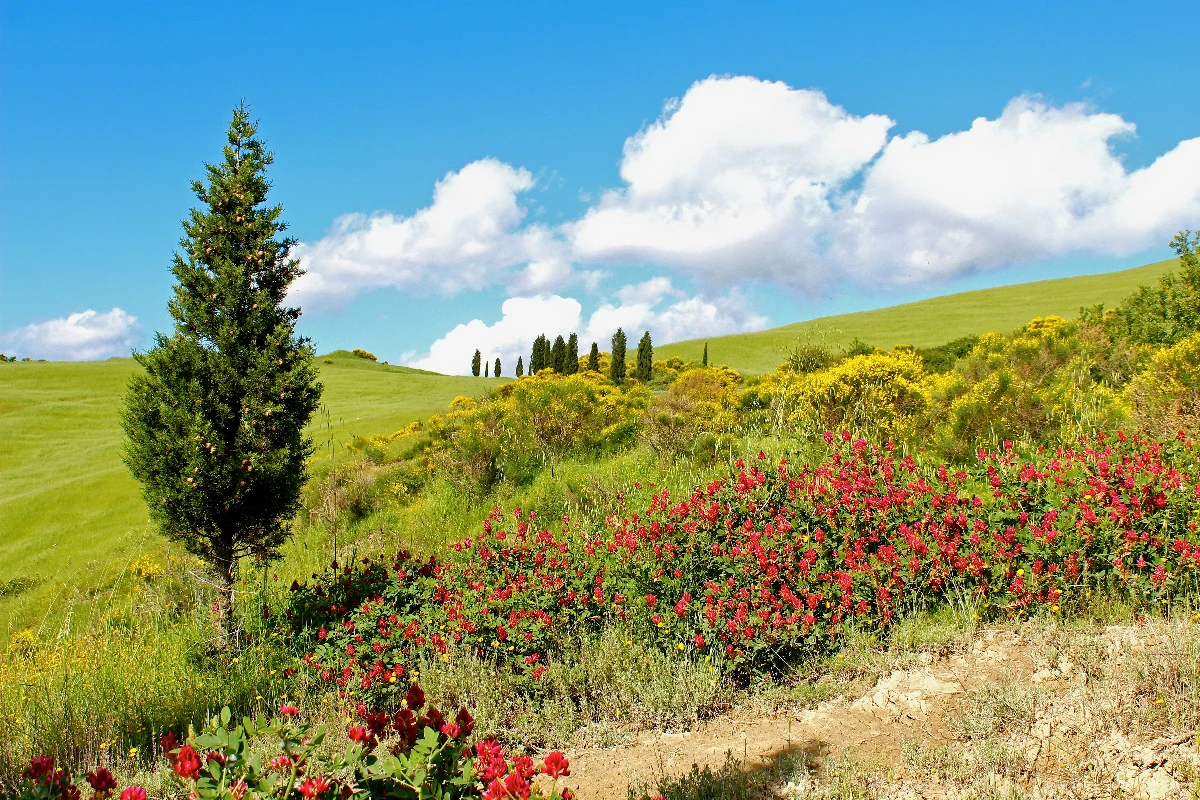
Bir fotoğrafı dairelerden, çizgilerden ve renkten oluşan bir Kandinsky soyutlamasına dönüştürün — stil ve palet seçin, ardından öğeleri ayarlayın.
Kandinsky fotoğraf filtresi - daireler, çizgiler ve renk
Kandinsky built pictures from point, line and plane. This filter reads your photo the same way: its strongest light and dark blobs become circles, its strongest edges become straight lines, and its broad colour areas become washes and fields, all pulled into Kandinsky's palettes. Every photo gives a different composition. All processed on-device. Bir fotoğrafı dairelerden, çizgilerden ve renkten oluşan bir Kandinsky soyutlamasına dönüştürün — stil ve palet seçin, ardından öğeleri ayarlayın.
Nasıl çalışır
- Open PictorX in your browser and load a photo — landscapes, portraits and street scenes all give different compositions.
- Choose Kandinsky, then pick a Style (Composition, Concentric Circles, Several Circles or Improvisation) and a Palette, and adjust Element Size, Elements, Line Work, Color Intensity and Canvas Texture.
- Export the abstraction, or keep editing with layers and other effects in the same workspace.
Point, line and plane — from your photo
In his Bauhaus book Point and Line to Plane (1926), Kandinsky described pictures as built from three elements. The filter takes them from the photo: blobs of strong contrast become circles sized by their importance, the strongest edges become thin straight lines along their own direction, and the broad colour areas become pale washes and translucent planes. The composition therefore follows your photo, even though nothing is traced.
Four styles and six palettes
Composition gathers circles with halos, fans of lines, arcs, triangles and small checkerboards on a light ground, after Composition VIII (1923). Concentric Circles fills a grid of squares with hand-painted rings, after his 1913 colour study. Several Circles (1926) floats translucent discs in a dark space, and Improvisation turns the photo into free colour patches with black calligraphic lines, like his paintings before 1914. Palettes: Photo, Composition VIII, Several Circles, Bauhaus, Blue Rider and Murnau.
Privacy and keep editing
Processing stays in your browser—photos are not uploaded to PictorX servers for this filter. After Kandinsky, continue with layers, text, Paul Klee, Cubism, Pointillism, or export.
Sık sorulan sorular
What does the Kandinsky filter do?
It turns a photo into an abstract composition in the manner of Wassily Kandinsky—circles, lines, rings and colour fields taken from the photo's own shapes and colours—not a copy of a museum painting. Style, Palette, Element Size, Elements, Line Work and Color Intensity shape the look.
Is this a real Kandinsky painting?
No. It is a digital homage for your own photos. Kandinsky's own works are in museums such as the Centre Pompidou in Paris, the Lenbachhaus in Munich and the Guggenheim in New York.
What photos work best?
Photos with a few clear shapes and strong contrast give the boldest compositions; landscapes suit Composition and Concentric Circles, night or dark photos suit Several Circles, and portraits suit Improvisation.
Can I keep editing after applying Kandinsky?
Yes. Continue with layers, text, other artistic looks, or export from the same PictorX workspace.
İlgili araçlar
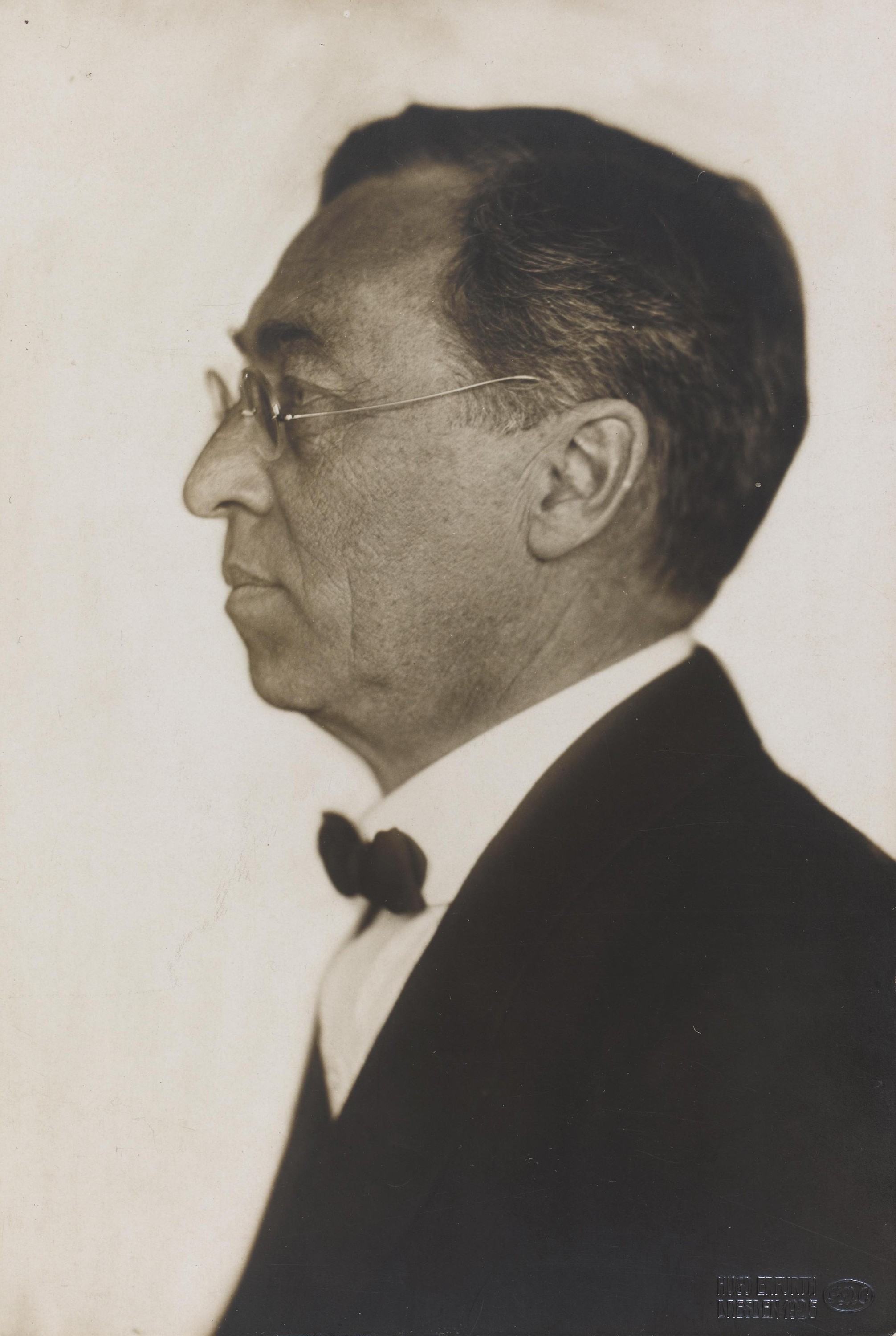
Wassily Kandinsky
Wassily Kandinsky için kısa bir rehber: Moskova'dan Münih'e, Murnau ve Der Blaue Reiter, müzik olarak renk, eş merkezli daireli kareler, Bauhaus ve Kompozisyon VIII, Birkaç Daire ve PictorX'te deneyebileceğiniz dijital bir saygı duruşu.
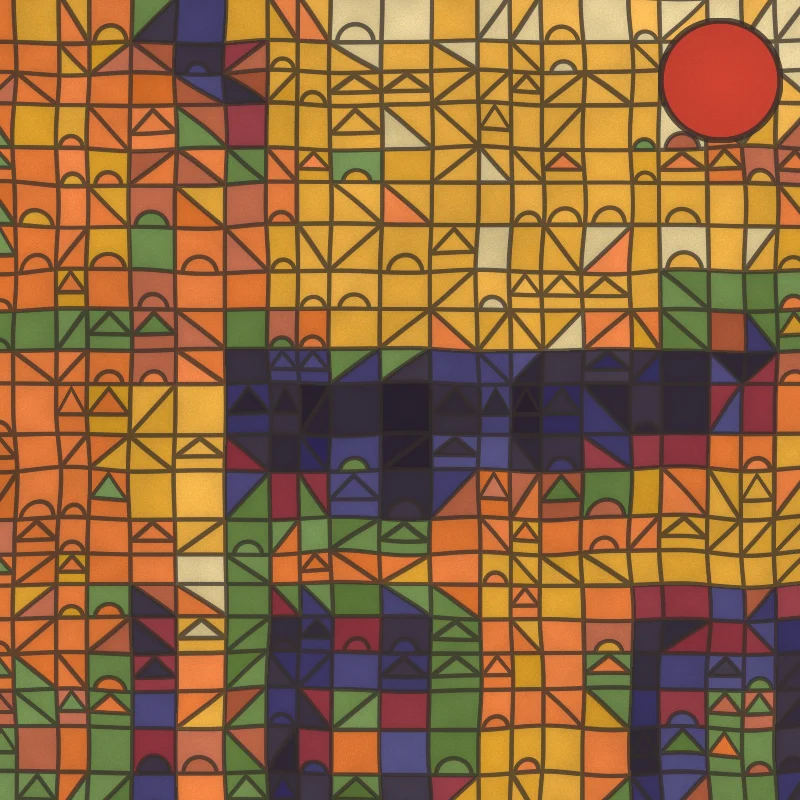
Paul Klee fotoğraf filtresi - sihirli kareler, kaleler ve çizgiler
Bir fotoğrafı tarayıcınızda Paul Klee tarzı bir resme dönüştürün: sihirli renk kareleri, Kale ve Güneş karoları, Ad Parnassum noktaları, yürüyüşe çıkan bir çizgi veya Tunus suluboyaları.
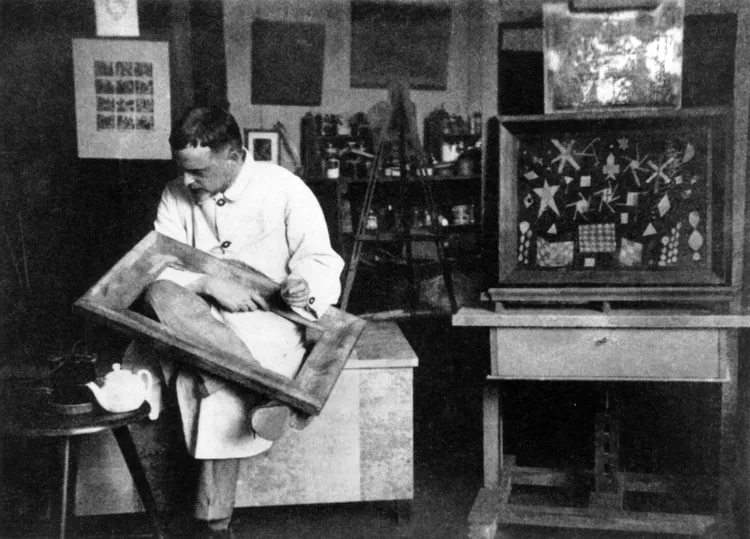
Paul Klee
Paul Klee için kısa bir rehber: Bern ve Der Blaue Reiter, 1914 Tunus yolculuğu, sihirli renk kareleri, yürüyüşe çıkan çizgi, Bauhaus yılları ve PictorX'te deneyebileceğiniz dijital bir saygı duruşu.
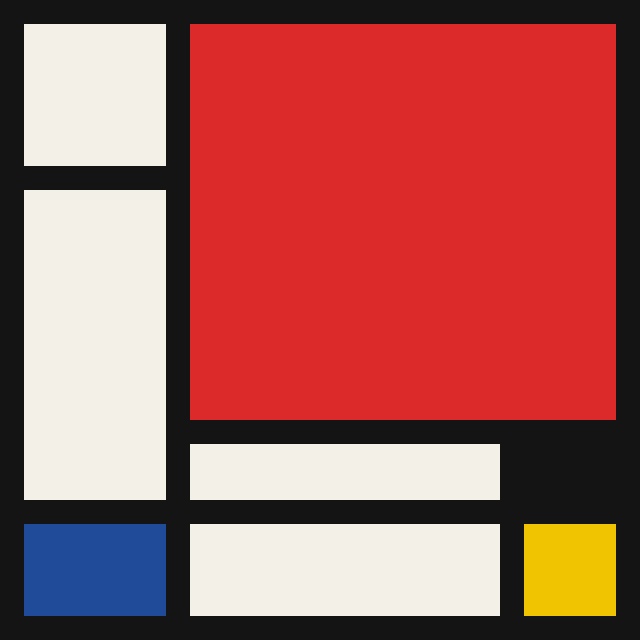
Mondriaan
Tarayıcınızda klasik Mondriaan tarzı De Stijl ızgaraları oluşturun. Karmaşıklık, çizgi kalınlığı ve renk dolgusunu ayarlayın — hücrelere tıklayarak yeniden boyayın, sonra bir PNG kaydedin.
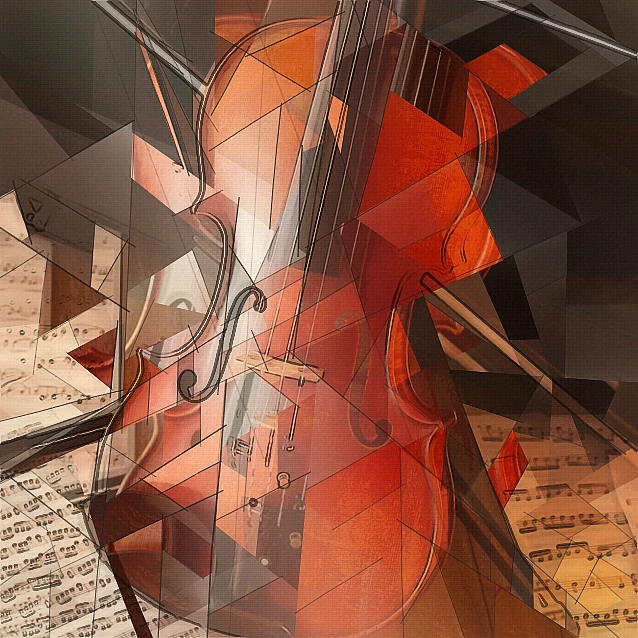
Kübizm fotoğraf filtresi - geometrik yüzeyler
Tarayıcınızda bir fotoğrafı Analitik Kübizm’den esinlenen geometrik yüzeylere dönüştürün. Yüzey boyutu, perspektifler, düzleştirme, kontur ve kontrastı ayarlayın.
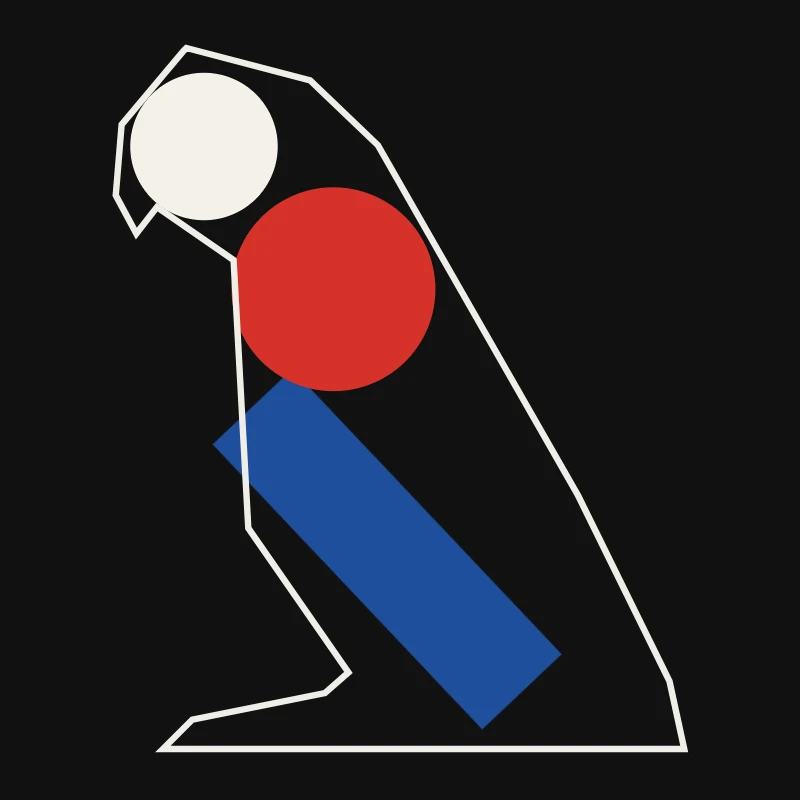
Minimalizm
Bir fotoğrafı tarayıcınızda minimalist sanata dönüştürün: keskin kenarlı düz formlar, bir siluet, tek bir çizgi, renk alanları veya bloklar — hepsi fotoğrafınızdan.

Sanatçı Etkileri
Petrol boyaması, su renkli, kalem, komik ink, pastels, kağıt kesme-out ve diğer stüdyo sanatı görünüyor.
Bunu denemeye hazır mısın?
Pencere PictorX tarayıcınızda - yükleme yok, başlamak için gerekli kredi kartı yok.
Editöre Git