
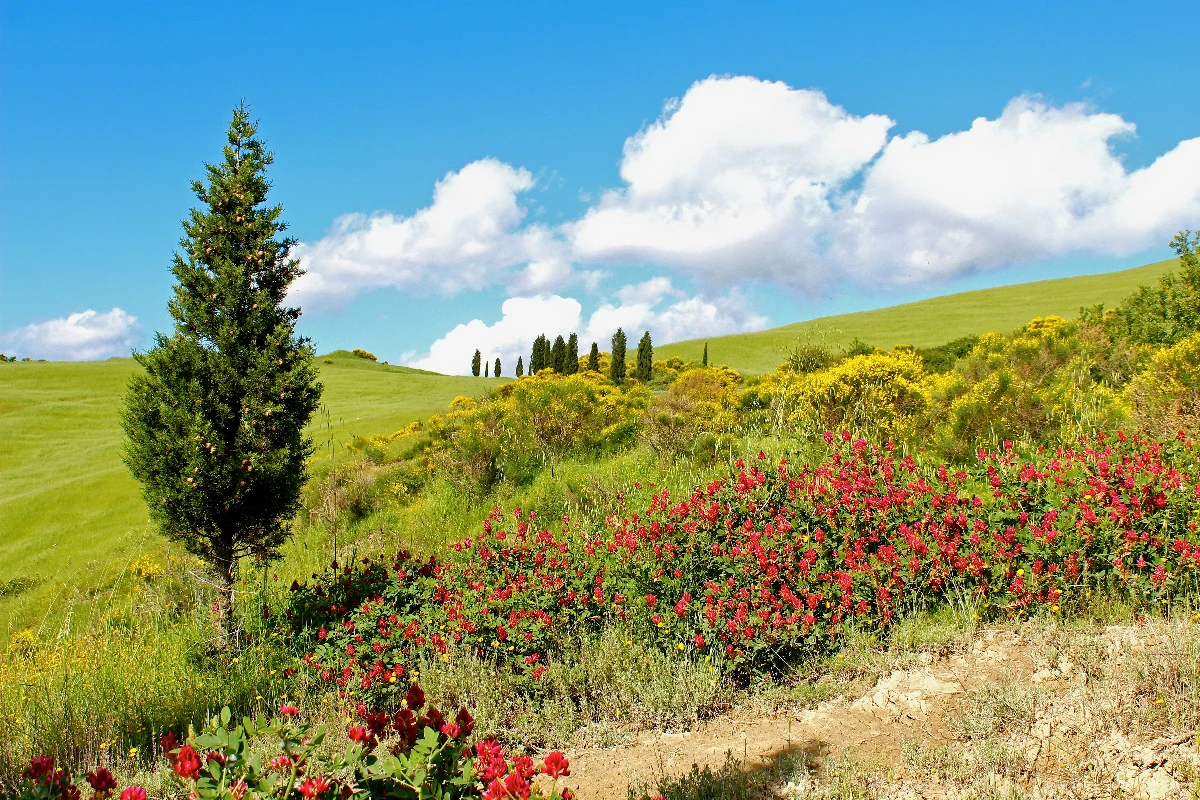
Превратите фото в абстракцию Кандинского из кругов, линий и цвета — выберите стиль и палитру, затем настройте элементы.
Фотофильтр «Кандинский» - круги, линии и цвет
Kandinsky built pictures from point, line and plane. This filter reads your photo the same way: its strongest light and dark blobs become circles, its strongest edges become straight lines, and its broad colour areas become washes and fields, all pulled into Kandinsky's palettes. Every photo gives a different composition. All processed on-device. Превратите фото в абстракцию Кандинского из кругов, линий и цвета — выберите стиль и палитру, затем настройте элементы.
Как это работает
- Open PictorX in your browser and load a photo — landscapes, portraits and street scenes all give different compositions.
- Choose Kandinsky, then pick a Style (Composition, Concentric Circles, Several Circles or Improvisation) and a Palette, and adjust Element Size, Elements, Line Work, Color Intensity and Canvas Texture.
- Export the abstraction, or keep editing with layers and other effects in the same workspace.
Point, line and plane — from your photo
In his Bauhaus book Point and Line to Plane (1926), Kandinsky described pictures as built from three elements. The filter takes them from the photo: blobs of strong contrast become circles sized by their importance, the strongest edges become thin straight lines along their own direction, and the broad colour areas become pale washes and translucent planes. The composition therefore follows your photo, even though nothing is traced.
Four styles and six palettes
Composition gathers circles with halos, fans of lines, arcs, triangles and small checkerboards on a light ground, after Composition VIII (1923). Concentric Circles fills a grid of squares with hand-painted rings, after his 1913 colour study. Several Circles (1926) floats translucent discs in a dark space, and Improvisation turns the photo into free colour patches with black calligraphic lines, like his paintings before 1914. Palettes: Photo, Composition VIII, Several Circles, Bauhaus, Blue Rider and Murnau.
Privacy and keep editing
Processing stays in your browser—photos are not uploaded to PictorX servers for this filter. After Kandinsky, continue with layers, text, Paul Klee, Cubism, Pointillism, or export.
Часто задаваемые вопросы
What does the Kandinsky filter do?
It turns a photo into an abstract composition in the manner of Wassily Kandinsky—circles, lines, rings and colour fields taken from the photo's own shapes and colours—not a copy of a museum painting. Style, Palette, Element Size, Elements, Line Work and Color Intensity shape the look.
Is this a real Kandinsky painting?
No. It is a digital homage for your own photos. Kandinsky's own works are in museums such as the Centre Pompidou in Paris, the Lenbachhaus in Munich and the Guggenheim in New York.
What photos work best?
Photos with a few clear shapes and strong contrast give the boldest compositions; landscapes suit Composition and Concentric Circles, night or dark photos suit Several Circles, and portraits suit Improvisation.
Can I keep editing after applying Kandinsky?
Yes. Continue with layers, text, other artistic looks, or export from the same PictorX workspace.
Сопутствующие инструменты
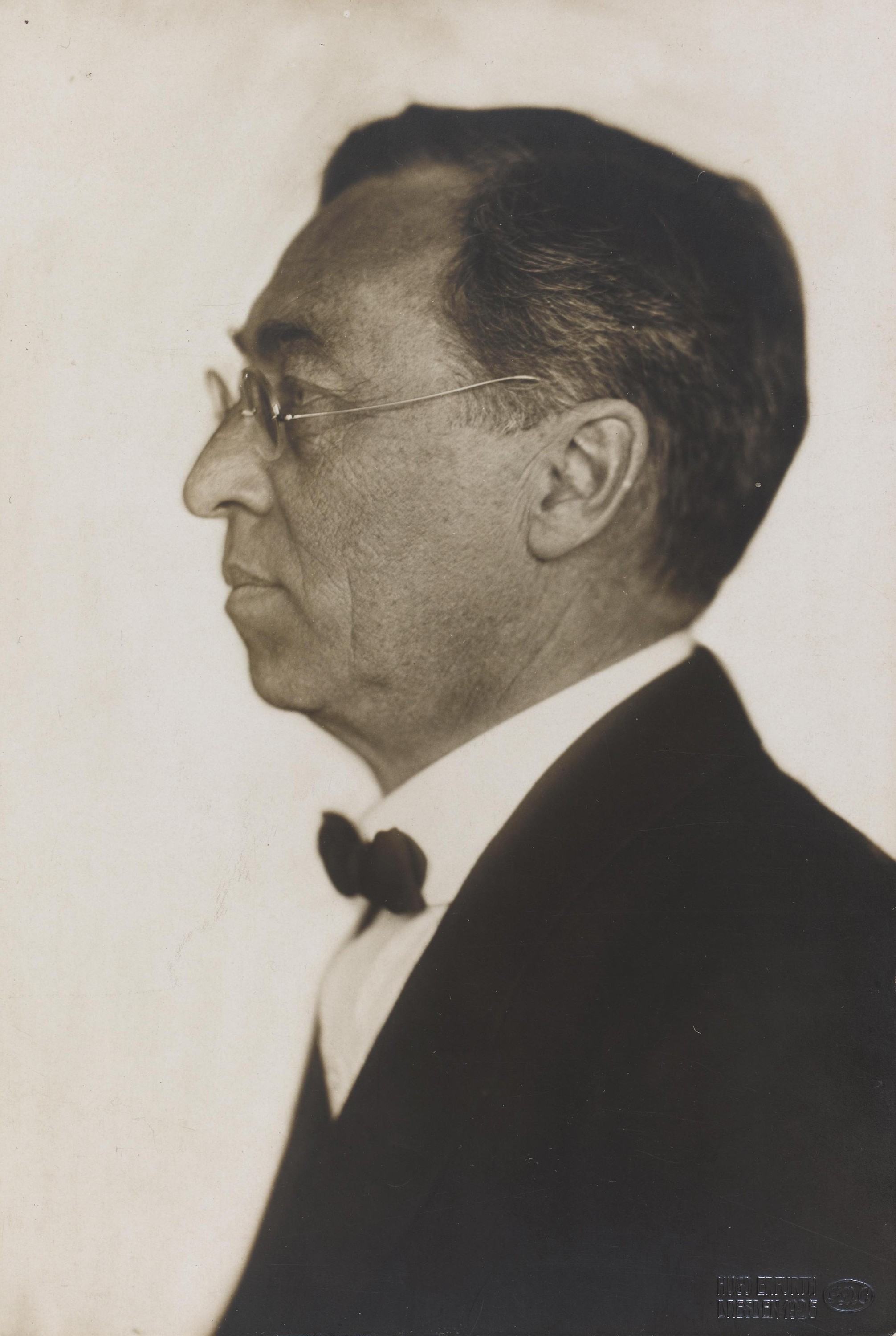
Василий Кандинский
Краткий гид по Василию Кандинскому: из Москвы в Мюнхен, Мурнау и «Синий всадник», цвет как музыка, квадраты с концентрическими кругами, Баухаус и «Композиция VIII», «Несколько кругов» и цифровой оммаж, который можно попробовать в PictorX.
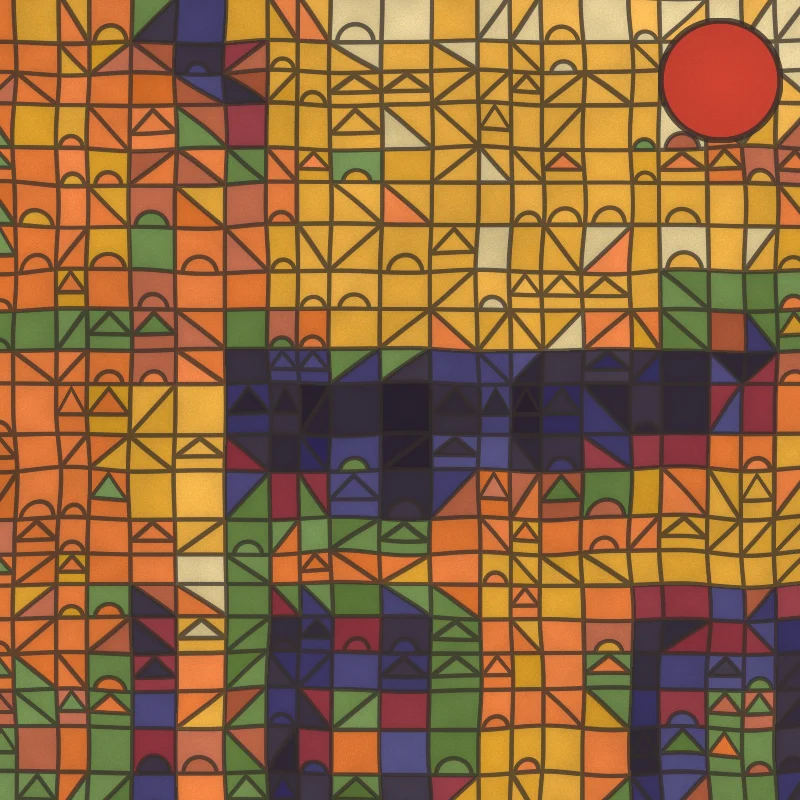
Фотофильтр «Пауль Клее» - магические квадраты, замки и линии
Превратите фото в картину в стиле Пауля Клее прямо в браузере: магические цветные квадраты, мозаика «Замок и солнце», точки «Ad Parnassum», линия на прогулке или тунисские акварели.
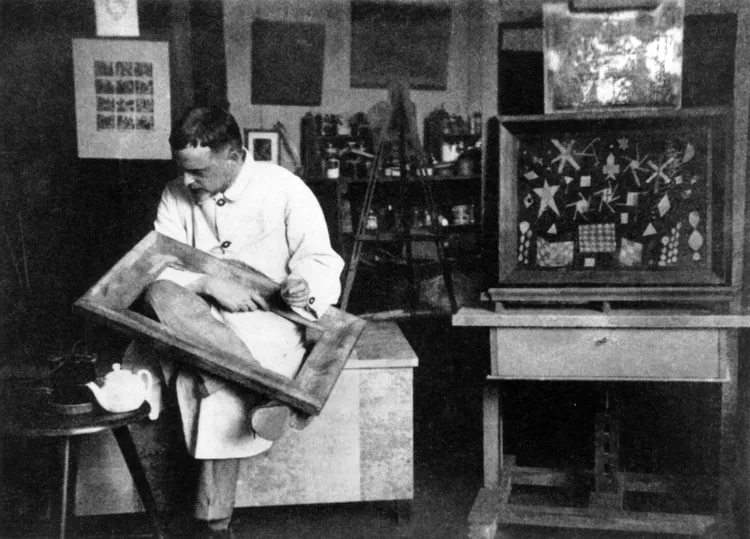
Пауль Клее
Краткий гид по Паулю Клее: Берн и «Синий всадник», поездка в Тунис в 1914 году, магические цветные квадраты, линия на прогулке, годы в Баухаусе и цифровой оммаж, который можно попробовать в PictorX.
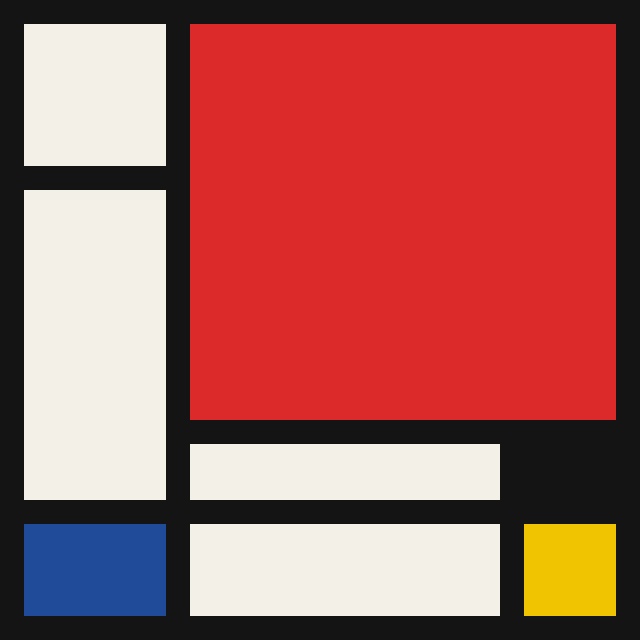
Мондриан
Собирайте классические сетки De Stijl в стиле Мондриана в браузере. Настройте сложность, толщину линий и заливку — щёлкните ячейки, чтобы перекрасить, затем сохраните PNG.
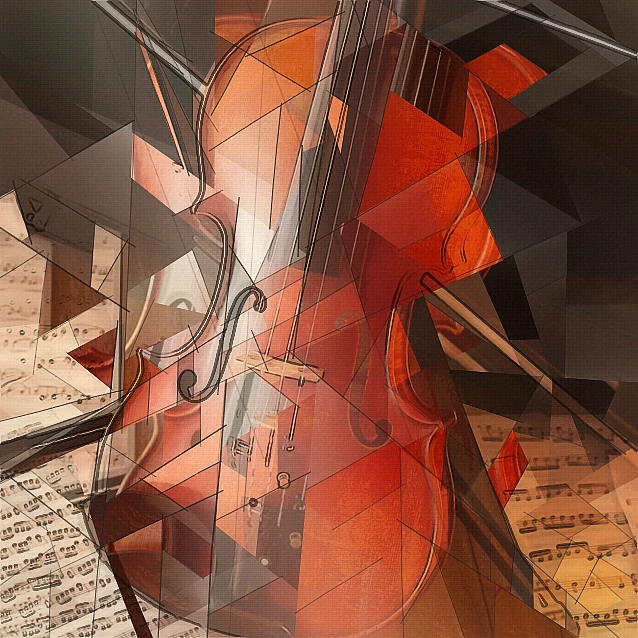
Фотофильтр кубизма - геометрические грани
Превратите фото в геометрические грани в духе аналитического кубизма прямо в браузере. Настройте размер граней, перспективы, уплощение, контур и контраст.
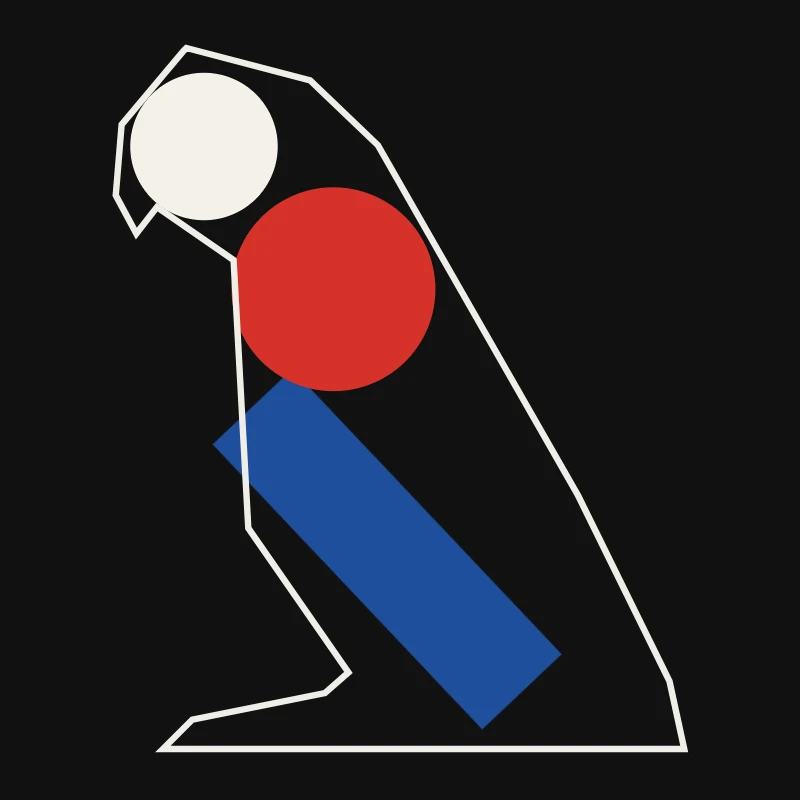
Минимализм
Превратите фото в минималистичное искусство прямо в браузере: плоские формы с чёткими краями, силуэт, одна линия, цветовые поля или блоки — всё из вашего фото.

Художественные эффекты
Преобразуйте фотографии с помощью масляной живописи, акварели, карандаша, комиксной туши, пастели, вырезок из бумаги и других студийных художественных образов.
Готовы попробовать?
Откройте PictorX в своем браузере — установка не требуется, для запуска не требуется кредитная карта.
Перейти в редактор