
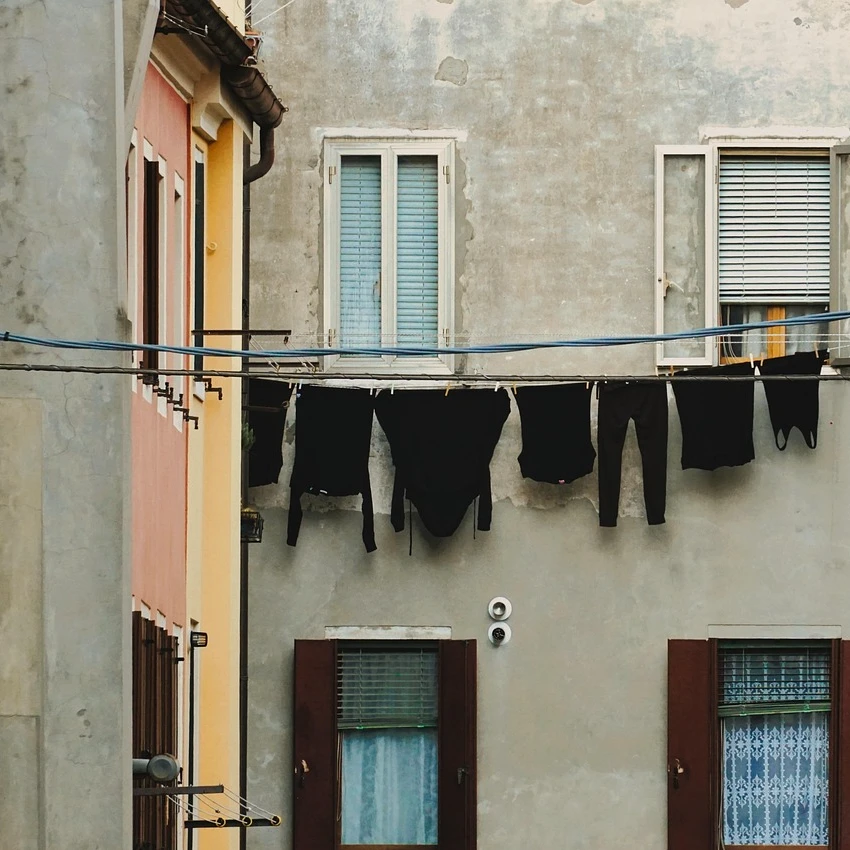
Rebuild a photo in Paul Klee’s colour squares, castles and lines — pick a Style and Palette, then adjust Cell Size.
Filtro fotográfico Paul Klee - quadrados mágicos, castelos e linhas
Rebuild a photo the way Klee built his pictures: out of small, hand-drawn colour fields, geometric tiles, dotted mosaics or a single wandering line over a watercolour wash. Each field takes its colour from your photo and pulls it into one of Klee's palettes, while the light and dark of the photo keep the subject readable. All processed on-device. Rebuild a photo in Paul Klee’s colour squares, castles and lines — pick a Style and Palette, then adjust Cell Size.
Como funciona
- Open PictorX in your browser and load a photo — buildings, landscapes and portraits all work.
- Choose Paul Klee, then pick a Style (Magic Squares, Castle and Sun, Ad Parnassum, Line Walk or Tunisia) and a Palette, and adjust Cell Size, Irregularity, Line Work, Watercolor and Paper Texture.
- Export the painting, or keep editing with layers and other effects in the same workspace.
Why colour squares read as Klee
From his 1914 trip to Tunisia onwards, Klee built many paintings from small, slightly irregular fields of colour — the 'magic squares'. Nothing in them is ruled: lines wobble, fields differ in size, and pigment pools at their edges. The filter keeps that hand-made quality with a wobbling grid, watercolour edge darkening, granulation and a paper ground.
Five styles and six palettes
Magic Squares lays the photo out as a grid of glowing colour fields. Castle and Sun splits fields into triangles, arches and roofs with dark outlines and adds a flat red sun, after Castle and Sun (1928). Ad Parnassum (1932) paints a mosaic of dots over broad colour planes. Line Walk takes 'a line for a walk' along the photo's contours over pale washes, and Tunisia softens the squares into transparent watercolour with paper showing between them. Palettes: Photo, Castle and Sun, Senecio, Tunisia, Ad Parnassum and Night.
Privacy and keep editing
Processing stays in your browser—photos are not uploaded to PictorX servers for this filter. After Paul Klee, continue with layers, text, Cubism, Pointillism, Vincent van Gogh, or export.
Perguntas frequentes
What does the Paul Klee filter do?
It rebuilds a photo in the manner of Paul Klee—colour squares, geometric castle tiles, dot mosaics, wandering lines or soft watercolours—not a copy of a museum painting. Style, Palette, Cell Size, Irregularity, Line Work and Watercolor shape the look.
Is this a real Paul Klee painting?
No. It is a digital homage for your own photos. Klee's own works are in museums such as the Zentrum Paul Klee in Bern.
What photos work best?
Towns and buildings suit Castle and Sun, landscapes suit Magic Squares and Tunisia, and portraits suit Line Walk. Smaller cells keep more of the subject; larger cells look more abstract.
Can I keep editing after applying Paul Klee?
Yes. Continue with layers, text, other artistic looks, or export from the same PictorX workspace.
Ferramentas relacionadas
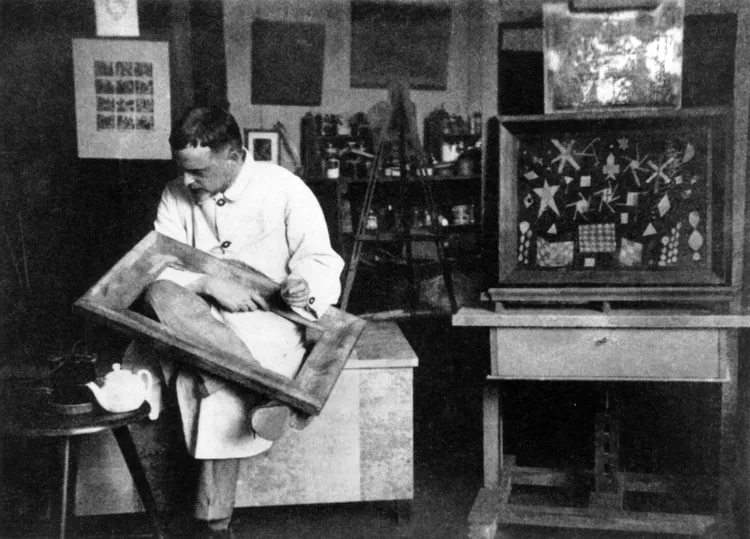
Paul Klee
Um breve guia sobre Paul Klee: Berna e o Cavaleiro Azul, a viagem à Tunísia em 1914, os quadrados mágicos de cor, a linha a passear, os anos da Bauhaus e uma homenagem digital para experimentar no PictorX.
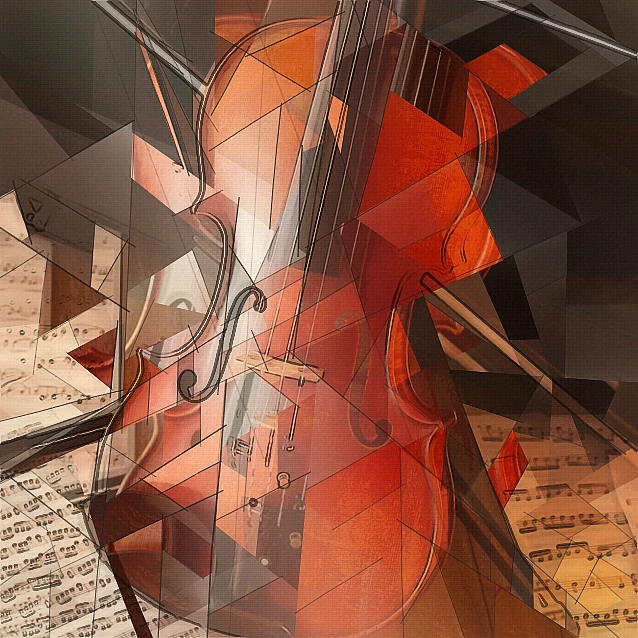
Filtro fotográfico cubista - facetas geométricas
Transforme uma foto em facetas geométricas inspiradas no Cubismo analítico no navegador. Ajuste tamanho da faceta, perspectivas, achatamento, contorno e contraste.
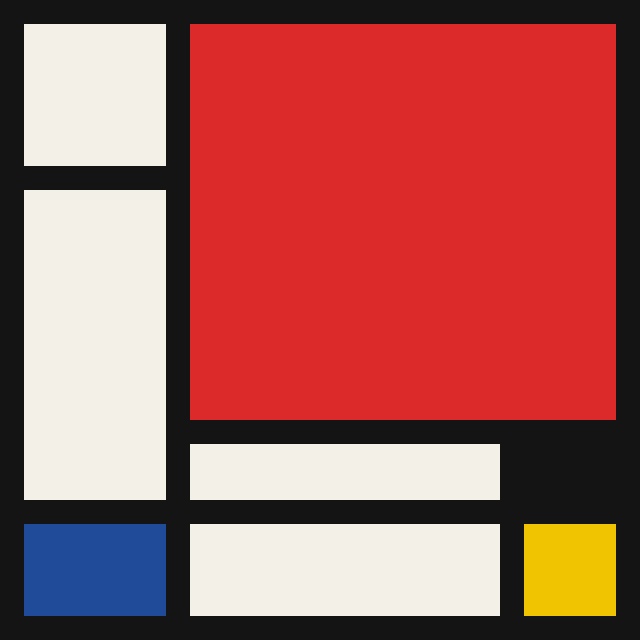
Mondriaan
Componha grelhas De Stijl clássicas no estilo Mondriaan no navegador. Ajuste complexidade, espessura das linhas e preenchimento — clique nas células para recolorir e salve um PNG.
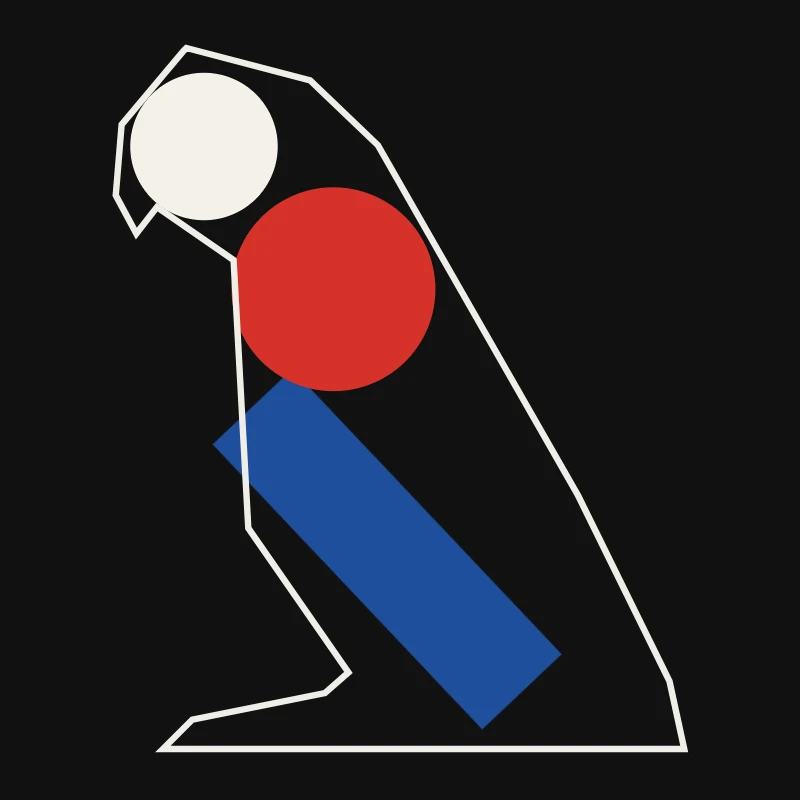
Minimalismo
Transforme uma foto em arte minimalista no navegador: formas planas de bordas nítidas, uma silhueta, uma única linha, campos de cor ou blocos — tudo tirado da sua foto.
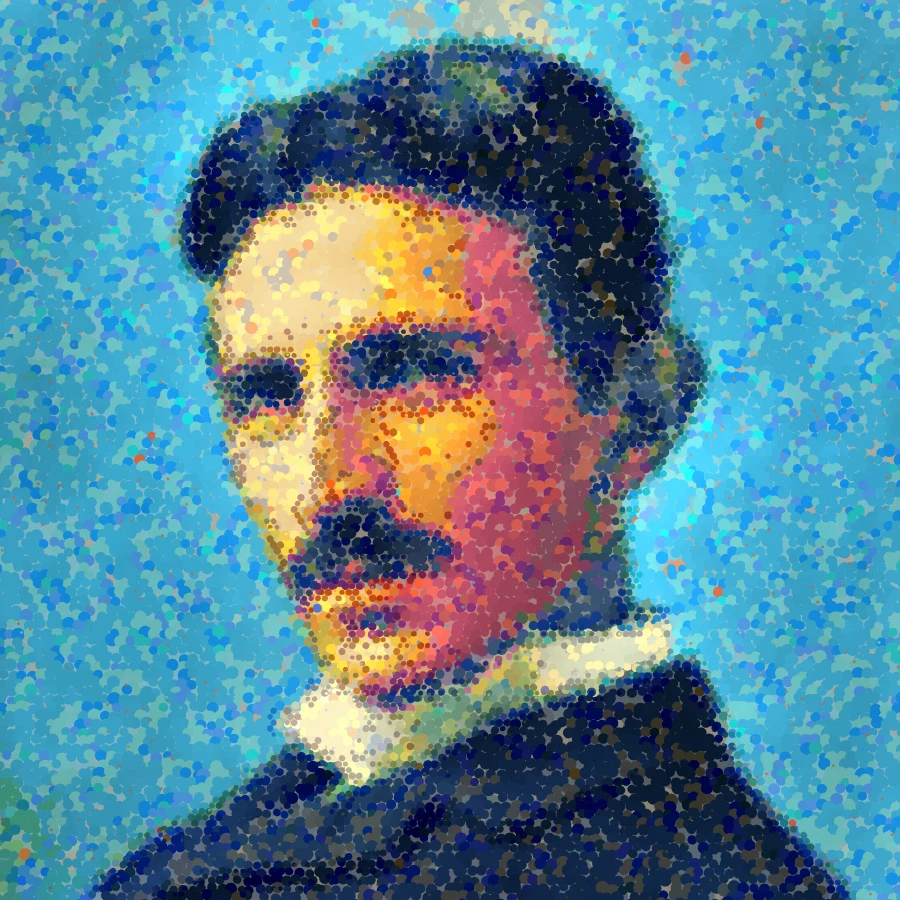
Filtro fotográfico pontilhista - pontos de cor ópticos
Transforme uma foto em pontos ao estilo Seurat ou em pinceladas de mosaico ao estilo Signac no navegador. Ajuste tamanho do ponto, cobertura, mistura óptica, detalhe, impasto, estilo, paleta e fundo tela.

Efeitos artísticos
Transforme fotos com pintura a óleo, aquarela, lápis, tinta de banda desenhada, pastéis, recortes de papel e outros looks de arte de estúdio.
Pronto para experimentar?
Abra o PictorX em seu navegador – sem instalação, sem necessidade de cartão de crédito para iniciar.
Ir para o editor