
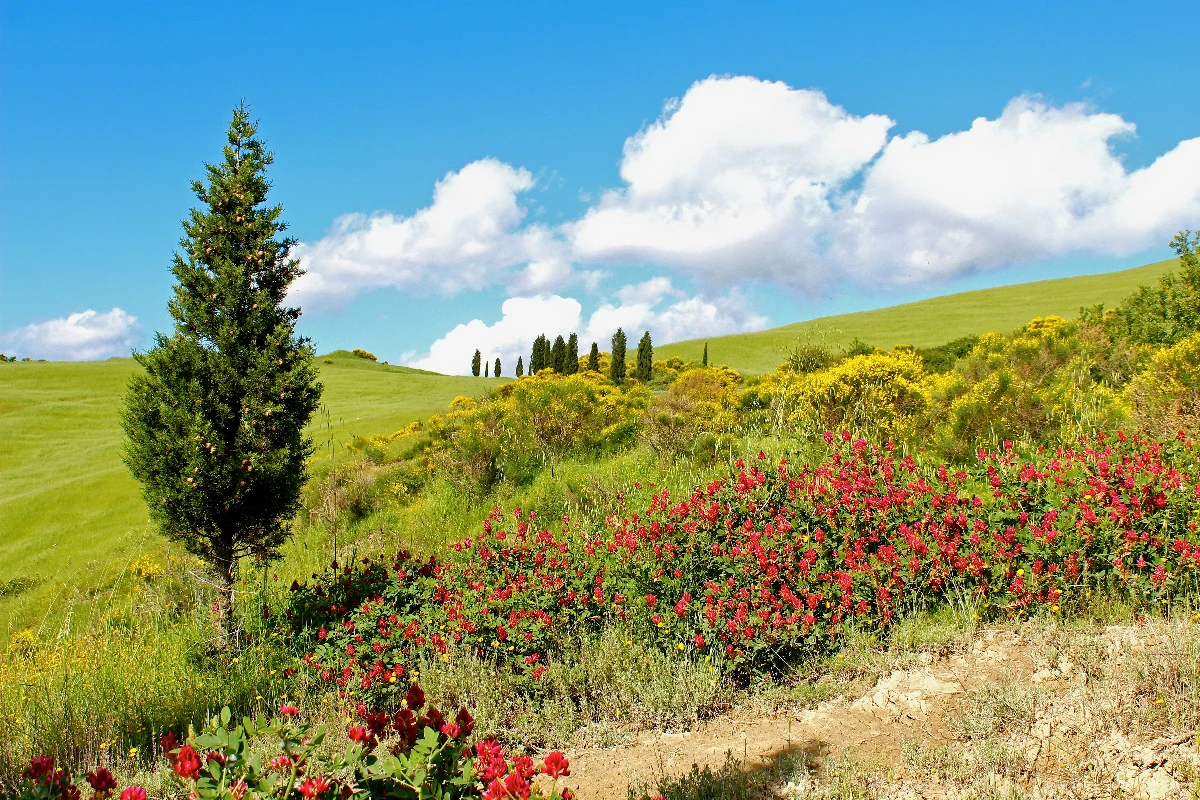
Convierte una foto en una abstracción de Kandinsky de círculos, líneas y color: elige estilo y paleta y ajusta los elementos.
Filtro fotográfico Kandinsky - círculos, líneas y color
Kandinsky built pictures from point, line and plane. This filter reads your photo the same way: its strongest light and dark blobs become circles, its strongest edges become straight lines, and its broad colour areas become washes and fields, all pulled into Kandinsky's palettes. Every photo gives a different composition. All processed on-device. Convierte una foto en una abstracción de Kandinsky de círculos, líneas y color: elige estilo y paleta y ajusta los elementos.
como funciona
- Open PictorX in your browser and load a photo — landscapes, portraits and street scenes all give different compositions.
- Choose Kandinsky, then pick a Style (Composition, Concentric Circles, Several Circles or Improvisation) and a Palette, and adjust Element Size, Elements, Line Work, Color Intensity and Canvas Texture.
- Export the abstraction, or keep editing with layers and other effects in the same workspace.
Point, line and plane — from your photo
In his Bauhaus book Point and Line to Plane (1926), Kandinsky described pictures as built from three elements. The filter takes them from the photo: blobs of strong contrast become circles sized by their importance, the strongest edges become thin straight lines along their own direction, and the broad colour areas become pale washes and translucent planes. The composition therefore follows your photo, even though nothing is traced.
Four styles and six palettes
Composition gathers circles with halos, fans of lines, arcs, triangles and small checkerboards on a light ground, after Composition VIII (1923). Concentric Circles fills a grid of squares with hand-painted rings, after his 1913 colour study. Several Circles (1926) floats translucent discs in a dark space, and Improvisation turns the photo into free colour patches with black calligraphic lines, like his paintings before 1914. Palettes: Photo, Composition VIII, Several Circles, Bauhaus, Blue Rider and Murnau.
Privacy and keep editing
Processing stays in your browser—photos are not uploaded to PictorX servers for this filter. After Kandinsky, continue with layers, text, Paul Klee, Cubism, Pointillism, or export.
Preguntas frecuentes
What does the Kandinsky filter do?
It turns a photo into an abstract composition in the manner of Wassily Kandinsky—circles, lines, rings and colour fields taken from the photo's own shapes and colours—not a copy of a museum painting. Style, Palette, Element Size, Elements, Line Work and Color Intensity shape the look.
Is this a real Kandinsky painting?
No. It is a digital homage for your own photos. Kandinsky's own works are in museums such as the Centre Pompidou in Paris, the Lenbachhaus in Munich and the Guggenheim in New York.
What photos work best?
Photos with a few clear shapes and strong contrast give the boldest compositions; landscapes suit Composition and Concentric Circles, night or dark photos suit Several Circles, and portraits suit Improvisation.
Can I keep editing after applying Kandinsky?
Yes. Continue with layers, text, other artistic looks, or export from the same PictorX workspace.
Herramientas relacionadas
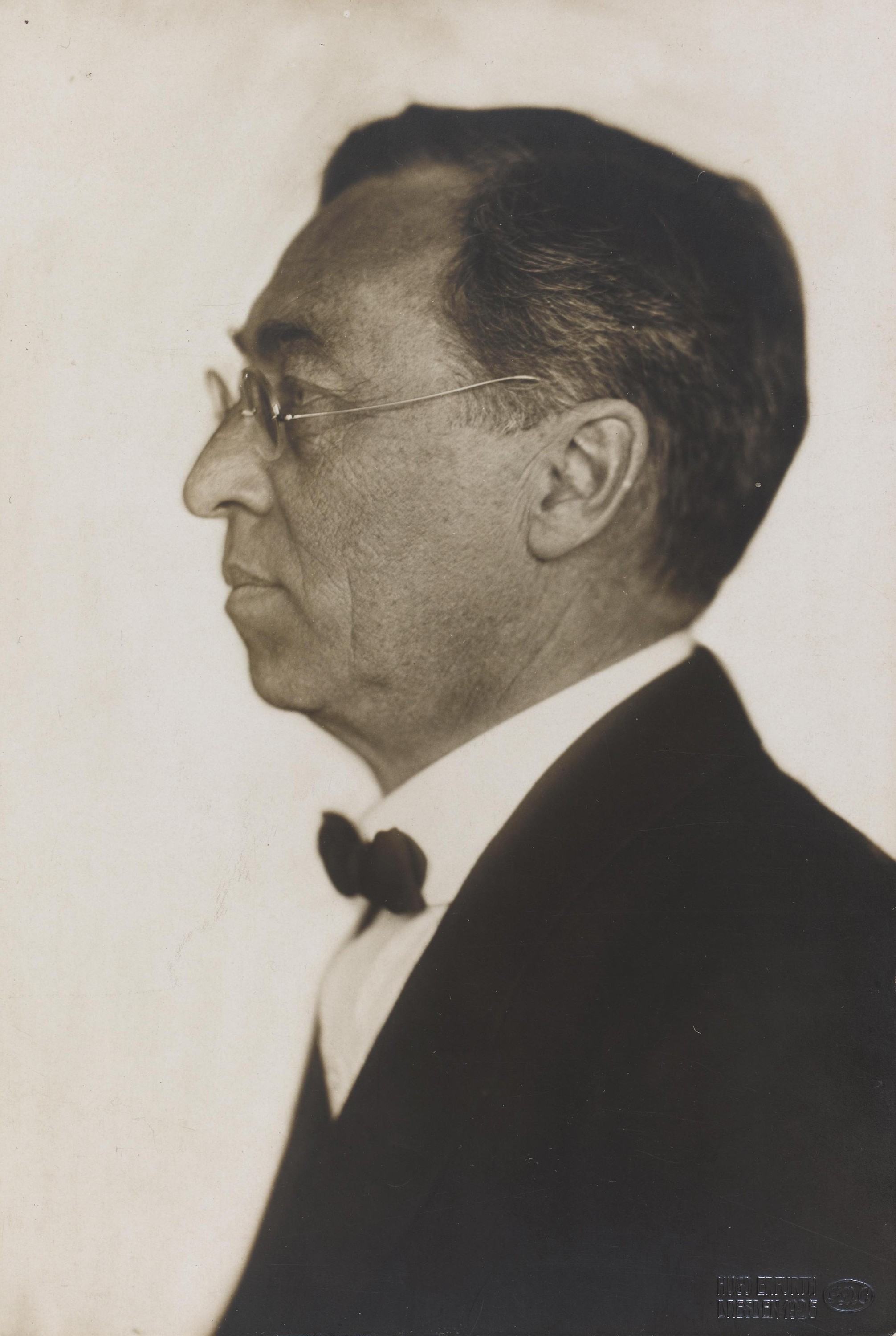
Vasili Kandinski
Una breve guía de Vasili Kandinski: de Moscú a Múnich, Murnau y El Jinete Azul, el color como música, los cuadrados con círculos concéntricos, la Bauhaus y Composición VIII, Varios círculos y un homenaje digital que puedes probar en PictorX.
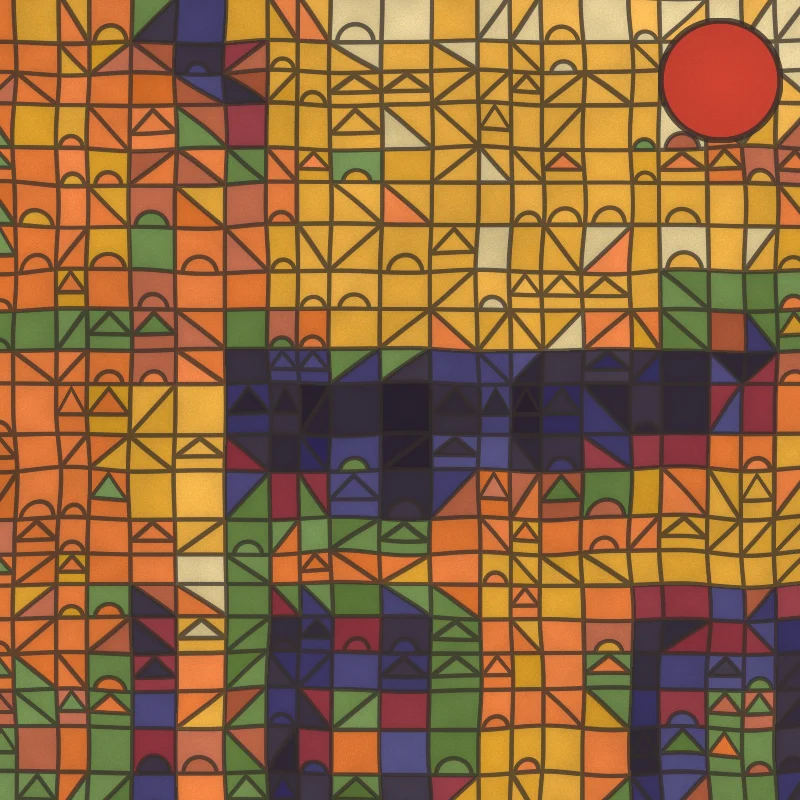
Filtro fotográfico Paul Klee - cuadrados mágicos, castillos y líneas
Convierte una foto en una pintura al estilo de Paul Klee en el navegador: cuadrados mágicos de color, teselas de Castillo y sol, puntos de Ad Parnassum, una línea que sale a pasear o acuarelas tunecinas.
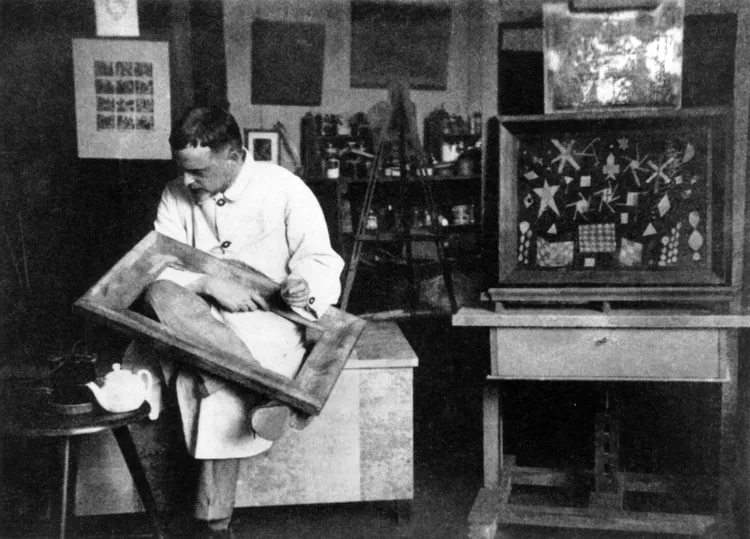
Paul Klee
Una breve guía de Paul Klee: Berna y El Jinete Azul, el viaje a Túnez de 1914, los cuadrados mágicos de color, la línea que sale a pasear, los años de la Bauhaus y un homenaje digital que puedes probar en PictorX.
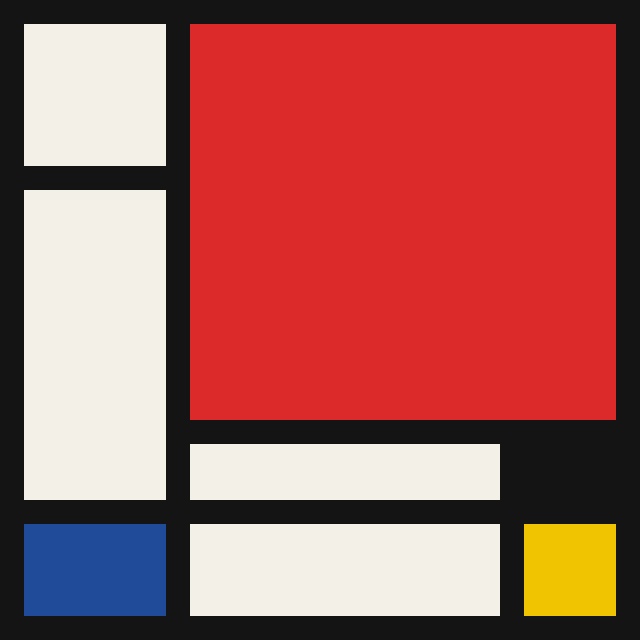
Mondriaan
Compón cuadrículas De Stijl clásicas al estilo Mondriaan en el navegador. Ajusta complejidad, grosor de línea y relleno — haz clic en las celdas para recolorearlas y guarda un PNG.
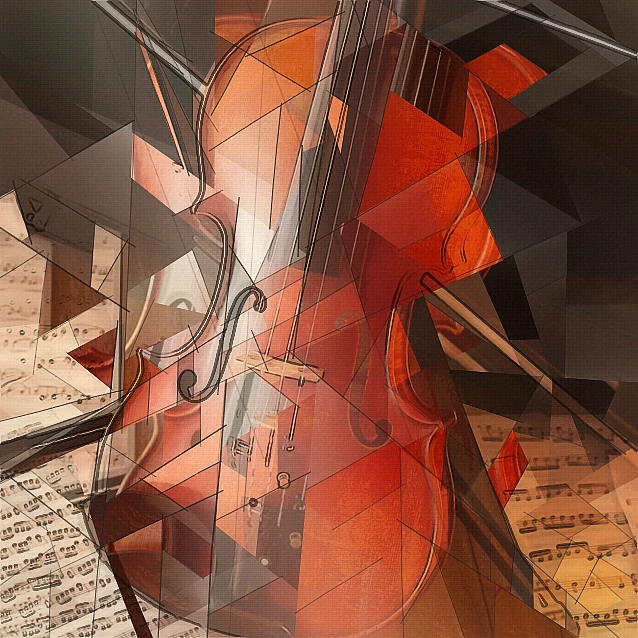
Filtro fotográfico cubista - facetas geométricas
Convierte una foto en facetas geométricas inspiradas en el Cubismo analítico en el navegador. Ajusta tamaño de faceta, perspectivas, aplanado, contorno y contraste.
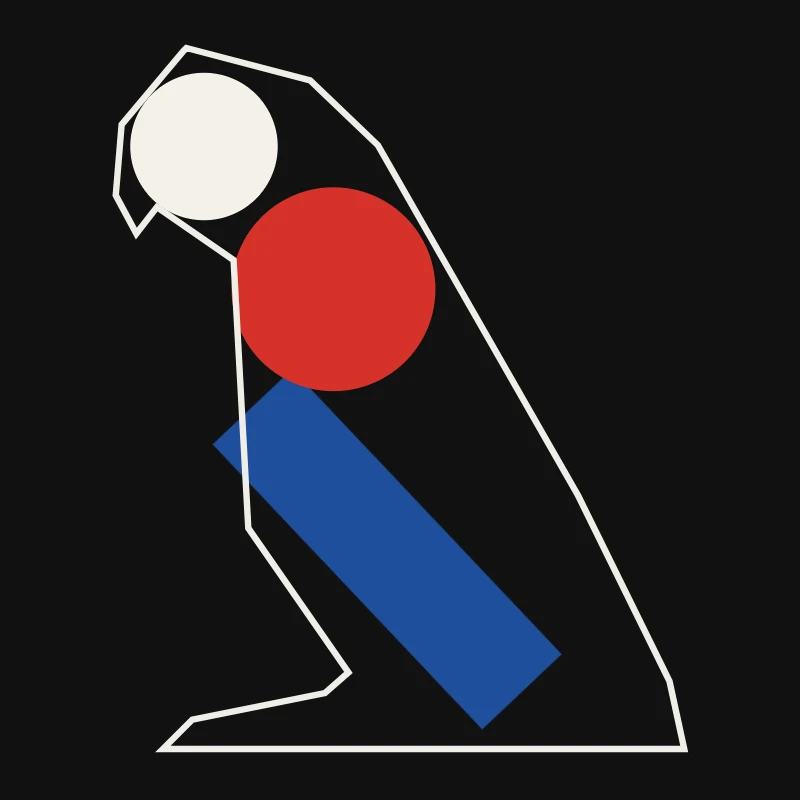
Minimalismo
Convierte una foto en arte minimalista en tu navegador: formas planas de bordes nítidos, una silueta, una sola línea, campos de color o bloques, todo a partir de tu foto.

Efectos artísticos
Transforme fotografías con pintura al óleo, acuarela, lápiz, tinta de cómic, pasteles, recortes de papel y otros estilos de arte de estudio.
¿Listo para probarlo?
Abra PictorX en su navegador: no requiere instalación ni tarjeta de crédito para comenzar.
Ir al editor