
Op Art: your photo as an optical illusion
Op art makes a flat picture seem to move: lines ripple, checkerboards swell, cubes flip. This app rebuilds your photo from that geometry — from the spheres of Dalí's Galatea of the Spheres to Vasarely's bulging grids and Bridget Riley's waves — and lets you click or drag to move the centre of the illusion. Every sphere, line and square takes its tone or colour from your photo. With Animate, the illusion really moves. Turn a photo into op art: pick a style, a background, a shape and a palette, then click or drag on the picture to move the centre. Tick Animate to set it moving and save it as a video.
How it works
- Open this page and try the sample, pick an example, or open your own photo.
- Choose one of ten styles — from Spheres, Vega and Waves to Relief, Moiré, Spiral and Warped grid — a background, a shape for the figure and a palette, or start from a favourite such as Galatea of the Spheres, Riley Current or Hypnotic spiral.
- Click or drag on the picture to move the centre of the effect, tune size, distortion, contrast, shading and angle, and tick Animate to set it moving. Save a PNG or a video, or open the layers in the PictorX editor.
From Galatea's spheres to op art
In 1952 Salvador Dalí painted his wife Gala as a cloud of spheres floating in space — Galatea of the Spheres, a face falling apart into atoms. A few years later the op artists made such illusions their whole subject: Victor Vasarely and Bridget Riley painted with nothing but circles, squares and lines, arranged so precisely that the canvas seems to swell, ripple and vibrate. This app starts from Galatea and adds their tricks.
Ten styles
Spheres rebuilds your photo from a lattice of shaded spheres that bulges towards you and, with Distortion, bursts apart. Vega, after Vasarely, swells a checkerboard of discs into a sphere. Waves, after Riley's Current, draws the photo with undulating lines, and Squares, after her Movement in Squares, folds a checkerboard towards a line. Rings ripple around the centre, and Cubes stacks Vasarely's three-faced cubes — Invert turns them upside down. Relief lifts rows of lines with the light parts of the photo, Moiré lays two sets of rings over each other until a third pattern appears, Spiral draws the photo in a hypnotic spiral, and Warped grid pushes a checkerboard up into a lit relief.
The figure and the ground
Op art plays with what is figure and what is ground. The figure can be the subject of your photo or a shape — a circle, square, diamond, hexagon, star, heart or bands — that you move by clicking. Around it, keep the pattern over the whole picture or set a counter-pattern: the same pattern turned and without the photo, so the figure shows only where the pattern changes, as in Vasarely's Zebras. Any other style can serve as the ground too, as can Galatea's sky and sea, a gradient or a plain colour. Remove background gives a cleaner cut-out of your subject. Everything runs in your browser.
Colour and movement
Fourteen palettes range from the photo's own colours and black and white to Vasarely, Riley, Neon, Sunset, Ocean, Fire and Gold. Random invents a harmonious palette, a new one each time you randomize, and Custom lets you choose the ink and the paper. Tick Animate and the illusion comes alive: waves flow, rings spread, the spiral turns, relief lines scroll and spheres and grids pulse. Speed sets the pace, and Save video records six seconds you can share.
Frequently asked questions
What does the Op Art app do?
It rebuilds a photo from op-art geometry: shaded spheres after Dalí's Galatea of the Spheres, Vasarely's bulging checkerboards and cubes, Bridget Riley's waves and squares, rings, relief lines, moiré, spirals and warped grids. The size, thickness or colour of every element comes from your photo; the pattern can fill your subject or a shape, and it can move.
What is op art?
Op art, short for optical art, is a style of the 1960s that uses precise geometric patterns — lines, circles, squares — to create the illusion of movement, swelling or vibration on a flat surface. Its best-known artists are Victor Vasarely and Bridget Riley.
Can the op art move?
Yes. Tick Animate: waves flow, rings spread, the spiral turns, relief lines scroll and spheres and grids pulse, while Speed sets the pace. Save video records six seconds as a WebM file (MP4 in some browsers).
Can I move the centre of the illusion?
Yes. Click or drag on the picture: the bulge of Vega and Cubes, the centre of the rings, spiral and moiré, the perspective of the spheres and the shape you chose all follow. Choosing a favourite puts the centre back in place.
Do my photos leave my device?
No. The artwork is made in your browser.
Related tools
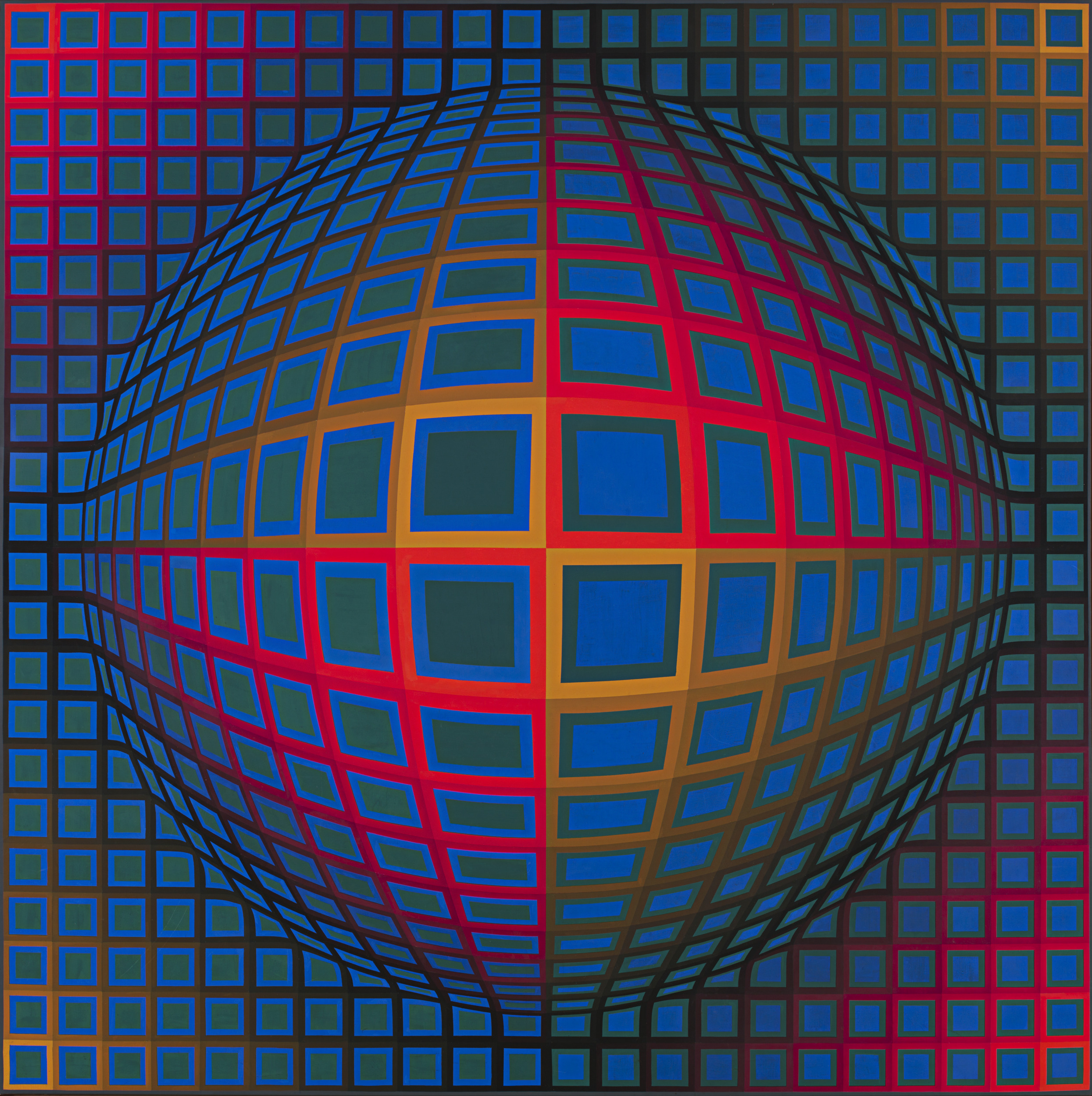
Op Art
A short guide to Op Art: its roots in old optical illusions and the Bauhaus, Victor Vasarely's Zebras and Vega, Bridget Riley's black and white paintings, The Responsive Eye at MoMA, Soto and Cruz-Diez, why the pictures seem to move, Op Art in fashion and design, and a digital homage you can try in PictorX.
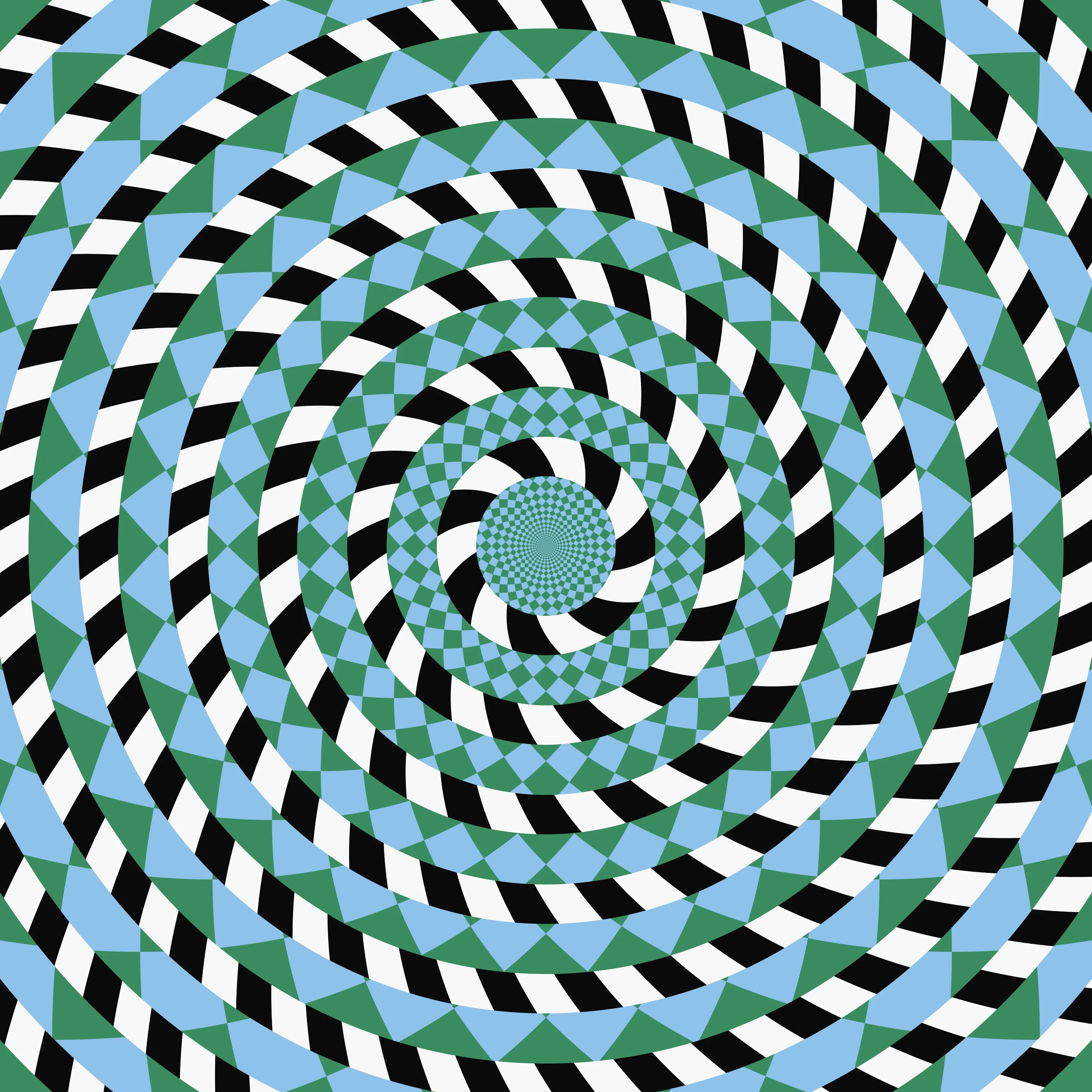
Optical illusions
Play with 13 classic optical illusions in your browser, most made from your own photo: colour from grey, an afterimage, a spinning spiral, a hidden picture, the café wall, the Fraser spiral, drifting wheels and more. Tick Reveal the trick to see how each one works.
Optical illusions
A short guide to optical illusions: colour from grey, afterimages, the motion aftereffect, the café wall, the Fraser spiral, the Hermann grid and why still pictures seem to move — and thirteen classic illusions you can play with, most of them made from your photo, in PictorX.
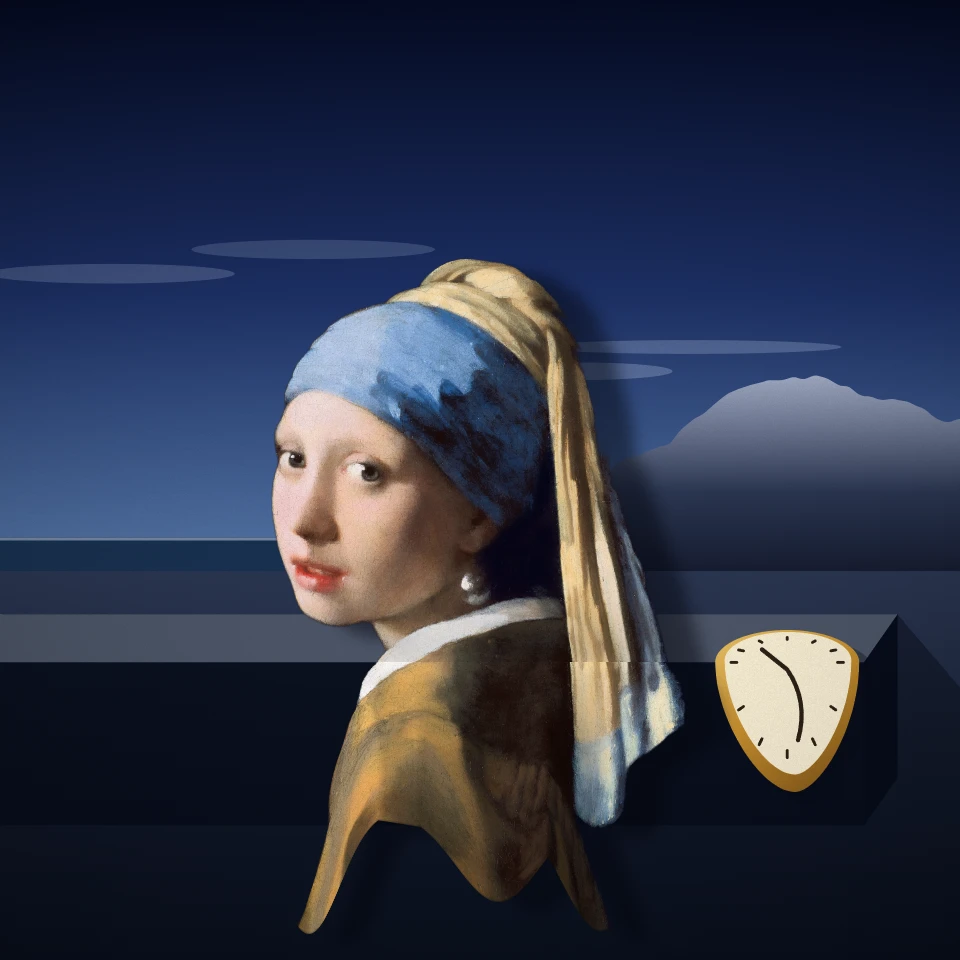
Salvador Dalí photo filter
Put a photo into a painting after Salvador Dalí in your browser: melt it like The Persistence of Memory, stand it among the long-legged Elephants, rebuild it from spheres, reflect it in a swan lake, open drawers in it, prop it up on crutches or let it float like Leda Atomica.
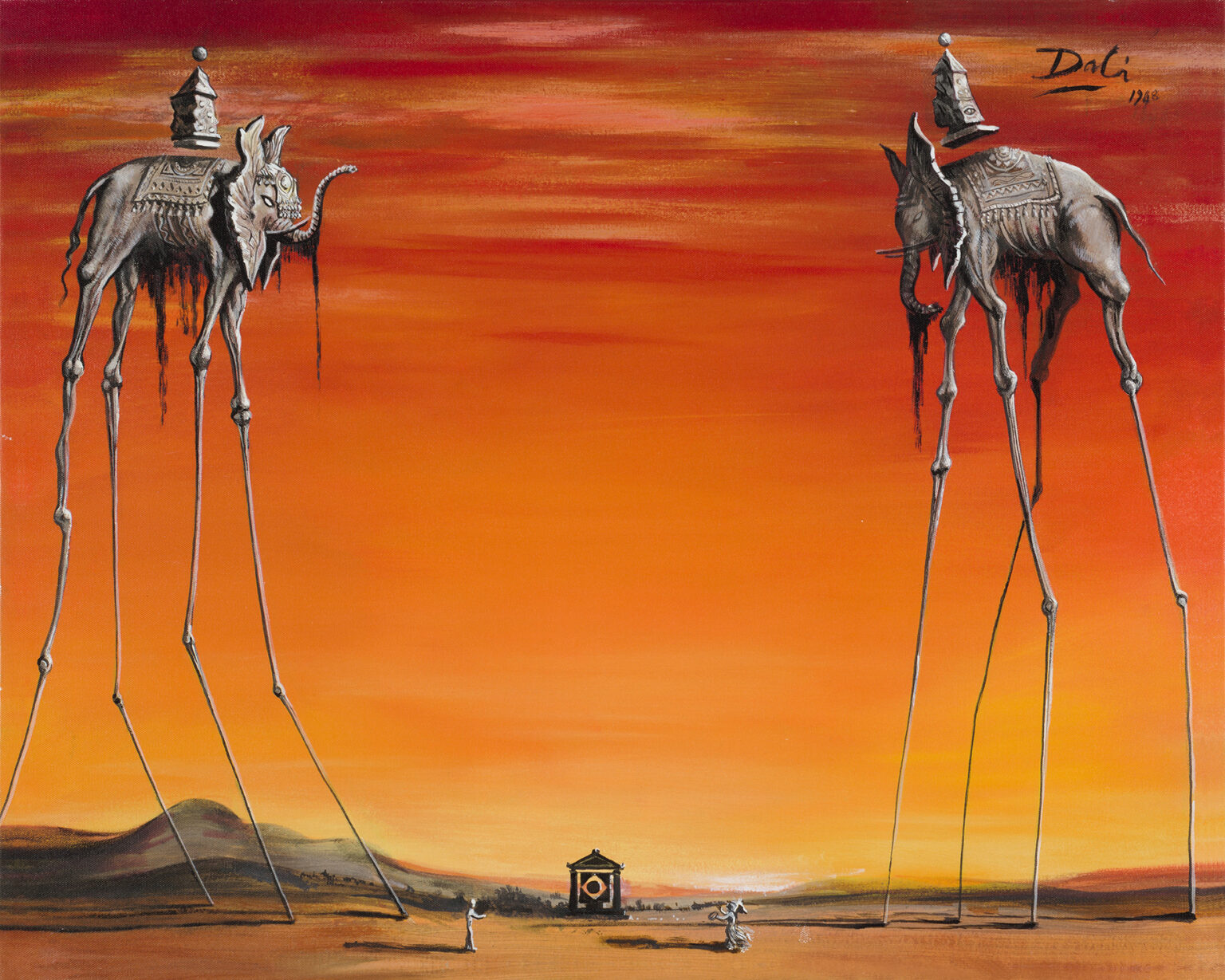
Salvador Dalí
A short guide to Salvador Dalí: his childhood in Figueres and Cadaqués, Lorca and Buñuel, Gala and the Surrealists, The Persistence of Memory, double images, crutches, drawers and a lobster telephone, Hollywood and Disney, Leda Atomica, his Theatre-Museum, and a digital homage you can try in PictorX.
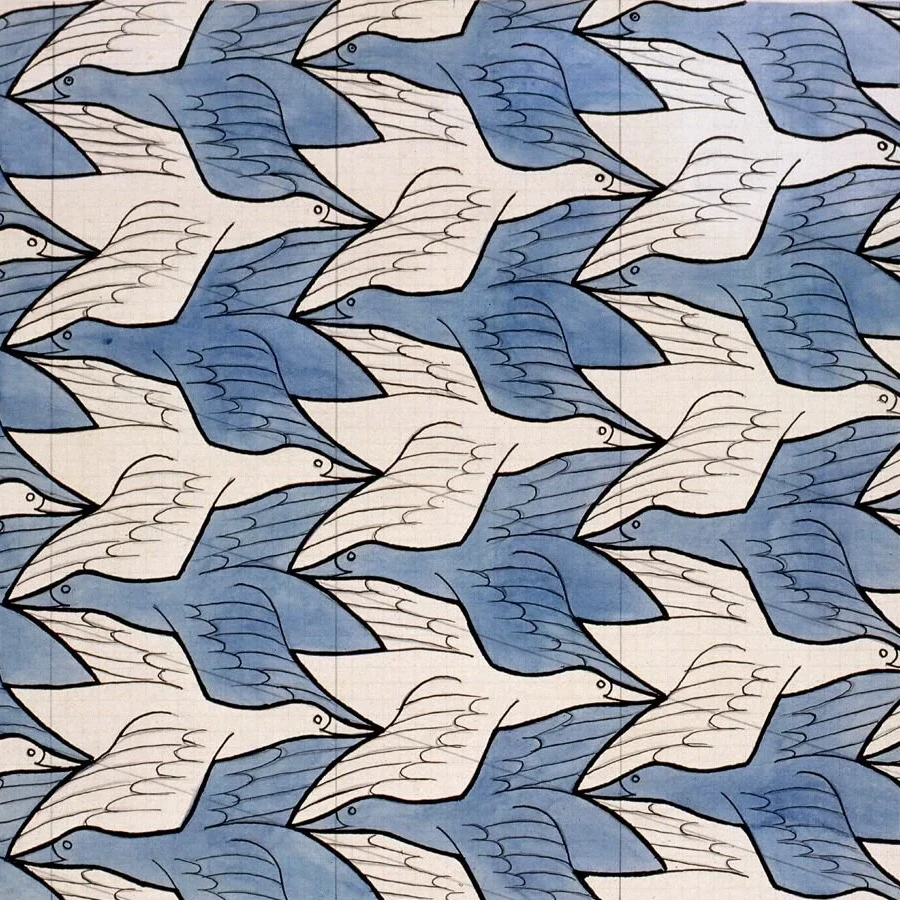
M.C. Escher
Create Escher-style tessellations in your browser. Lizards, birds, fish, horsemen and more—tune scale, colours, and eyes, then save a PNG.
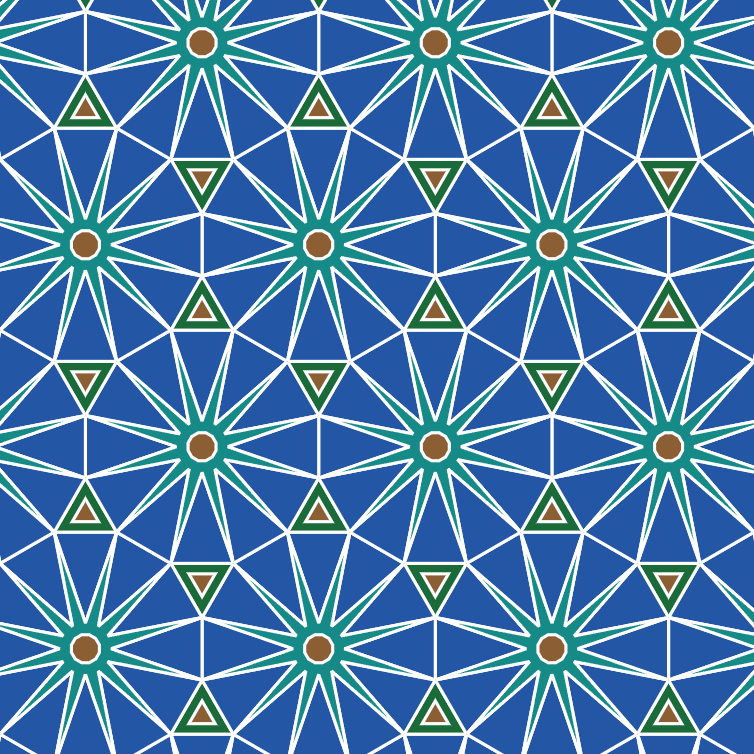
Tessellation
Cover the plane with regular and Archimedean tessellations. Tune scale, colours, and warp square edges Escher-style — then save a PNG.
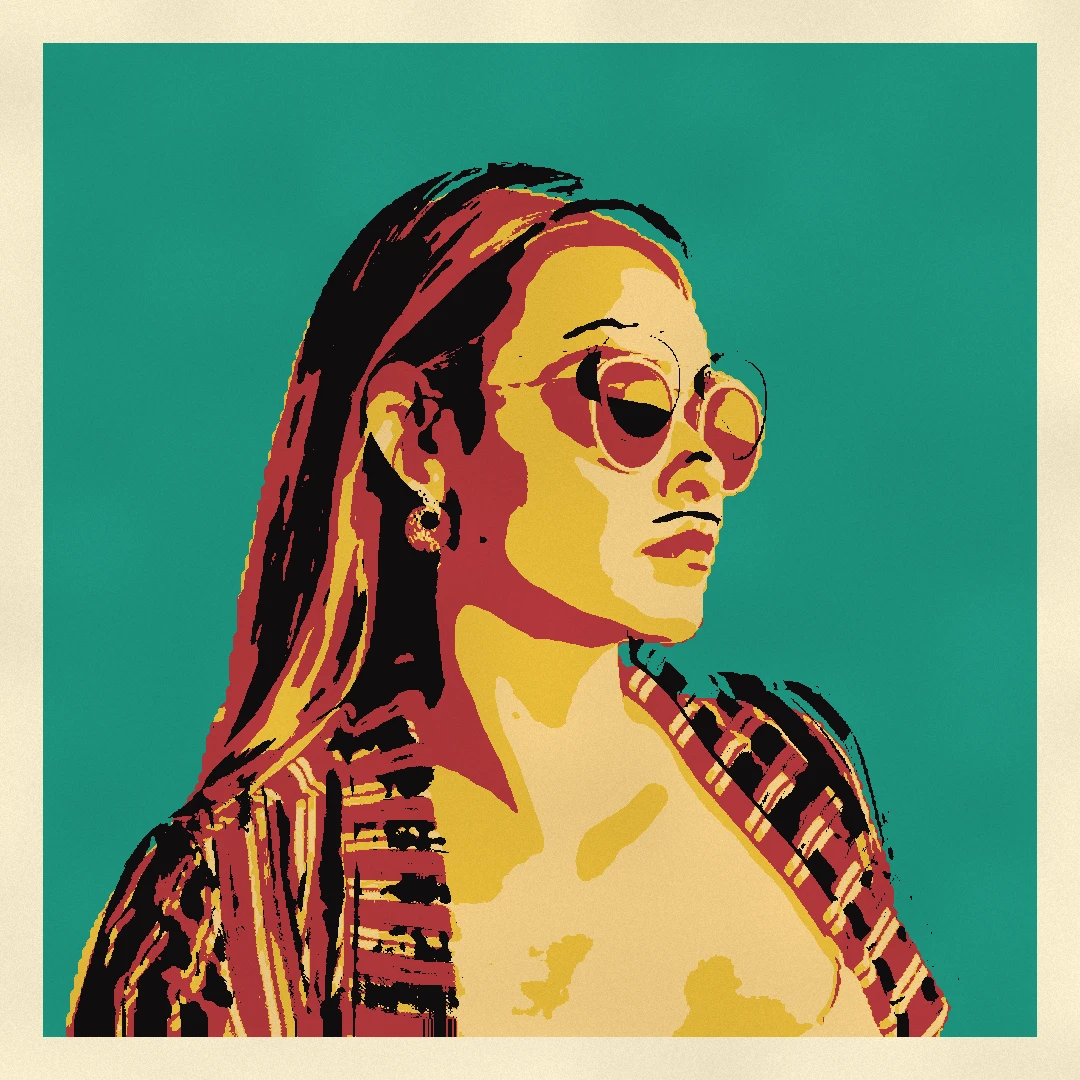
Pop Art photo filter
Turn a photo into pop art in your browser: Lichtenstein comics with Ben-Day dots and a WHAAM! burst, Warhol silkscreen grids, CMYK halftones, Riso duotones and pop stickers.
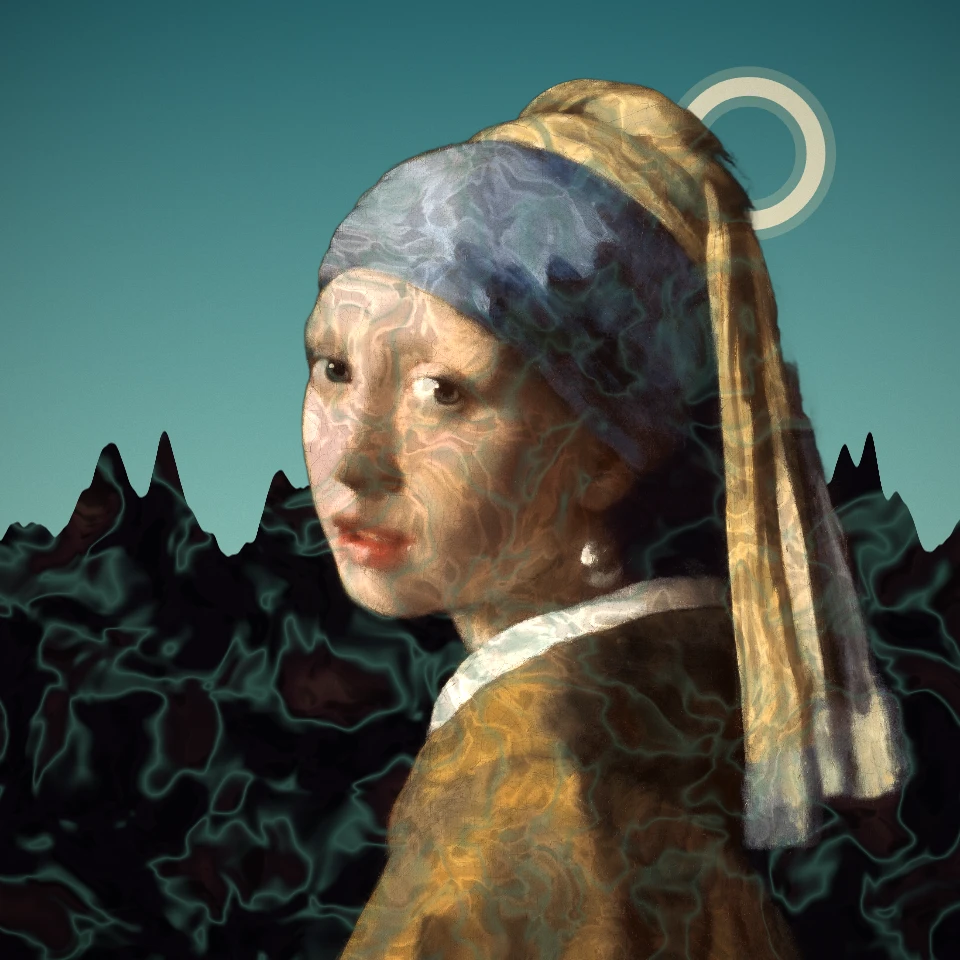
Surrealism photo filter
Turn a photo into a Surrealist dream: De Chirico's empty piazza, Ernst's decalcomania, an Exquisite Corpse, Tanguy's endless plain, Varo's tower or a Man Ray solarization. Dalí and Magritte have their own effects.
Ready to try it?
Open PictorX in your browser — no install, no credit card required to start.
Go to Editor