
Painting Pendulum
Paint damped Lissajous curves like a Blackburn pendulum. Tune ratios, phases, and damping, animate the spiral, and save a PNG. Pick a ratio, then tune frequencies, phases, damping, pen layers, and glow.
How it works
- Pick a preset ratio (1:1, 1:2, 2:3, 3:4) or set ωx and ωy yourself.
- Adjust amplitudes, phases, and damping k, then animate the spiral paint trail.
- Randomize for a surprise, Save a PNG, or Edit the canvas in PictorX.
Blackburn pendulum physics
Two perpendicular harmonic oscillators make a Lissajous path: x(t)=A e^(−kt) cos(ωx t+φx), y(t)=B e^(−kt) cos(ωy t+φy). Rational ωx:ωy ratios close; damping paints the inward spiral.
Ratios, rainbow pen, and export
1:1 makes lines and ellipses; 1:2 a figure-eight; 2:3 and 3:4 woven nets. Turn on Rainbow pen, show the bob overlay, Randomize backgrounds, then Save PNG or Edit in the photo editor.
Frequently asked questions
Is Painting Pendulum drawn in my browser?
Yes. PictorX uses Canvas 2D on your device.
What do ωx, ωy, and k mean?
ωx and ωy are the angular frequencies of the two axes; their ratio sets the Lissajous family. k is damping: larger k spirals inward faster.
Can I save or edit the drawing?
Yes. Use Save to download painting-pendulum.png, or Edit to open the canvas in the PictorX photo editor.
Is Painting Pendulum free to use?
Yes. Open /painting-pendulum in a modern browser and create without installing software.
Related tools
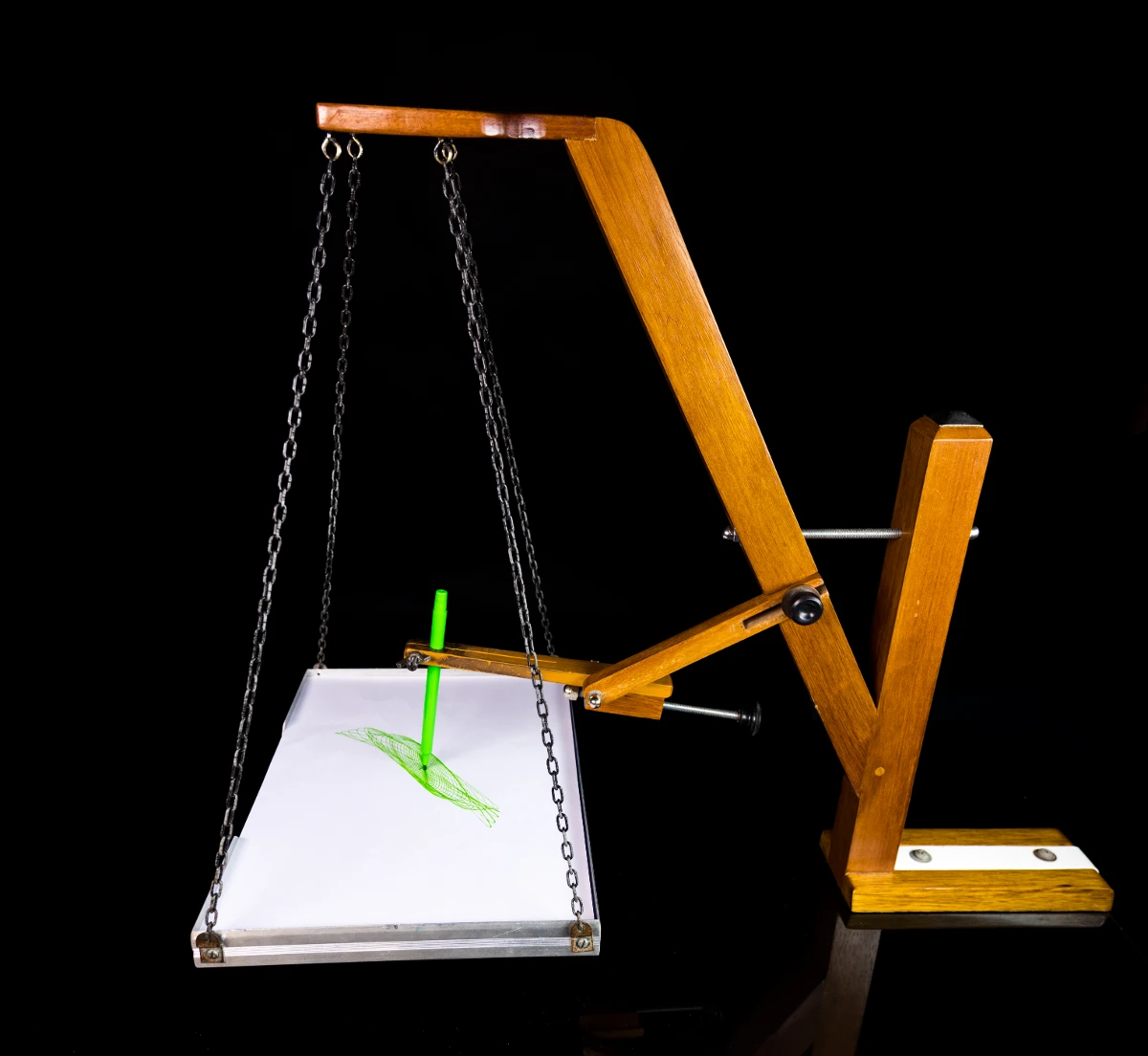
Painting pendulums
Learn how a Blackburn painting pendulum paints Lissajous figures—two perpendicular oscillators, frequency ratios, damping spirals—and try Painting Pendulum in PictorX.

Spirograph
Draw hypotrochoids and epitrochoids in your browser. Tune R, r, and pen offset, animate the curve, randomize styles, and save a PNG.
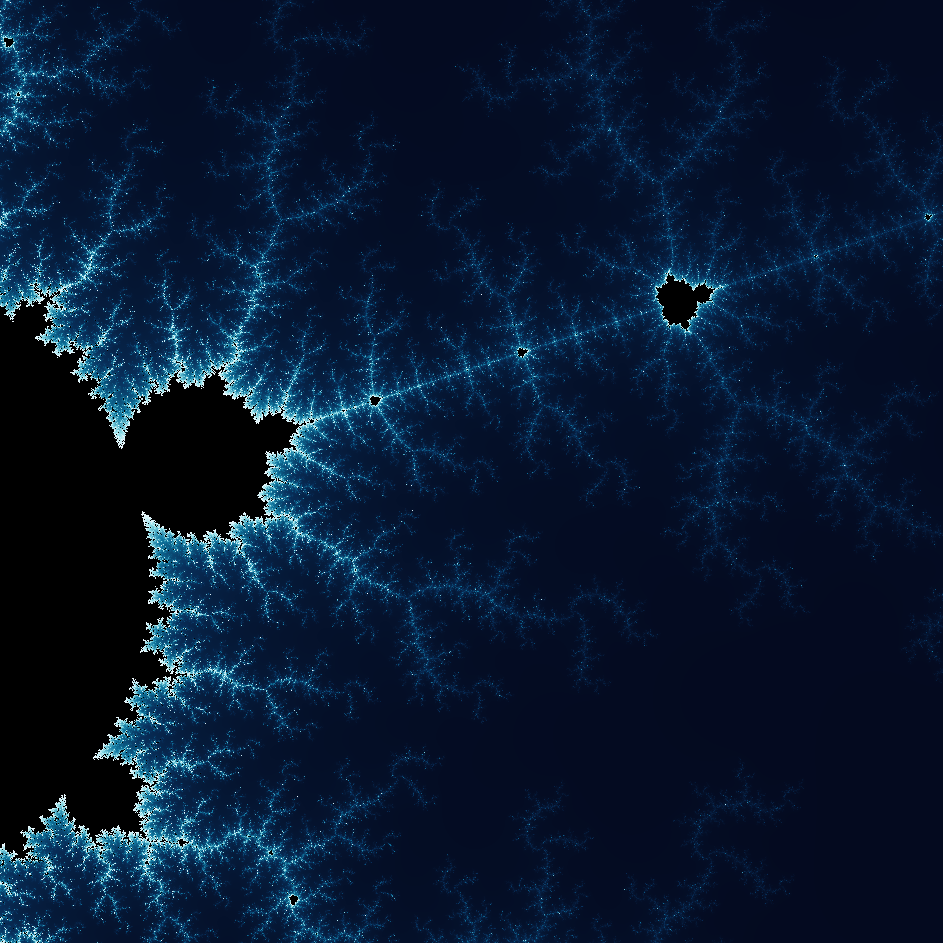
Explore the wonderful world of Fractals
Explore the wonderful world of Fractals. Fractals are complex, detailed geometric patterns found throughout the natural world.
Ready to try it?
Open PictorX in your browser — no install, no credit card required to start.
Go to Editor