
Spirograph
An interactive online spirograph that draws hypotrochoids and epitrochoids. Roll a circle inside or outside a fixed ring, move the pen offset, and watch the curve close. Everything runs in your browser. Pick a preset or drag the canvas to sculpt r and the pen offset. Watch the gears draw, add glow and pen layers, or turn off animation to stamp the full curve.
How it works
- Choose Hypotrochoid or Epitrochoid, then set R, r, and pen offset d.
- Watch the curve animate, or turn animation off to draw the complete figure at once.
- Randomize for a surprise, then Save a PNG or Edit the image in PictorX.
Hypotrochoid vs epitrochoid
A hypotrochoid rolls a circle inside a fixed ring. An epitrochoid rolls outside. R is the fixed radius, r the rolling radius, and d how far the pen sits from the rolling center. Small changes make roses, stars, and nested loops.
Complete curves and presets
When Animate is on, the pen traces until the ratio of R and r repeats. Turn it off to stamp the finished figure instantly. Try Rose, Star, Mandala, or Ellipse presets, then tweak colors and line width.
Frequently asked questions
Is the spirograph drawn in my browser?
Yes. PictorX uses Canvas 2D on your device.
What do R, r, and d mean?
R is the fixed circle radius, r the rolling circle radius, and d the pen distance from the rolling center. Together they set the shape family and how ornate the path becomes.
Can I save or edit the drawing?
Yes. Use Save to download spirograph.png, or Edit to open the canvas in the PictorX photo editor for text, frames, and more.
Is Spirograph free to use?
Yes. Open /spirograph in a modern browser and create without installing software.
Related tools
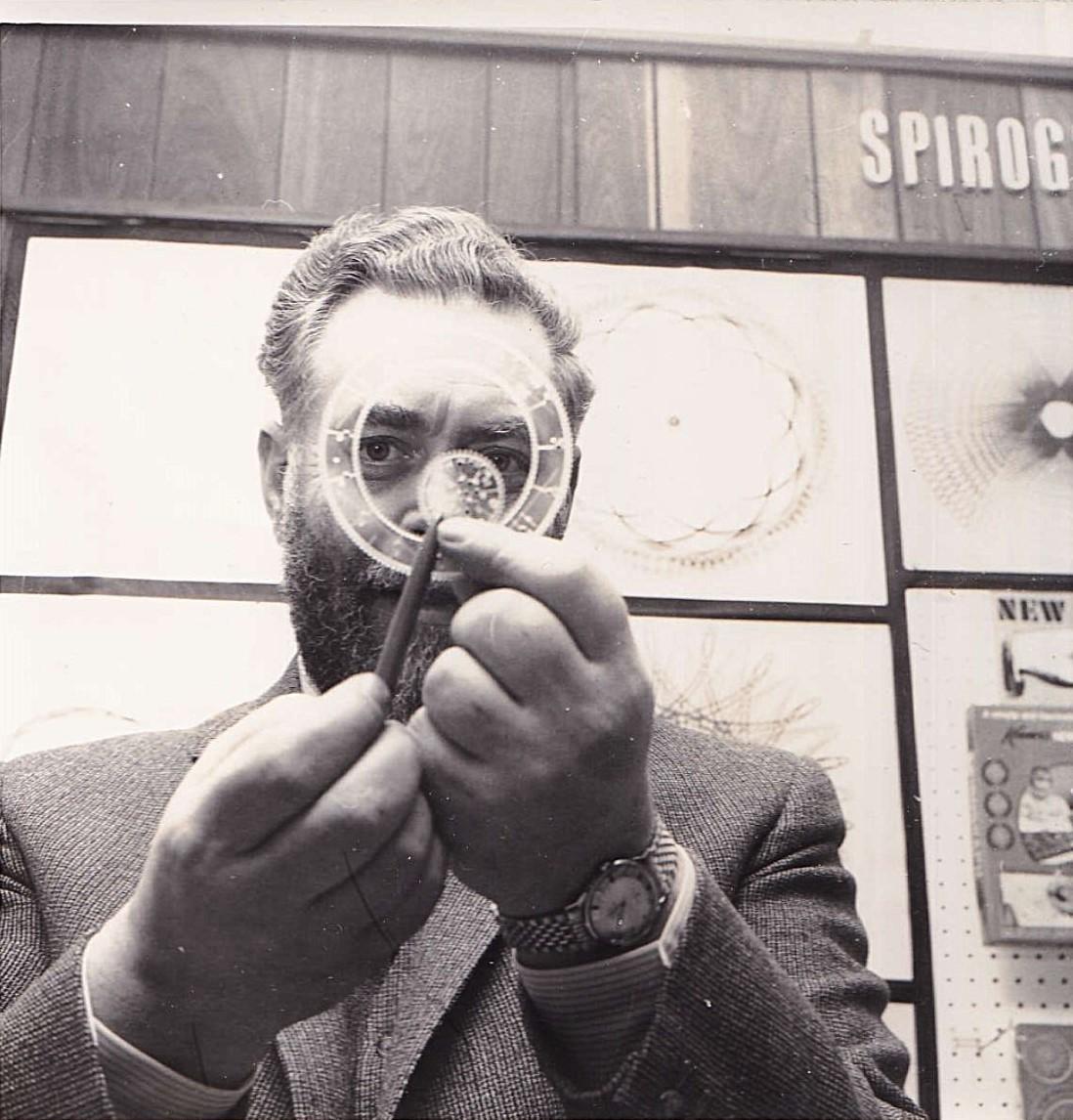
Spirographs
Learn how hypotrochoids and epitrochoids form spirograph curves—R, r, and d, closing conditions, the Denys Fisher toy, and digital mandalas you can draw in PictorX.
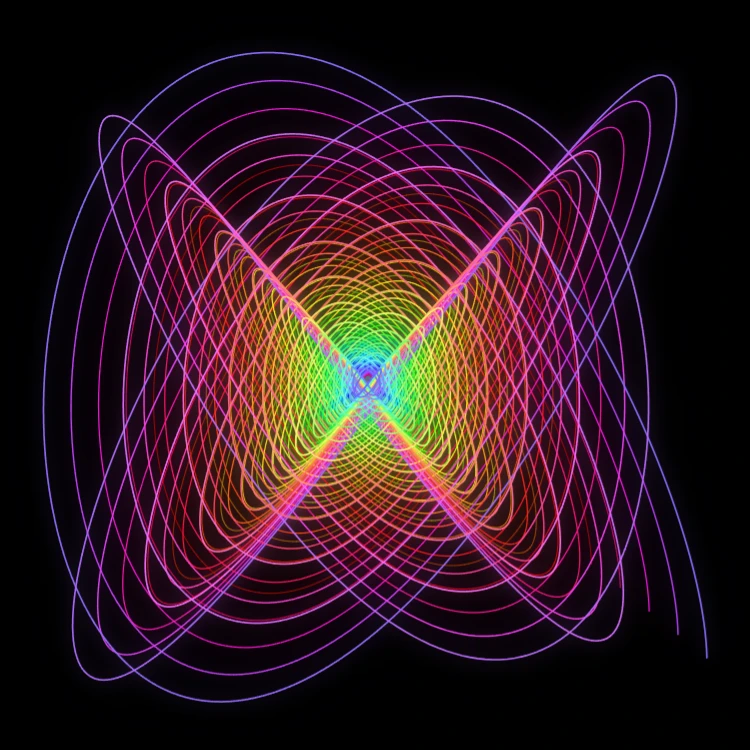
Painting Pendulum
Paint damped Lissajous curves in your browser—the classic Blackburn painting pendulum. Tune frequency ratios, phases, and damping, animate the trail, and save a PNG.
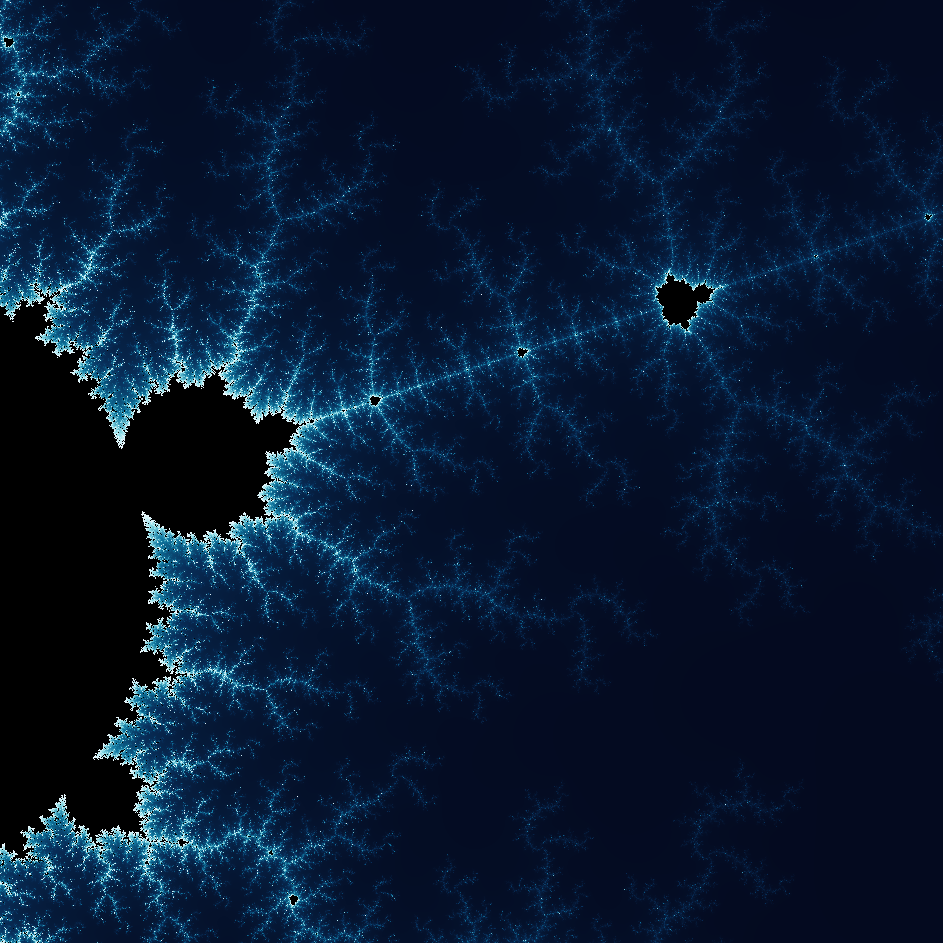
Explore the wonderful world of Fractals
Explore the wonderful world of Fractals. Fractals are complex, detailed geometric patterns found throughout the natural world.
Ready to try it?
Open PictorX in your browser — no install, no credit card required to start.
Go to Editor