
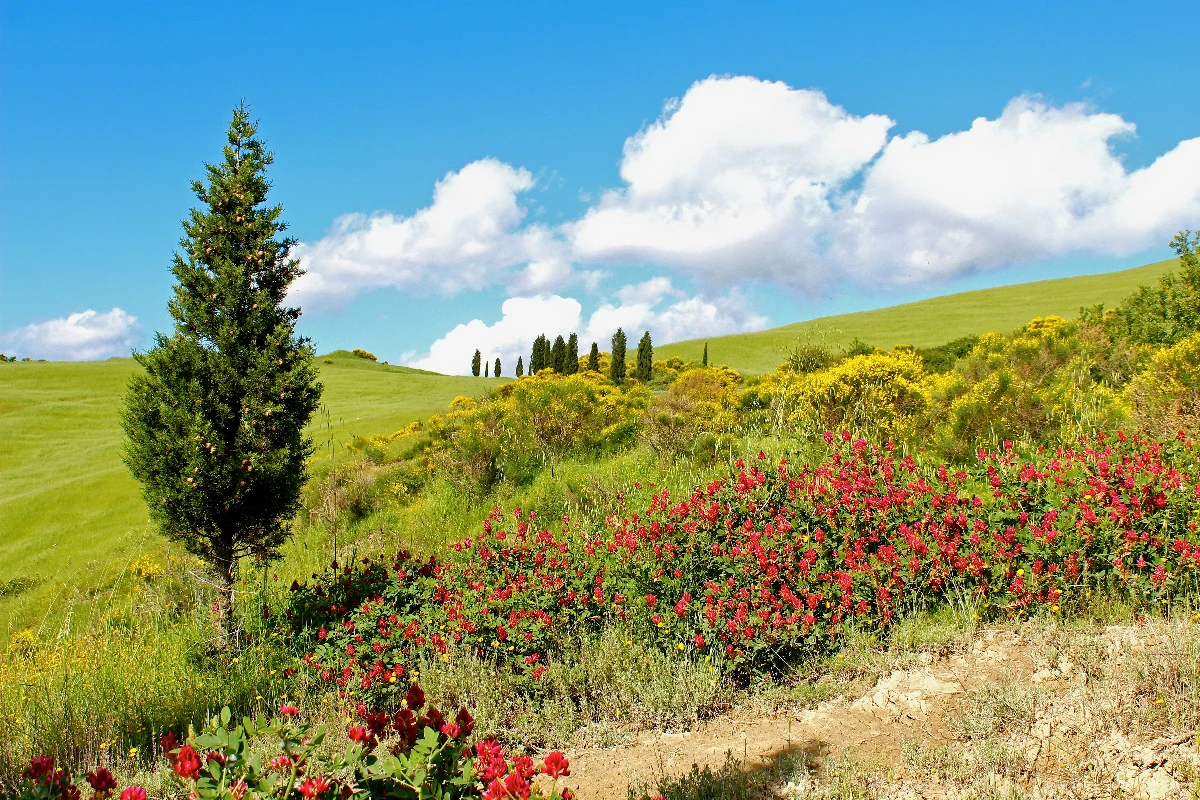
Trasforma una foto in un’astrazione di Kandinsky fatta di cerchi, linee e colore — scegli stile e tavolozza, poi regola gli elementi.
Filtro foto Kandinsky - cerchi, linee e colore
Kandinsky built pictures from point, line and plane. This filter reads your photo the same way: its strongest light and dark blobs become circles, its strongest edges become straight lines, and its broad colour areas become washes and fields, all pulled into Kandinsky's palettes. Every photo gives a different composition. All processed on-device. Trasforma una foto in un’astrazione di Kandinsky fatta di cerchi, linee e colore — scegli stile e tavolozza, poi regola gli elementi.
Come funziona
- Open PictorX in your browser and load a photo — landscapes, portraits and street scenes all give different compositions.
- Choose Kandinsky, then pick a Style (Composition, Concentric Circles, Several Circles or Improvisation) and a Palette, and adjust Element Size, Elements, Line Work, Color Intensity and Canvas Texture.
- Export the abstraction, or keep editing with layers and other effects in the same workspace.
Point, line and plane — from your photo
In his Bauhaus book Point and Line to Plane (1926), Kandinsky described pictures as built from three elements. The filter takes them from the photo: blobs of strong contrast become circles sized by their importance, the strongest edges become thin straight lines along their own direction, and the broad colour areas become pale washes and translucent planes. The composition therefore follows your photo, even though nothing is traced.
Four styles and six palettes
Composition gathers circles with halos, fans of lines, arcs, triangles and small checkerboards on a light ground, after Composition VIII (1923). Concentric Circles fills a grid of squares with hand-painted rings, after his 1913 colour study. Several Circles (1926) floats translucent discs in a dark space, and Improvisation turns the photo into free colour patches with black calligraphic lines, like his paintings before 1914. Palettes: Photo, Composition VIII, Several Circles, Bauhaus, Blue Rider and Murnau.
Privacy and keep editing
Processing stays in your browser—photos are not uploaded to PictorX servers for this filter. After Kandinsky, continue with layers, text, Paul Klee, Cubism, Pointillism, or export.
Domande frequenti
What does the Kandinsky filter do?
It turns a photo into an abstract composition in the manner of Wassily Kandinsky—circles, lines, rings and colour fields taken from the photo's own shapes and colours—not a copy of a museum painting. Style, Palette, Element Size, Elements, Line Work and Color Intensity shape the look.
Is this a real Kandinsky painting?
No. It is a digital homage for your own photos. Kandinsky's own works are in museums such as the Centre Pompidou in Paris, the Lenbachhaus in Munich and the Guggenheim in New York.
What photos work best?
Photos with a few clear shapes and strong contrast give the boldest compositions; landscapes suit Composition and Concentric Circles, night or dark photos suit Several Circles, and portraits suit Improvisation.
Can I keep editing after applying Kandinsky?
Yes. Continue with layers, text, other artistic looks, or export from the same PictorX workspace.
Strumenti correlati
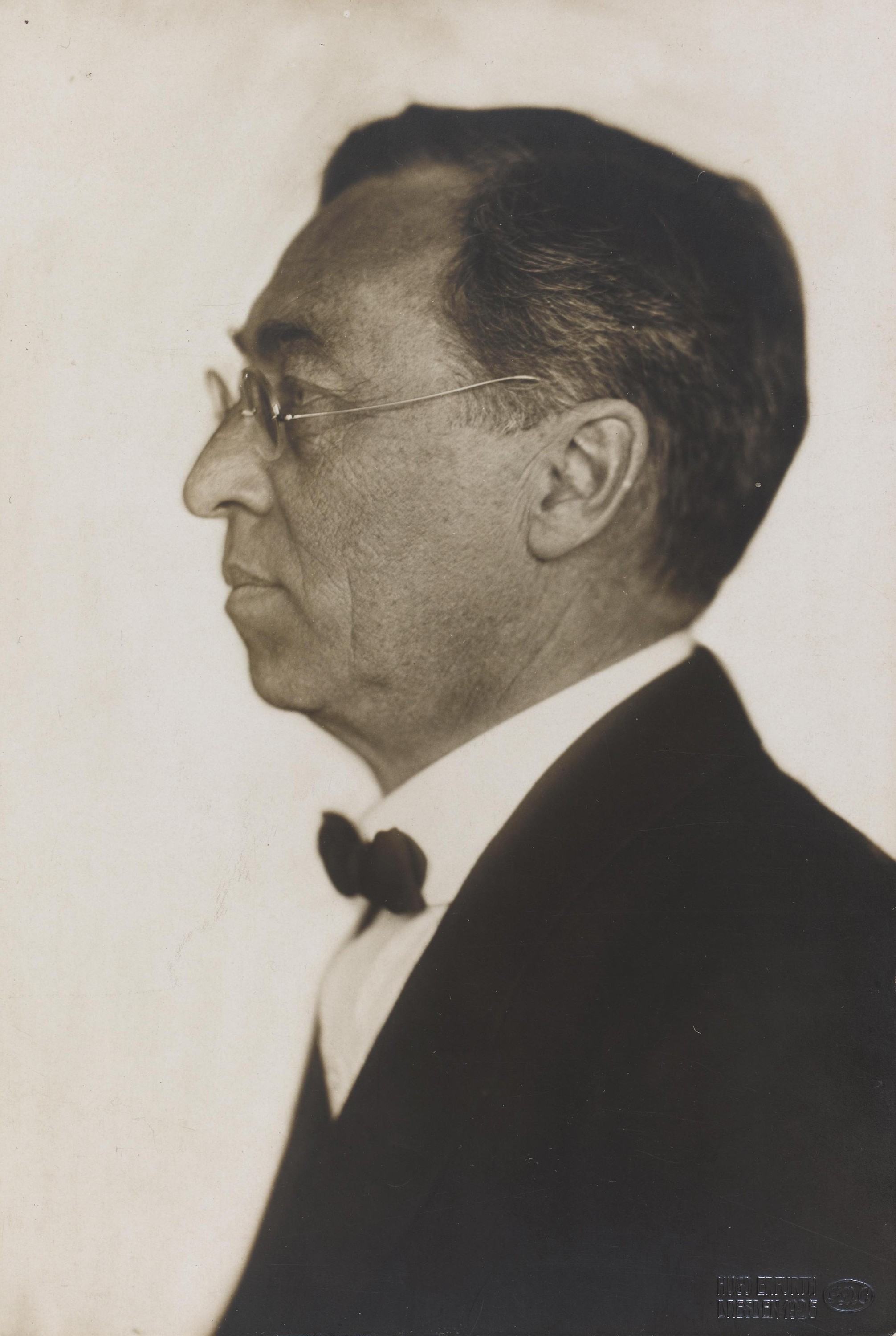
Wassily Kandinsky
Una breve guida a Wassily Kandinsky: da Mosca a Monaco, Murnau e il Cavaliere azzurro, il colore come musica, i quadrati con cerchi concentrici, il Bauhaus e Composizione VIII, Alcuni cerchi e un omaggio digitale da provare in PictorX.
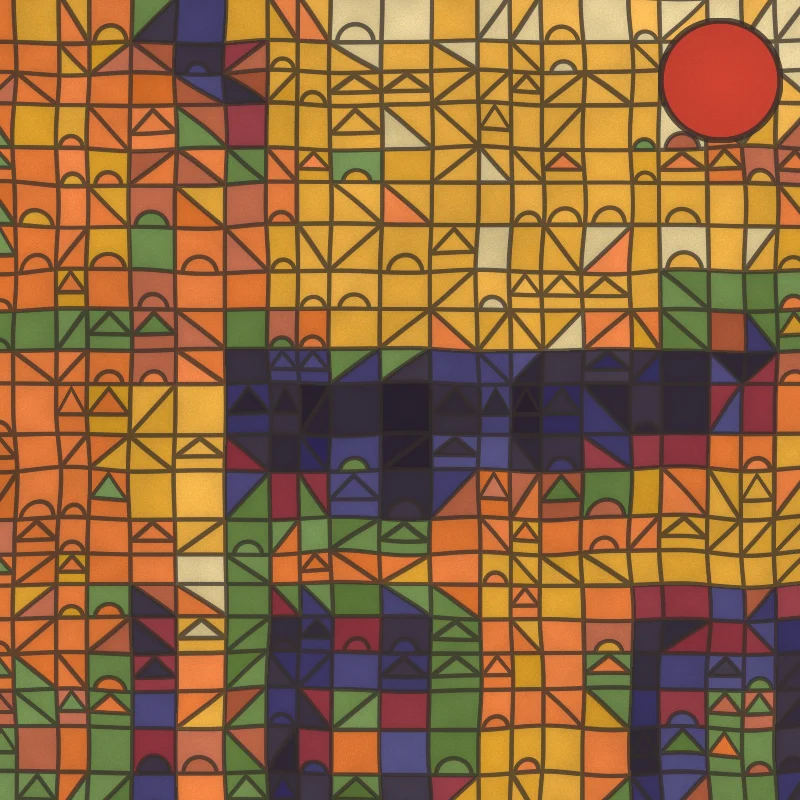
Filtro foto Paul Klee - quadrati magici, castelli e linee
Trasforma una foto in un dipinto alla Paul Klee nel browser: quadrati magici di colore, tessere Castello e sole, punti di Ad Parnassum, una linea a passeggio o acquerelli tunisini.
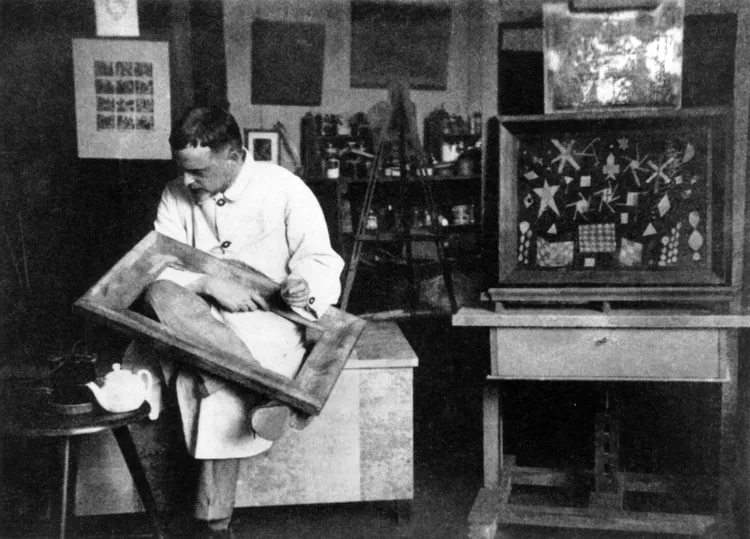
Paul Klee
Una breve guida a Paul Klee: Berna e il Cavaliere azzurro, il viaggio in Tunisia del 1914, i quadrati magici di colore, la linea a passeggio, gli anni del Bauhaus e un omaggio digitale da provare in PictorX.
Mondriaan
Componi griglie De Stijl classiche in stile Mondriaan nel browser. Regola complessità, spessore delle linee e riempimento — clicca le celle per ricolorarle, poi salva un PNG.
Filtro foto cubista - facce geometriche
Trasforma una foto in facce geometriche ispirate al Cubismo analitico nel browser. Regola dimensione facce, prospettive, appiattimento, contorno e contrasto.
Minimalismo
Trasforma una foto in arte minimalista nel browser: forme piatte a bordi netti, una silhouette, una sola linea, campi di colore o blocchi — tutto preso dalla tua foto.

Effetti artistici
Trasforma le foto con pittura a olio, acquerello, matita, inchiostro fumetto, pastelli, ritagli di carta e altri look artistici da studio.
Pronto a provarlo?
Apri PictorX nel tuo browser: nessuna installazione, nessuna carta di credito richiesta per iniziare.
Vai all'editor