
Pattern
Colors
Picture
Ring
Draw
Mandala Maker
Design a mandala in seconds. Pick a style, set how many times the pattern repeats and how many rings it has, then change any ring you like, add your own lines with the mandala's symmetry, and save it as a picture, an SVG or a coloring page to print. Pick an example or press New pattern, then set the symmetry, the rings, the motifs and the colors. Click a ring to change it, or draw by hand with the mandala's symmetry. Save a PNG or an SVG, or open the mandala in the editor as layers.
How it works
- Pick an example such as Lotus, Boho, Gold on black or Coloring page, or press New pattern for another mandala with the same settings.
- Set the symmetry and the number of rings, choose floral or geometric motifs, a palette and how the mandala is colored.
- Click a ring to change its motif, copies, width or color, draw by hand with the mandala's symmetry, then save a PNG or SVG or open it in the PictorX editor.
Ring by ring
A mandala is built from rings around a center: petals, lotus petals, leaves, teardrops, hearts, fans, scallops, curls, arches, spikes, rays, diamonds, dots, beads, stars, bands and zigzags. Click any ring in the picture to give it another motif, more or fewer copies, a wider or narrower band, a quarter turn or its own color, or add, remove and reorder rings.
Colors, gold, neon or a coloring page
Choose one of eighteen palettes and let the colors go ring by ring, alternate, or run from the center out. Filled and soft shading give a painted mandala, colored lines and glow look like gold leaf or neon on a dark background, and Coloring page draws clean black outlines on white, ready to print in A4 and color in by hand.
Draw with symmetry
Turn on Draw by hand and every line you draw is repeated around the center, as many times as the symmetry says, and mirrored if you like. Undo and Redo step back through every change, and the pencil opens the mandala in the PictorX editor with the background, every ring, the center and every line on a layer of its own.
Frequently asked questions
Is the Mandala Maker free?
Yes. Make as many mandalas as you like and save them as PNG pictures, without an account or a watermark. Everything is drawn in your browser. Saving as SVG is part of Premium.
Can I print a mandala to color in?
Yes. Pick the Coloring page example or set Coloring to Coloring page, choose the A4 portrait format, and save a PNG or SVG to print. The outlines are black on white, and Line width makes them thicker for younger children.
How do I change one ring?
Click the ring in the picture, or choose it under Ring. Then pick another motif, change the number of copies, the width of the ring, the width of the motif or its turn, or give it its own color. Add ring, Remove ring and the arrows change the order of the rings.
What does Symmetry do?
Symmetry is how many times the pattern repeats around the center. Six or eight give a bold, simple mandala; sixteen to twenty-four give fine, lace-like rings. Lines you draw by hand are repeated the same number of times.
Can I keep editing the mandala?
Yes. The pencil opens it in the PictorX editor with the background, each ring, the center and every line you drew on a layer of its own, so you can recolor, hide or move them. In the editor, Apps ▸ Geometry ▸ Mandala Maker adds a mandala to any design.
Related tools
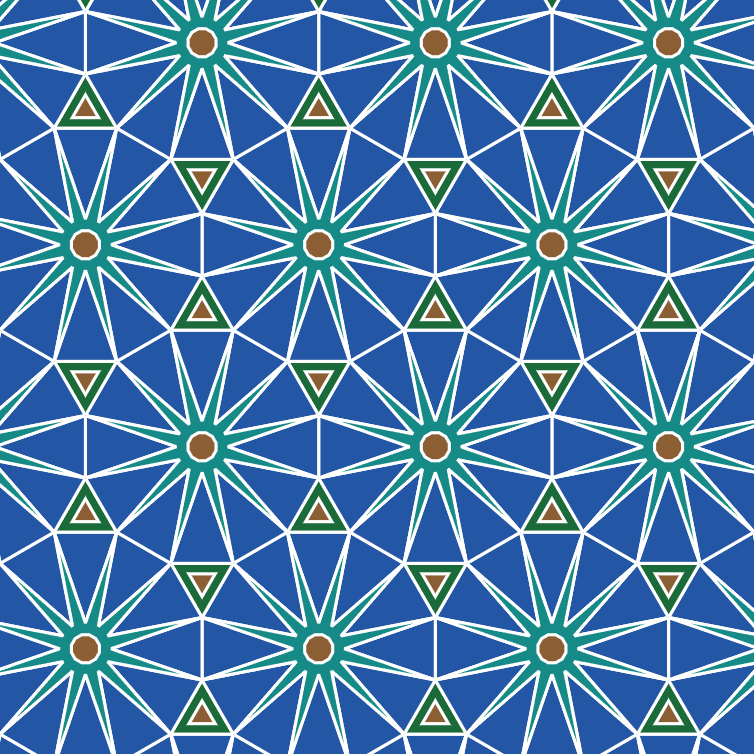
Tessellation maker
Cover the plane with regular and Archimedean tessellations. Tune scale, colours, and warp square edges Escher-style — then save a PNG.
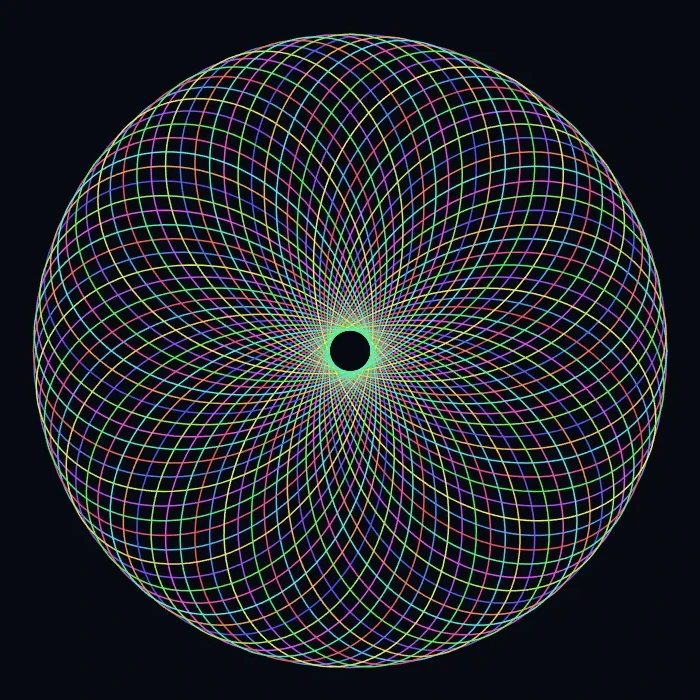
Spirograph
Draw hypotrochoids and epitrochoids in your browser. Tune R, r, and pen offset, animate the curve, randomize styles, and save a PNG.
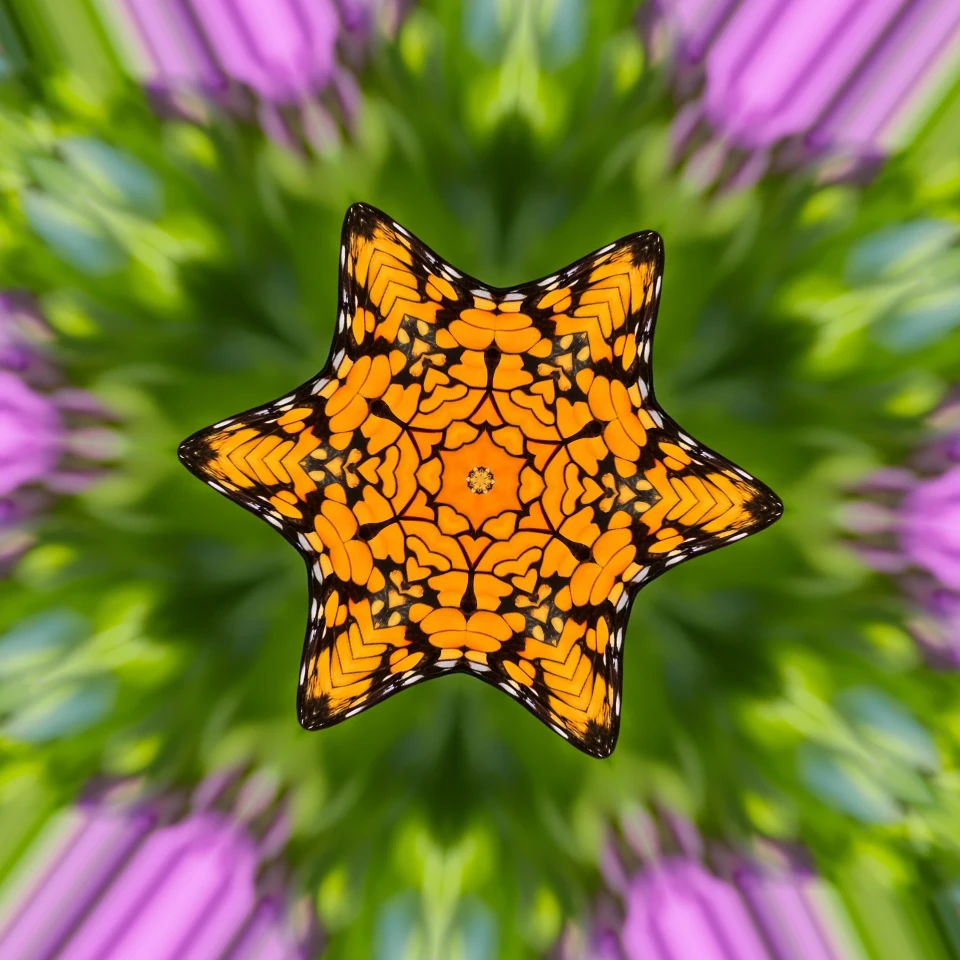
Fold a photo into a kaleidoscope
Turn a photo into a radial kaleidoscope pattern in your browser. Set sides, angle, and rotation.

Kaleidoscopes
How does a kaleidoscope work? Brewster's invention and its Greek name, how the mirrors make patterns, cells and teleidoscopes, and digital kaleidoscope filters.
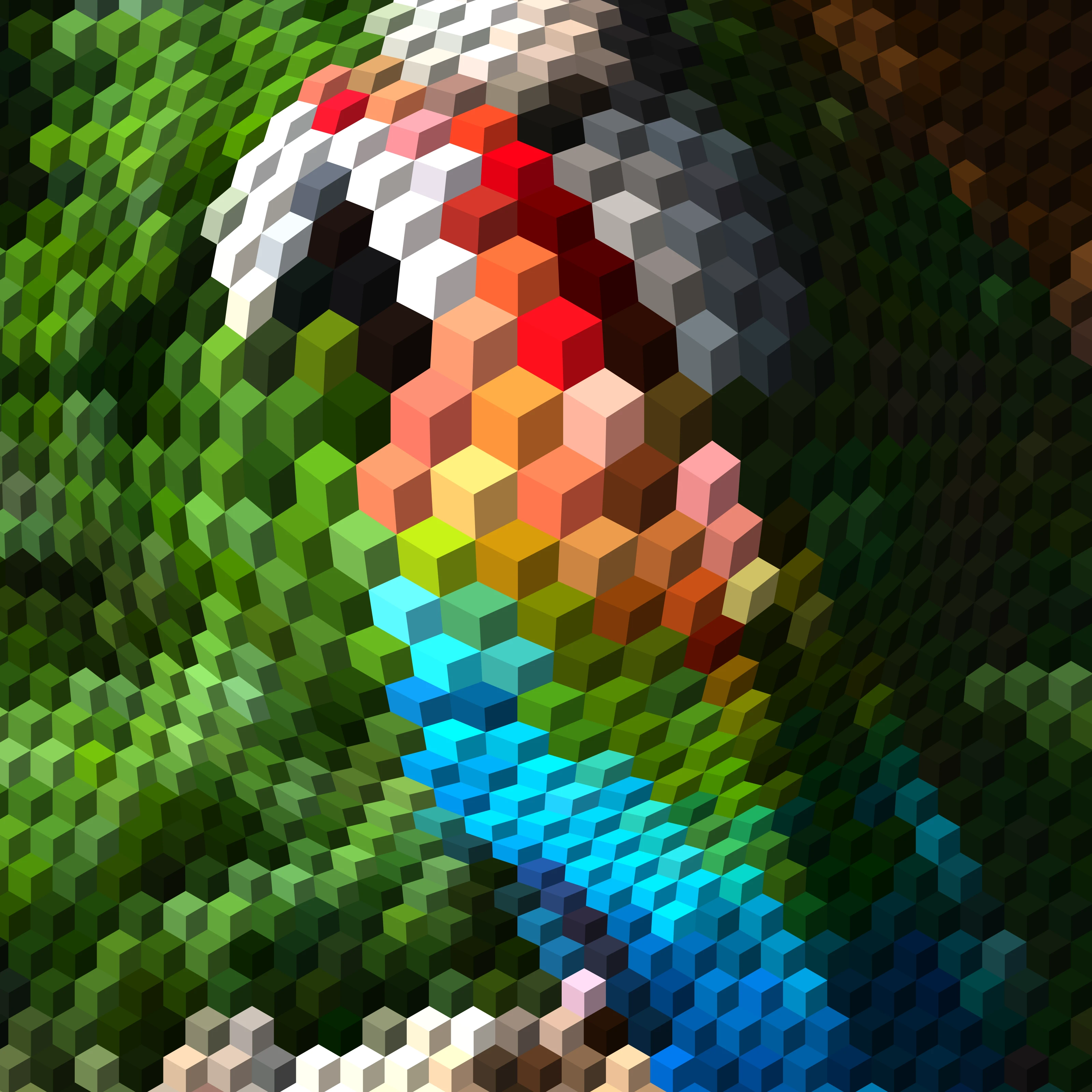
Op Art: your photo as an optical illusion
Turn a photo into op art in your browser: Dalí's Galatea of the Spheres, Vasarely's Vega, Bridget Riley waves, relief lines, moiré, spirals and warped grids — in your subject or a shape, still or animated.

M.C. Escher tessellation maker
Make M.C. Escher-style tessellations online: interlocking lizards, birds, fish, Pegasus and more. Reshape the motif, recolour it and save PNG or SVG.
Ready to try it?
Open PictorX in your browser — no install, no credit card required to start.
Go to Editor