
Mondriaan Maker
Compose De Stijl grids with red, yellow, blue, white, and black. Click cells to recolor, split, undo, and save a PNG — nothing uploaded. Compose De Stijl grids with primary colors — pick a color, click a rectangle to paint, or auto-generate.
How it works
- Open PictorX in your browser and start a new project or load an image.
- Use Mondriaan Maker to shape the result, then refine it with the surrounding editor tools.
- Keep editing, export your work, or turn the result into your next design.
How Mondriaan Maker fits your workflow
Compose De Stijl grids with red, yellow, blue, white, and black. PictorX keeps the feature alongside your photos, layers, typography, and design tools, so you can move from an idea to a finished graphic without switching applications.
Create more with Mondriaan Maker
Start with one focused change, review the result in context, and keep iterating. Combine Mondriaan Maker with other PictorX tools when you need a polished image for social media, a presentation, a print layout, or a personal project.
Frequently asked questions
Is Mondriaan Maker free to try?
Yes. Open PictorX in a modern browser to try Mondriaan Maker as part of the free editing workflow.
Do I need to install software for Mondriaan Maker?
No. PictorX runs in your browser, so you can start creating without a desktop software install.
How do I get started with Mondriaan Maker?
Open an image or create a new design in PictorX, select Mondriaan Maker, then adjust the result while viewing the rest of your composition.
Can I combine Mondriaan Maker with other PictorX tools?
Yes. Use Mondriaan Maker alongside layers, selections, text, filters, and other PictorX editing tools to finish your design in one workflow.
Related tools
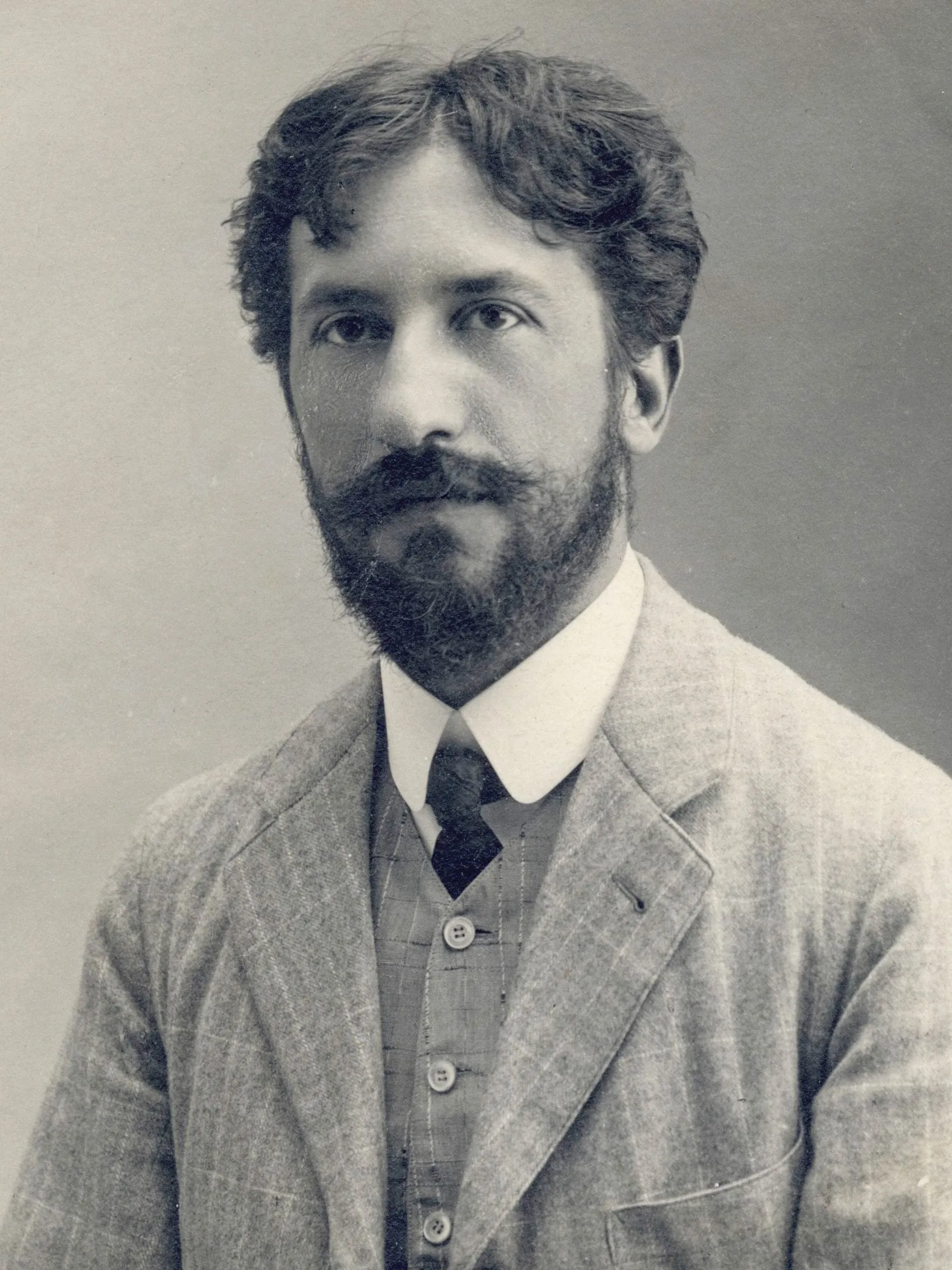
Piet Mondriaan
Piet Mondriaan’s life and art: from The Red Tree to Victory Boogie Woogie, De Stijl and neoplasticism, and how PictorX Mondriaan Maker lets you compose grids in the browser.
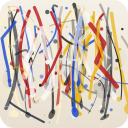
Pollock Painter
Paint Jackson-Pollock-style drips and splatters in your browser. Gesture brushes, Auto-Pollock, palettes, and PNG export — nothing is uploaded.
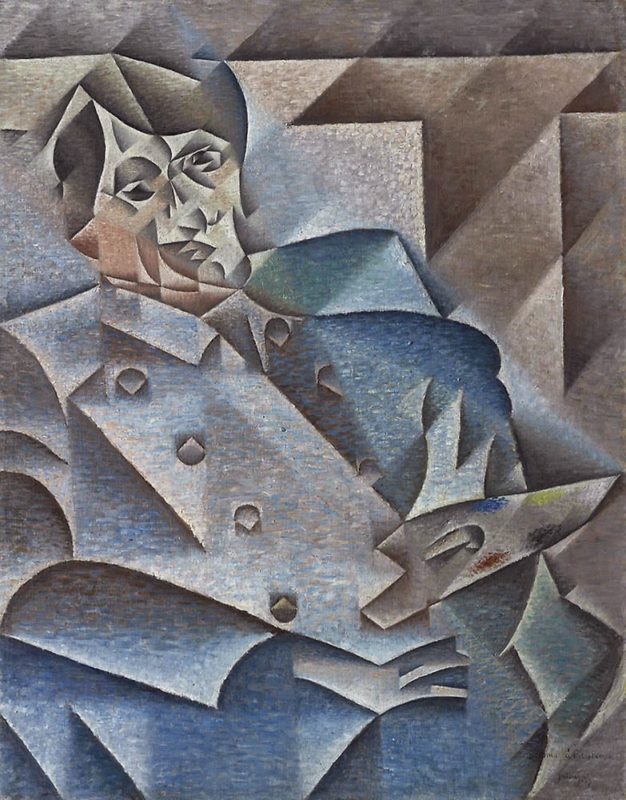
Cubism
A short guide to Cubism: Picasso and Braque, Analytic and Synthetic Cubism, fragmented planes, multiple viewpoints, and a digital homage you can try in PictorX.
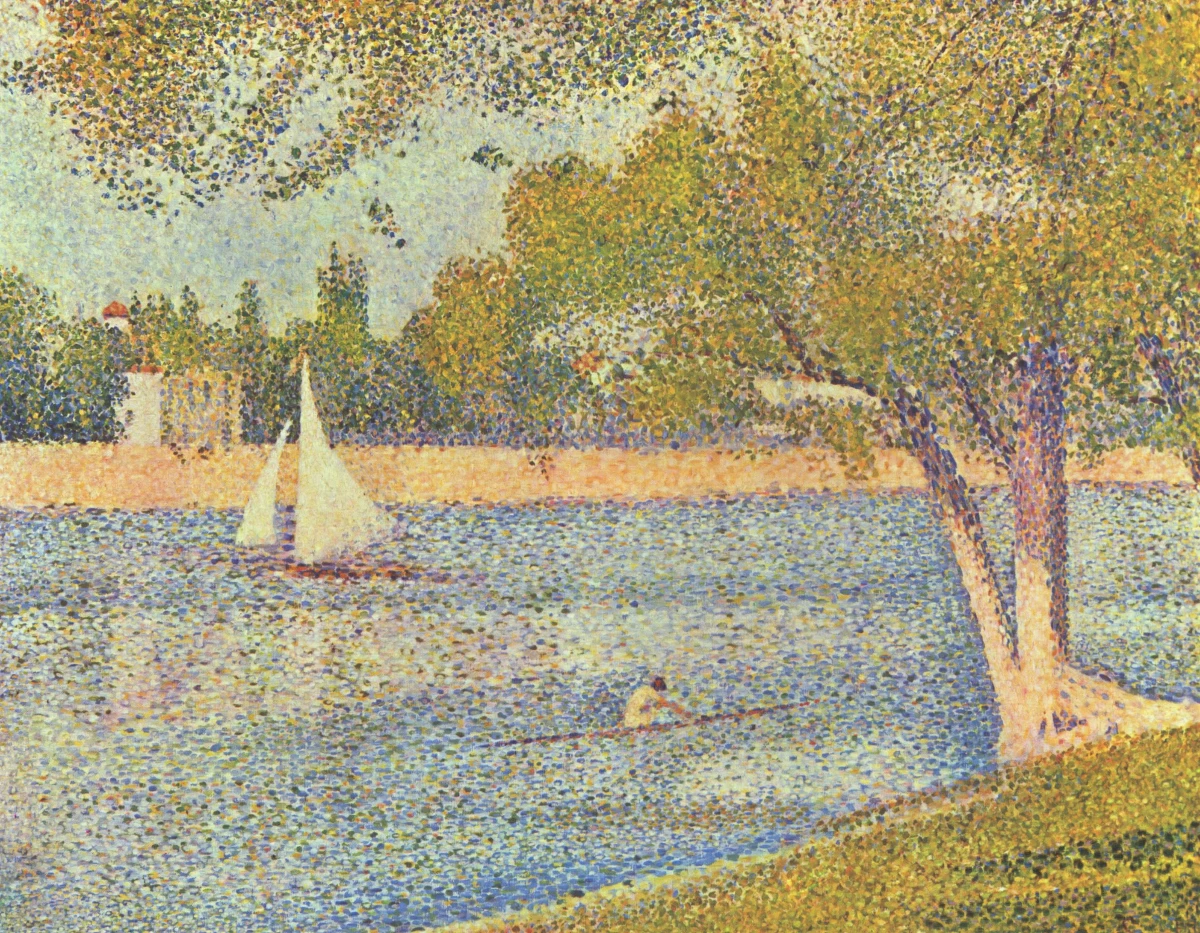
Pointillism
A short guide to Pointillism: Seurat and Signac, Neo-Impressionism, optical colour mixture with dots, and a digital homage you can try in PictorX.
Ready to try it?
Open PictorX in your browser — no install, no credit card required to start.
Go to Editor