
Weekly planner
Plan the week on a grid. Choose how the week starts, how long a slot is and which hours you see. Drag to add, move or resize a block, or use the form on a phone. Recurring blocks come back every week. An inbox holds tasks until you drop them onto a day. Copy last week, mark today, and read the totals on a bar chart. Drag on the week grid to add a time block, or use the form. Unscheduled tasks wait in the inbox until you drop them onto a day. Everything is saved in this browser.
How it works
- Set the first day of the week, the slot length and the hours, then drag on the grid to add a time block, or fill in the form.
- Add categories with their own colours, mark a block as repeating weekly, and keep unscheduled work in the inbox until you drop it onto a day.
- Move through weeks, jump to today, copy last week, and save the plan as JSON, PDF or an image.
A week you can drag
Create a block by dragging across the hours, then drag it to another day or resize it. On a small screen, switch to day view and move with the buttons or a swipe. The form is there when you cannot drag.
Private and portable
Your week, inbox and categories stay in this browser only. Save as JSON to back them up or open them on another device, or save a PDF or image of the week. Undo and redo cover every change.
Frequently asked questions
Is the weekly planner free?
Yes. It is free, needs no account and works in any modern browser.
Where is my week stored?
In the local storage of this browser. Nothing is uploaded. Use Save as JSON to make a backup and Open JSON to restore it.
Can I repeat a block every week?
Yes. Mark a block as Repeat weekly and it appears on the same day and time in later weeks. Copy last week is separate: it duplicates last week's one-off blocks into this week.
What is time blocking?
Time blocking means giving each task its own slot in your calendar, so the week becomes blocks of focused work instead of a loose to-do list. Here you drag across the hours to create a block, colour it by category, and see how many hours each category gets on the bar chart.
Related tools
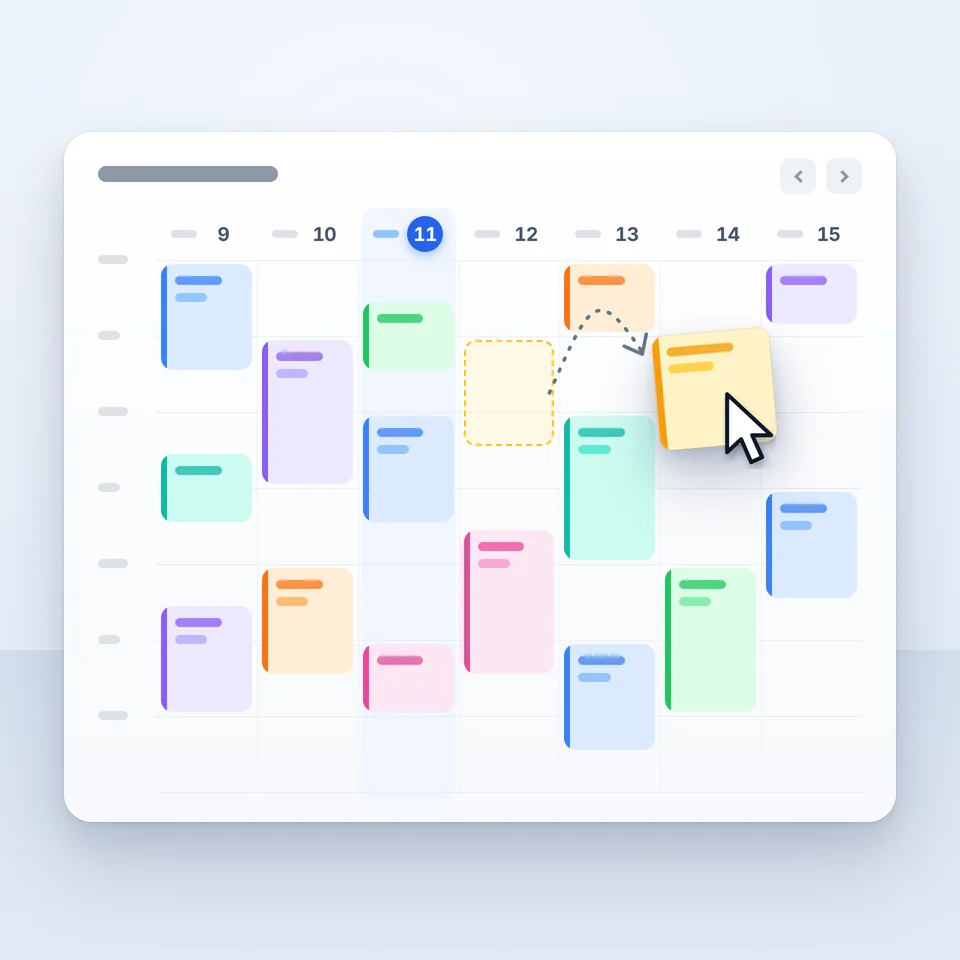
The story of the weekly plan
Where does the weekly plan come from? Appointment books and desk diaries, the week on one page, time blocking, and an inbox for tasks with no time yet.
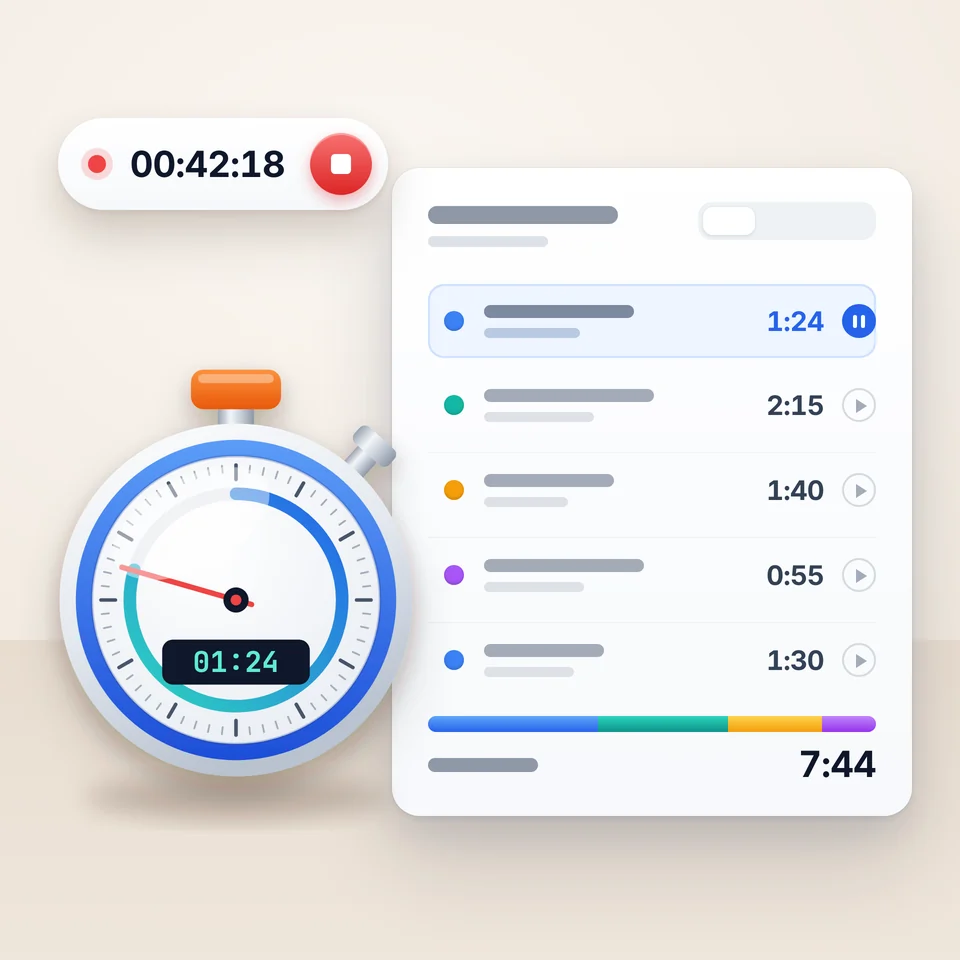
Time tracker
A free online time tracker: start and stop a timer on a project, add manual entries, and see a daily or weekly timesheet with totals and a bar chart. Saved in your browser.

Goal and OKR tracker
A free online goal and OKR tracker: set objectives with deadlines and colours, add numeric or checkbox key results, check in with notes, and watch weighted progress and status. Saved in your browser.

Habit tracker
A free online habit tracker: add daily or weekly habits, tick off days in a week or month grid, and watch streaks, completion and a heatmap. Saved in your browser.
Ready to try it?
Open PictorX in your browser — no install, no credit card required to start.
Go to Editor