
Goal and OKR tracker
Set an objective, then measure it. Add key results with a start, a target and a unit, or a checkbox, and check in with a note and a date. Progress is the weighted average of the key results. Status stays on track, at risk or off track automatically from the deadline, or you can set it by hand. Filter by quarter, archive what is done, and read the overview on a bar chart. Add an objective, then add key results. Check in to update progress. The chart and the status update at once, and everything is saved in this browser.
How it works
- Add an objective with a title, an optional description, a deadline, a colour and a period.
- Add key results: a number with a start, a target, a current value and a unit, or a checkbox, and a weight.
- Check in with a note and a date, update progress, and save the overview as JSON, PDF or an image.
Weighted progress and status
Each key result has its own bar. The objective uses the weights you set. If a deadline is set, automatic status compares progress to the time left; you can also choose on track, at risk or off track yourself.
Private and portable
Your objectives, key results and check-ins stay in this browser only. Save as JSON to back them up or open them on another device, or save a PDF or image of the overview. Undo and redo cover every change.
Frequently asked questions
Is the goal and OKR tracker free?
Yes. It is free, needs no account and works in any modern browser.
Where is my data stored?
In the local storage of this browser. Nothing is uploaded. Use Save as JSON to make a backup and Open JSON to restore it.
How are progress and status calculated?
Progress is the weighted average of the key results. Status is automatic from that progress and the deadline, unless you set it by hand to on track, at risk or off track.
What is an example of an OKR?
Objective: grow the newsletter. Key results: reach 5,000 subscribers, raise the open rate from 30% to 40%, and launch a referral programme. Here the first two are numbers with a start, a target and a unit, the third is a checkbox, and the objective's progress is their weighted average.
Related tools

The story of goals and OKRs
What are OKRs? How Andy Grove used objectives and key results at Intel, how John Doerr took them to Google, SMART goals and weights, and why check-ins matter.
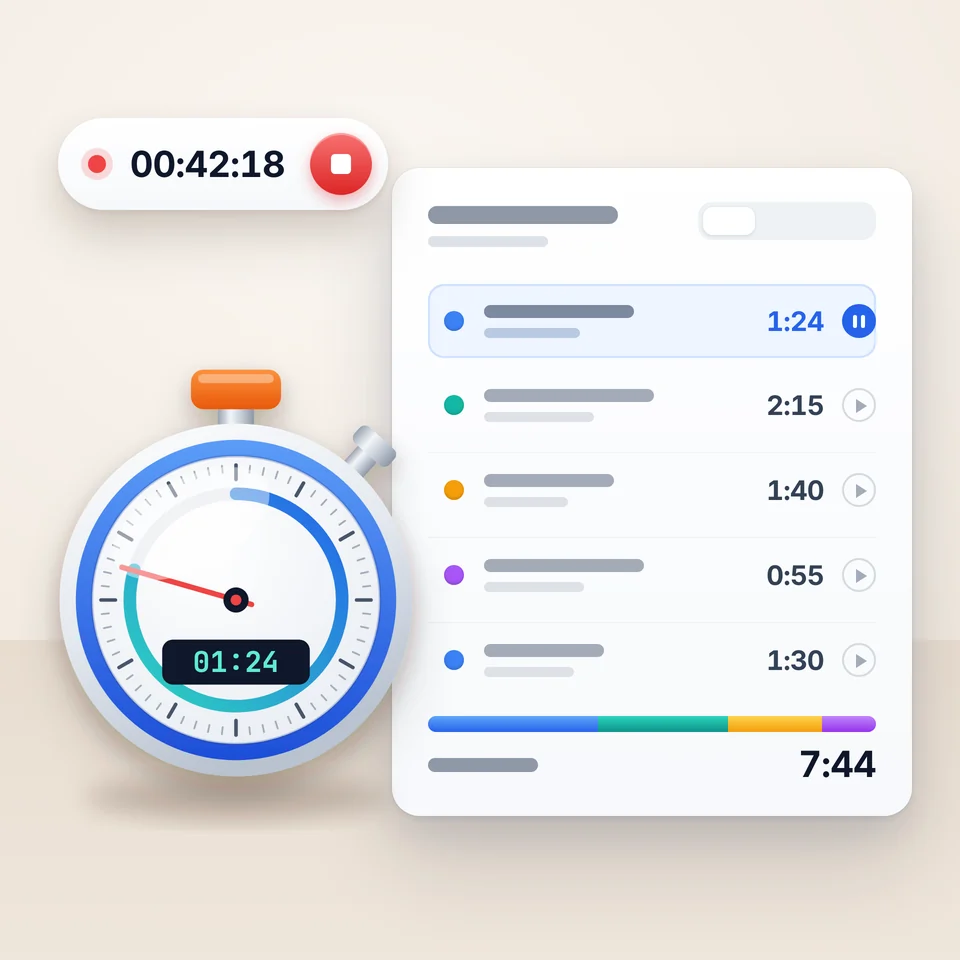
Time tracker
A free online time tracker: start and stop a timer on a project, add manual entries, and see a daily or weekly timesheet with totals and a bar chart. Saved in your browser.
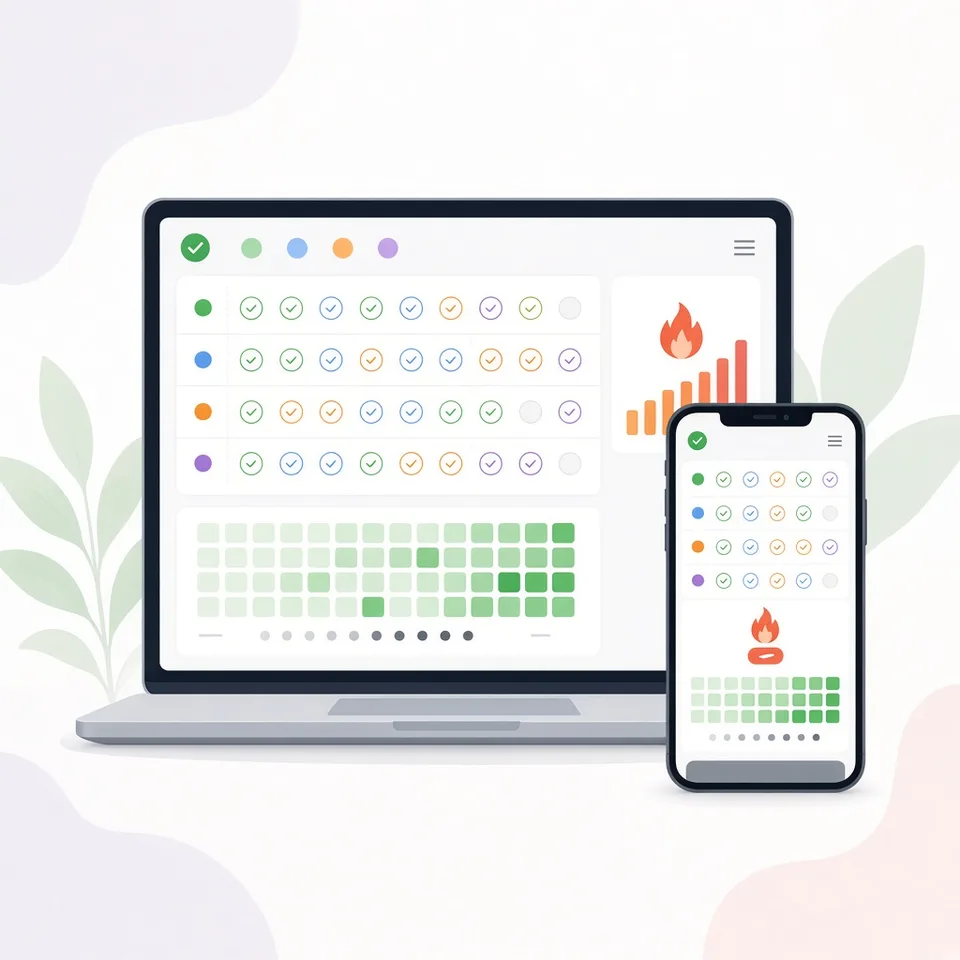
Habit tracker
A free online habit tracker: add daily or weekly habits, tick off days in a week or month grid, and watch streaks, completion and a heatmap. Saved in your browser.

Eisenhower matrix
A free online Eisenhower matrix: sort tasks into Do first, Schedule, Delegate and Eliminate, drag them between quadrants, add due dates and notes. Saved in your browser.
Ready to try it?
Open PictorX in your browser — no install, no credit card required to start.
Go to Editor