
Rubik's Cube Solver
Colour the stickers to match your own cube, press Solve, and follow the solution one turn at a time on a 3D cube you can spin round. The solver uses Herbert Kociemba's two-phase algorithm, the method behind most computer solvers, and finds a solution of about 20 moves in a second or so. Scramble a cube to practise, turn the faces yourself, or try a pattern such as the checkerboard or the superflip. Colour the stickers to match your own cube: pick a colour and click a sticker, and drag the cube to turn it round and see the other faces (or switch to the flat net). Hold the cube with the white centre on top and the green centre in front, as the picture does. Then press Solve: the solver finds a short solution, usually 20 moves or fewer, and plays it move by move. Scramble mixes the cube at random; the buttons U, R, F, D, L and B turn a face yourself.
How it works
- Hold your cube with the white centre on top and the green centre in front, pick a colour under Paint and click the stickers to match; drag the cube to see the other faces, or switch to the net.
- Press Solve. If the colours cannot come from a real cube, the solver says what is wrong, such as a twisted corner or a colour used too often.
- Play the solution with the playback bar or step through it move by move; the tiles show the next move and which face to turn.
- Or press Scramble for a random cube, turn faces with the U, R, F, D, L and B buttons, and save the picture or open it in the editor with each face on a layer of its own.
Enter your own cube
The centres never move, so they tell you which face is which: hold the cube with white on top and green facing you, as on the screen, and red is on the right. Pick a colour and click each sticker to match; drag the cube to look at the back and the bottom, or switch View to Net to see all six faces at once. The State tile counts the pieces already in place, and a message points out a colouring no cube can have, such as ten whites or a corner with two greens.
Reading the moves
The solution is written in Singmaster notation. U, D, R, L, F and B are the up, down, right, left, front and back faces. A letter alone turns that face a quarter turn clockwise as you look straight at it, a letter with ' turns it anticlockwise, and a letter with 2 turns it half way round. The Next move tile spells each move out, such as Right face, anticlockwise, and the chips under the cube show the whole solution with the move you are at highlighted; click a chip to jump there.
How the solver finds 20 moves
Kociemba's two-phase algorithm first turns the cube into a position where every piece is the right way round and the middle-layer edges are in the middle layer, then solves it using only U, D and half turns of the other faces. Both phases are searches guided by tables of distances that your browser builds when the page opens. The solver keeps looking for shorter solutions for up to a second and a half, so most cubes come out at 19 to 21 moves; no position needs more than 20 with the best possible solution.
Frequently asked questions
How do I enter my cube?
Hold your cube with the white centre on top and the green centre facing you. Pick a colour under Paint and click each sticker on the screen to match your cube, dragging the 3D cube round to reach the back and bottom faces, or switch View to Net to see all six faces flat. The centres cannot be changed, since they never move on a real cube.
How many moves does the solution take?
Usually 19 to 21. The solver uses Kociemba's two-phase algorithm and stops as soon as it has a solution of 20 moves or fewer, or after a second and a half. Every position can be solved in 20 moves or fewer, which was proved in 2010.
What do R, U' and F2 mean?
Each letter is a face: Up, Down, Right, Left, Front and Back. R turns the right face a quarter turn clockwise as you look at it, U' turns the top face anticlockwise, and F2 turns the front face half way round. The Next move tile writes each move out in words.
Why does it say my cube cannot be solved?
Because no real cube can look like that by turning: a colour used more or fewer than nine times, a piece with colours that do not belong together, one twisted corner, one flipped edge or two swapped pieces. Usually one sticker is coloured wrong; check the piece the message mentions. A real cube in that state has been taken apart or had stickers moved.
Can I turn the cube myself?
Yes. The buttons U to B' turn a face, as do the letter keys (with Shift for anticlockwise), and Do moves applies a sequence you type, such as R U R' U'. Scramble makes a random cube, and Pattern sets up the checkerboard, the superflip and other patterns. Undo takes back a turn or a sticker.
Can I use the picture?
Yes. Save gives a PNG, and the pencil opens the cube in the PictorX photo editor with the background, the shadow, the cube's body and each face's stickers on layers of their own. In the editor it is under Apps ▸ Science ▸ Mathematics ▸ Rubik's Cube. Everything runs in your browser.
Rubik's Cube Solver: how do I record a video?
Press the red Record button in the playback bar: it films what the stage shows. Press it again to stop, and the video is saved to your device. Recording is free; you only need to sign in. Without a subscription the video carries a small PictorX logo in a corner. The button beside Record opens the video options: the shape (as shown, square, story 9:16 or wide 16:9), the length (until you stop, or 5, 10, 15 or 30 seconds for social media) and the file: MP4, WebM or an animated GIF. You can add one of three music tracks: calm, bright or beat.
Related tools
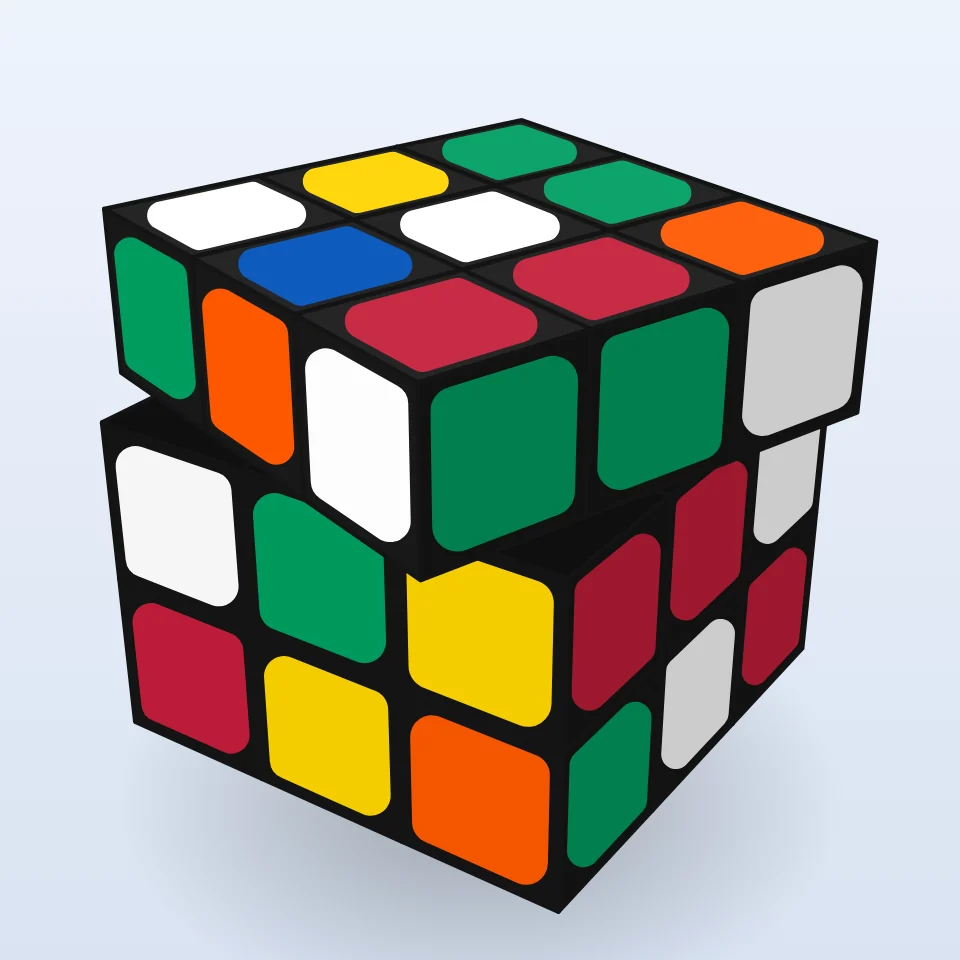
The Rubik's cube explained
How the Rubik's cube works: its 43,252,003,274,489,856,000 positions, why only 1 in 12 reassembled cubes can be solved, the notation, God's number 20, and how Kociemba's two-phase algorithm finds a solution in about 20 moves.
15 Puzzle
Play the classic 15 sliding puzzle in your browser on 3×3, 4×4, or 5×5 wooden tiles. Shuffle, slide whole rows at once, try Sam Loyd's impossible 14-15, or watch Solve finish it.
Tower of Hanoi
Move a tower of disks across three pegs in your browser. One disk at a time, never a larger disk on a smaller one. The shortest solution is 2ⁿ − 1 moves.
Knight's Tour
Jump a chess knight to every square of the board exactly once. Play it yourself with Warnsdorff hints, or watch Solve finish an open or closed tour. Save the path as a PNG.
Eight Queens
Place eight queens on a chessboard so that none attacks another. Try it yourself, watch the backtracking search find a solution step by step, and go through all 92 solutions.
Lights Out
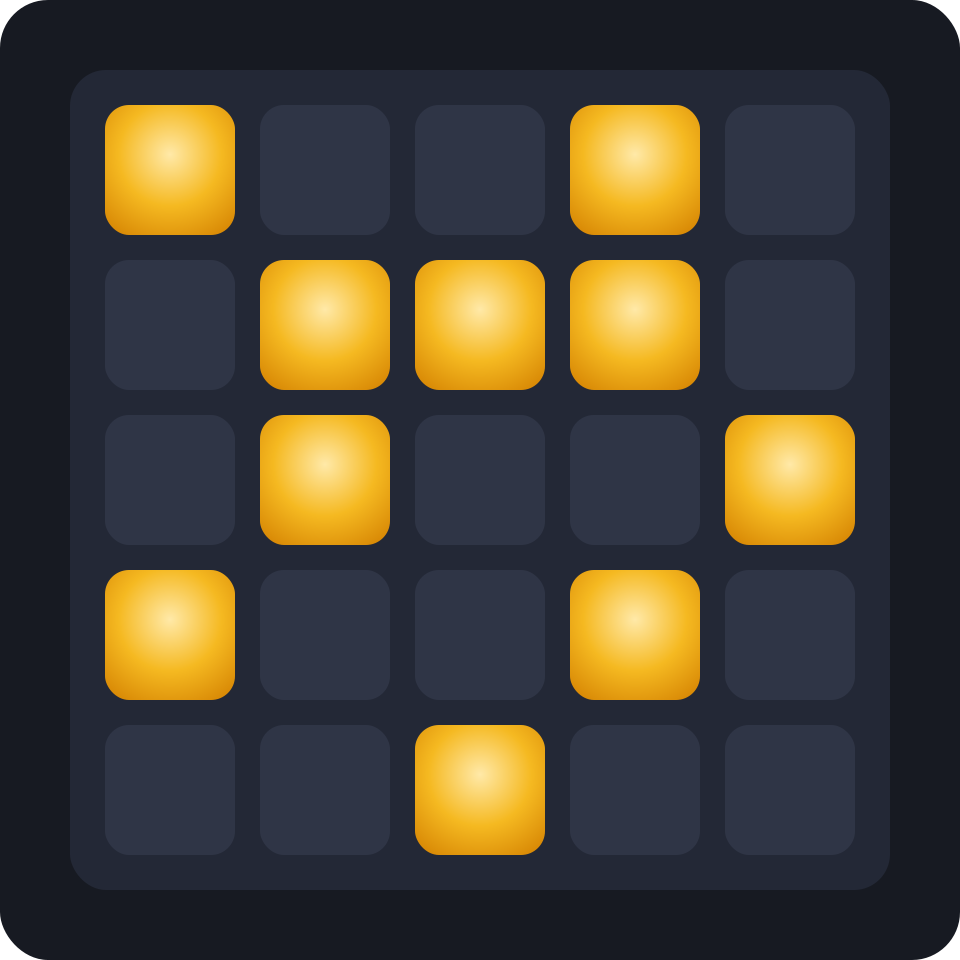
Play Lights Out, the classic lamp puzzle: press a lamp to toggle it and its neighbours until every lamp is off. Boards from 3×3 to 6×6, always solvable, with hints, a solver and best scores.
Ready to try it?
Open PictorX in your browser — no install, no credit card required to start.
Go to Editor