
Build a deck with the presentation wizard
The wizard walks you through a deck, then leaves every slide editable. Use it when you want a guided start; use the presentation maker when you would rather open a slide template and design freely.
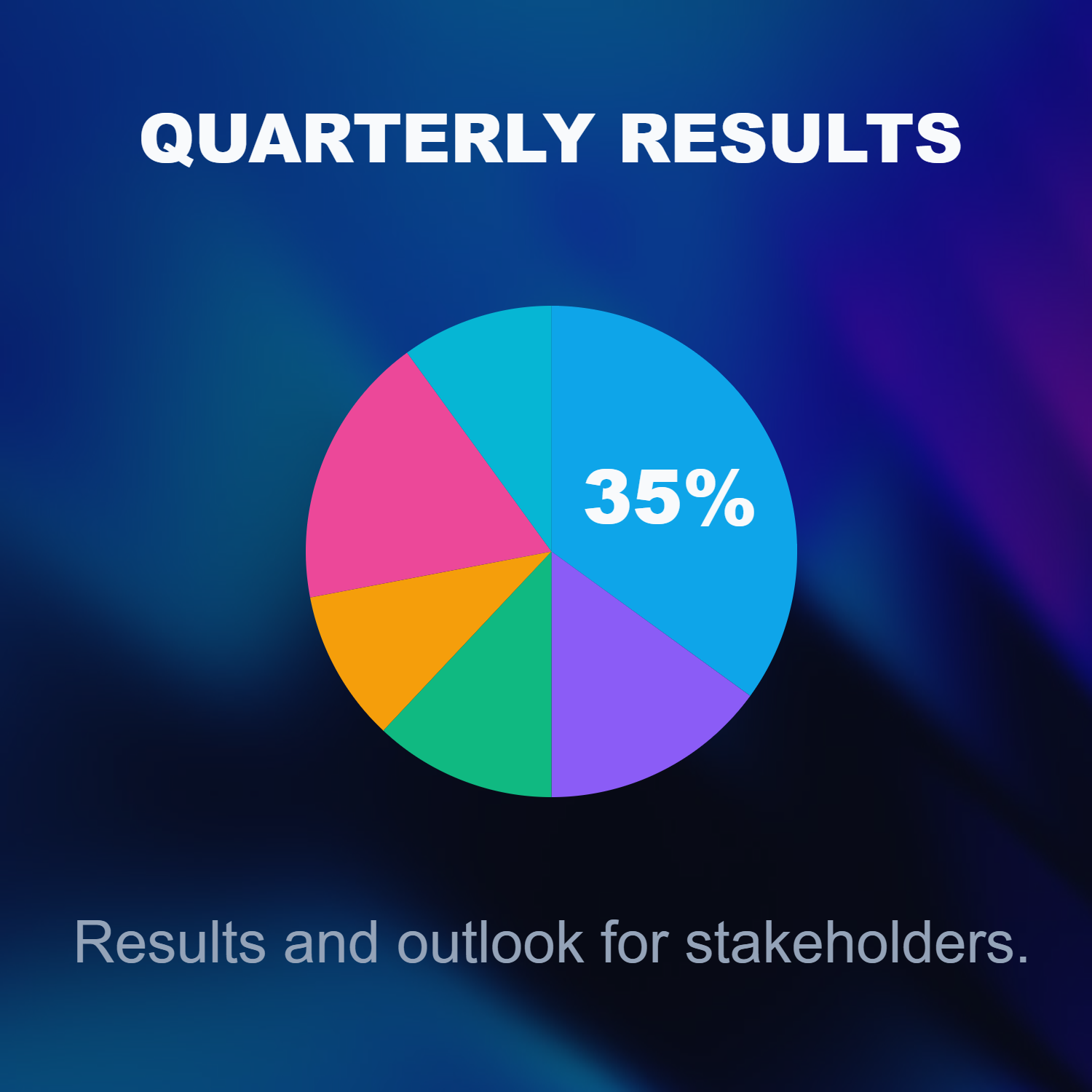
Як це працює
- Start the presentation wizard in PictorX.
- Follow the steps to structure titles, visuals, and pages.
- Refine each slide in the editor, then export or keep editing.
Wizard first, editor second
The wizard is a guided path into a multi-page project. When it finishes, you still have layers, charts, and templates in the same file—so a pitch deck does not get stuck as a one-shot export.
How this differs from the presentation maker
The presentation maker is the search page for slide templates and visual decks. This page is the product feature: a step-by-step wizard. Cross-link them, but pick the maker URL when you are choosing a template and the wizard URL when you want to be walked through a deck.
Поширені запитання
Що робить майстер презентацій?
Він крок за кроком допомагає створити презентацію, а потім ви доопрацьовуєте кожен слайд у редакторі.
Чи це те саме, що конструктор презентацій?
Ні. Конструктор презентацій призначений для відкриття шаблонів слайдів. Майстер — це покроковий процес із підказками, який так само завершується в тому самому редакторі.
Чи можна редагувати слайд після завершення роботи майстра?
Так. Кожна сторінка залишається доступною для редагування в проєкті.
Чи можна додати діаграму на слайд, створений майстром?
Так. Поєднуйте майстер із «живими» діаграмами та шаблонами презентацій.
Схожі інструменти
Конструктор презентацій
Створюйте слайди презентацій безкоштовно онлайн з PictorX. Пітч-деки, дашборди й візуальні слайди, які можна редагувати в браузері.
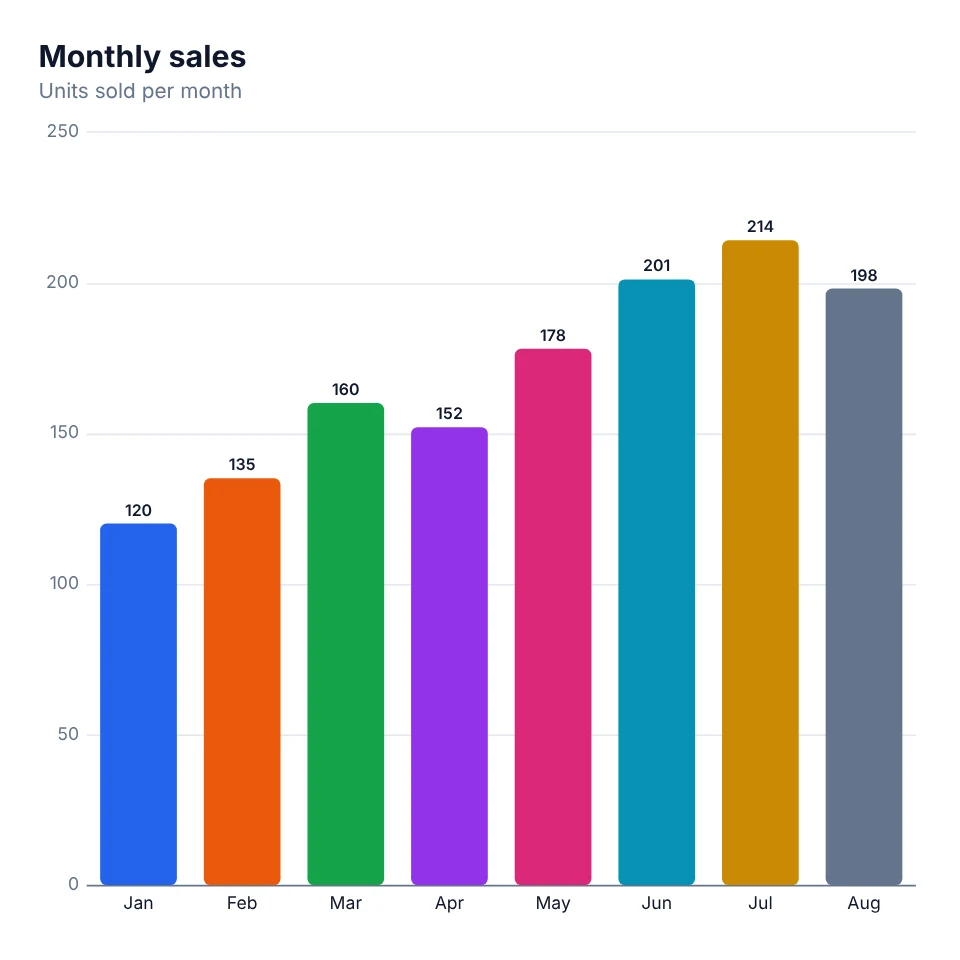
Генератор стовпчикових діаграм
Створюйте вертикальні й горизонтальні стовпчикові діаграми з власної таблиці: групові, накопичувальні або «льодяники». Вставте дані з електронної таблиці, дивіться, як ростуть стовпчики, перетворіть стовпець на кожен рік на перегони стовпчиків і запишіть їх як відео.
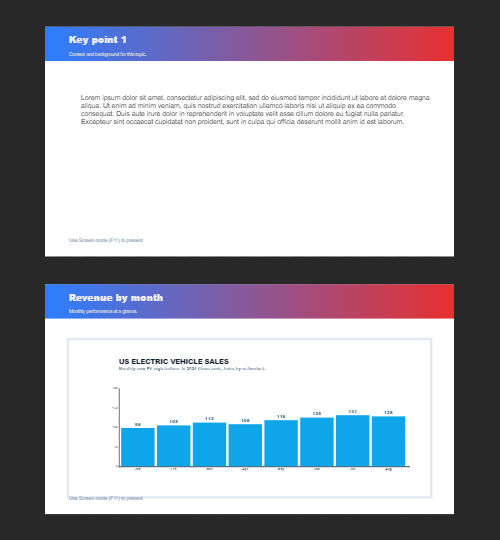
Декілька сторінок
Створюйте багатосторінкові документи в режимі документа — ідеально для презентацій, брошур і макетів на кілька екранів.
Готові спробувати?
Відкрийте PictorX у браузері — без встановлення і без кредитної картки.
Try Step-by-step presentation wizard