
Build a deck with the presentation wizard
The wizard walks you through a deck, then leaves every slide editable. Use it when you want a guided start; use the presentation maker when you would rather open a slide template and design freely.
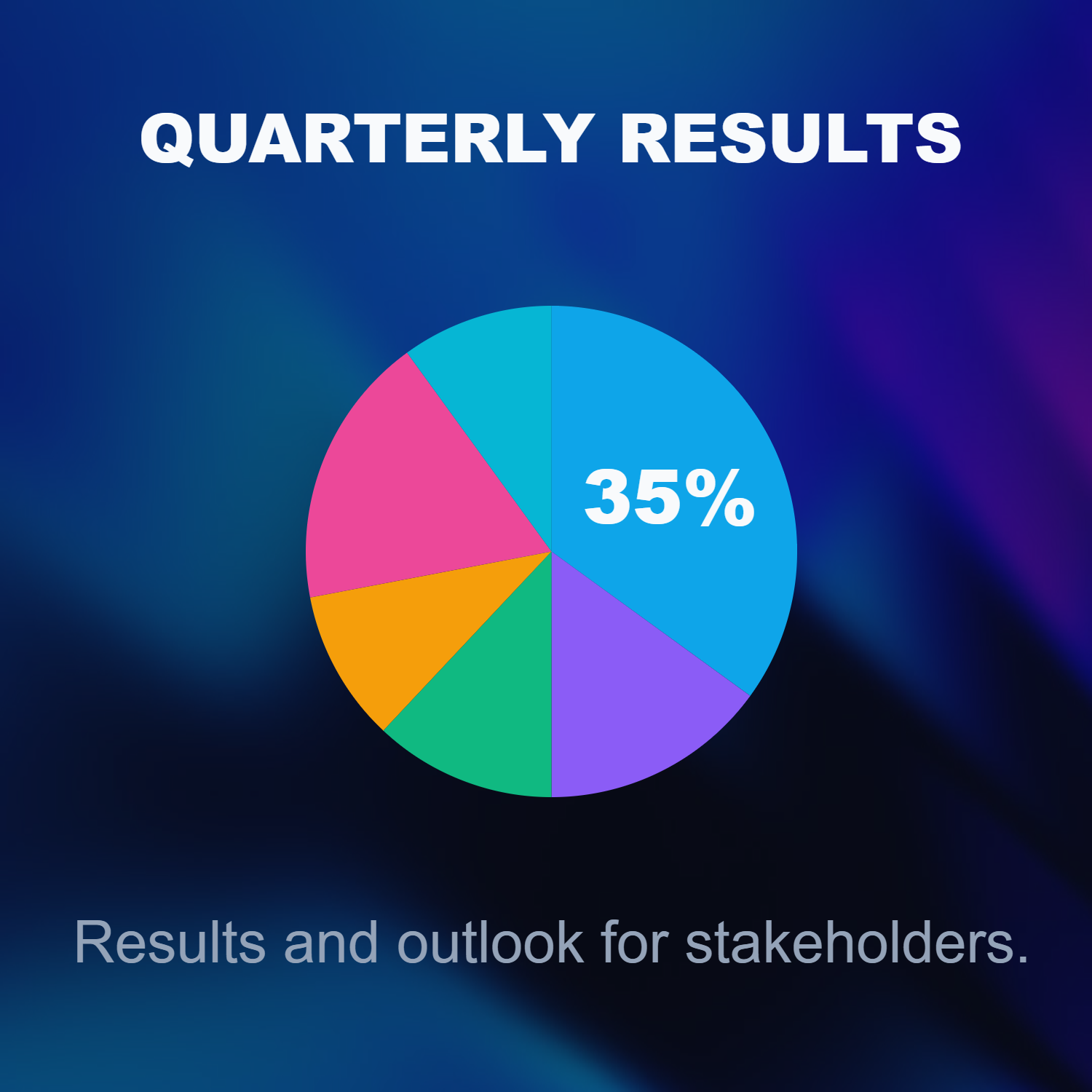
Hur det fungerar
- Start the presentation wizard in PictorX.
- Follow the steps to structure titles, visuals, and pages.
- Refine each slide in the editor, then export or keep editing.
Wizard first, editor second
The wizard is a guided path into a multi-page project. When it finishes, you still have layers, charts, and templates in the same file—so a pitch deck does not get stuck as a one-shot export.
How this differs from the presentation maker
The presentation maker is the search page for slide templates and visual decks. This page is the product feature: a step-by-step wizard. Cross-link them, but pick the maker URL when you are choosing a template and the wizard URL when you want to be walked through a deck.
Ofta ställda frågor
Vad gör presentationsguiden?
Det går dig genom att bygga ett däck, sedan förfinar du varje bild i redaktören.
Kan jag redigera en bild efter trollkarlens slut?
Ja. Varje sida är redigerbar i projektet.
Kan jag släppa ett diagram på en trollkarl bild?
Ja. Par trollkarlen med levande diagram och presentationsmallar.
Är det samma sak som presentationsmakaren?
Nej. Nej. Presentationsmakaren är för att öppna bildmallar. Trollkarlen är ett guidat steg-för-steg-flöde som fortfarande landar i samma redaktör.
Relaterade verktyg
Gratis presentationsskapare
Skapa presentation glider gratis online med PictorX. Pitch däck, dashboards och visuella bilder du kan redigera i webbläsaren.

Levande diagram och data
Skapa redigerbara diagram från en datatabell i webbläsaren: staplar, liggande staplar, linjer, cirklar, radar och mer. Spara en PNG eller öppna PictorX-redigeraren.
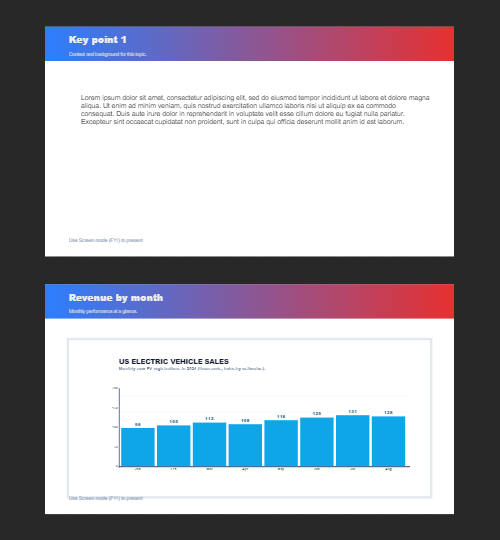
Flera sidor
Bygg flersidiga dokument i Dokumentläge - idealisk för presentationer, broschyrer och flerskärmslayouter.
Redo att prova det?
Öppna PictorX i din webbläsare - ingen installation, inget kreditkort krävs för att starta.
Try Step-by-step presentation wizard